
CmdPalette
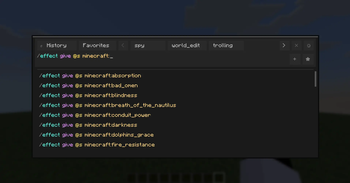
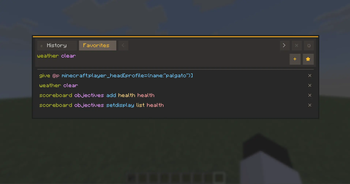
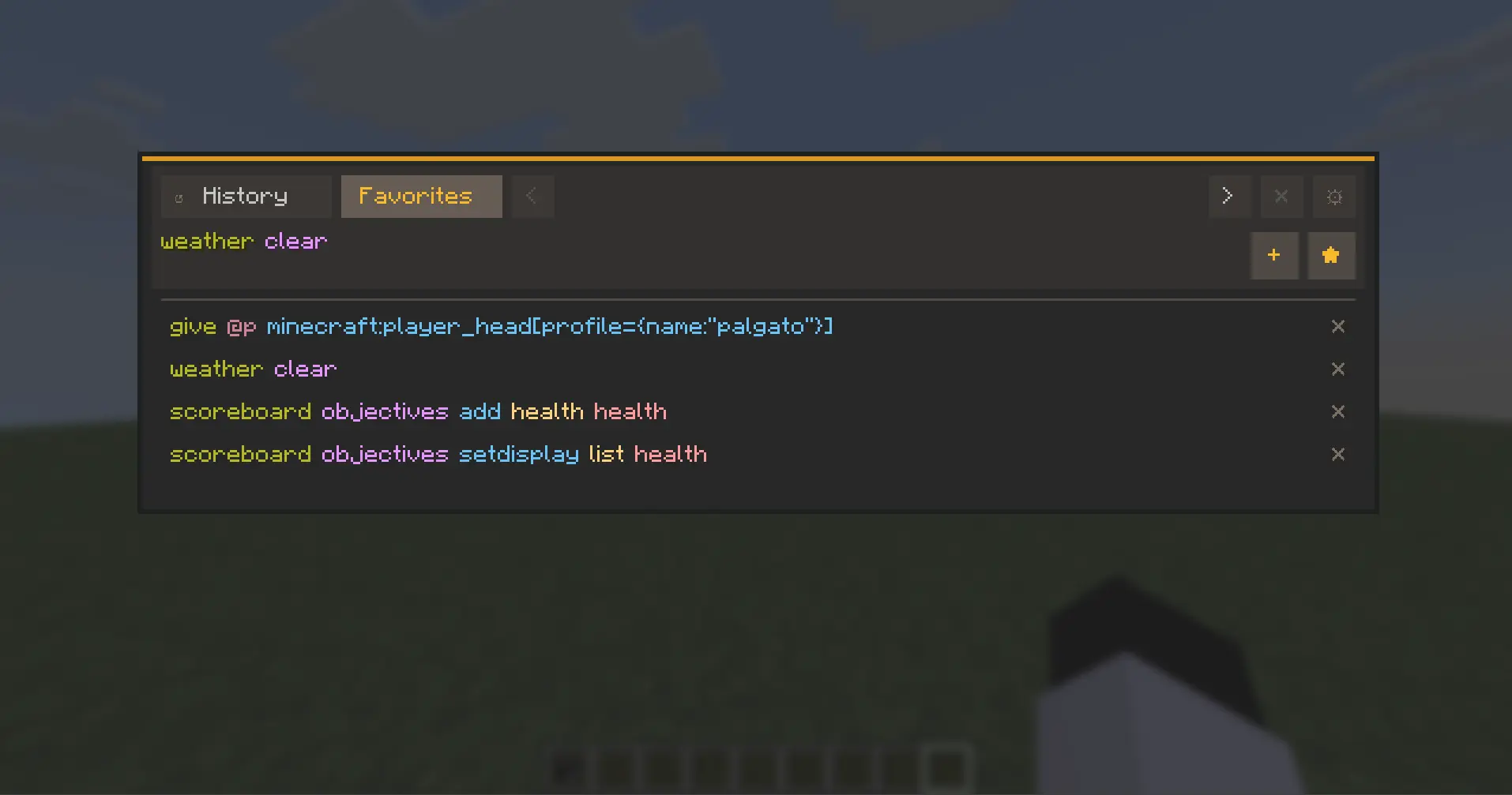
CmdPalette is a fast in-game command palette for Minecraft that helps you find, edit, and run commands instantly, with favorites, history, custom categories, themes, and flexible data scope (global, per server, or per world).
Screenshots
About this Mod
CmdPalette
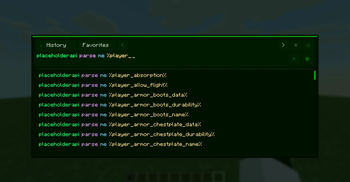
CmdPalette is a fast, modern in-game command palette for Minecraft (Fabric) that helps you search, organize, and execute commands with less friction than chat-only workflows.
It is fully client-side, highly customizable, and designed for players who use commands frequently in survival, creative, admin, and technical worlds.
Main Features
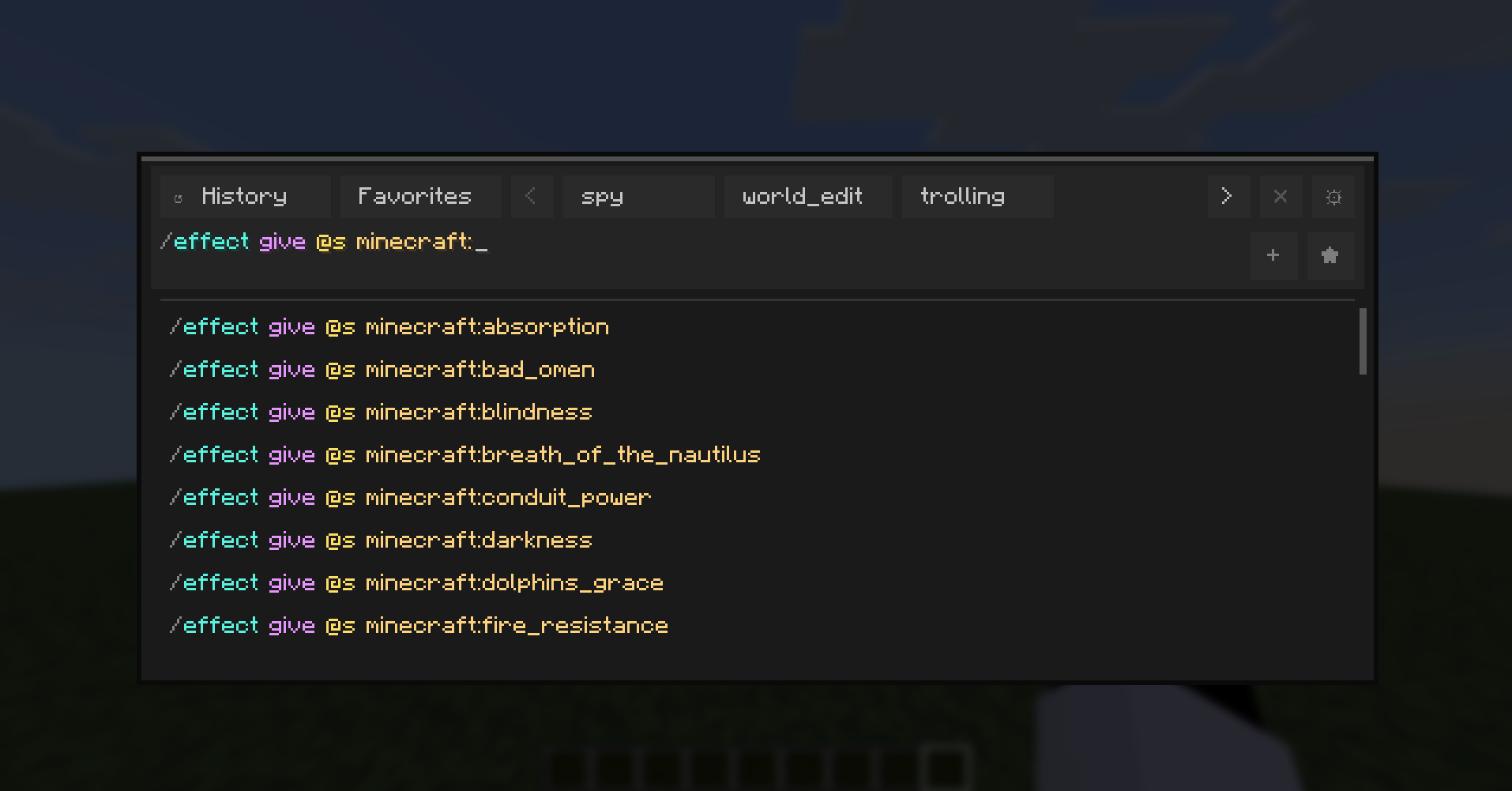
- Instant command palette with keyboard shortcut access.
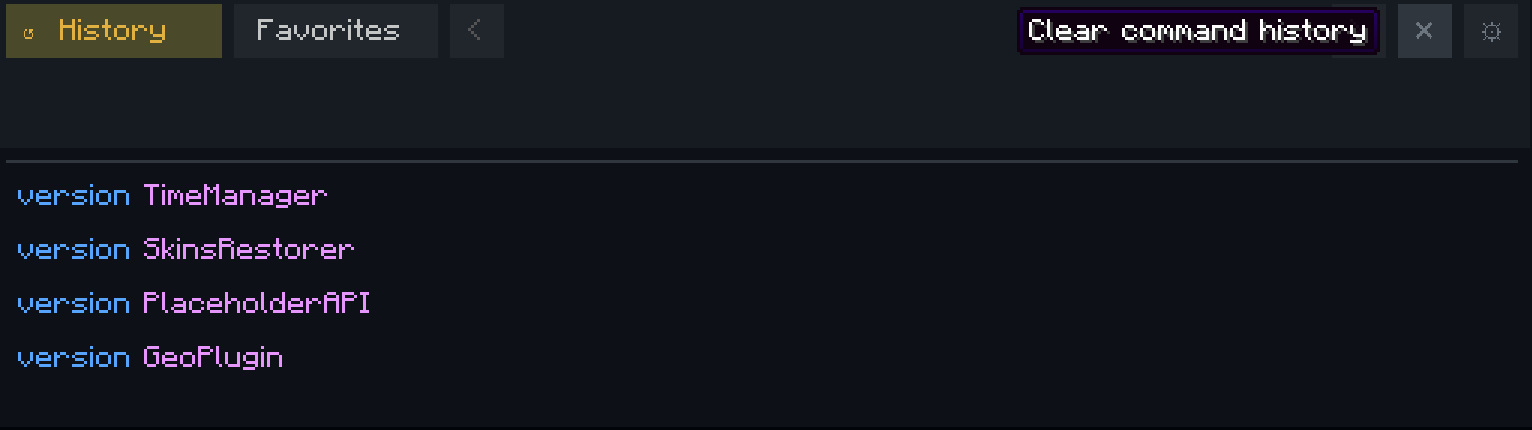
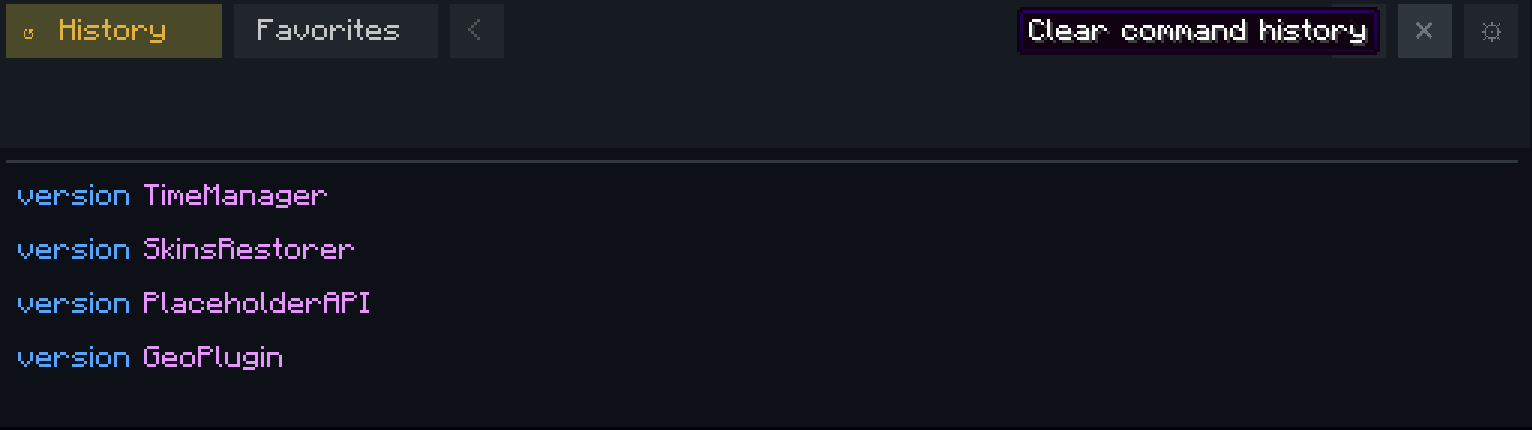
- Command history with persistent storage.
- Favorites and custom categories for quick command organization.
- Executed-history browsing directly from the input using Up/Down arrows.
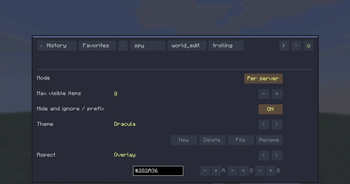
- Theme system with presets and custom editable themes.
- Per-aspect color editing (HEX + RGB controls).
- External theme file workflow with automatic reload support.
- Localization-ready UI with English and Spanish support.
- Configurable controls from Minecraft Controls menu (dedicated CmdPalette category).
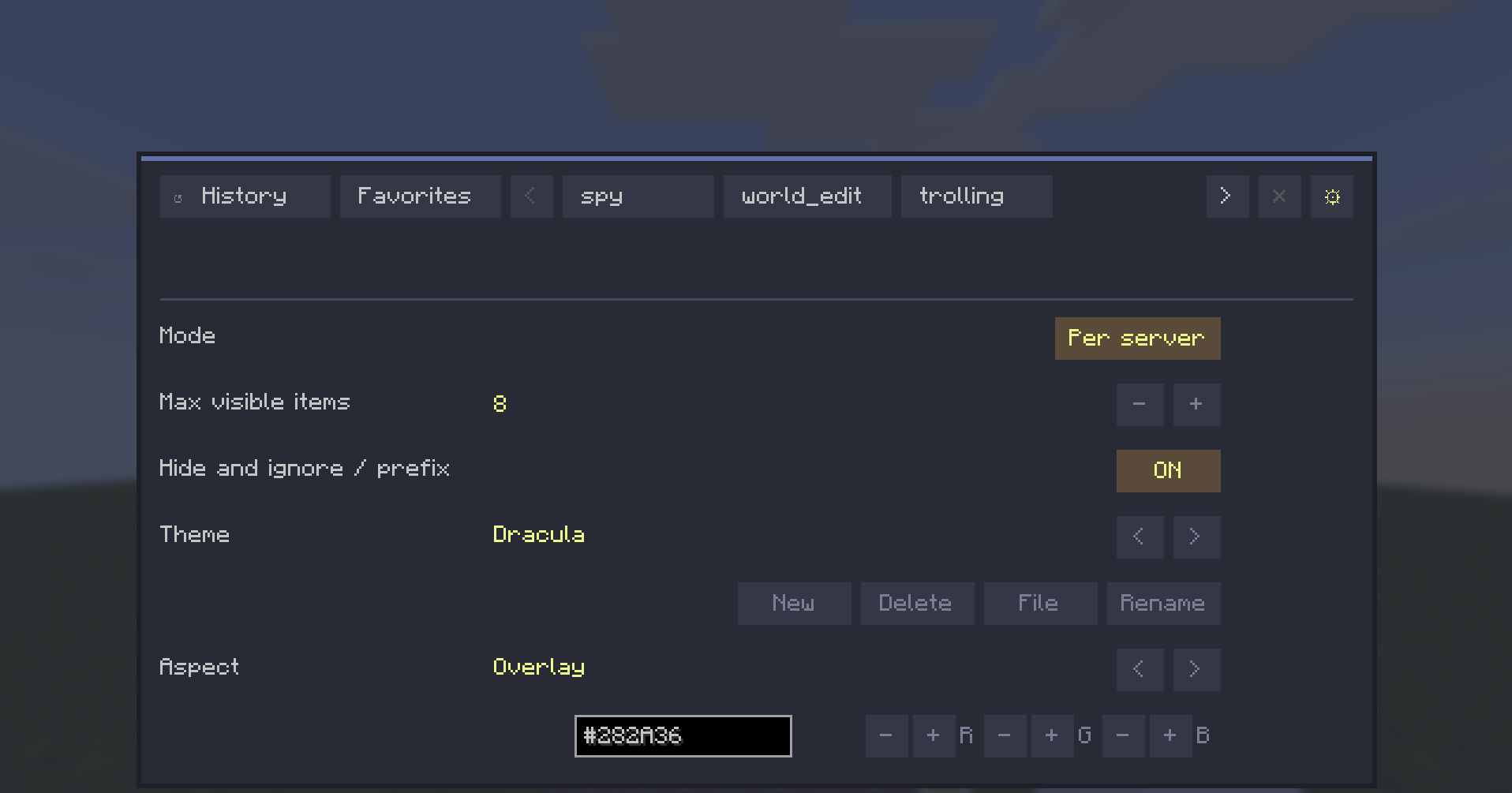
Data Scope Modes
CmdPalette lets you choose how your command data is stored:
- Global -> one shared profile everywhere.
- Per server -> separate history/categories/favorites for each server.
- Per world -> separate profiles per singleplayer save.

This keeps command sets context-aware (for example, world-edit commands in one profile and vanilla-friendly commands in another).
UX Highlights
- Persistent Settings access from the top bar.
- Contextual actions for history/category management.
- Quick-add buttons hidden when input is empty (cleaner UI).
- Input bar hidden while in Settings view.
- Localization-aware button sizing for long labels.
Default Controls
- Open palette: Ctrl+Enter
- Close palette: Esc or Ctrl+X
All keybinds are configurable in Minecraft Controls.

Compatibility
- Environment: Client-side only
- Minecraft: 1.21.11
- Fabric Loader: >=0.18.4
- Fabric API: 0.141.3+1.21.11
CmdPalette does not need to be installed on the server.
Why CmdPalette?
If you use commands often, CmdPalette gives you a cleaner and faster workflow: less typing repetition, better organization, and quick access to exactly the commands you need in each context.
Available Versions
How to Install CmdPalette on Your Server
Order Server
Order a Minecraft Java server with at least 3 GB RAM (4 GB recommended).
Set fabric Loader
In the panel under "Egg", select the fabric loader and matching Minecraft version (1.21.11).
Install Mod
Open the mod browser in the dashboard and search for "CmdPalette". Click "Install" – done! Alternatively, upload the .jar via SFTP to the /mods folder.
Compatibility
Mod Loaders
Minecraft Versions
1.21.11
Server-side
✗ UnsupportedRecommended RAM
4 GB(min. 3 GB)Frequently Asked Questions
CmdPalette server crashes on startup – what to do?
Most common cause: wrong fabric version or insufficient RAM. Check the server log (latest.log) for "OutOfMemoryError" or "Mixin" errors. With Mado Hosting: ensure at least 3 GB RAM is allocated and the loader matches the mod version (1.21.11). You can switch loaders with one click in the panel.
Is CmdPalette compatible with fabric?
CmdPalette officially supports fabric for Minecraft 1.21.11. The Mado dashboard automatically detects incompatible loader combinations.
Server lagging with CmdPalette – how to optimize performance?
Recommended RAM: 4 GB (per 8 players). Use /spark profiler to check if CmdPalette consumes the most tick time. Common fixes: reduce server view-distance to 8-10, install "performant" or "starlight" as supplementary mods on Forge. With Mado Hosting, your server runs on NVMe SSDs with dedicated CPU cores for minimal latency.
Rent Modded Server
Install CmdPalette with just one click on your server.