
Cobblemon
A Pokémon mod for Fabric and NeoForge
Screenshots


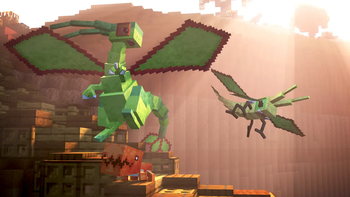
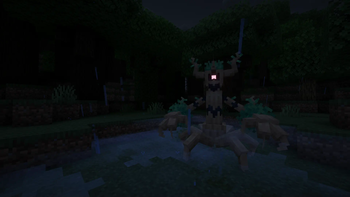

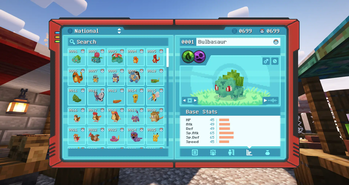
About this Mod

The goal of Cobblemon is to be the Pokémon mod for everyone, and to integrate much better into modpacks and Minecraft itself than other Pokémon mods. Our source code is open to encourage not only community contributions, but also forking.

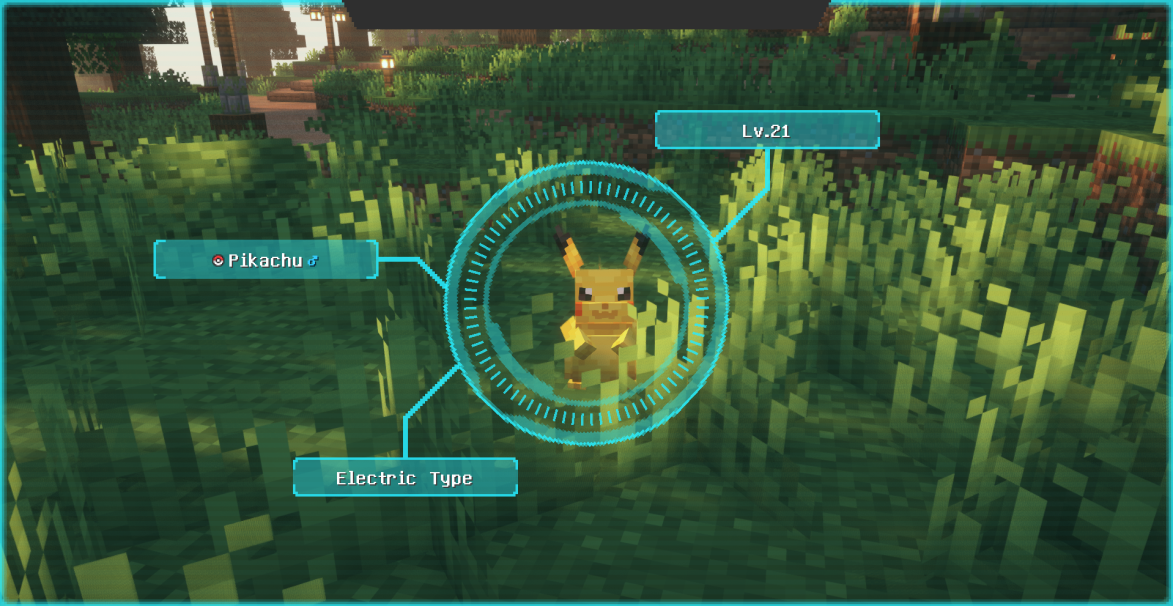
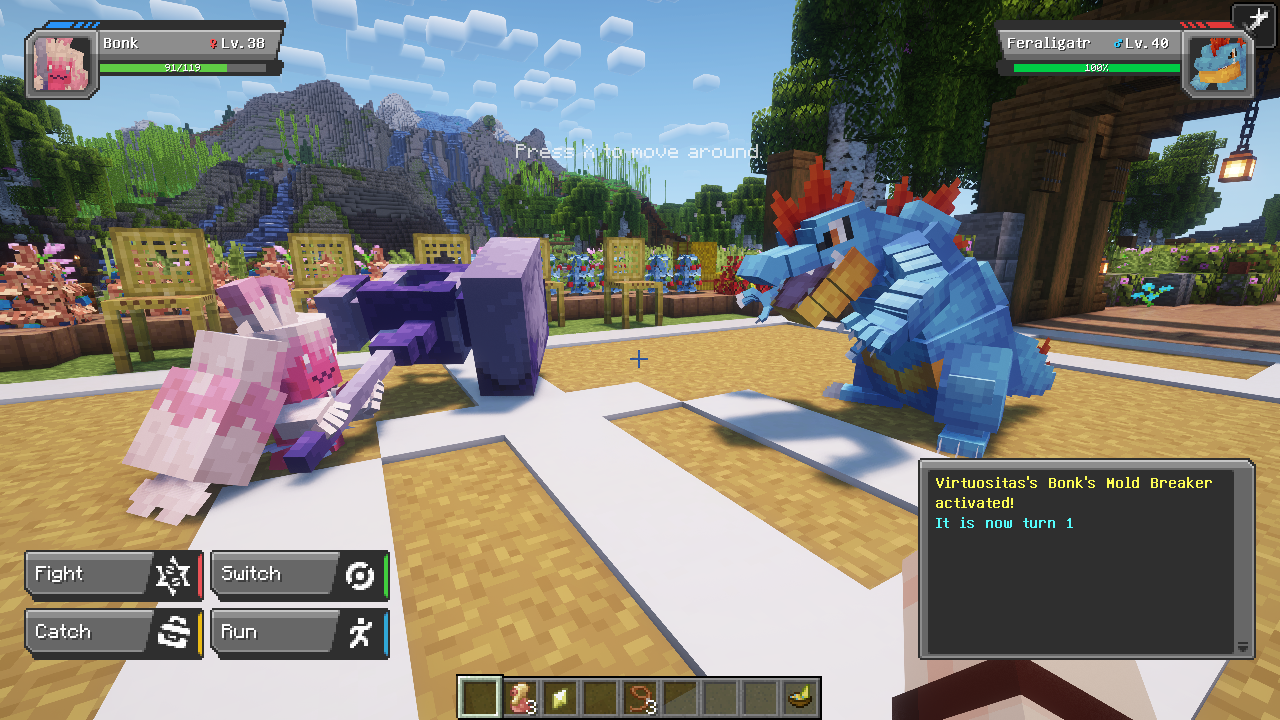
- Capture Pokémon to expand your team, battle wild Pokémon to gain experience, level up to unlock new moves, and evolve your Pokémon. There are over 700 Pokémon to catch!
- Battles using the Pokémon Showdown! engine for accurate competitive battle mechanics.
- Some Legends Arceus-style mechanics, such as move relearning, physically running from battle, and evolving your Pokémon when you decide.
- Toggle free-movement during battles. You can build, mine, or fight mobs while in Pokémon battles!
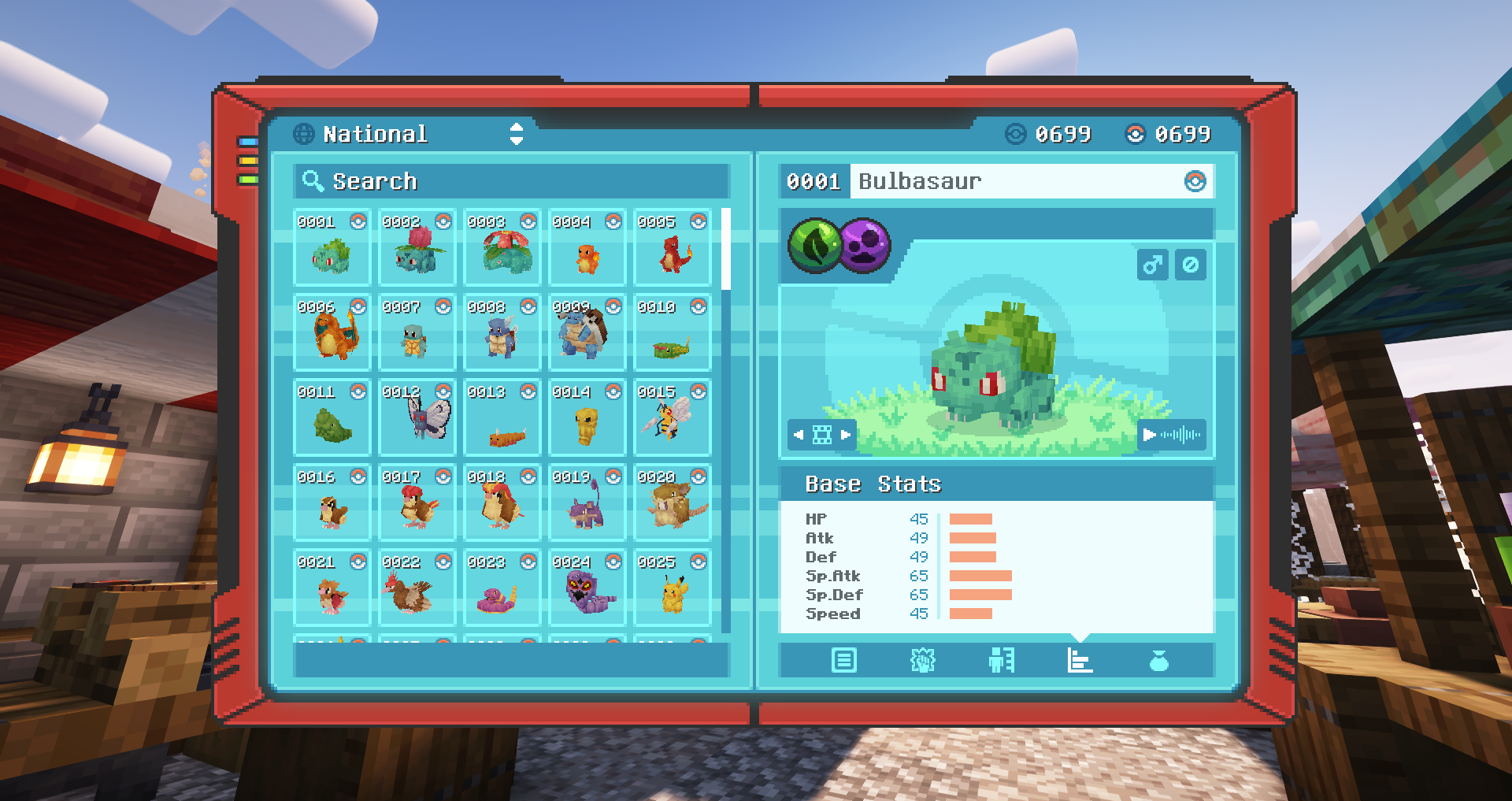
- Record the Pokémon you see and catch with a Pokédex. They come with a scanning feature to analyze wild Pokémon!
- Explore the Minecraft world in style by riding your Pokémon!
- You can trade and battle with your friends in multiplayer.
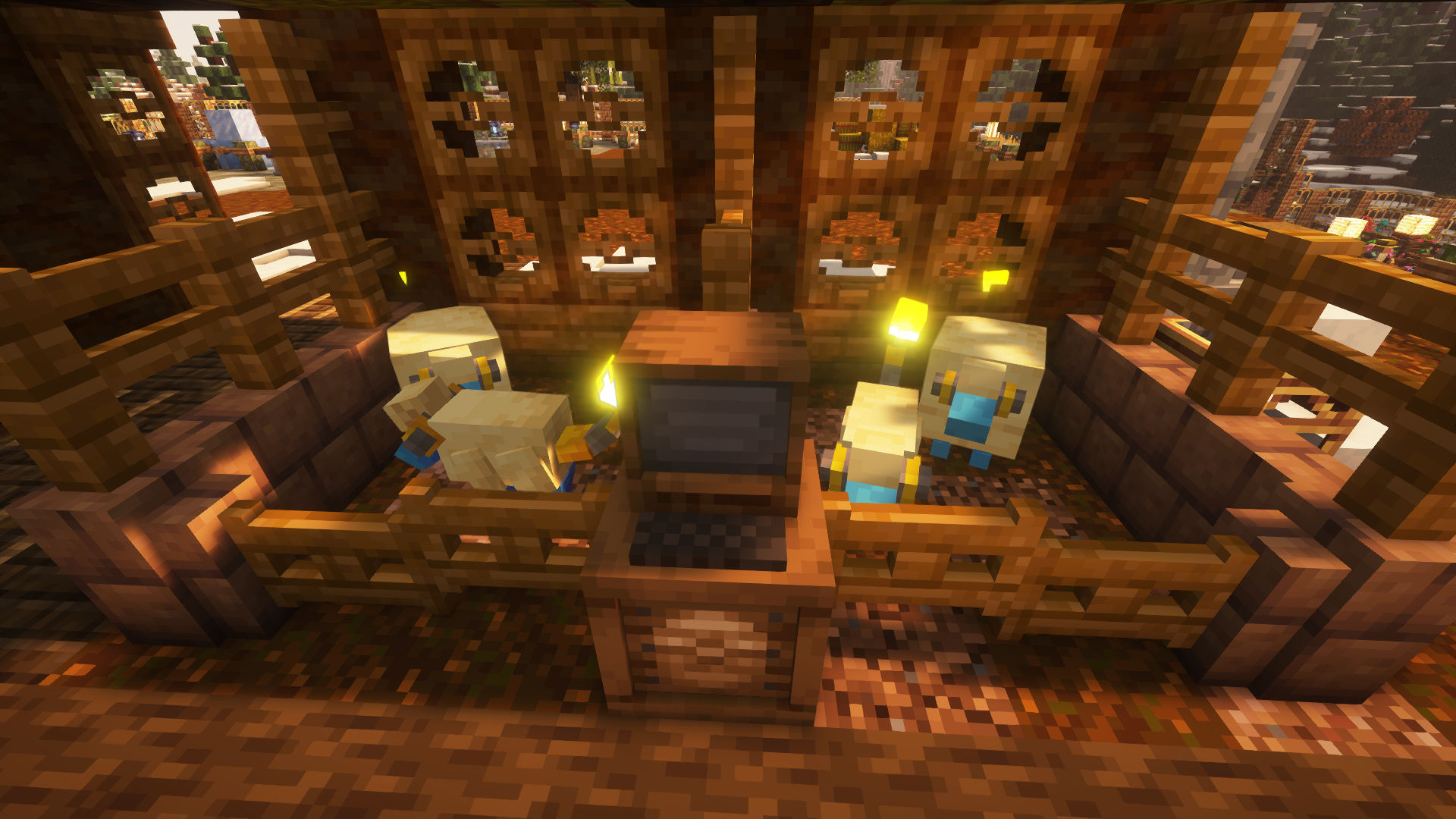
- Let your Pokémon roam free wherever you want using pastures!
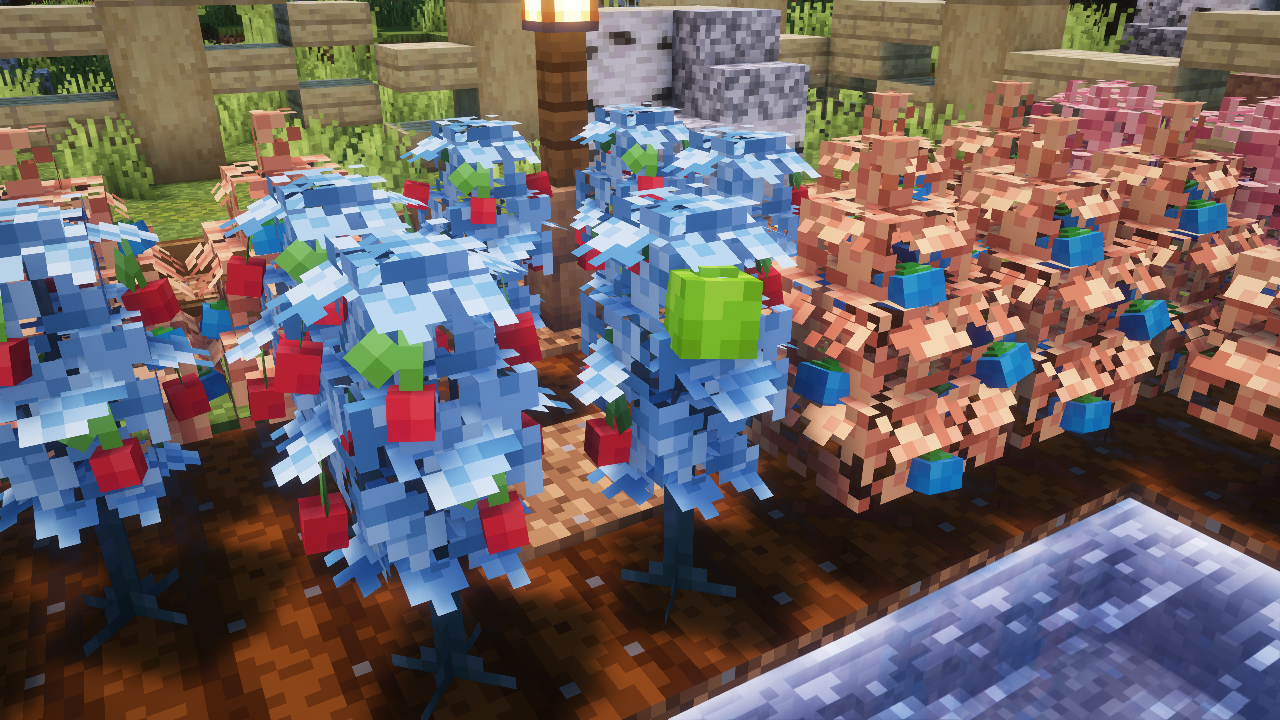
- Berries which can be found in the wild, grown on farmland, mulched for bonuses, and cross-bred to mutate new berries.
- Medicine items can be made by putting crops and berries into a brewing stand. Brewed potions heal more!
- Ancient structures in the world to discover. Some of these structures have gilded chests, which may contain valuable loot or other surprises!
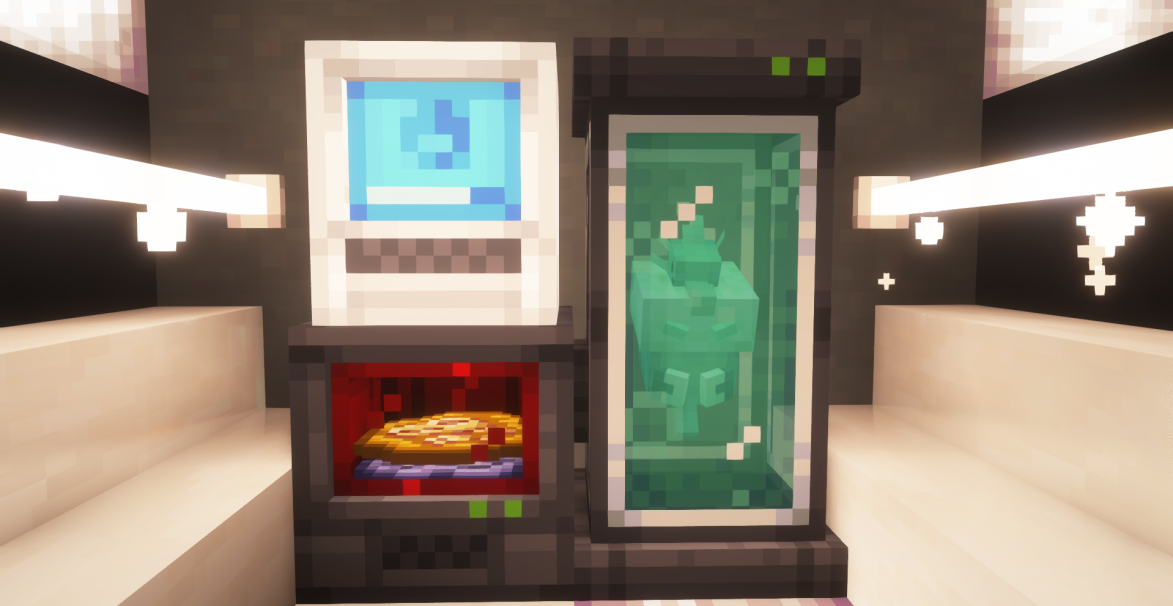
- Fossils can be found by excavating suspicious gravel or sand at certain locations, which can then be revived using a resurrection machine.
- All Pokémon from generations 1 to 9 can be spawned and battled with, but if they don't have a model yet then they will display as a substitute doll.
- Support for many biome mods, including Terralith, Oh The Biomes You'll Go, and William Wythers' Overhauled Overworld. There's a growing list of others with support too!
- Full support for custom variations and fakemon using data packs and resource packs. You can find out how to do it using our guide!
- Cobbled Farms, a tutorial world built by our team to guide you through the features of the mod in an interactive way. It also comes with our official modpacks!
- Support for both Fabric and NeoForge - though we recommend playing on Fabric because it has better performance!
- ... and many more to come!
Fabric:
- Requires the recommended Fabric Loader version for your version of Minecraft.
- Requires Fabric API.
- Put Fabric API and Cobblemon-Fabric in the mods folder.
NeoForge:
- Requires the recommended NeoForge version for your version of Minecraft.
- Requires Kotlin for Forge.
- Put Kotlin for Forge and Cobblemon-NeoForge in the mods folder.
That's it, you're ready to go! If you have trouble installing, get help in our Discord at the link below.
Alternatively, you can download the official Cobblemon modpack on Modrinth or CurseForge! We recommend downloading the modpack with the Modrinth App, but Prism Launcher is also a good alternative launcher that can download modpacks from any of these sites.

Note: The Cobblemon mod is still in development and is being actively updated. There are many features that are work-in-progress or placeholders until things are finished. There are also some existing features that will be getting more polish as we keep moving. Many more features are planned, including but not limited to things like NPCs, riding Pokémon, breeding, and structures.
Join our Discord to follow development progress, chat with the team, ask questions, and get sneak peeks into upcoming features!

Available Versions
How to Install Cobblemon on Your Server
Order Server
Order a Minecraft Java server with at least 4 GB RAM (6 GB recommended).
Set fabric Loader
In the panel under "Egg", select the fabric loader and matching Minecraft version (1.21.1).
Install Mod
Open the mod browser in the dashboard and search for "Cobblemon". Click "Install" – done! Alternatively, upload the .jar via SFTP to the /mods folder.
Compatibility
Mod Loaders
Minecraft Versions
1.21.1, 1.20.1, 1.19.2
Server-side
✓ RequiredRecommended RAM
6 GB(min. 4 GB)Frequently Asked Questions
Cobblemon server crashes on startup – what to do?
Most common cause: wrong fabric version or insufficient RAM. Check the server log (latest.log) for "OutOfMemoryError" or "Mixin" errors. With Mado Hosting: ensure at least 4 GB RAM is allocated and the loader matches the mod version (1.21.1). You can switch loaders with one click in the panel.
Is Cobblemon compatible with fabric and forge and neoforge?
Cobblemon officially supports fabric, forge, neoforge for Minecraft 1.21.1, 1.20.1, 1.19.2. Note: Forge and Fabric mods are NOT cross-compatible – pick one loader and stick with it. The Mado dashboard automatically detects incompatible loader combinations.
Server lagging with Cobblemon – how to optimize performance?
Recommended RAM: 6 GB (per 5 players). Use /spark profiler to check if Cobblemon consumes the most tick time. Common fixes: reduce server view-distance to 8-10, install "performant" or "starlight" as supplementary mods on Forge. With Mado Hosting, your server runs on NVMe SSDs with dedicated CPU cores for minimal latency.
Similar Mods




Rent Modded Server
Install Cobblemon with just one click on your server.