
Cobblepets
Cobblemon support for PetsMod!
Screenshots
About this Mod
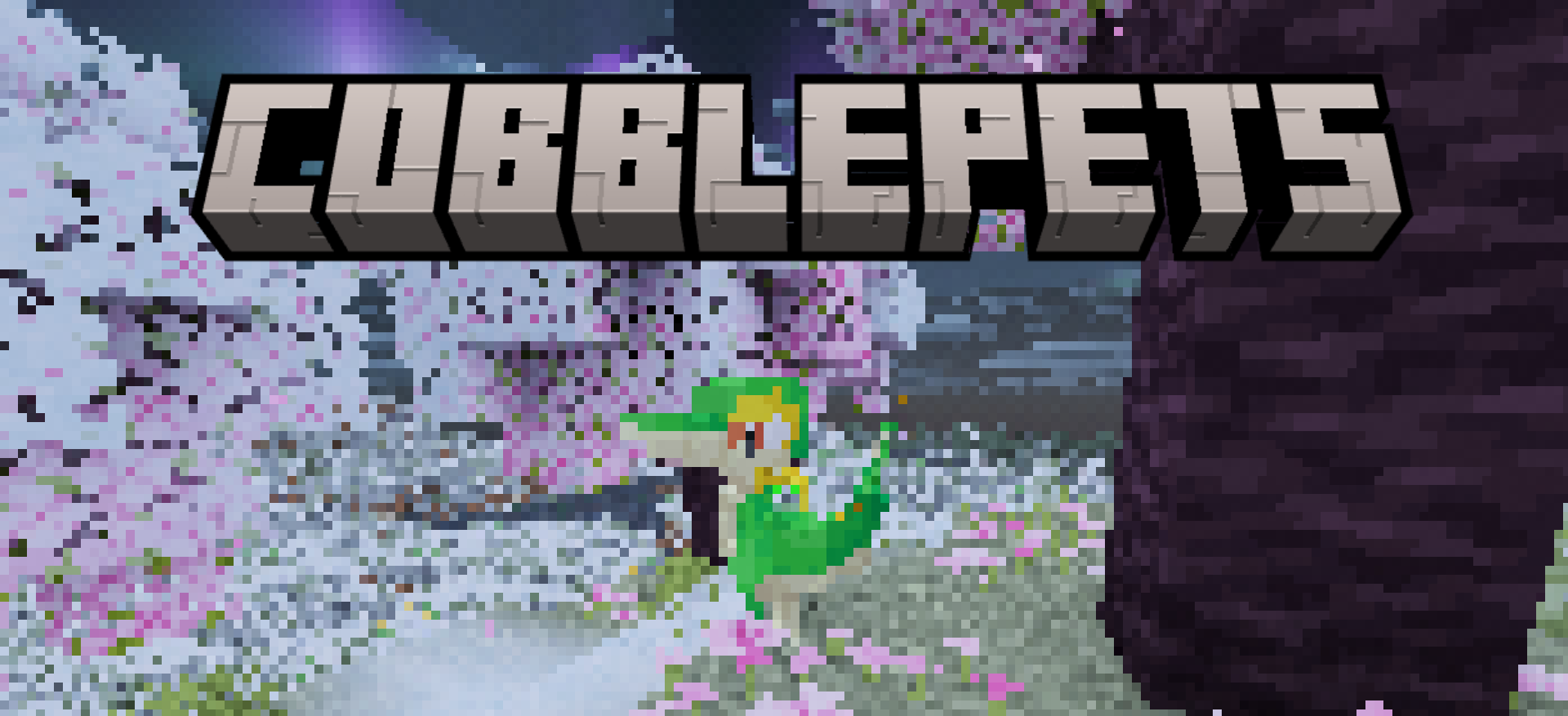


Cobblepets is a mod that introduces a large amount of Cobblemon into Pets Mod.
Supported Cobblemon
Unfortunately, there isn't a one-click 'support every cobblemon at once' button. I have to add them individually. Thus, some cobblemon may not be available until you update.
However, some additional cobblemon are available other than the ones listed on the versioning system. These cobblemon are:
- Ditto
- Mew & Mewtwo
- Riolu & Lucario
- Snivy, Servine & Serperior
Versioning
In this mod, the versioning is a little different - it's meant to serve two purposes at once. Instead of simply showing the current version of the mod with how many updates it's recieved, it shows the amount of cobblemon that have been added to the mod, using the National Pokedex numbers.
However, we still need to represent patches and other various updates to the actual mod that don't contain more cobblemon. This is the full version numbering system:
Major | Cobblemon added | Minor
An example of this versioning system would be 1.105.3. (Version 1 of the mod, with every cobblemon up to Pokedex number #105 added, with 3 patches.)
Credits
All of the models and animations were created by the people behind Cobblemon. All of the credit goes to them for making these amazing works of art and licensing them under a license that allows other people to make cool things with!
Any and all files from this mod that originated in Cobblemon (this includes textures, models, and animations, are licensed under the Mozilla Public License 2.0.
Any and all code from this mod that was created by me is licensed under the MIT License.
The assets are located in a GitLab repository here. If you want to use them in a project of your own, make sure to respect the license!
Requirements
This mod requires Pets Mod v0.7.8 or greater, and Geckolib v5.5.1 or later.
Where is Cobblemon?
Unfortunately, Cobblemon is only available for certain versions of Minecraft - 1.21.1 at the most. Thus, I implemented the assets from Cobblemon directly into this mod.
Available Versions
How to Install Cobblepets on Your Server
Order Server
Order a Minecraft Java server with at least 3 GB RAM (4 GB recommended).
Set fabric Loader
In the panel under "Egg", select the fabric loader and matching Minecraft version (26.1.2).
Install Mod
Open the mod browser in the dashboard and search for "Cobblepets". Click "Install" – done! Alternatively, upload the .jar via SFTP to the /mods folder.
Compatibility
Mod Loaders
Minecraft Versions
26.1.2, 26.1.1, 26.1
Server-side
✗ UnsupportedRecommended RAM
4 GB(min. 3 GB)Frequently Asked Questions
Cobblepets server crashes on startup – what to do?
Most common cause: wrong fabric version or insufficient RAM. Check the server log (latest.log) for "OutOfMemoryError" or "Mixin" errors. With Mado Hosting: ensure at least 3 GB RAM is allocated and the loader matches the mod version (26.1.2). You can switch loaders with one click in the panel.
Is Cobblepets compatible with fabric and quilt?
Cobblepets officially supports fabric, quilt for Minecraft 26.1.2, 26.1.1, 26.1. The Mado dashboard automatically detects incompatible loader combinations.
Server lagging with Cobblepets – how to optimize performance?
Recommended RAM: 4 GB (per 8 players). Use /spark profiler to check if Cobblepets consumes the most tick time. Common fixes: reduce server view-distance to 8-10, install "performant" or "starlight" as supplementary mods on Forge. With Mado Hosting, your server runs on NVMe SSDs with dedicated CPU cores for minimal latency.
Similar Mods




Rent Modded Server
Install Cobblepets with just one click on your server.