
Cobblezellig
A cobblemon addon that adds characters from a dutch webshow called ongezellig
Screenshots
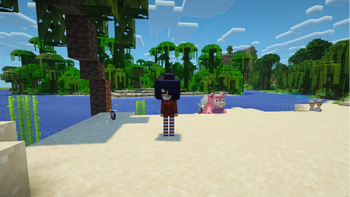
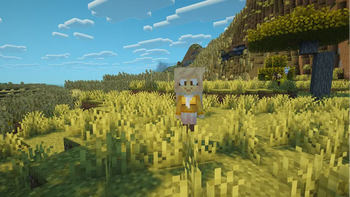
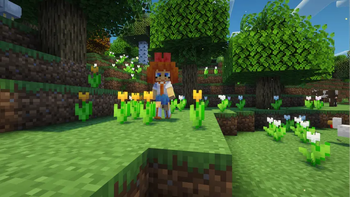
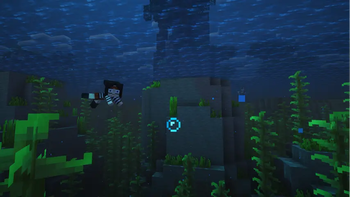
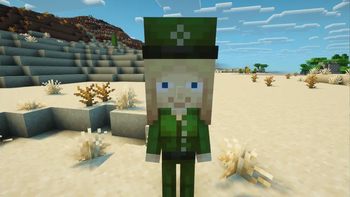
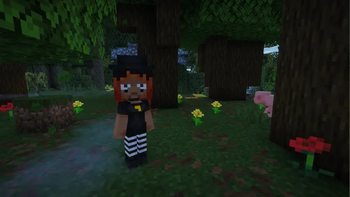
About this Mod
A cobblemon addon that adds the characters from ongezellig to cobblemon!
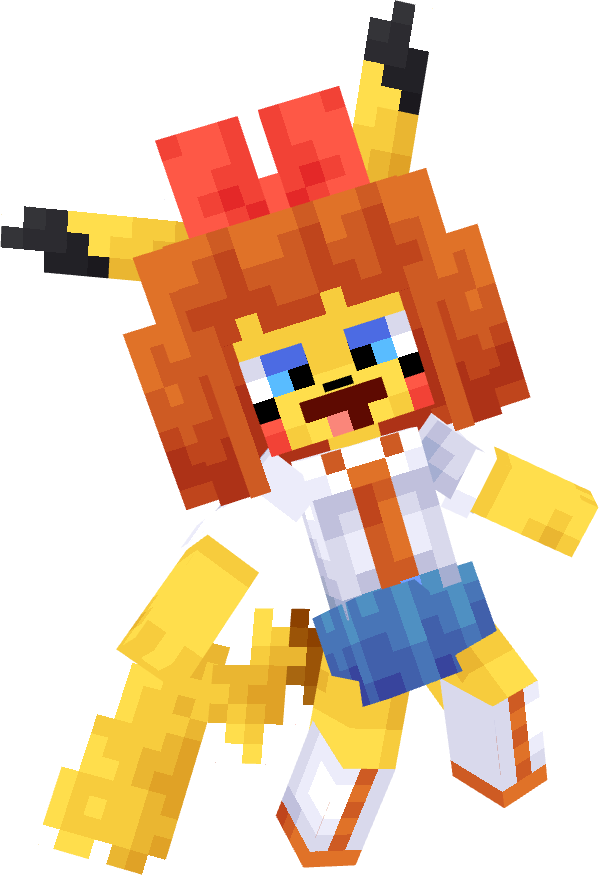
Additons
- Peeb(Bug)
- Maya(Dark)
- Snailoco(Normal)
- Coco(Fighting)
- Agugu(Normal/Water)
- Mymy(Normal/Fairy)
- Mymychu(Electric/Fairy
- Kiki(Water/Fighting)
- Yana(Ground/Steel)
- Cleo(Dark/Fairy)
- Zoey(Psychic)
- Yfke(Grass/Poison)
- Tryn(Fairy)
Spawn Info
- Maya spawns Dark forests, caves and beaches, shes usually rare out in the open but she is most common in caves.
- peeb spawns in forests and plains
- Coco mostly spawns in savannas but can sometimes be found in plains.
- snailoco is mostly found in forests and lush caves but can also be found in some nether biomes
- Mymy mostly spawns in cherry groves and flower forest biomes but can also sometimes be found in plains
- agugu primarily spawns in the nether but can sometimes rarley be found in overworld forests
- Mymychu can be found in the same biomes as mymy but she is ultra rare, so the best way to get her is to evolve a mymy with a thunderstone.
- Kiki spawns on beaches and jungles but can sometimes also be found just swimming alone in the ocean.
- Yana spawns in deserts and pretty much any arid biomes.
- Cleo spawns in dark forests but can sometimes be found in plains
- Zoey spawns in dark forests but can soemtimes be found in plains
- Yfke spawns in jungles and occaisonally any flowery
- Tryn spawns in plains and any flowery biome like cherry groves or flower forests
How to install(if you install the mod version you dont have to do this)
You must dupilcate the zip file you installed and put them in both your worlds datapack folder and the games resource pack folder.
Available Versions
How to Install Cobblezellig on Your Server
Order Server
Order a Minecraft Java server with at least 3 GB RAM (4 GB recommended).
Set datapack Loader
In the panel under "Egg", select the datapack loader and matching Minecraft version (1.21.1).
Install Mod
Open the mod browser in the dashboard and search for "Cobblezellig". Click "Install" – done! Alternatively, upload the .jar via SFTP to the /mods folder.
Compatibility
Mod Loaders
Minecraft Versions
1.21.1
Server-side
✓ RequiredRecommended RAM
4 GB(min. 3 GB)Frequently Asked Questions
Cobblezellig server crashes on startup – what to do?
Most common cause: wrong datapack version or insufficient RAM. Check the server log (latest.log) for "OutOfMemoryError" or "Mixin" errors. With Mado Hosting: ensure at least 3 GB RAM is allocated and the loader matches the mod version (1.21.1). You can switch loaders with one click in the panel.
Is Cobblezellig compatible with datapack and fabric and neoforge?
Cobblezellig officially supports datapack, fabric, neoforge for Minecraft 1.21.1. The Mado dashboard automatically detects incompatible loader combinations.
Server lagging with Cobblezellig – how to optimize performance?
Recommended RAM: 4 GB (per 8 players). Use /spark profiler to check if Cobblezellig consumes the most tick time. Common fixes: reduce server view-distance to 8-10, install "performant" or "starlight" as supplementary mods on Forge. With Mado Hosting, your server runs on NVMe SSDs with dedicated CPU cores for minimal latency.
Similar Mods




Rent Modded Server
Install Cobblezellig with just one click on your server.