
Field
A Minecraft mod that breathes some new wind into the Banner system, adding new patterns, features, and removing limits. Let your creativity fly!
Screenshots
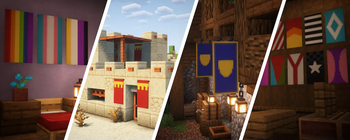
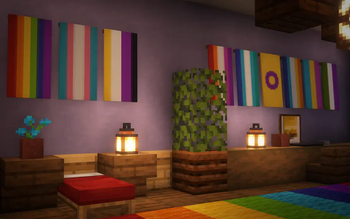
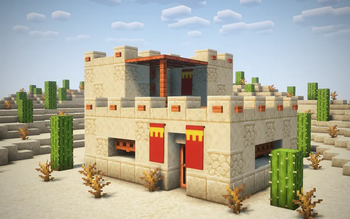
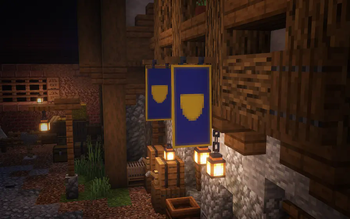
About this Mod





A Minecraft mod that breathes some new wind into the Banner system, adding new patterns, features, and removing limits. Let your creativity fly!
Features
New Banner Patterns
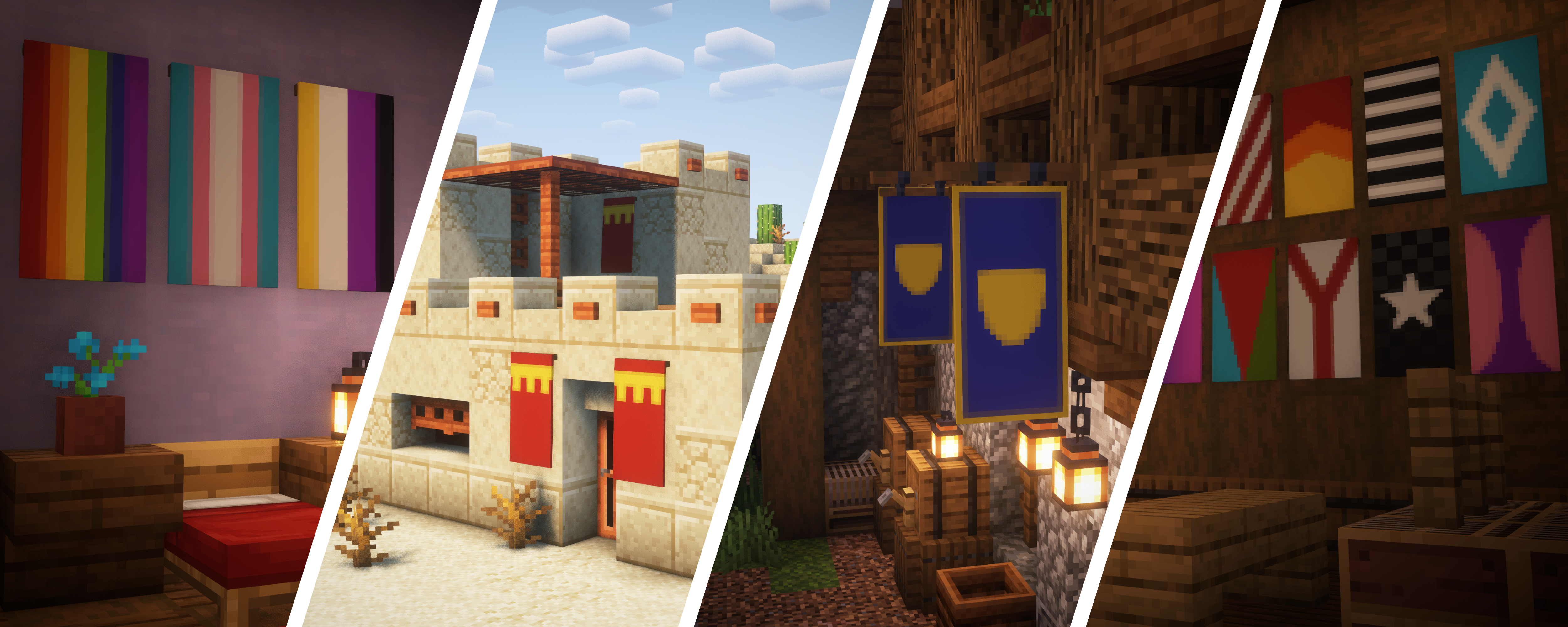
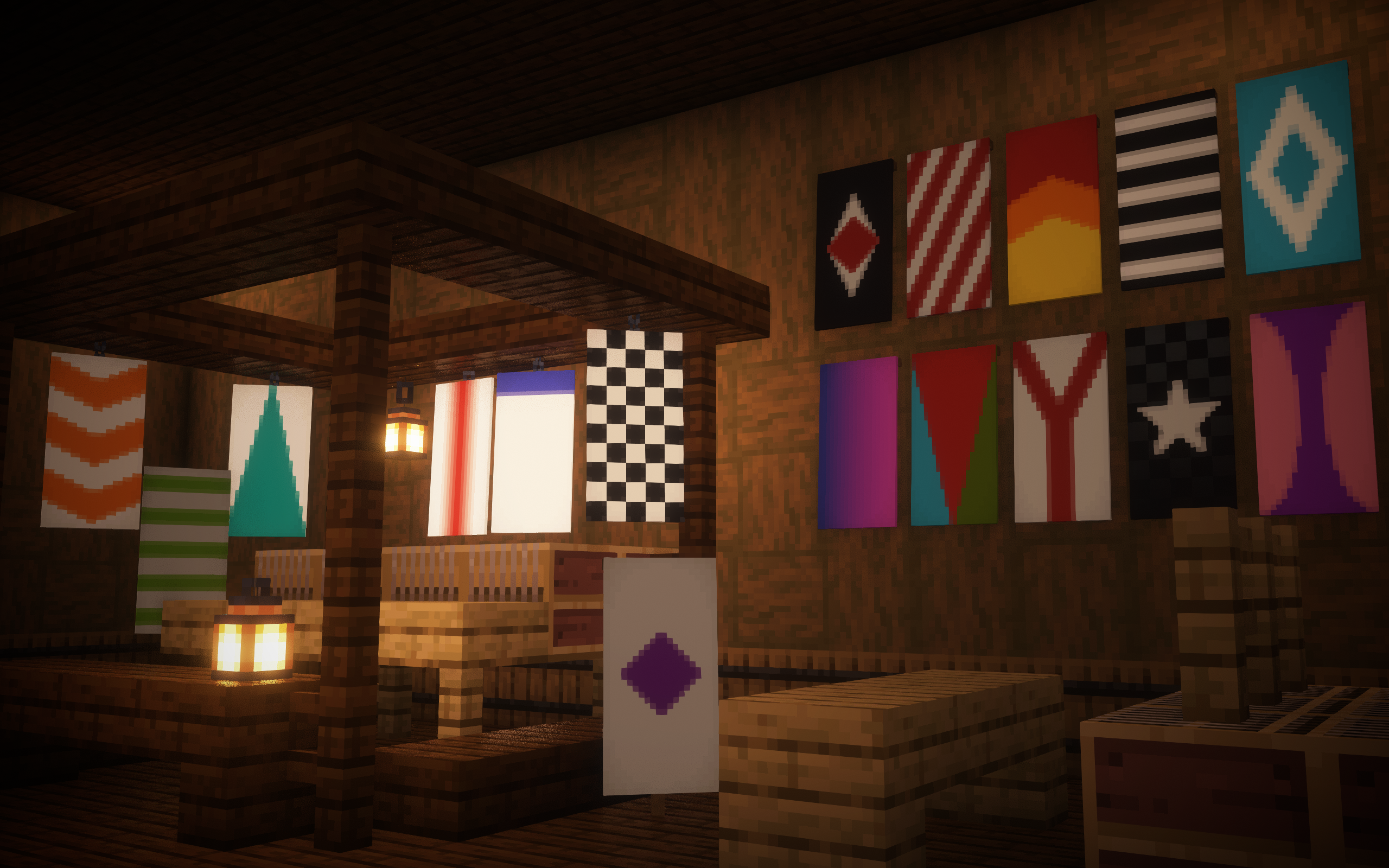
Field adds many, many new banner patterns, allowing for even greater customizability. All of them attempt to be in-line with heraldry - the system banner patterns are based off of, so they should fit well with the rest of the banner patterns.
Retextured Banners and Patterns
The banner has been retextured to be a little less noisy and clean. Along with this, many of the vanilla banner patterns have also been retextured, smoothing them out. There should hopefully be little difference to your existing designs.
Renamed Banner Patterns
Some of the vanilla banner patterns didn't fit into the naming scheme of heraldry (read above), so they have been updated to fit in. None of the designs have been significantly changed, only the names.
More Banner Layers
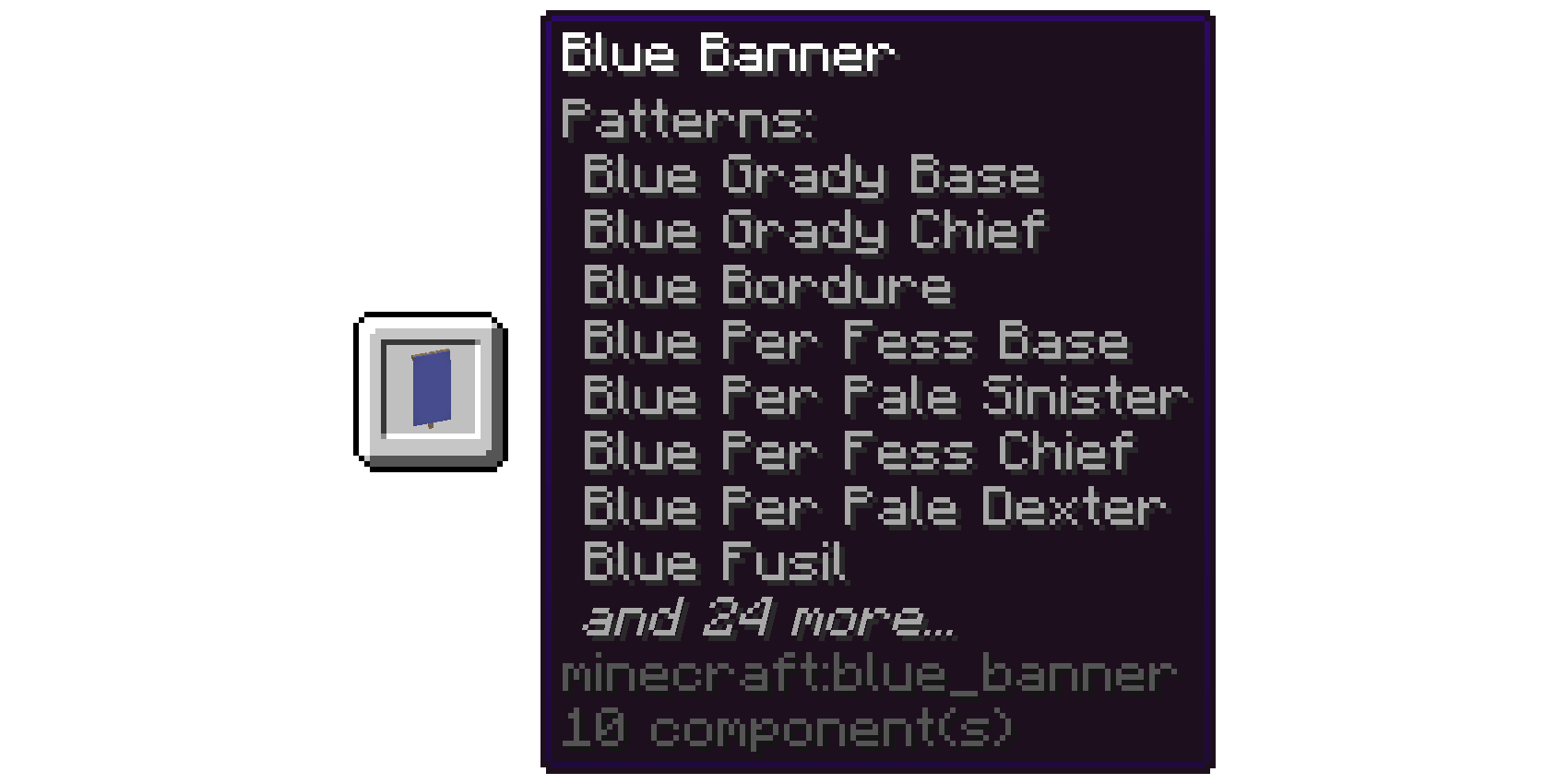
Having a limit of only 6 banner layers is both arbitrary and incredibly limiting. Now, there's a default limit of 32 layers, which is configurable.
To avoid having a mile-long tooltip, the tooltip will only display, by default, the most recent 8 layers, with the rest being trimmed. The limit for this is also configurable.
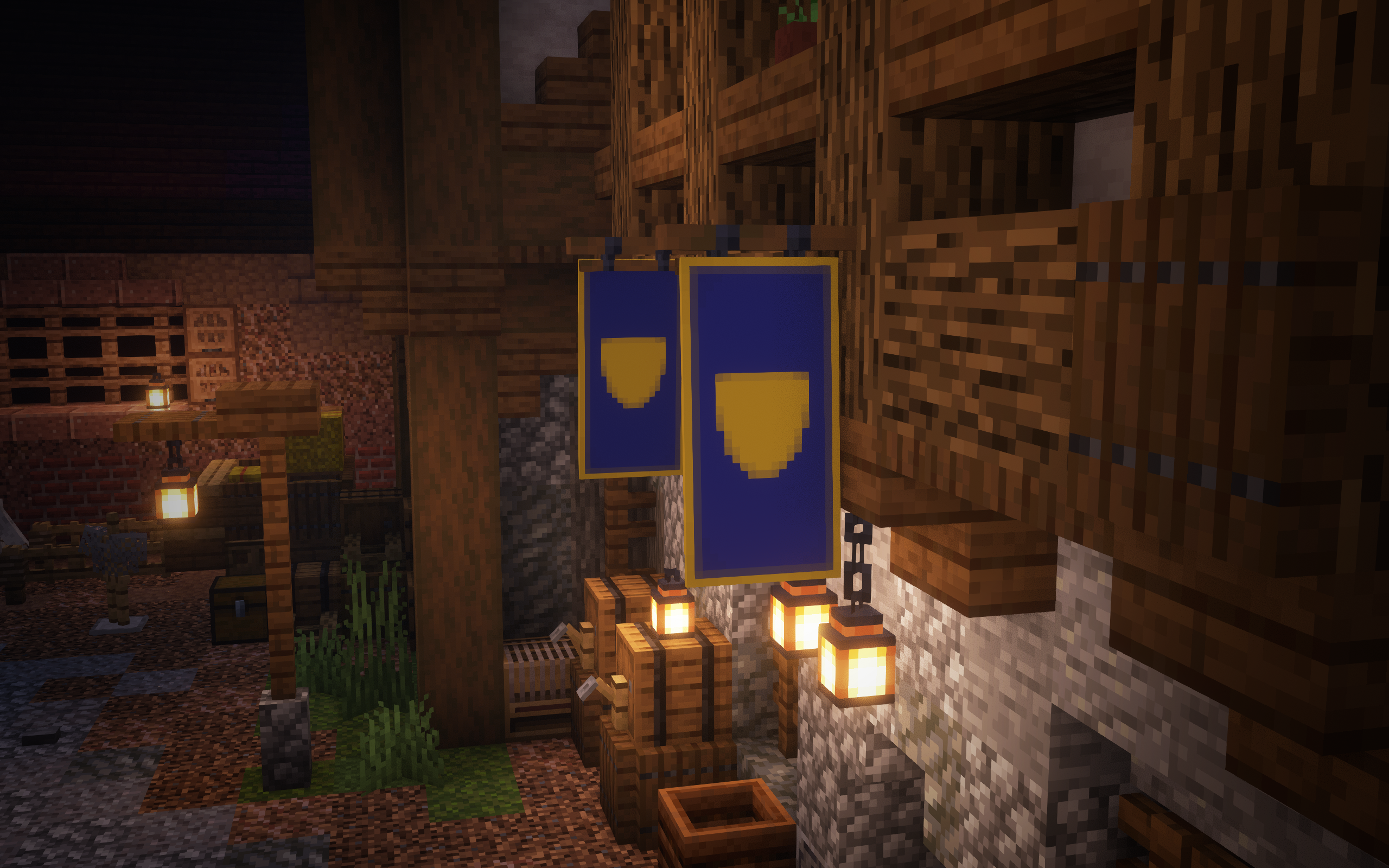
Hanging Banners
Banners can now be placed on either the bottom of a block or the side of a block, similar to hanging signs. They can also connect with hanging signs, allowing for creative decorations.
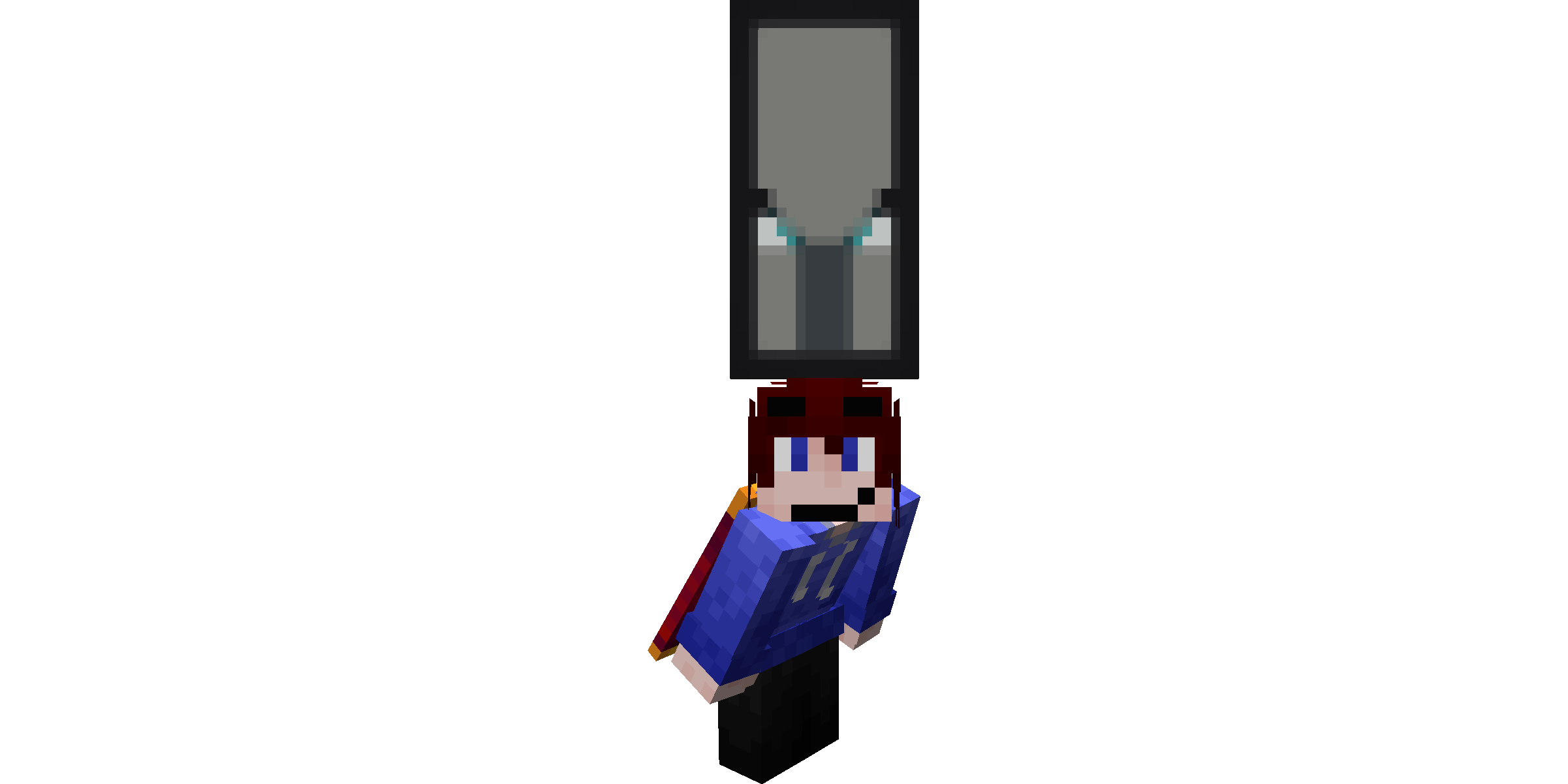
Wearable Banners
Even in vanilla, banners have functionality for rendering on the player's head. Now, banners are able to simply be placed into your helmet slot.
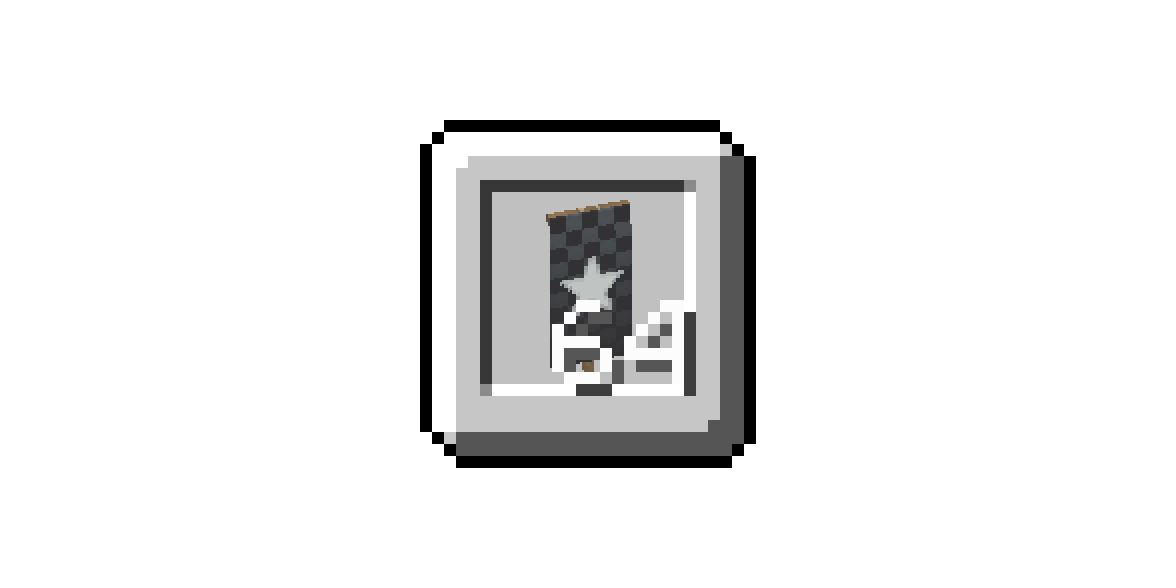
Stackable Banners
As a simple quality of life change, banners now have a default stack size of 64. Once again, this is configurable.
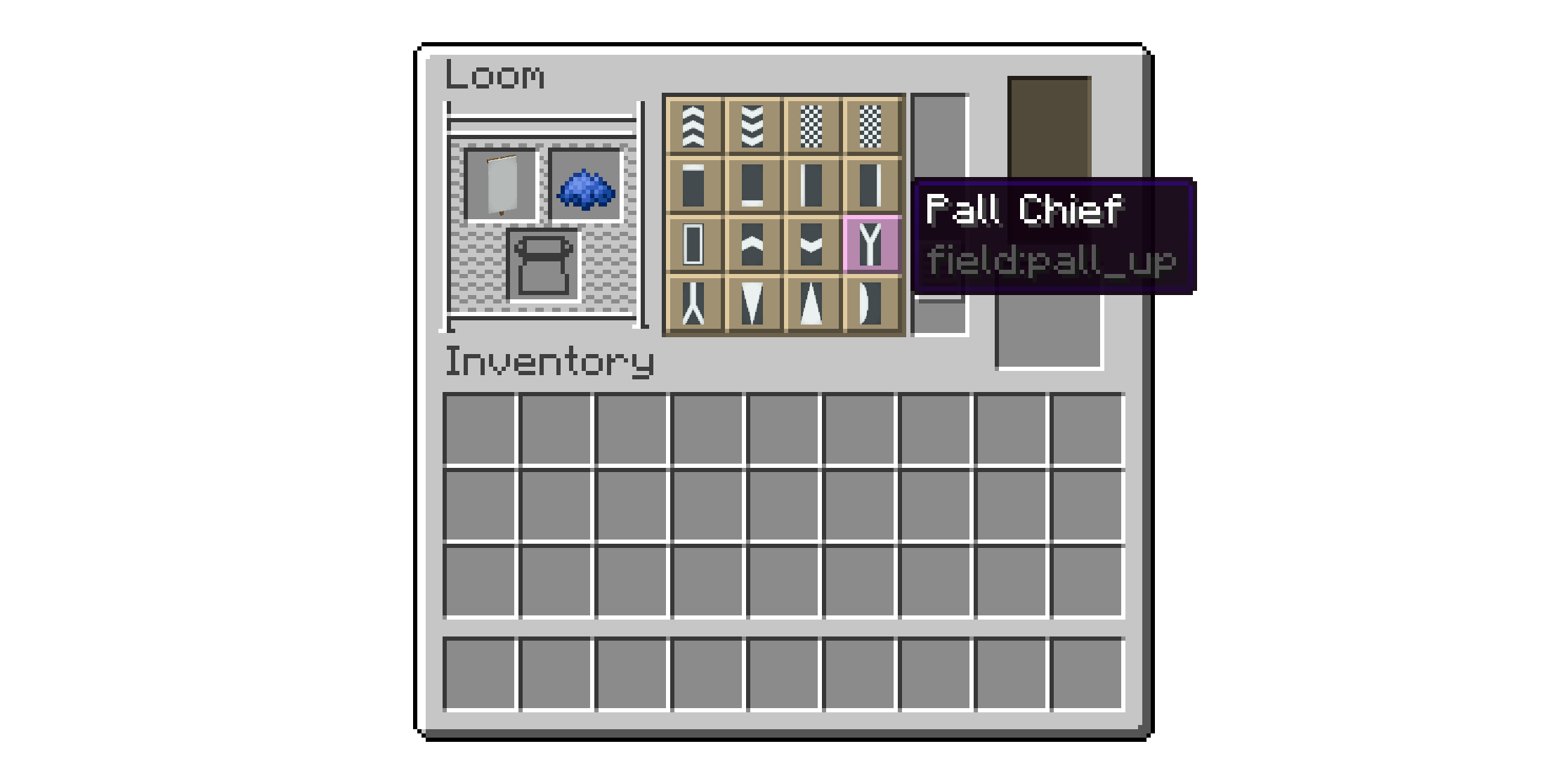
Loom Tooltips
When hovering over a banner pattern in the loom, there is now a tooltip, containing the name and ID of the pattern. This can be disabled in the config in order to restore the vanilla behavior.
Updated Banner Tooltip
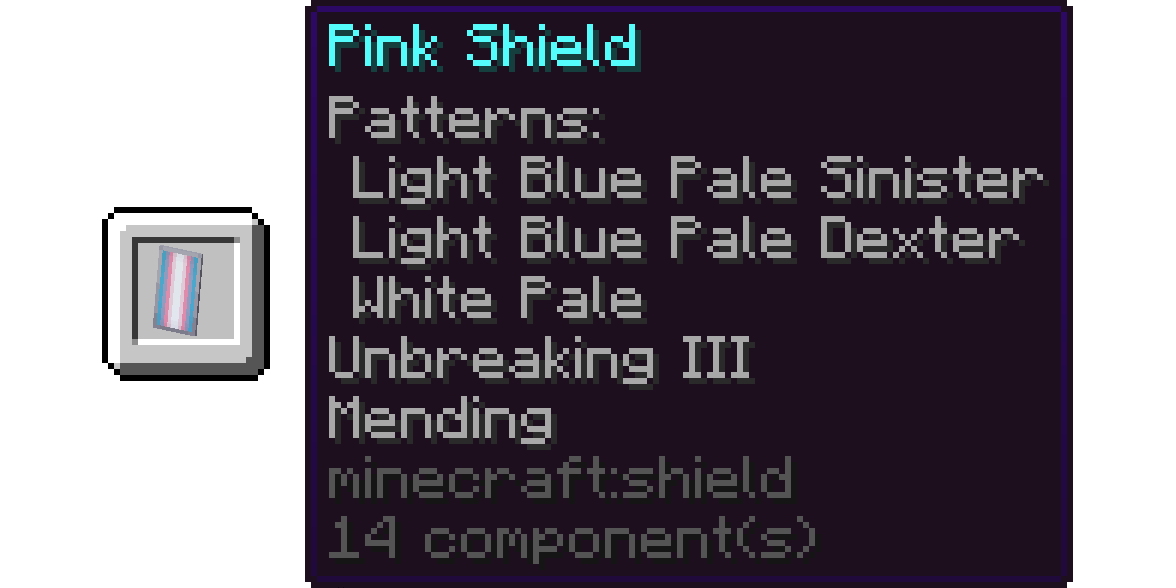
Banners, rather than the tooltip being an unlabeled list of banner patterns, now has a tooltip more in-line with the modern style of tooltip. The list now is titled "Patterns", and indented, similar to the tooltip of Smithing Templates.
As a bonus, this fixes MC-217525.
Notice
Banner Pattern tooltips have also been changed to have more simplified translations. Since this changes the translation key, this will break a lot of other custom banner patterns' translations. Reach out on the Discord to request custom translations be added for a datapack/mod!
Compatabilities
Field has explicit compatability with:
Incompatabilities
Field isn't compatible with:
Credits
- BannersEverywhere, by anweisen
- TipOfTheLoom, by Darkhax
Available Versions
How to Install Field on Your Server
Order Server
Order a Minecraft Java server with at least 3 GB RAM (4 GB recommended).
Set fabric Loader
In the panel under "Egg", select the fabric loader and matching Minecraft version (1.21.4).
Install Mod
Open the mod browser in the dashboard and search for "Field". Click "Install" – done! Alternatively, upload the .jar via SFTP to the /mods folder.
Compatibility
Mod Loaders
Minecraft Versions
1.21.4
Server-side
✓ RequiredRecommended RAM
4 GB(min. 3 GB)Frequently Asked Questions
Field server crashes on startup – what to do?
Most common cause: wrong fabric version or insufficient RAM. Check the server log (latest.log) for "OutOfMemoryError" or "Mixin" errors. With Mado Hosting: ensure at least 3 GB RAM is allocated and the loader matches the mod version (1.21.4). You can switch loaders with one click in the panel.
Is Field compatible with fabric?
Field officially supports fabric for Minecraft 1.21.4. The Mado dashboard automatically detects incompatible loader combinations.
Server lagging with Field – how to optimize performance?
Recommended RAM: 4 GB (per 8 players). Use /spark profiler to check if Field consumes the most tick time. Common fixes: reduce server view-distance to 8-10, install "performant" or "starlight" as supplementary mods on Forge. With Mado Hosting, your server runs on NVMe SSDs with dedicated CPU cores for minimal latency.
Similar Mods




Rent Modded Server
Install Field with just one click on your server.