
Combat Control
Bring back classic combat from 1.8.9 and earlier. Remove the attack cooldown, re-introduce sword blocking and more!
Screenshots

About this Mod
🗡️ combat-control 🛡️
Bring back classic combat from 1.8.9 and earlier. Remove the attack cooldown and more!
❗ Important ❗
This mod doesn't change the combat by default.
You have to use/combat style minecraft:classicto enable classic combat.
All features of this mod can be configured individually, on a per-player basis.
You can have some players using attack cooldown while others don't.
The mod is only required on the server, but having the mod installed on your client makes the experience better.
📝 Features
- remove the attack cooldown
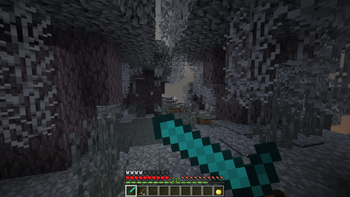
- reintroduce sword blocking (vanilla-compatible since 1.21.5)
- block-hitting with swords
- axes and other tools deal less damage, like in 1.8.9
- revert food mechanics and fast regeneration
- make snowballs inflict knockback again
- make fishing rods inflict knockback
- different knockback variants improve hit combos
- disable fishing rod pulling, like on many PvP servers
- allow attacking while using a bow or eating, like in 1.7.10
- disable sweep attack with a sword when standing still. The Sweeping Edge enchantment will still trigger a sweep attack
- make critical hits possible while sprinting
- attacking no longer stops you from sprinting
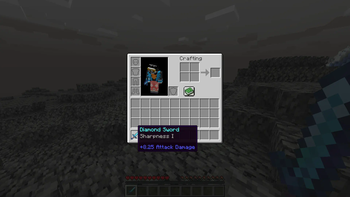
- buff sharpness enchantment to add 1.25 attack damage per level, like in 1.8.9 and earlier
- remove modern combat sounds
- remove modern combat particles, such as the damage indicator
- revert enchanted golden apple ("notch apple") effects
- fishing rods pull entities slightly more upwards
- fishing rods take less durability damage when pulling entities
- make fishing rods play the old sounds
- the fishing rod bobber moves faster
- tools will take less durability damage when attacking with them
- remove the re-equip animation when using items like shields
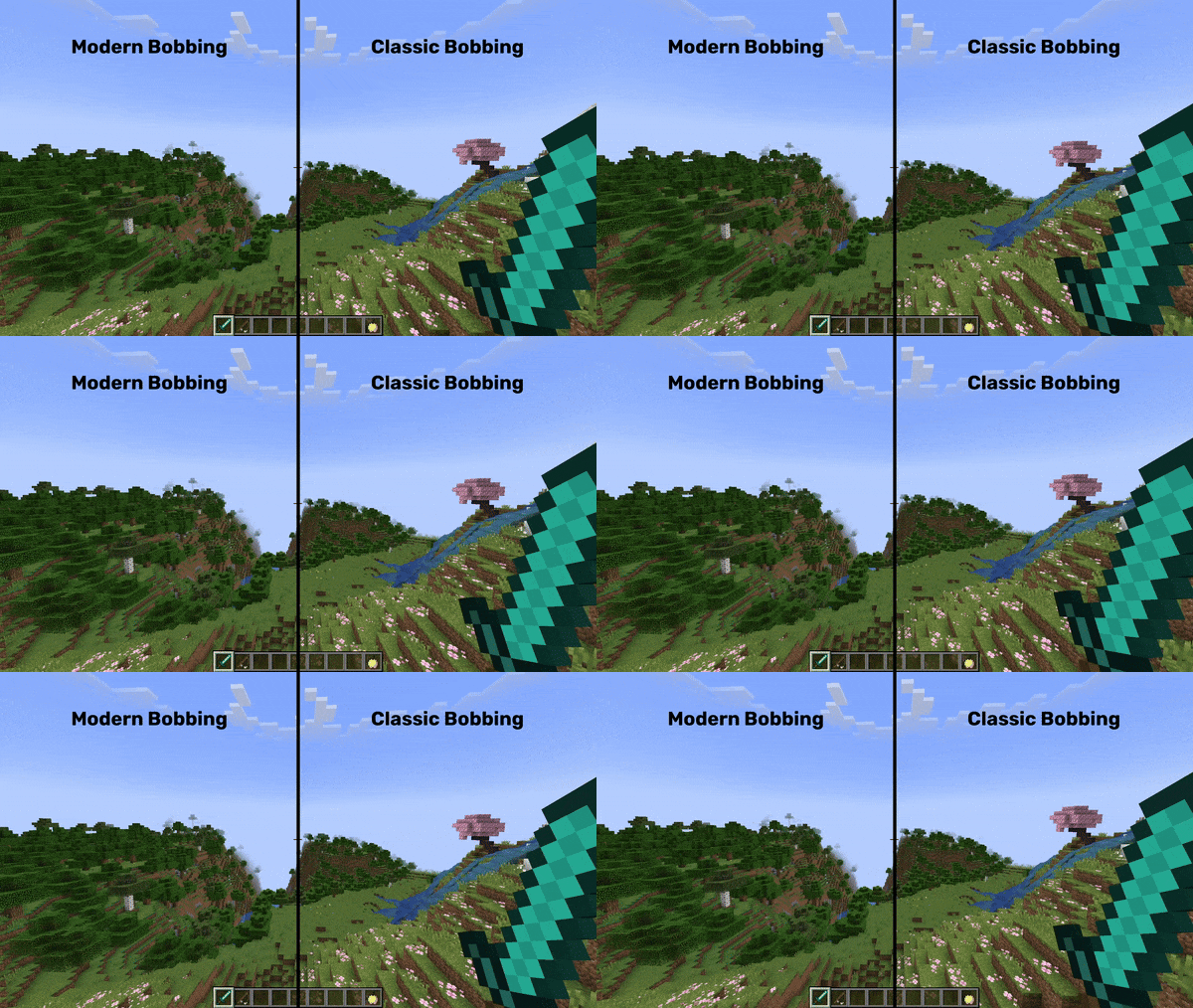
- old bobbing animation with head tilt when jumping
- instant sneak animation
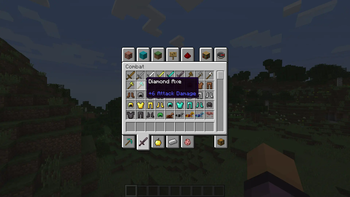
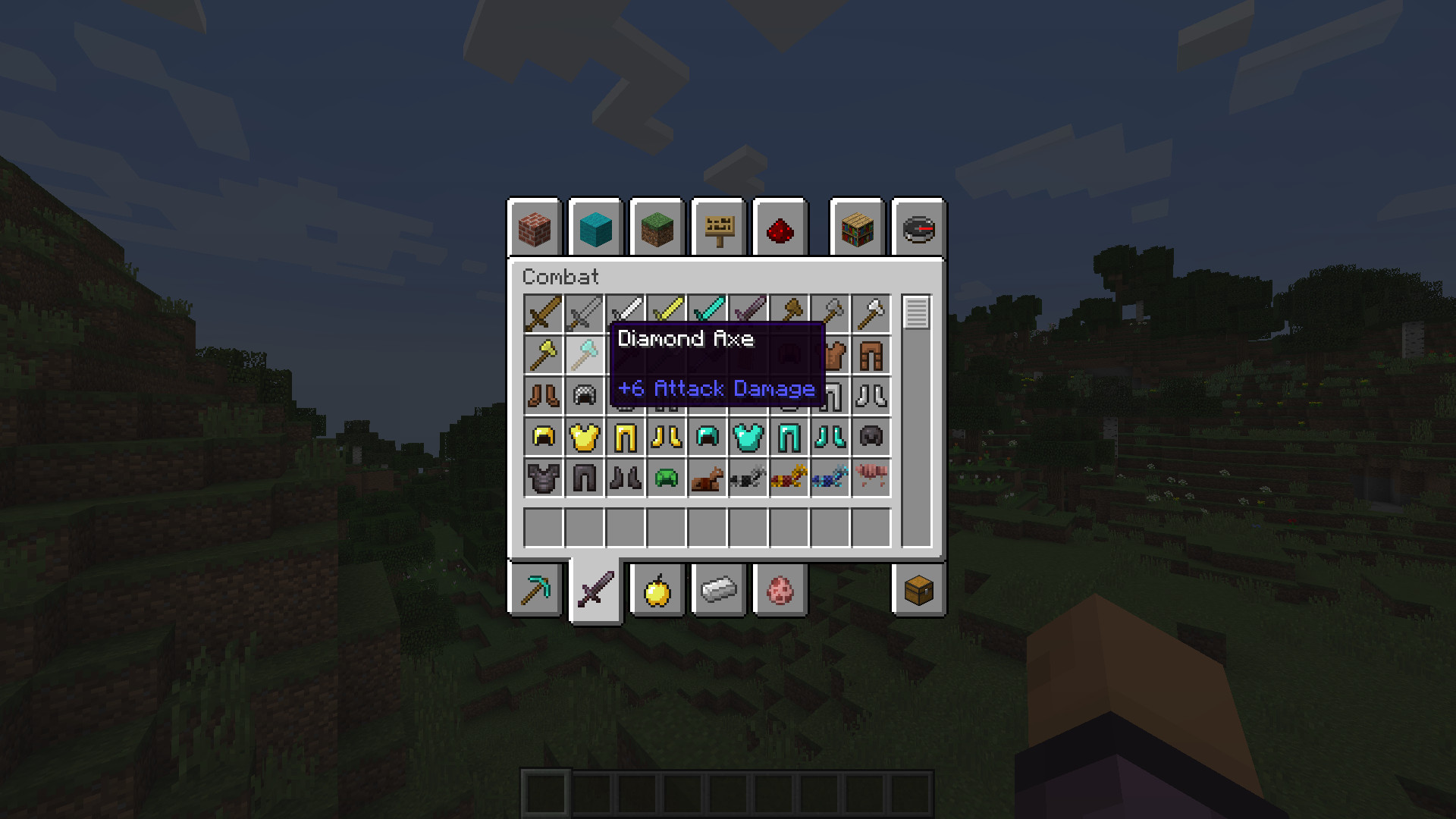
- old attribute style on weapons
- remove flashing hearts animation
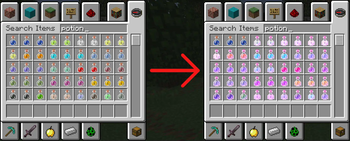
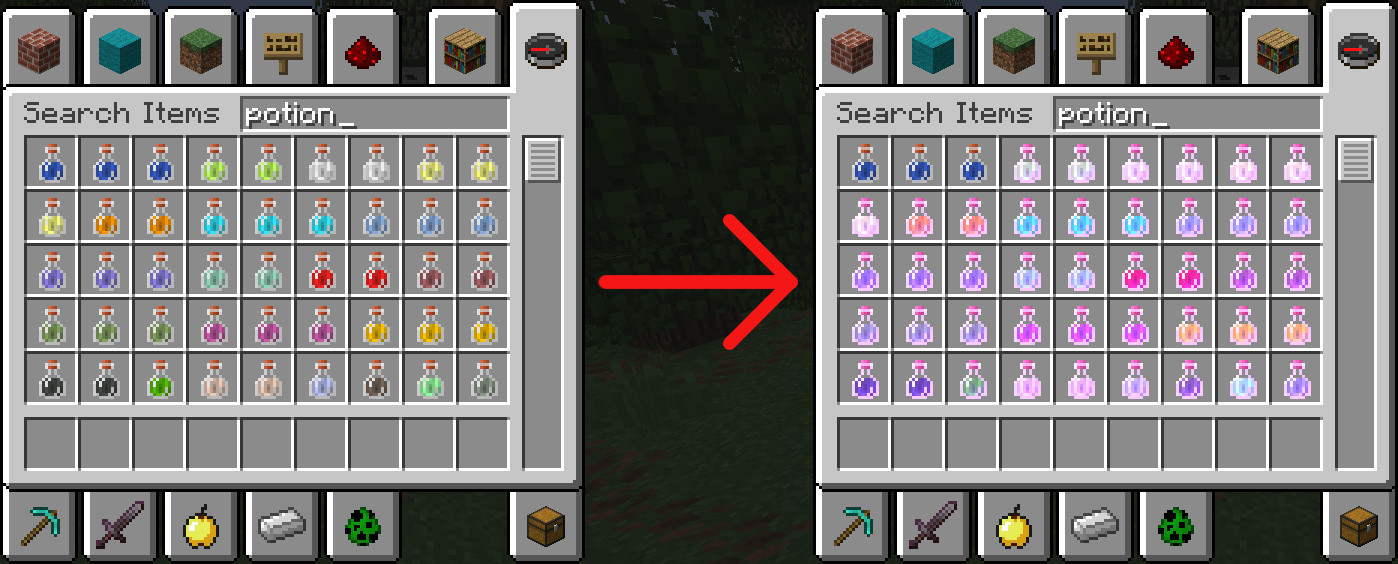
- reintroduce potion enchantment glint
- display sharpness damage in the item tooltip again (fixes MC-271840)
- revert the projectile tolerance margin to a constant 0.3 blocks (from before Minecraft 1.21.6)
- allow projectile hits for entities that are intersecting with the owning player hitbox (changed in Minecraft 1.12.2)
- use classic snowball particle on impact
🖼️ Showcase
All features showcased here can be toggled individually in the mod settings.
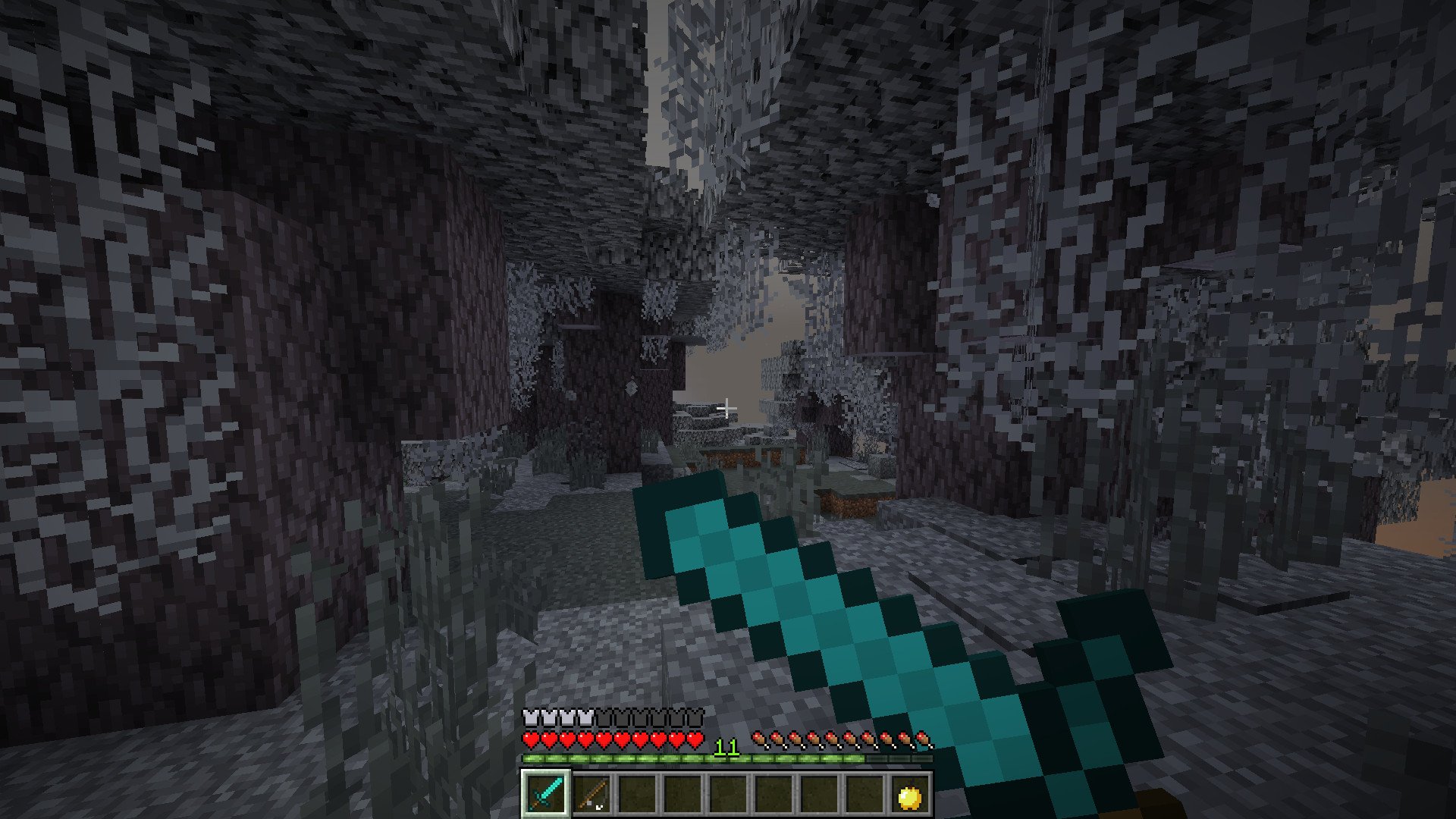
- sword blocking
- enchanted potions (the glint effect)
- classic attribute style
- classic bobbing animation
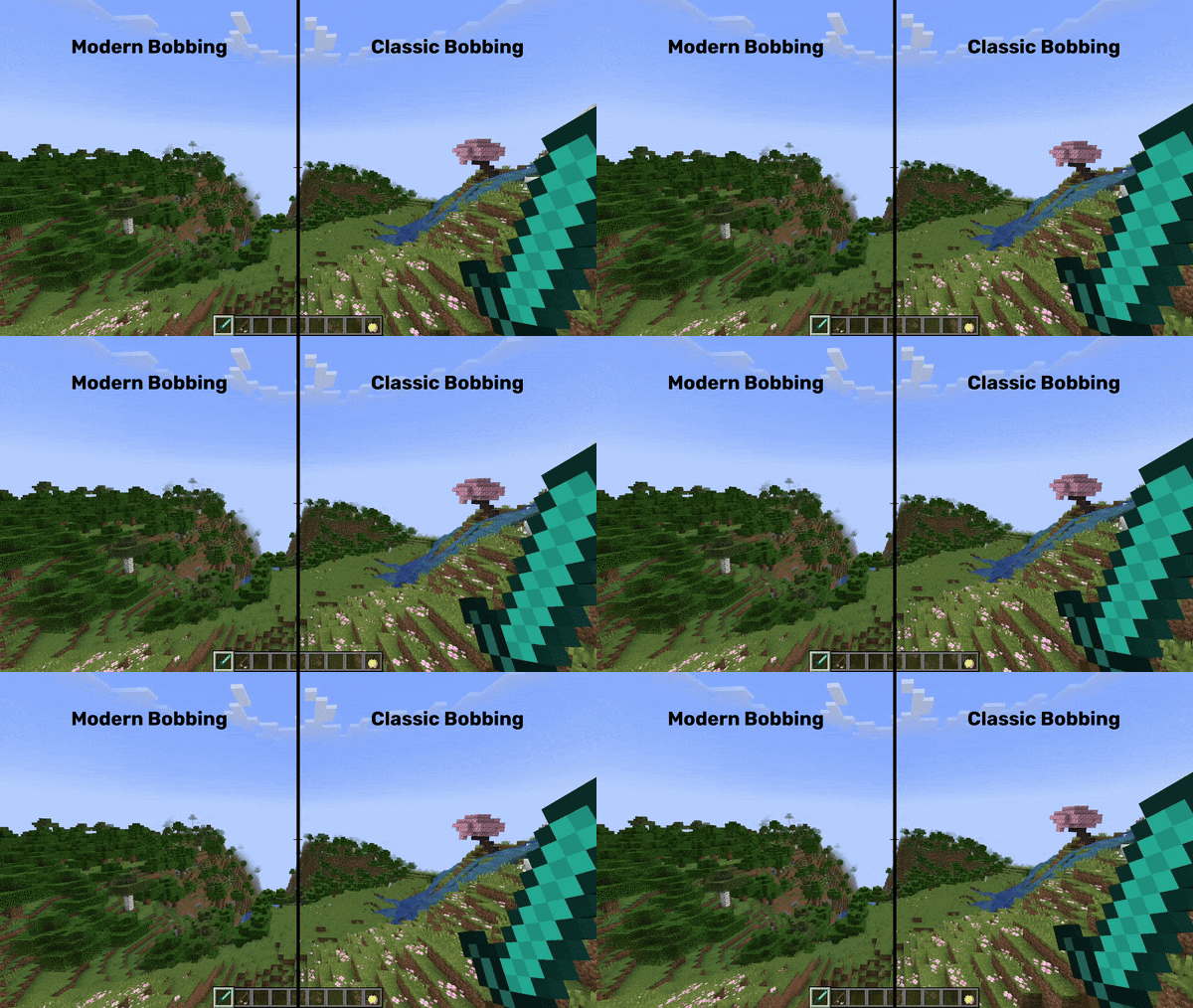
- reduced heart flashing (lost hearts no longer flash in light red)

- instant sneak animation
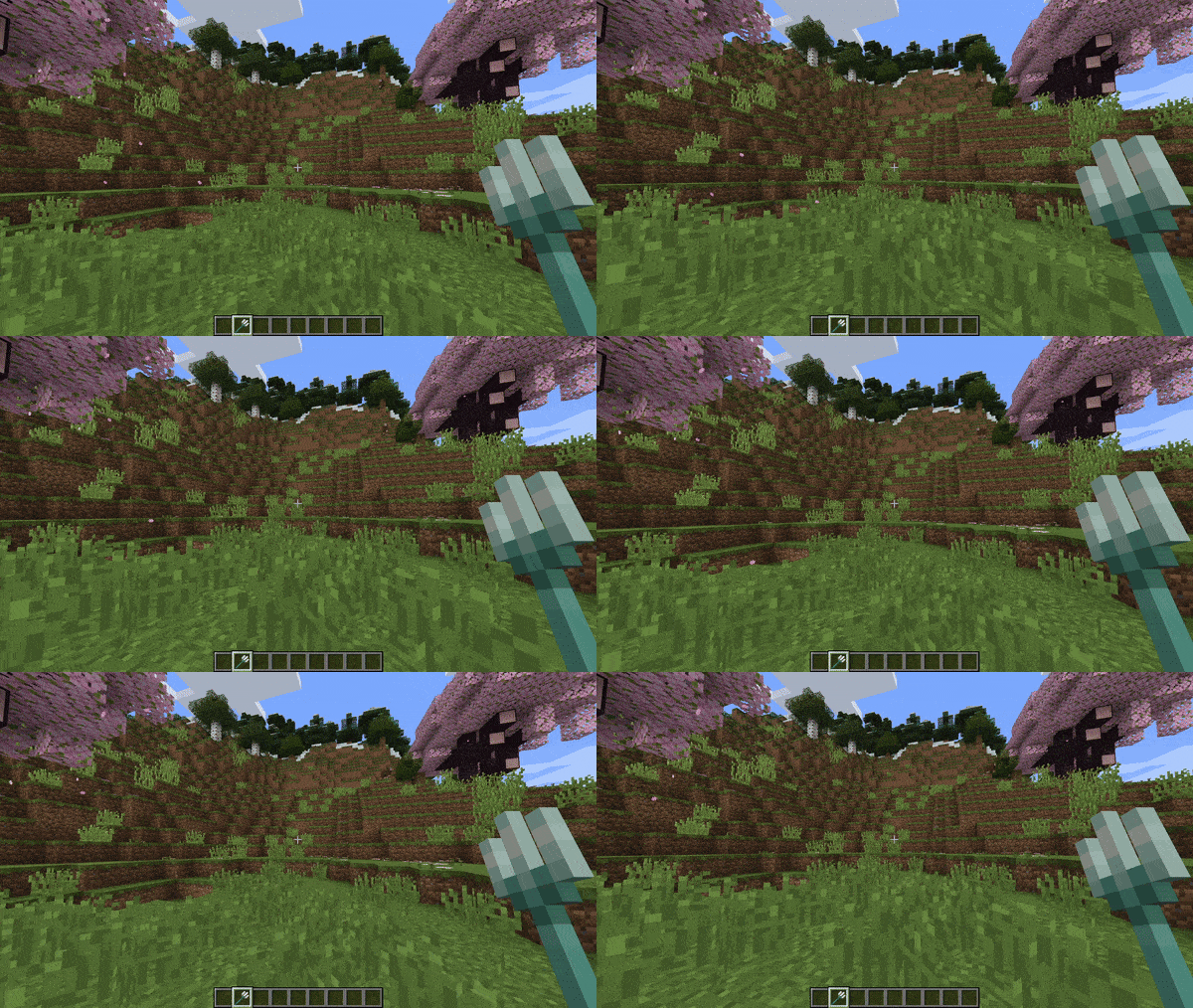
- classic sharpness bonus damage (also fixes MC-271840)
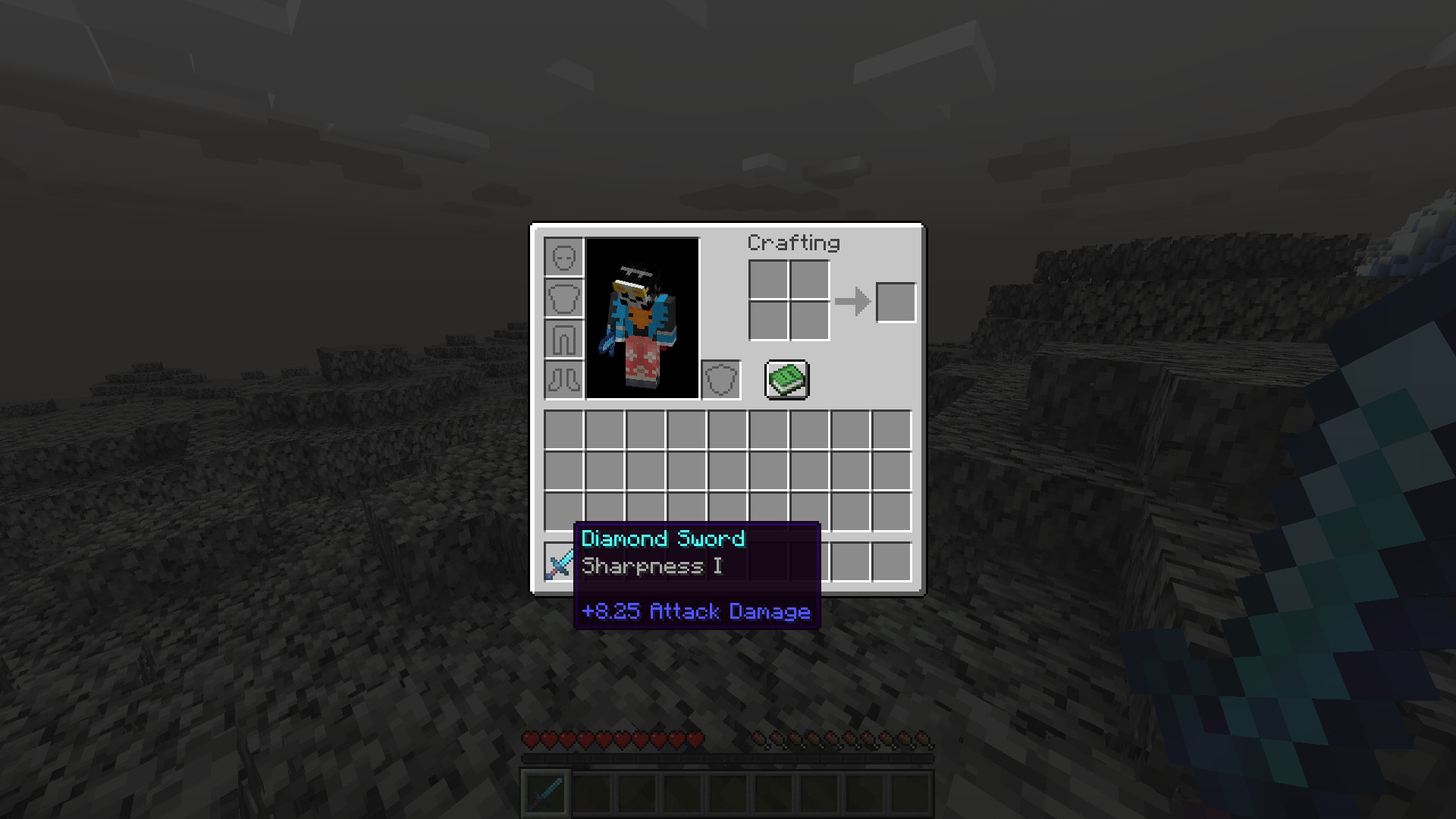
📦 Requirements
- Fabric API
- Cloth Config (client only, to access the config screen)
- Mod Menu (client only, to access the config screen)
⌨️ Commands
Change the combat style with the /combat style command:
# set the global combat style to classic
/combat style minecraft:classic

# switch back to modern (1.9+) combat with attack cooldown etc.
/combat style minecraft:modern

# you can also change the combat style only for certain players, e.g. yourself in this example
/combat style minecraft:classic @s
Setting a style will configure a set of features at once.
The minecraft:classic style, for example, disables attack cooldown, reverts the food regeneration system, changes behaviour of fishing rods and more.
However, you can also configure each feature individually, per-player:
# disable only attack cooldown globally
/combat set attackCooldown false

# make the enchanted golden apple grant regeneration 5 and absorption 1, instead of regeneration 2 and absorption 4
/combat set modernNotchApple false

# use 1.8 and earlier regeneration food mechanics
/combat set modernRegeneration false

# as with the combat style, you can also only configure features for certain players, e.g. disable attack cooldown for yourself:
/combat set attackCooldown false @s

# you can get the current setting of a feature like this:
/combat get attackCooldown

# get a setting of a specific player
/combat get attackCooldown @s
Some features, like modernDamageValues, don't work for individual players and can only be set globally.
🔓 Permissions
To execute those commands, you need to be a server operator (have OP) or have the corresponding permissions:
| Feature | Required permission |
|---|---|
| Use combat command | combat-control.command.combat |
| Set combat features | combat-control.command.combat.set |
| Set a combat feature | combat-control.command.combat.set.<feature> |
| Set a combat feature globally | combat-control.command.combat.set.global.<feature> |
| Get combat features | combat-control.command.combat.get |
| Get a combat feature (globally, individually) | combat-control.command.combat.get.<feature> |
| Set combat styles | combat-control.command.combat.style |
| Set combat style globally | combat-control.command.combat.style.global |
📂 Config
You can configure all features in config/combat-control/config.toml.
Once you save the config, any changes will automatically be loaded.
No need to restart your game or reload anything.
If you have ModMenu installed on the client, you can also configure all features from there.
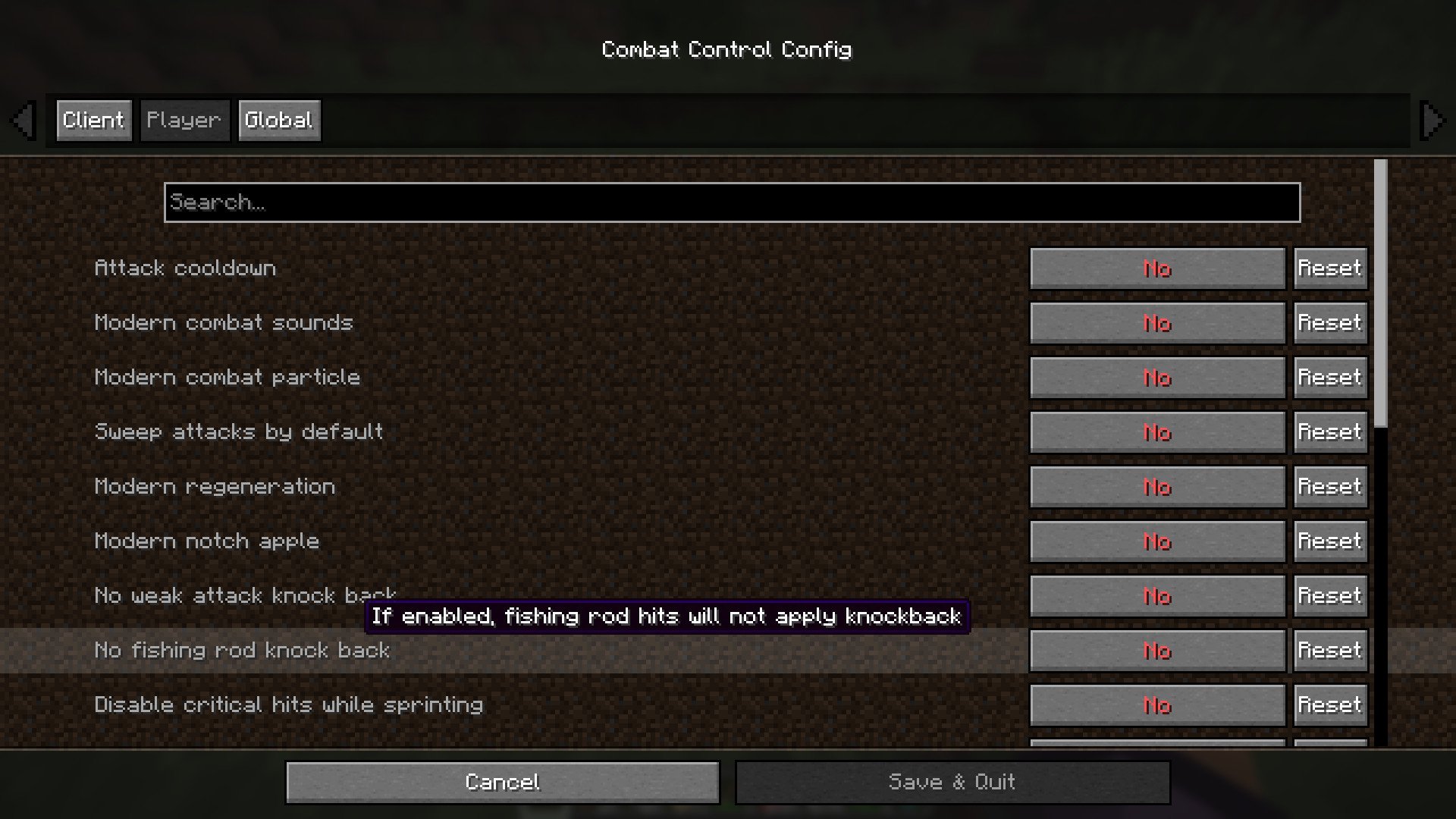
🌟 Acknowledgements
This mod is heavily inspired by Golden Age Combat by Fuzss.
Some methods are literally copied from it and remapped into yarn mappings.
Code in this project that is originally from Golden Age Combat is annotated with a comment or doc-comment.
The MPL-2.0 license from Golden Age Combat is respected; this project uses the same license.
The reason why this project exists as a separate mod, is to make the combat configurable for each player, alongside with some other adjustments.
Also, the PING_ADJUSTED knockback variant is heavily inspired in functionality by the awesome knockback-sync plugin by CASELOAD7000 for Bukkit, Folia and Fabric.
It calculates a player's knockback depending on their network latency.
The values for the gravity simulation are taken from the Minecraft movement code and from Minecraft Movement Tools by OrHy3.
I got the motivation for implementing different knockback variants from this video by Intel Edits.
Thanks to b0ps_ for creating the mod icon!
🚧 API for developers
Combat-control offers an API for developers that allows for changing each players' combat style and features.
The API offers fine-grained control of every combat-control feature, for every player.
The API is documented on GitHub.
Available Versions
How to Install Combat Control on Your Server
Order Server
Order a Minecraft Java server with at least 3 GB RAM (4 GB recommended).
Set fabric Loader
In the panel under "Egg", select the fabric loader and matching Minecraft version (26.1.2).
Install Mod
Open the mod browser in the dashboard and search for "Combat Control". Click "Install" – done! Alternatively, upload the .jar via SFTP to the /mods folder.
Compatibility
Mod Loaders
Minecraft Versions
26.1.2, 26.1.1, 26.1 (+8 more)
Server-side
✓ RequiredRecommended RAM
4 GB(min. 3 GB)Frequently Asked Questions
Combat Control server crashes on startup – what to do?
Most common cause: wrong fabric version or insufficient RAM. Check the server log (latest.log) for "OutOfMemoryError" or "Mixin" errors. With Mado Hosting: ensure at least 3 GB RAM is allocated and the loader matches the mod version (26.1.2). You can switch loaders with one click in the panel.
Is Combat Control compatible with fabric?
Combat Control officially supports fabric for Minecraft 26.1.2, 26.1.1, 26.1. The Mado dashboard automatically detects incompatible loader combinations.
Server lagging with Combat Control – how to optimize performance?
Recommended RAM: 4 GB (per 8 players). Use /spark profiler to check if Combat Control consumes the most tick time. Common fixes: reduce server view-distance to 8-10, install "performant" or "starlight" as supplementary mods on Forge. With Mado Hosting, your server runs on NVMe SSDs with dedicated CPU cores for minimal latency.
Similar Mods




![[TaCZ] Timeless and Classics Zero](https://cdn.modrinth.com/data/SzzJttH8/fd27766d2bb8390d284696b1dbd358f87e081439_96.webp)

Rent Modded Server
Install Combat Control with just one click on your server.