
Command Books
Save command macros, and run them on a simple item use.
Screenshots
About this Mod
Command books
Mostly intended for creative or development purposes.
This is similar in spirit to using a chain of command blocks, but more portable and easier setup.
Usage
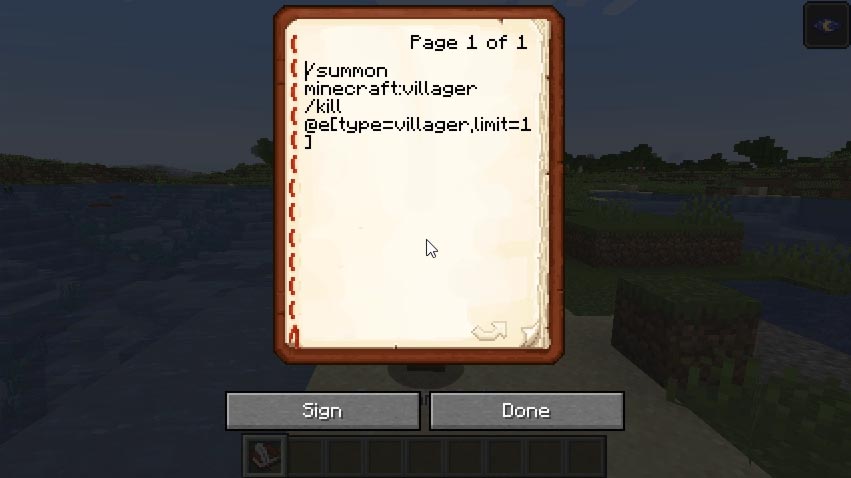
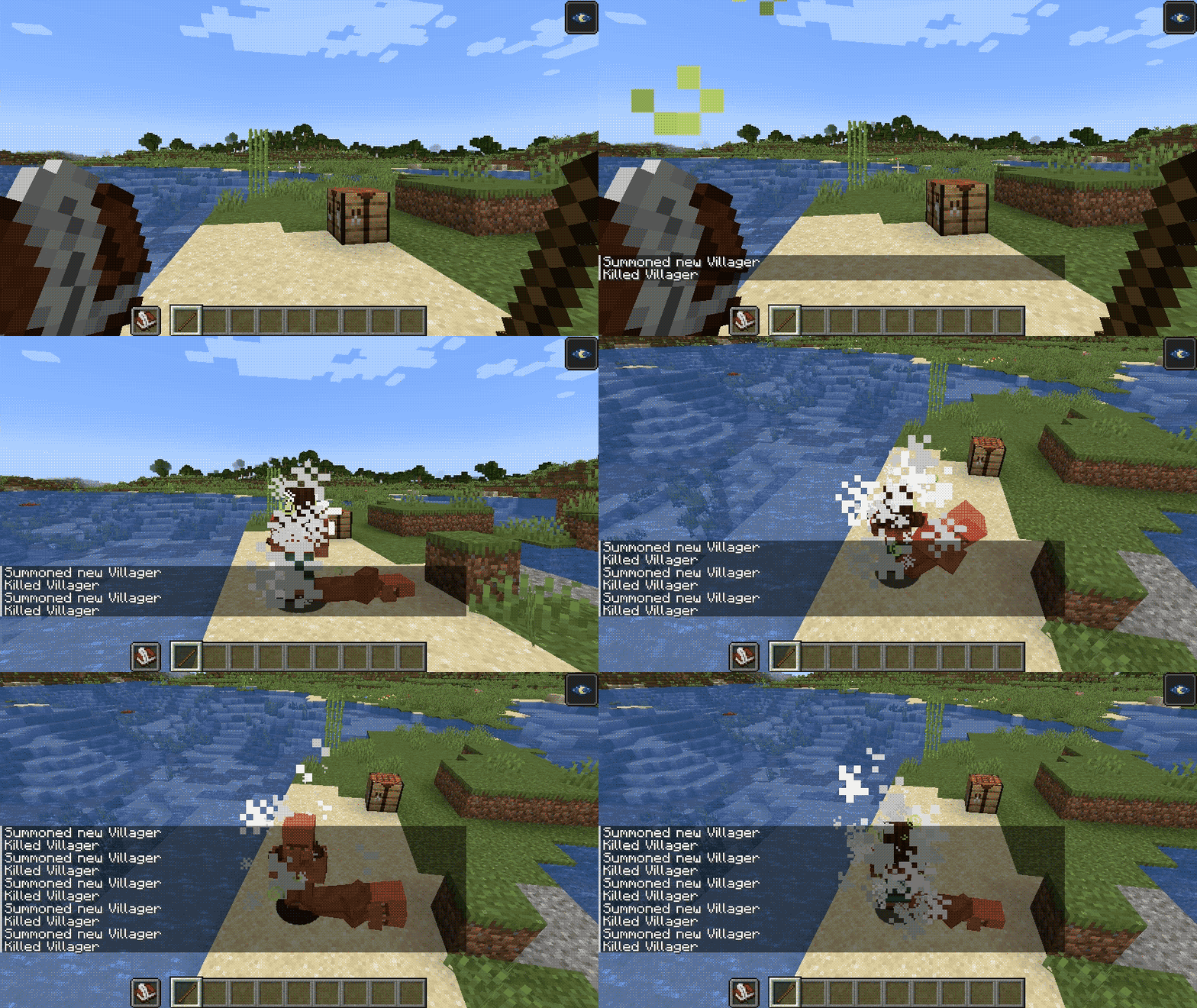
Write commands into a book-and-quill, one command per lines. To execute the commands, hold the book in your off-hand, and use a stick in your main hand. All commands are run in succession, even if one fails along the way.
The book's user is considered the source of the commands. Usage of books can be locked behind a specific permission level; by default 2 (Game Master).
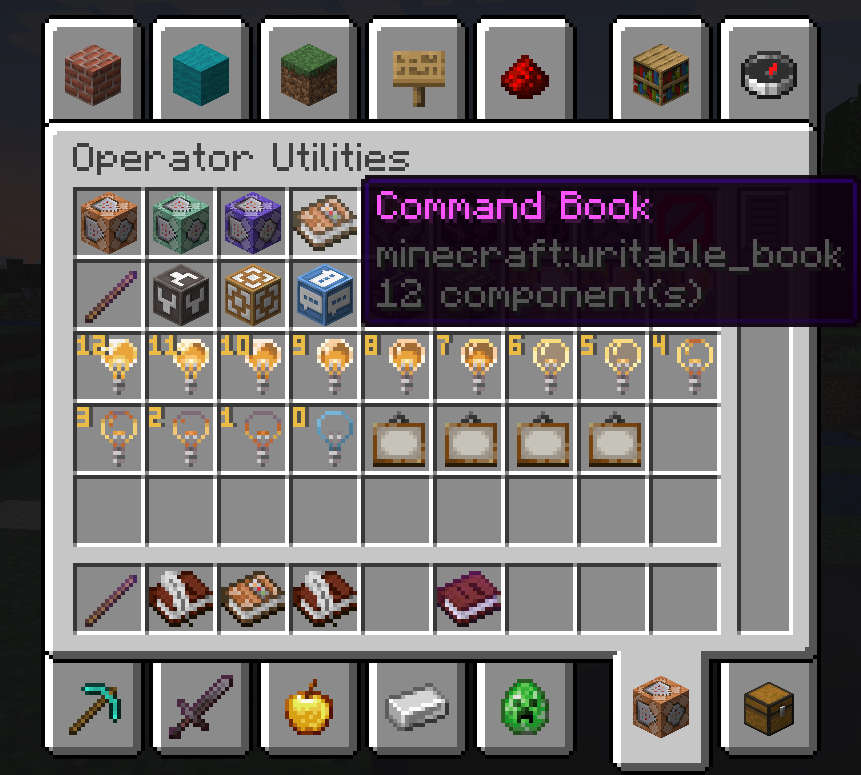
in v2 (MC 1.21.5), command books are separate from regular book and quils, and are found in the creative inventory under the operator tab. Those require a Debug Stick instead of a regular stick.
Environment
Core functionalities are fully server-side
Client-side installation is recommended to avoid opening the book every time you execute it. It is useless to players without permissions to execute books.
Available Versions
How to Install Command Books on Your Server
Order Server
Order a Minecraft Java server with at least 3 GB RAM (4 GB recommended).
Set fabric Loader
In the panel under "Egg", select the fabric loader and matching Minecraft version (1.21.11).
Install Mod
Open the mod browser in the dashboard and search for "Command Books". Click "Install" – done! Alternatively, upload the .jar via SFTP to the /mods folder.
Compatibility
Mod Loaders
Minecraft Versions
1.21.11, 1.21.10, 1.21.9 (+17 more)
Server-side
✓ RequiredRecommended RAM
4 GB(min. 3 GB)Frequently Asked Questions
Command Books server crashes on startup – what to do?
Most common cause: wrong fabric version or insufficient RAM. Check the server log (latest.log) for "OutOfMemoryError" or "Mixin" errors. With Mado Hosting: ensure at least 3 GB RAM is allocated and the loader matches the mod version (1.21.11). You can switch loaders with one click in the panel.
Is Command Books compatible with fabric?
Command Books officially supports fabric for Minecraft 1.21.11, 1.21.10, 1.21.9. The Mado dashboard automatically detects incompatible loader combinations.
Server lagging with Command Books – how to optimize performance?
Recommended RAM: 4 GB (per 8 players). Use /spark profiler to check if Command Books consumes the most tick time. Common fixes: reduce server view-distance to 8-10, install "performant" or "starlight" as supplementary mods on Forge. With Mado Hosting, your server runs on NVMe SSDs with dedicated CPU cores for minimal latency.
Similar Mods






Rent Modded Server
Install Command Books with just one click on your server.