
Command Debug Service
This is a mod that provides a method to execute and debug Minecraft commands by external programs. It is used to be a command debug connect kit between Minecraft and external programs.
Screenshots
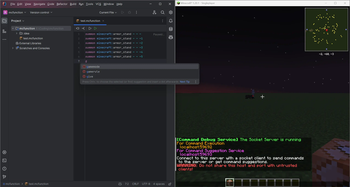
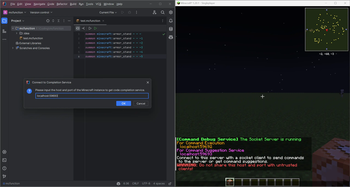
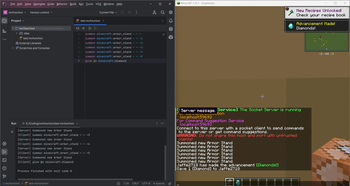
About this Mod
Command Debug Service




Introduction
This mod is a subproject of Command Debug DevKit. It is designed for optimized Minecraft command coding and debugging by connect to external editor or IDE. This Command Debug DevKit project is replacement of Minecraft Command Studio with more lightweight file size and better scalability, therefore, it is more suitable for develops to carry out secondary development.
Setup
- Install Minecraft with
Fabric/QuiltLoader and Fabric API/Quilted Fabric API for your Minecraft version. - Download the mod.
- Put the mod into your
modsfolder.
Usage
My most recommanded approach is to use the IntelliJ IDEA Plugin with this mod. So before using this mod, you should install IntelliJ IDEA Community or Ultimate, or install other JetBrains IDE except Rider. Then download the plugin from my GitHub Releases or JetBrains Marketplace.
Start your IDE, create or open a project, then create or open a file with suffix
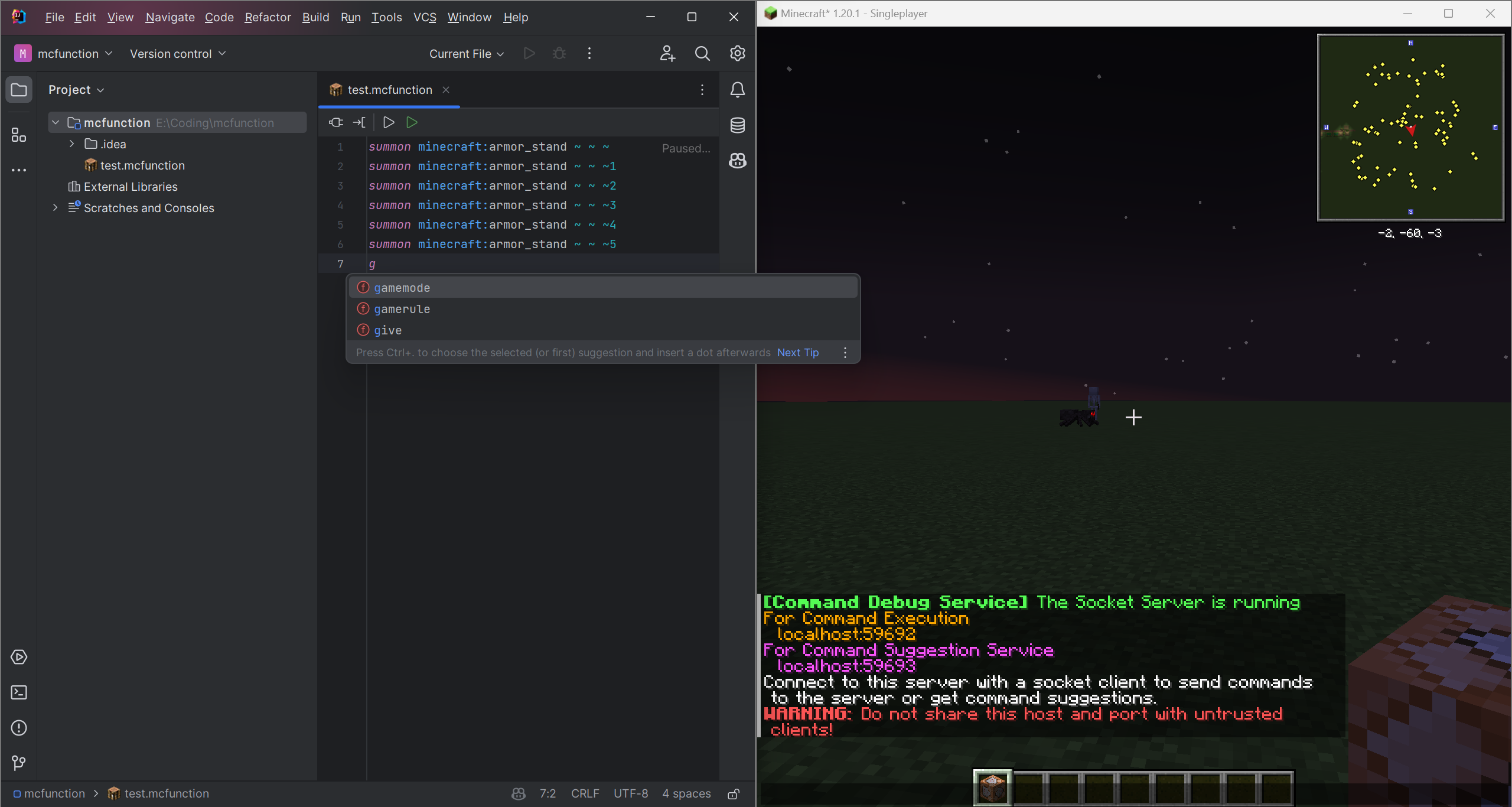
.mcfunction.Start your Minecraft game and join a world. The mod will create two socket server and show the host and port information in the game chat.
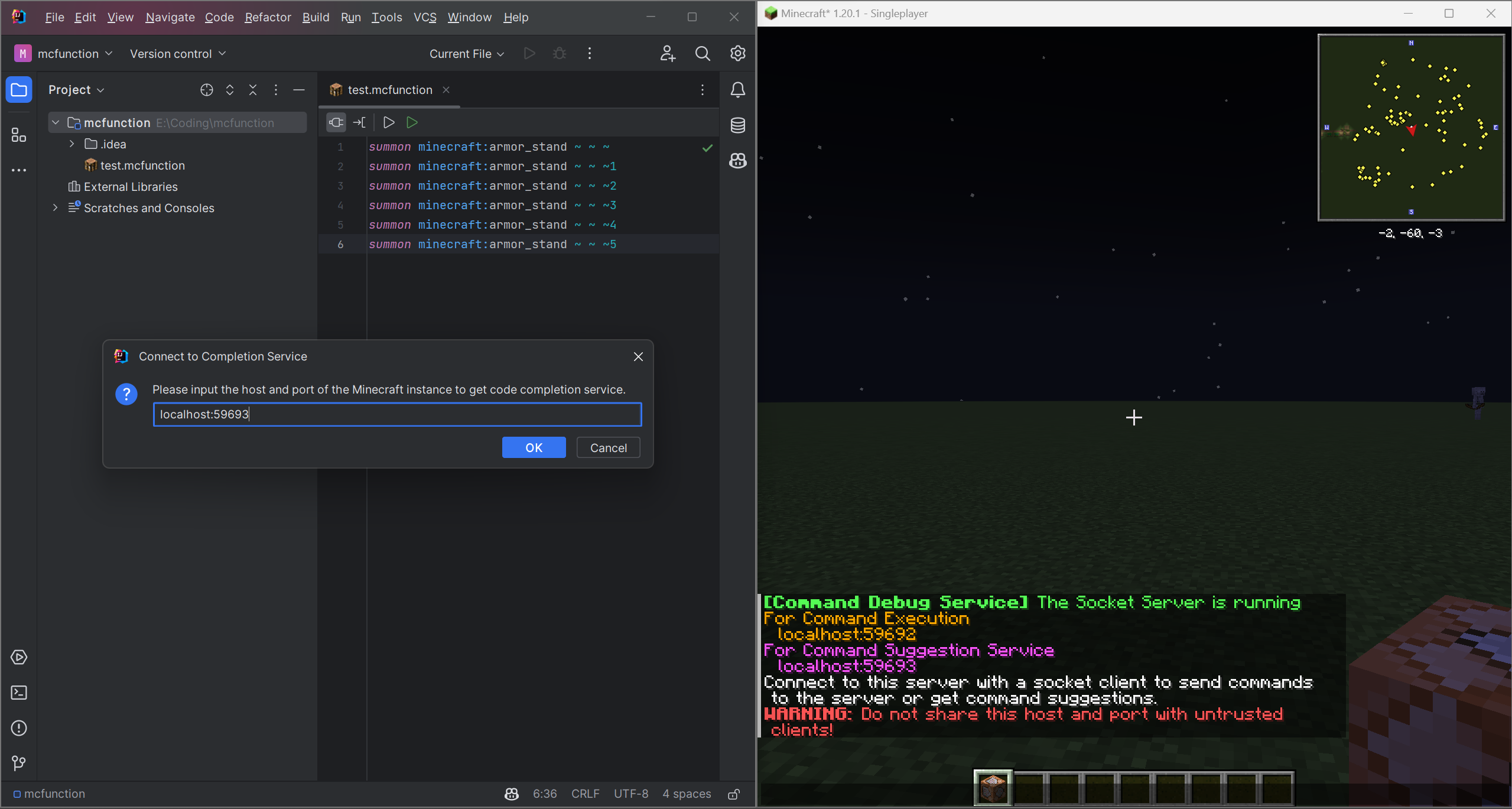
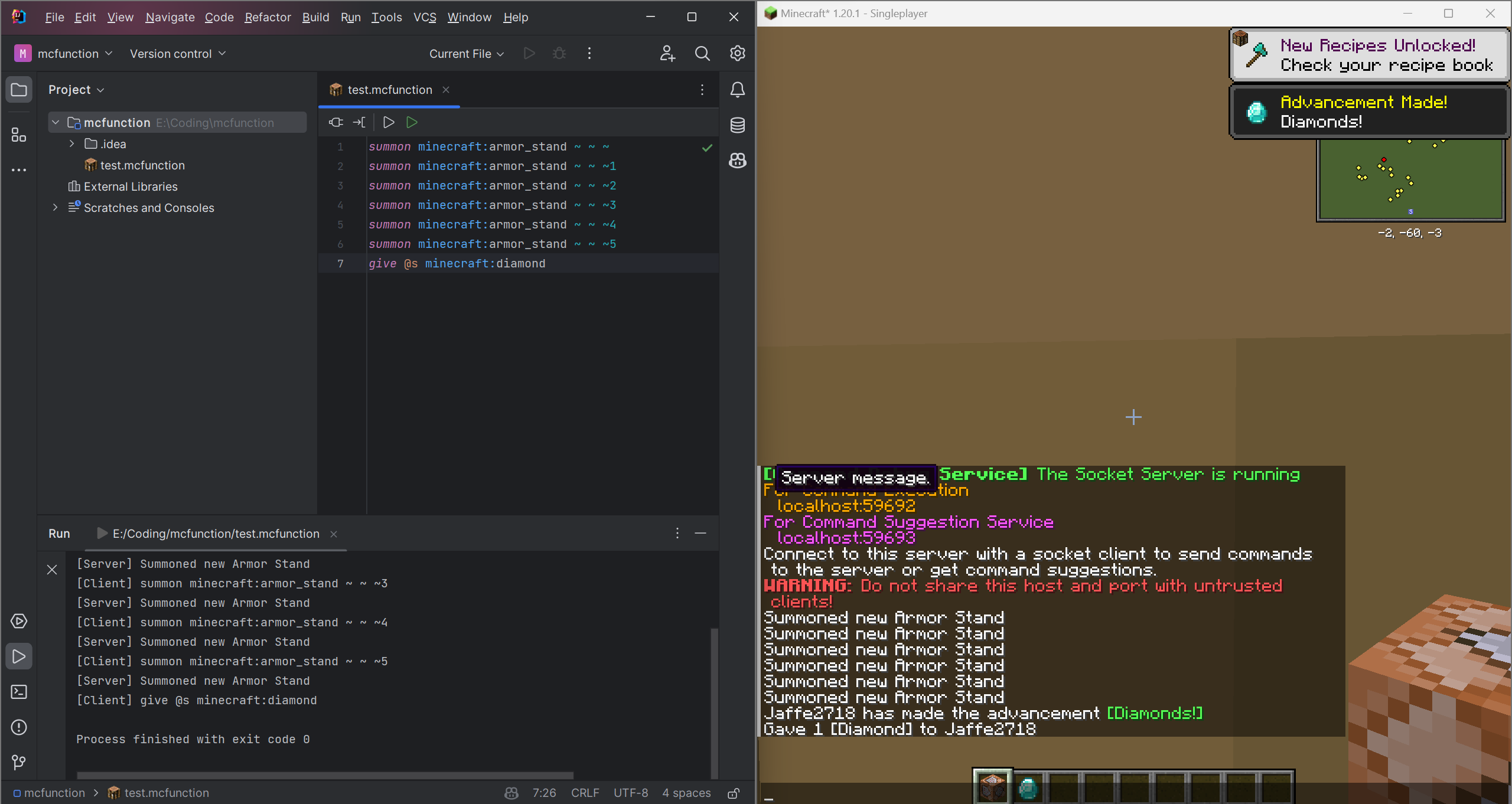
Connect to these two socket servers by entering the host and port which shown in the game chat. Then you can use the code completion and code execution service.

Info
This project is licensed under the MIT License.
You can use this project for any purpose for free.
See the LICENSE file for details.
Currently, this project is still in development. If you have any idea or suggestion, please open an issue or pull request.
And the plugin is only for IntelliJ Platform IDEs, if you want to use other IDEs such as Eclipse and VSCode, you can create a plugin for it and pull request to this project.
What's more, the mod is only for Fabric and Quilt currently, you can rewrite it for Forge or other mod loaders and pull request to this project.
I will be very grateful if you can help me to improve this project.
For more infomation, please visit Command Debug DevKit
Available Versions
How to Install Command Debug Service on Your Server
Order Server
Order a Minecraft Java server with at least 3 GB RAM (4 GB recommended).
Set fabric Loader
In the panel under "Egg", select the fabric loader and matching Minecraft version (1.21.5).
Install Mod
Open the mod browser in the dashboard and search for "Command Debug Service". Click "Install" – done! Alternatively, upload the .jar via SFTP to the /mods folder.
Compatibility
Mod Loaders
Minecraft Versions
1.21.5, 1.21.4, 1.21 (+7 more)
Server-side
✓ RequiredRecommended RAM
4 GB(min. 3 GB)Frequently Asked Questions
Command Debug Service server crashes on startup – what to do?
Most common cause: wrong fabric version or insufficient RAM. Check the server log (latest.log) for "OutOfMemoryError" or "Mixin" errors. With Mado Hosting: ensure at least 3 GB RAM is allocated and the loader matches the mod version (1.21.5). You can switch loaders with one click in the panel.
Is Command Debug Service compatible with fabric and quilt?
Command Debug Service officially supports fabric, quilt for Minecraft 1.21.5, 1.21.4, 1.21. The Mado dashboard automatically detects incompatible loader combinations.
Server lagging with Command Debug Service – how to optimize performance?
Recommended RAM: 4 GB (per 8 players). Use /spark profiler to check if Command Debug Service consumes the most tick time. Common fixes: reduce server view-distance to 8-10, install "performant" or "starlight" as supplementary mods on Forge. With Mado Hosting, your server runs on NVMe SSDs with dedicated CPU cores for minimal latency.
Similar Mods






Rent Modded Server
Install Command Debug Service with just one click on your server.