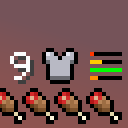
Compact Armor Bar/HUD
Durability and armor points displayed in a compact and easily readable way.
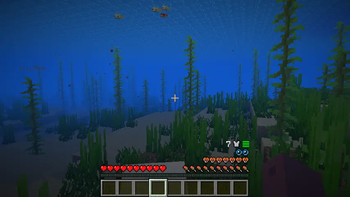
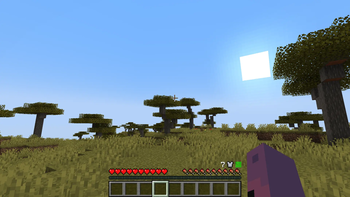
Screenshots
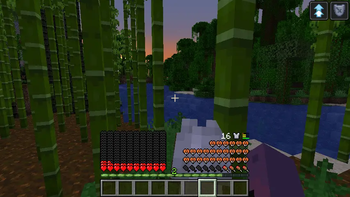
About this Mod
Ever felt that the armor bar is just unnecessary clutter in the UI (Specially when having multiple Heart rows)?
Ever wanted to have an unintrusive, yet intuitive way to display the armor durability?
I made this mod to address those problems.
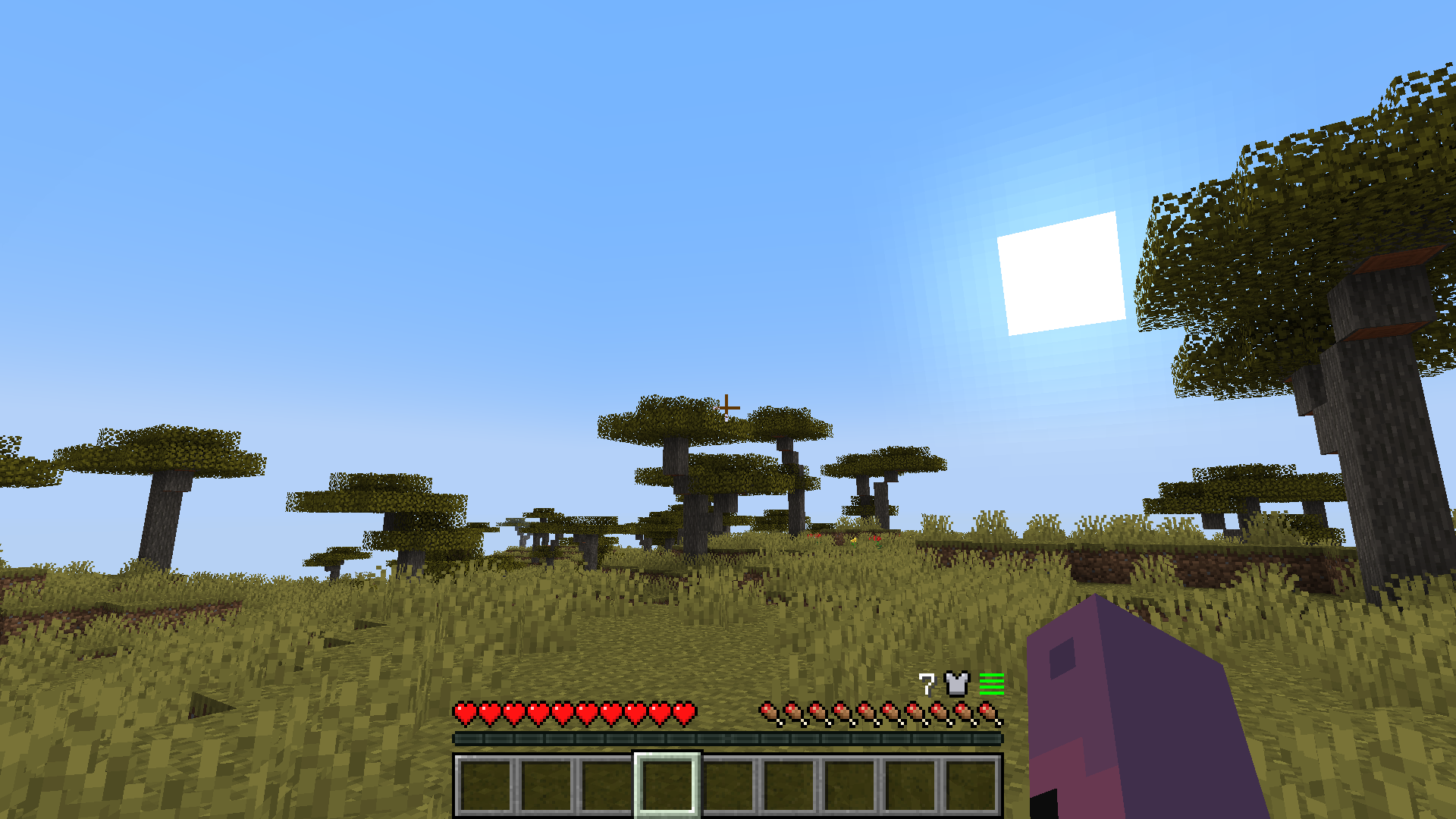
Compact Armor Bar/HUD is a client-side mod that changes the Armor bar to be clear and short. No need for fancy icons or big UI elements.
Features:
- New armor bar display located at the right of the HUD above hunger.
- Total armor points display.
- Durability display for each armor piece.
- Low durability bar blink to make noticing easier.
- Robust UI adaptation for things like GUI size, bubbles and mounts with 2 or more Heart rows.
- Mod support for Better Mount HUD or similar, Immersive Aircraft/Machinery and hopefully any other with mounts that have high HP (E.g. Ice and Fire)
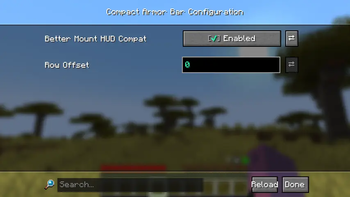
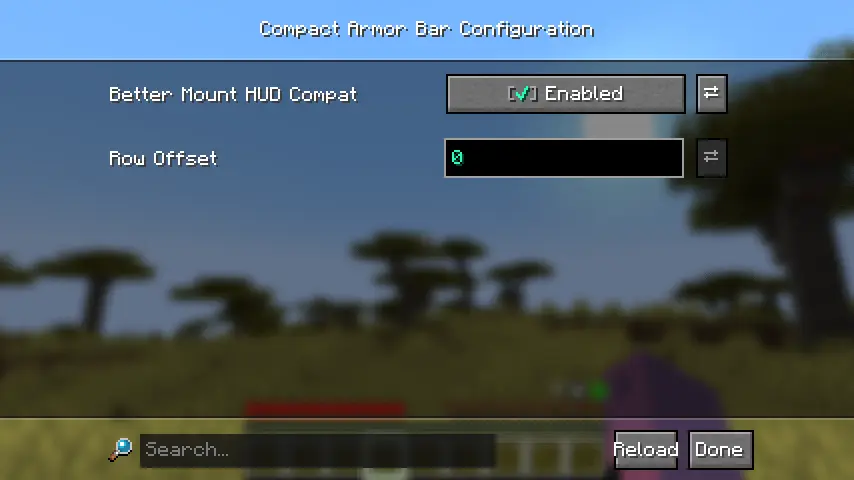
- Configurable row offset for mods that add new rows at the right side of the UI (E.g. thirst mods).
Config Screen (owo-lib)
I hopefully solved most overlap issues... If you find any or have a suggestion, check the GitHub repository.
If there's enough interest, I can try to port it to NeoForge and more Minecraft versions.
Have fun.
Available Versions
How to Install Compact Armor Bar/HUD on Your Server
Order Server
Order a Minecraft Java server with at least 3 GB RAM (4 GB recommended).
Set fabric Loader
In the panel under "Egg", select the fabric loader and matching Minecraft version (1.21.1).
Install Mod
Open the mod browser in the dashboard and search for "Compact Armor Bar/HUD". Click "Install" – done! Alternatively, upload the .jar via SFTP to the /mods folder.
Compatibility
Mod Loaders
Minecraft Versions
1.21.1, 1.20.1
Server-side
✗ UnsupportedRecommended RAM
4 GB(min. 3 GB)Frequently Asked Questions
Compact Armor Bar/HUD server crashes on startup – what to do?
Most common cause: wrong fabric version or insufficient RAM. Check the server log (latest.log) for "OutOfMemoryError" or "Mixin" errors. With Mado Hosting: ensure at least 3 GB RAM is allocated and the loader matches the mod version (1.21.1). You can switch loaders with one click in the panel.
Is Compact Armor Bar/HUD compatible with fabric?
Compact Armor Bar/HUD officially supports fabric for Minecraft 1.21.1, 1.20.1. The Mado dashboard automatically detects incompatible loader combinations.
Server lagging with Compact Armor Bar/HUD – how to optimize performance?
Recommended RAM: 4 GB (per 8 players). Use /spark profiler to check if Compact Armor Bar/HUD consumes the most tick time. Common fixes: reduce server view-distance to 8-10, install "performant" or "starlight" as supplementary mods on Forge. With Mado Hosting, your server runs on NVMe SSDs with dedicated CPU cores for minimal latency.
Similar Mods






Rent Modded Server
Install Compact Armor Bar/HUD with just one click on your server.