
Compressed Box
Create Compressed Boxes to gain space in your base
About this Mod







Welcome to Compressed Box.
This mod adds Compressed boxes
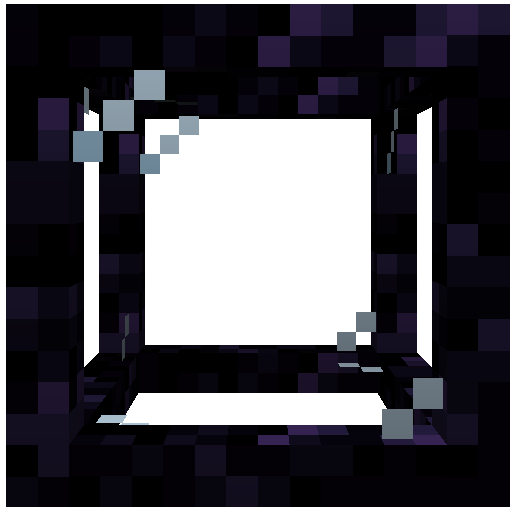
These boxes helps you to optimise your base by creating spaces where you can build everything you want.
The mod was inspired by the mods Compact Machines and Hyperbox

Chunk Loaders
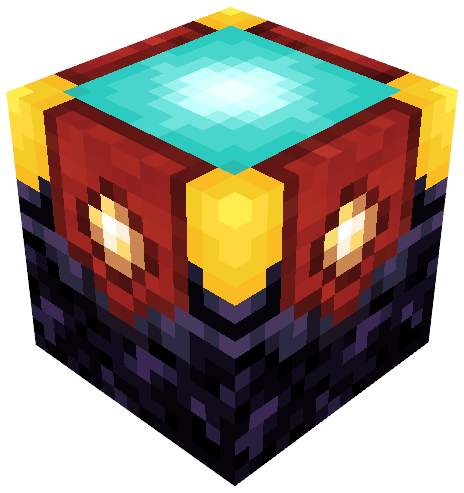
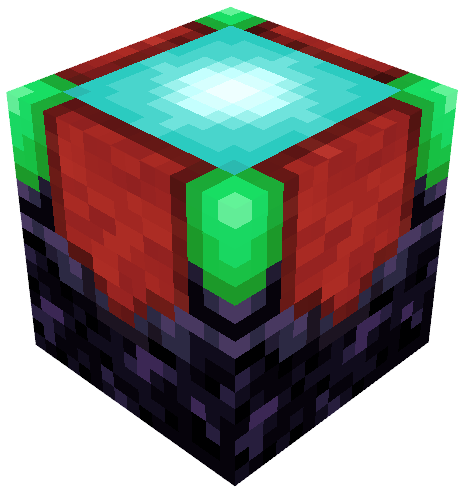
The chunk loader is used to keep things loaded in your whole box.
It need to be charged with glowstone in order to work correctly.
Its variant, the infinite chunk loader don't need to be charged with glowstone.
It will always load your box.
To create it, just use a regular chunk loader on a beacon.
Slots

The slot is used to store items inside of you box.
You can insert items to it directly with hopper and pipes.
The block linked to your box can also be used as an interface for all the slots in it.
It means that if try to insert items from the box block, it will automatically store them into the slots inside the box.
Tanks
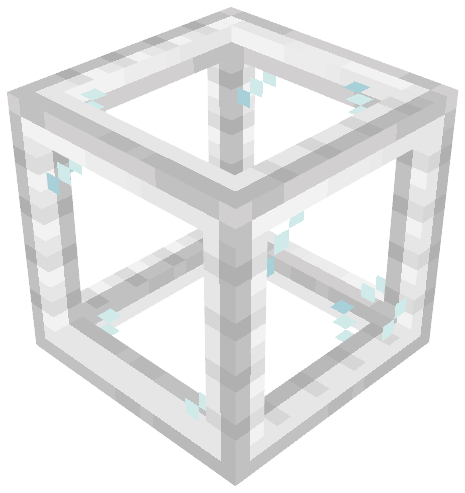
The tank is a slot but for fluids.
You can insert fluids to it directly with pipes or by right clicking it with buckets.
Like slots, the block linked to your box can also be used as an interface for all the tanks in it.
It means that if try to insert fluids from the box block, it will automatically store them into the tanks inside the box.
The Action Bar

The action bar is a feature that can be activated in the box .
It can be shown by pressed the associated keybind (default : Left Alt).
To activate an action from the bar just use the 'Place Block' keybind (default : Right Click)
The different actions from the bar are respectively :
- Set Entry Point
- Rename Box
- Leave Box
- Export Box as Schematic
- Configure Client Settings
- Help with the mod

You can use the mod on your modpack , but you can't repost the mod on an another website !
Curseforge and Modrinth are the only websites where the mod was posted
Available Versions
How to Install Compressed Box on Your Server
Order Server
Order a Minecraft Java server with at least 4 GB RAM (6 GB recommended).
Set fabric Loader
In the panel under "Egg", select the fabric loader and matching Minecraft version (1.21.1).
Install Mod
Open the mod browser in the dashboard and search for "Compressed Box". Click "Install" – done! Alternatively, upload the .jar via SFTP to the /mods folder.
Compatibility
Mod Loaders
Minecraft Versions
1.21.1, 1.20.1
Server-side
✓ RequiredRecommended RAM
6 GB(min. 4 GB)Frequently Asked Questions
Compressed Box server crashes on startup – what to do?
Most common cause: wrong fabric version or insufficient RAM. Check the server log (latest.log) for "OutOfMemoryError" or "Mixin" errors. With Mado Hosting: ensure at least 4 GB RAM is allocated and the loader matches the mod version (1.21.1). You can switch loaders with one click in the panel.
Is Compressed Box compatible with fabric and forge and neoforge?
Compressed Box officially supports fabric, forge, neoforge for Minecraft 1.21.1, 1.20.1. Note: Forge and Fabric mods are NOT cross-compatible – pick one loader and stick with it. The Mado dashboard automatically detects incompatible loader combinations.
Server lagging with Compressed Box – how to optimize performance?
Recommended RAM: 6 GB (per 5 players). Use /spark profiler to check if Compressed Box consumes the most tick time. Common fixes: reduce server view-distance to 8-10, install "performant" or "starlight" as supplementary mods on Forge. With Mado Hosting, your server runs on NVMe SSDs with dedicated CPU cores for minimal latency.
Similar Mods


Rent Modded Server
Install Compressed Box with just one click on your server.