
confispawn
The ultimate configure panel for your spawners!
Screenshots
About this Mod
👍 My other projects:
Also Check Out my other projects at theblackswitch.com!

📝Pack Explanation:
Welcome To Confispawn!
Confispawn is a datapack which allows you to configure your spawner!!
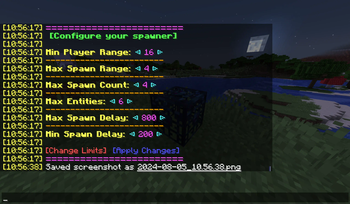
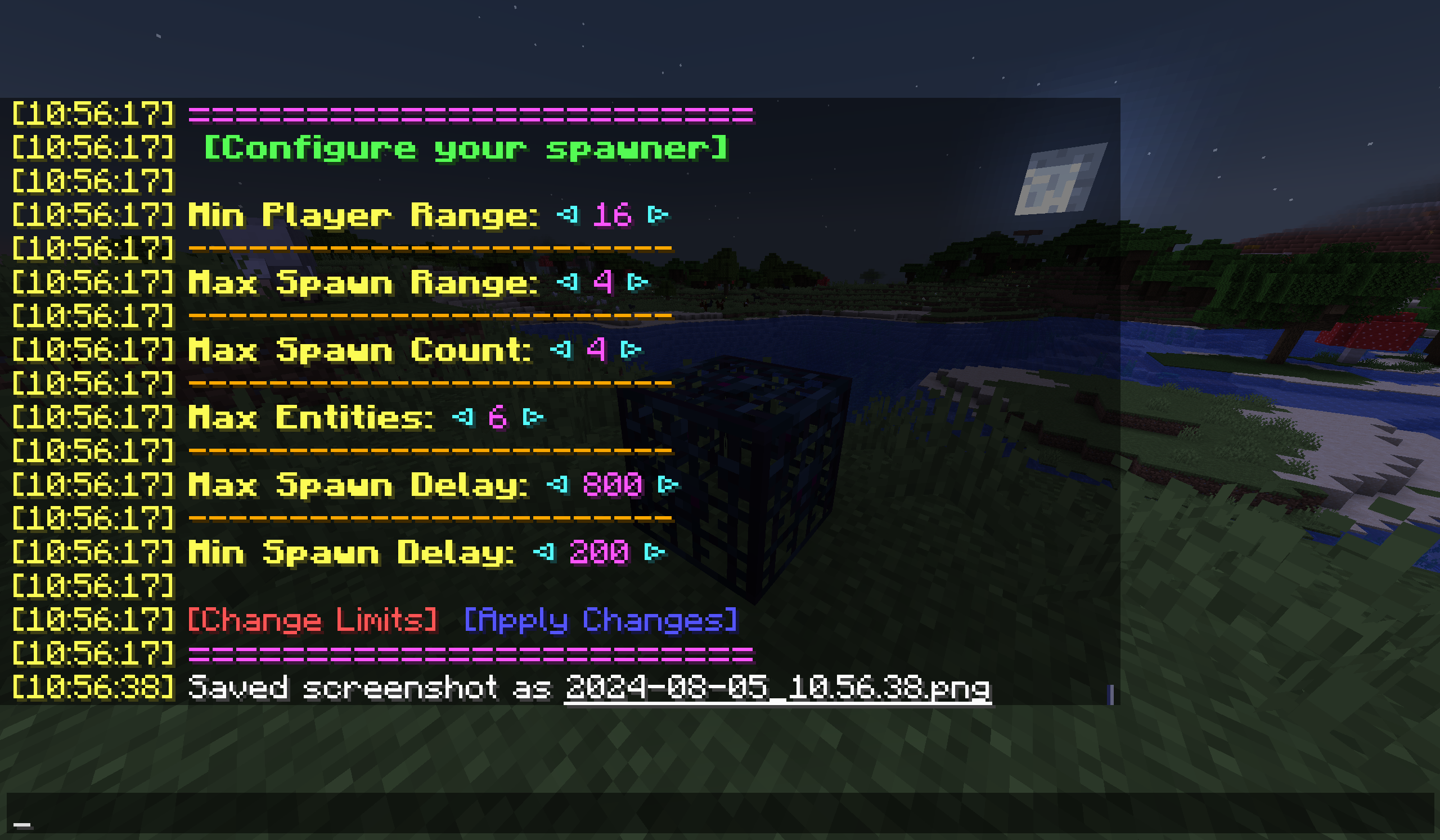
Just Type /trigger confispawn while looking at a spawner and bam, You now have acces to all configs vanilla minecraft offers from entity spawn range to max spawn count, literaly everything!
This allows you to change:
- The distance a player needs to be from the spawner in order to activate it
- The max distance entities can spawn from the spawner
- The max amount of entities that can spawn a once
- The max amount of entities that can be present at once
- The max delay between spawns
- The min delay between spawns
But ofcorse you cannot just increase the spawn count to 5-million because that would just crash your world, So the operator can change the limits of every setting!
This pack also works in survival. When uninstalling the pack, all modified spawners keep their settings.
The Config Menu:
I hope you like my pack and happy Configurating!
📜License:
Confispawn © 2025 by theblackswitch is licensed under CC-BY-NC-SA
An exception is made for video content, which can be monetized. However, video creators must give appropriate credit by leaving a link to this page in the video
Additional condition: The content of this work, as a whole or in parts, may not be used for training, fine-tuning, or enhancement of artificial intelligence systems, machine learning models or similar technologies. This includes for commercial, non-commercial, educational, research, or personal projects.
Available Versions
How to Install confispawn on Your Server
Order Server
Order a Minecraft Java server with at least 3 GB RAM (4 GB recommended).
Set datapack Loader
In the panel under "Egg", select the datapack loader and matching Minecraft version (1.21.11).
Install Mod
Open the mod browser in the dashboard and search for "confispawn". Click "Install" – done! Alternatively, upload the .jar via SFTP to the /mods folder.
Compatibility
Mod Loaders
Minecraft Versions
1.21.11, 1.21.10, 1.21.9 (+39 more)
Server-side
✓ RequiredRecommended RAM
4 GB(min. 3 GB)Frequently Asked Questions
confispawn server crashes on startup – what to do?
Most common cause: wrong datapack version or insufficient RAM. Check the server log (latest.log) for "OutOfMemoryError" or "Mixin" errors. With Mado Hosting: ensure at least 3 GB RAM is allocated and the loader matches the mod version (1.21.11). You can switch loaders with one click in the panel.
Is confispawn compatible with datapack and fabric and forge and neoforge and quilt?
confispawn officially supports datapack, fabric, forge, neoforge, quilt for Minecraft 1.21.11, 1.21.10, 1.21.9. Note: Forge and Fabric mods are NOT cross-compatible – pick one loader and stick with it. The Mado dashboard automatically detects incompatible loader combinations.
Server lagging with confispawn – how to optimize performance?
Recommended RAM: 4 GB (per 8 players). Use /spark profiler to check if confispawn consumes the most tick time. Common fixes: reduce server view-distance to 8-10, install "performant" or "starlight" as supplementary mods on Forge. With Mado Hosting, your server runs on NVMe SSDs with dedicated CPU cores for minimal latency.
Similar Mods






Rent Modded Server
Install confispawn with just one click on your server.
Details
- License
- Creative Commons Attribution Non Commercial Share Alike 4.0 International
- Server-side
- Required