
Copper Kit
A simple mod to add more stuffs to do with copper
Screenshots
About this Mod
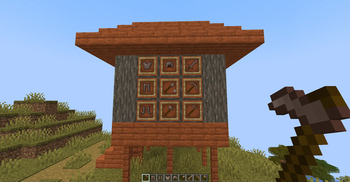
The Copper Tools & Armor Mod expands the early-game Minecraft experience by introducing a comprehensive set of copper-based tools and armor. This mod addresses the often underutilized resource of copper, giving it a practical and appealing purpose beyond decorative blocks and lightning rods.
This mod adds:
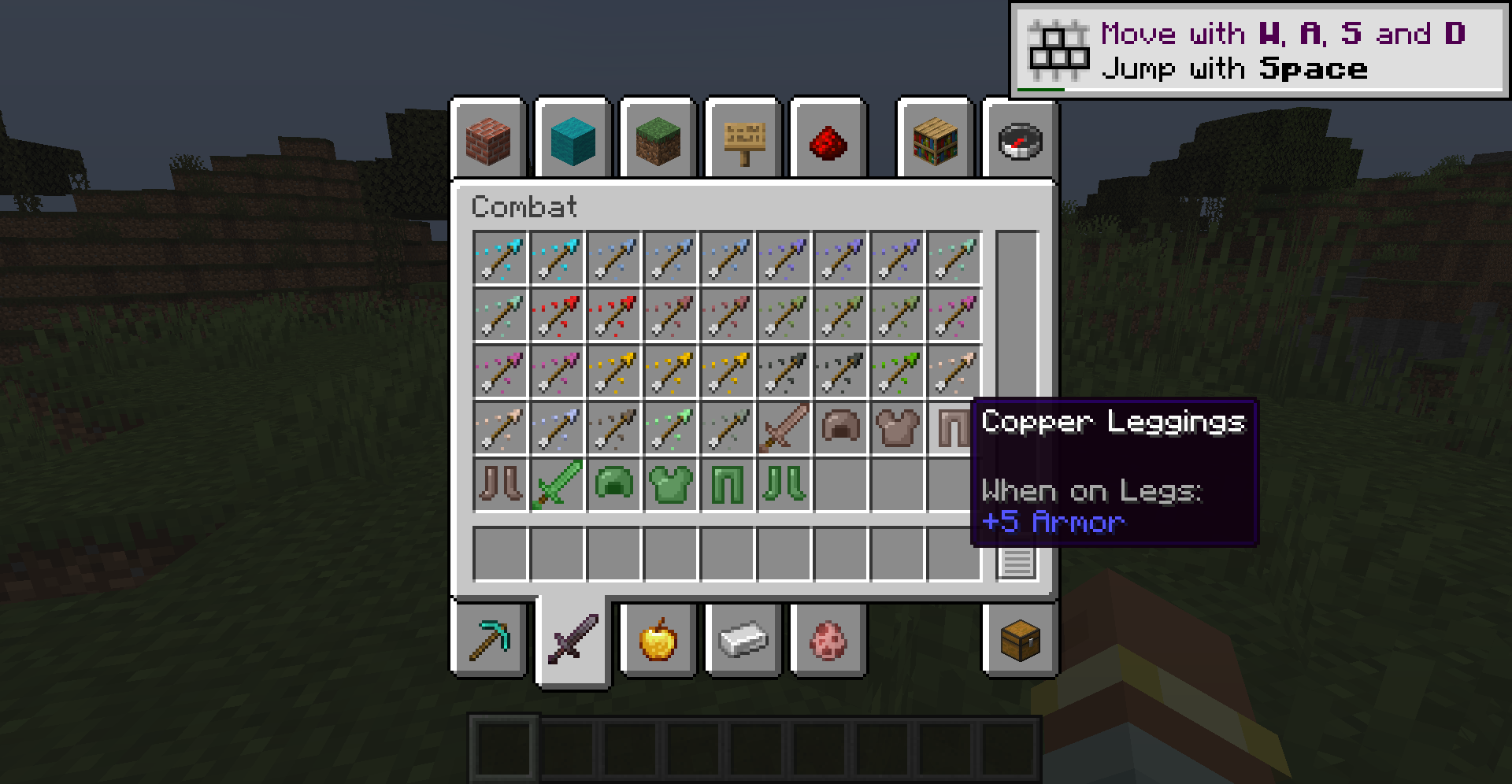
Copper Tools: A full set of tools, including a sword, pickaxe, axe, shovel, and hoe, all crafted from copper ingots. These tools offer a tier between wood and stone, providing a smoother progression in the early game. Copper tools are slightly more durable than wooden tools and offer faster mining speeds, bridging the gap before stone tools are readily available.
Copper Armor: A complete set of copper armor, consisting of a helmet, chestplate, leggings, and boots. This armor provides a decent level of protection, again fitting between leather and iron armor. It offers a stylish, reddish-brown alternative to other early-game armor options.
This mod fills a noticeable gap in the early game, providing players with a useful stepping stone between wood and stone/iron, also it gives copper a valuable purpose, making it more than just a decorative resource.
The copper armor provides a distinct visual style, offering a refreshing change from the standard early-game options, and is designed to be lightweight and compatible with most other mods, ensuring a smooth and enjoyable gameplay experience.
Available Versions
How to Install Copper Kit on Your Server
Order Server
Order a Minecraft Java server with at least 3 GB RAM (4 GB recommended).
Set neoforge Loader
In the panel under "Egg", select the neoforge loader and matching Minecraft version (1.21.8).
Install Mod
Open the mod browser in the dashboard and search for "Copper Kit". Click "Install" – done! Alternatively, upload the .jar via SFTP to the /mods folder.
Compatibility
Mod Loaders
Minecraft Versions
1.21.8, 1.21.4, 1.21.1
Server-side
✓ RequiredRecommended RAM
4 GB(min. 3 GB)Frequently Asked Questions
Copper Kit server crashes on startup – what to do?
Most common cause: wrong neoforge version or insufficient RAM. Check the server log (latest.log) for "OutOfMemoryError" or "Mixin" errors. With Mado Hosting: ensure at least 3 GB RAM is allocated and the loader matches the mod version (1.21.8). You can switch loaders with one click in the panel.
Is Copper Kit compatible with neoforge?
Copper Kit officially supports neoforge for Minecraft 1.21.8, 1.21.4, 1.21.1. The Mado dashboard automatically detects incompatible loader combinations.
Server lagging with Copper Kit – how to optimize performance?
Recommended RAM: 4 GB (per 8 players). Use /spark profiler to check if Copper Kit consumes the most tick time. Common fixes: reduce server view-distance to 8-10, install "performant" or "starlight" as supplementary mods on Forge. With Mado Hosting, your server runs on NVMe SSDs with dedicated CPU cores for minimal latency.
Similar Mods




Rent Modded Server
Install Copper Kit with just one click on your server.