
Copper Golem for Fabric
Fabric mod to add Copper Golems. Functionality is experimental and is based on what Mojang announced at Minecraft Live 2021
About this Mod
Fabric 1.18 mod to add the Copper Golem! Because they are so cute!
If you're running 1.17 you can find the older downloads still available.
Requires at least fabric-api-0.43.1
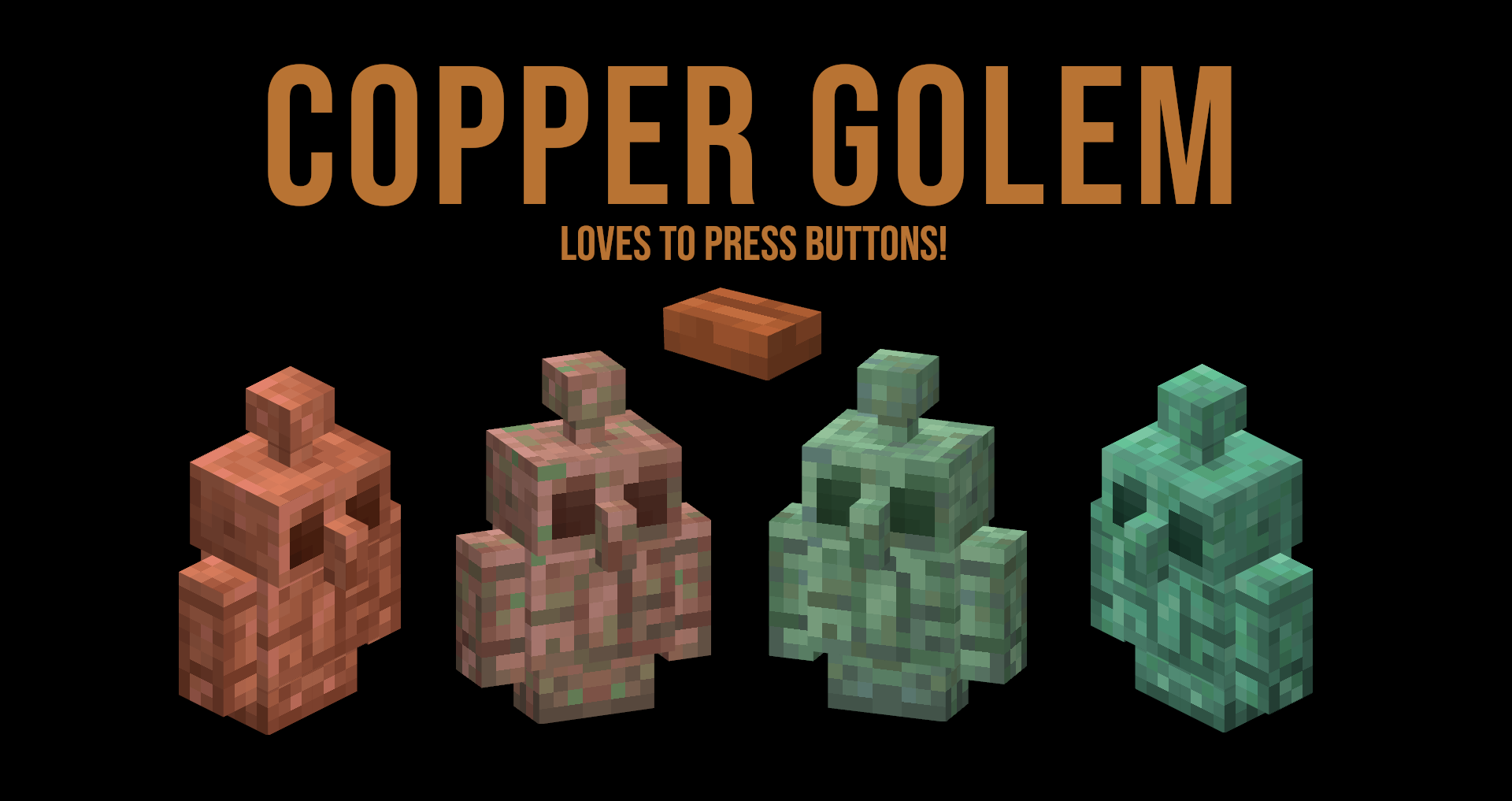
Functionality is experimental and is based on what Mojang announced at Minecraft Live 2021.
You can spawn in the golem with a bottom copper block, middle carved pumpkin block and top lightning rod! Or if in creative use the spawn egg.
The Copper Golem will target all types of buttons and press them randomly.
Oxidisation is done on a random tick basis. You can wax the Copper Golem to stop them from oxidising, and use an any axe to remove the wax or decrease the oxidisation state.
Similar to Iron Golems the Copper Golems will wander about, look about and look at players. Additionally will look at its big brother the Iron Golems.
Also includes the Copper Buttons! Waxed and unwaxed variations, exposed/weathered/oxidized stages.
Oxidation of the copper buttons is done in the exact same way as copper blocks.
Button power is dependent on the oxidation state and is not affected by being waxed or unwaxed.
Power: Unaffected = 15, Exposed = 12, Weathered = 9 and Oxidized = 6.
Some stuff is not finished, but I would be glad to hear your feedback! Resource pack is included and should be force enabled.
Special thanks to Carloski for the Copper Golem textures!
Available Versions
How to Install Copper Golem for Fabric on Your Server
Order Server
Order a Minecraft Java server with at least 3 GB RAM (4 GB recommended).
Set fabric Loader
In the panel under "Egg", select the fabric loader and matching Minecraft version (1.19).
Install Mod
Open the mod browser in the dashboard and search for "Copper Golem for Fabric". Click "Install" – done! Alternatively, upload the .jar via SFTP to the /mods folder.
Compatibility
Mod Loaders
Minecraft Versions
1.19, 1.18.2, 1.18.1 (+2 more)
Server-side
✓ RequiredRecommended RAM
4 GB(min. 3 GB)Frequently Asked Questions
Copper Golem for Fabric server crashes on startup – what to do?
Most common cause: wrong fabric version or insufficient RAM. Check the server log (latest.log) for "OutOfMemoryError" or "Mixin" errors. With Mado Hosting: ensure at least 3 GB RAM is allocated and the loader matches the mod version (1.19). You can switch loaders with one click in the panel.
Is Copper Golem for Fabric compatible with fabric?
Copper Golem for Fabric officially supports fabric for Minecraft 1.19, 1.18.2, 1.18.1. The Mado dashboard automatically detects incompatible loader combinations.
Server lagging with Copper Golem for Fabric – how to optimize performance?
Recommended RAM: 4 GB (per 8 players). Use /spark profiler to check if Copper Golem for Fabric consumes the most tick time. Common fixes: reduce server view-distance to 8-10, install "performant" or "starlight" as supplementary mods on Forge. With Mado Hosting, your server runs on NVMe SSDs with dedicated CPU cores for minimal latency.
Similar Mods





Rent Modded Server
Install Copper Golem for Fabric with just one click on your server.