
Copper Networks
A Power system for use by my (and other's) mods that uses copper blocks as wires.
Screenshots


About this Mod
Copper Networks
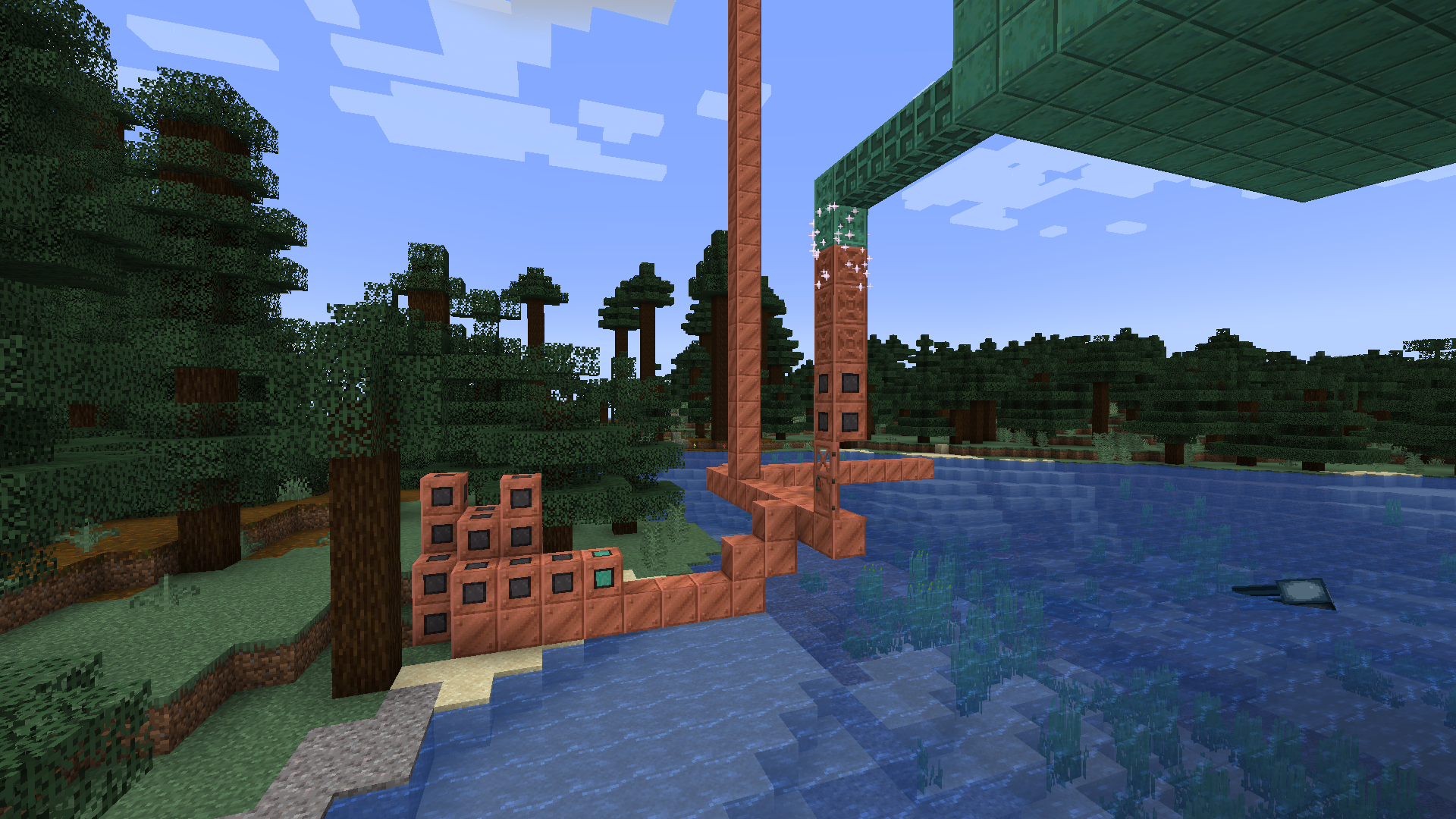
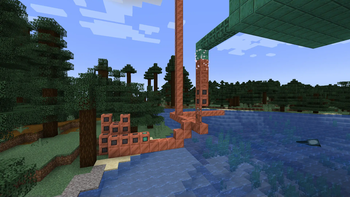
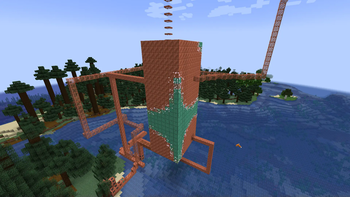
This is primarily a power api for my (and other's) mods to be built on top of. It adds a block known as the copper networker that turns any copper blocks that are connected (including all copper variants and things like copper doors but not anything waxed) into a network through which power can be transported. Placing another copper networker on the same network turns it into a storage, storages extend the capacity of a network (0 by default) by 5000 each time. The networker can be crafted with 8 copper blocks surrounding 1 redstone dust and the Network Storage can be crafted with 8 copper ingots surrounding an iron ingot. (Use JEI for recipes, screenshots in gallery.)
This mod was only recently finished and will likely require future optimisations and language translations outside of English. Contributions on the Github would be greatly appreciated.
Inspired by What Could Minecraft Copper Do? by SimplySarc.
Please visit the wiki for more information especially if you are considering developing a mod using this power system.
Thank you to those within the Fabric Modding Discord who dealt with my often rambling and poorly phrased questions. Also thank you to ItsMinceraft for taking my rambling and unorganised notes of mod ideas and turning them into a Miro board that is actually readable.
Available Versions
How to Install Copper Networks on Your Server
Order Server
Order a Minecraft Java server with at least 3 GB RAM (4 GB recommended).
Set fabric Loader
In the panel under "Egg", select the fabric loader and matching Minecraft version (1.21.11).
Install Mod
Open the mod browser in the dashboard and search for "Copper Networks". Click "Install" – done! Alternatively, upload the .jar via SFTP to the /mods folder.
Compatibility
Mod Loaders
Minecraft Versions
1.21.11, 1.21.10, 1.21.9 (+9 more)
Server-side
✓ RequiredRecommended RAM
4 GB(min. 3 GB)Frequently Asked Questions
Copper Networks server crashes on startup – what to do?
Most common cause: wrong fabric version or insufficient RAM. Check the server log (latest.log) for "OutOfMemoryError" or "Mixin" errors. With Mado Hosting: ensure at least 3 GB RAM is allocated and the loader matches the mod version (1.21.11). You can switch loaders with one click in the panel.
Is Copper Networks compatible with fabric?
Copper Networks officially supports fabric for Minecraft 1.21.11, 1.21.10, 1.21.9. The Mado dashboard automatically detects incompatible loader combinations.
Server lagging with Copper Networks – how to optimize performance?
Recommended RAM: 4 GB (per 8 players). Use /spark profiler to check if Copper Networks consumes the most tick time. Common fixes: reduce server view-distance to 8-10, install "performant" or "starlight" as supplementary mods on Forge. With Mado Hosting, your server runs on NVMe SSDs with dedicated CPU cores for minimal latency.
Similar Mods



Rent Modded Server
Install Copper Networks with just one click on your server.