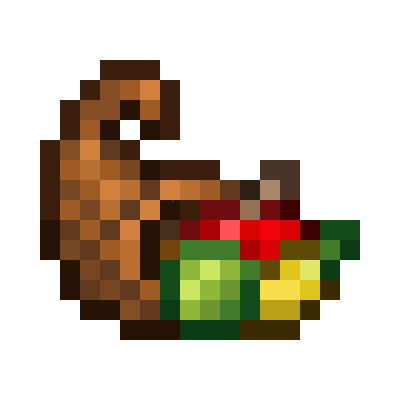
Pizza573's Cornucopia
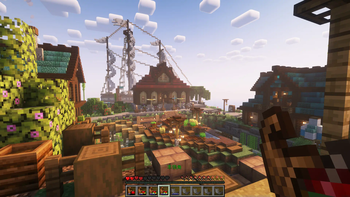
Using Cornucopia to store food, players can eat food more quickly and easily.
Screenshots
About this Mod
Overview
This mod adds the Cornucopia to the game.
Compatible with the AppleSkin mod starting from version 2.1.1!
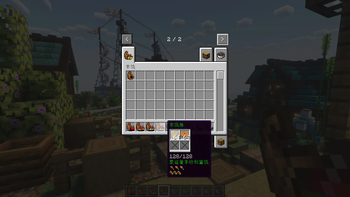
The Cornucopia is a new item for storing food, allowing players quick and convenient access to their food resources.
How to Obtain the Cornucopia
First-time Eating Reward: The first time you eat, you will be rewarded with a Goat Horn.
Goat Horn Conversion: By right-clicking with a Goat Horn filled with food, it can be converted into a Cornucopia.
Hotkeys
- Shift + Q: Drop all food from the Cornucopia.
Enchantments
- Capacity II: Increases the Cornucopia's capacity by 128. (Each level adds 64)
Mechanics
Prioritizes selecting food that replenishes full hunger.
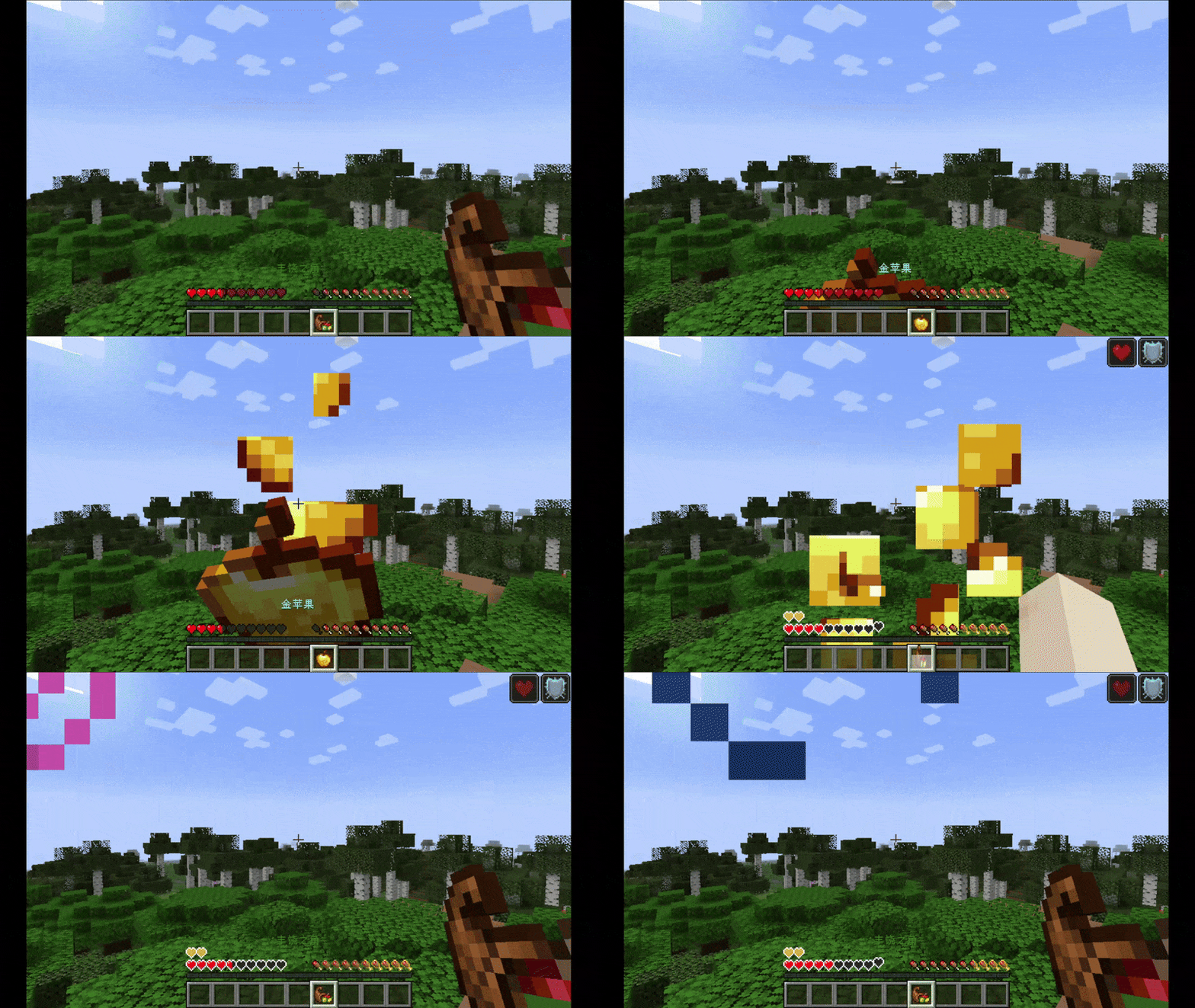
When health is below the set life threshold (default is 10 points), it will prioritize consuming Golden Apples (Enchanted Golden Apples have higher priority).
Slightly reduces eating time.
Eating has a chance to reward three types of apples.
概述
本模组为游戏加入了丰饶之角(Cornucopia)。
从2.1.1版本开始,兼容苹果皮模组!
丰饶之角是一个存储食物的新物品,它允许玩家快捷并方便地访问其中的食物资源。
获取丰饶之角的方法
首次进食奖励:首次进食会奖励一个山羊角。
山羊角转换:通过右键使用装满食物的山羊角,可以将其转换为丰饶角。
快捷键
- Shift + Q:将丰饶角中的所有食物全部丢弃。
附魔
- 容量Ⅱ:增加丰饶之角128容量。(每级增加64)
机制
优先选择补满饥饿值的食物。
当生命值低于设定的生命阈值(默认10点)时,会优先进食金苹果(附魔金苹果优先级更高)。
略微降低进食时间。
进食有概率奖励三种苹果。
Available Versions
How to Install Pizza573's Cornucopia on Your Server
Order Server
Order a Minecraft Java server with at least 3 GB RAM (4 GB recommended).
Set neoforge Loader
In the panel under "Egg", select the neoforge loader and matching Minecraft version (1.21.1).
Install Mod
Open the mod browser in the dashboard and search for "Pizza573's Cornucopia". Click "Install" – done! Alternatively, upload the .jar via SFTP to the /mods folder.
Compatibility
Mod Loaders
Minecraft Versions
1.21.1
Server-side
✓ RequiredRecommended RAM
4 GB(min. 3 GB)Frequently Asked Questions
Pizza573's Cornucopia server crashes on startup – what to do?
Most common cause: wrong neoforge version or insufficient RAM. Check the server log (latest.log) for "OutOfMemoryError" or "Mixin" errors. With Mado Hosting: ensure at least 3 GB RAM is allocated and the loader matches the mod version (1.21.1). You can switch loaders with one click in the panel.
Is Pizza573's Cornucopia compatible with neoforge?
Pizza573's Cornucopia officially supports neoforge for Minecraft 1.21.1. The Mado dashboard automatically detects incompatible loader combinations.
Server lagging with Pizza573's Cornucopia – how to optimize performance?
Recommended RAM: 4 GB (per 8 players). Use /spark profiler to check if Pizza573's Cornucopia consumes the most tick time. Common fixes: reduce server view-distance to 8-10, install "performant" or "starlight" as supplementary mods on Forge. With Mado Hosting, your server runs on NVMe SSDs with dedicated CPU cores for minimal latency.
Similar Mods



Rent Modded Server
Install Pizza573's Cornucopia with just one click on your server.