
Cortex
An overhaul of the 'mine' part of Minecraft without redesigning or adding ores.
Screenshots
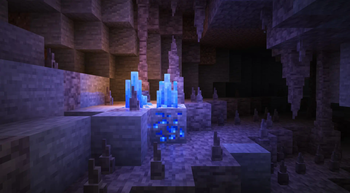
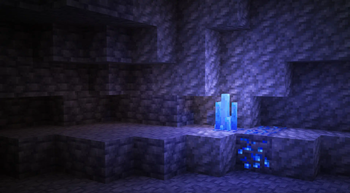
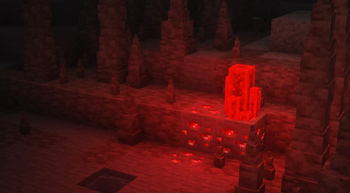
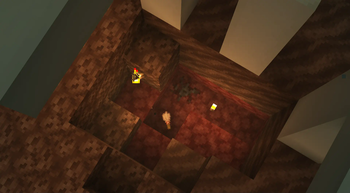
About this Mod
Cortex functions primarily as a cosmetic reconstruction of gemstones, and a overhaul of the Netherite system for a more interesting and engaging gameplay. No additional ores or blocks have been added.
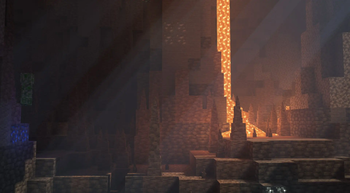
Dripstone is now not ugly (everyone cheered). See gallery.
Gemstones
- Non-metal ores (emeralds, diamonds) have been changed to drop raw material that must be polished (right-clicked) on a grindstone before use.
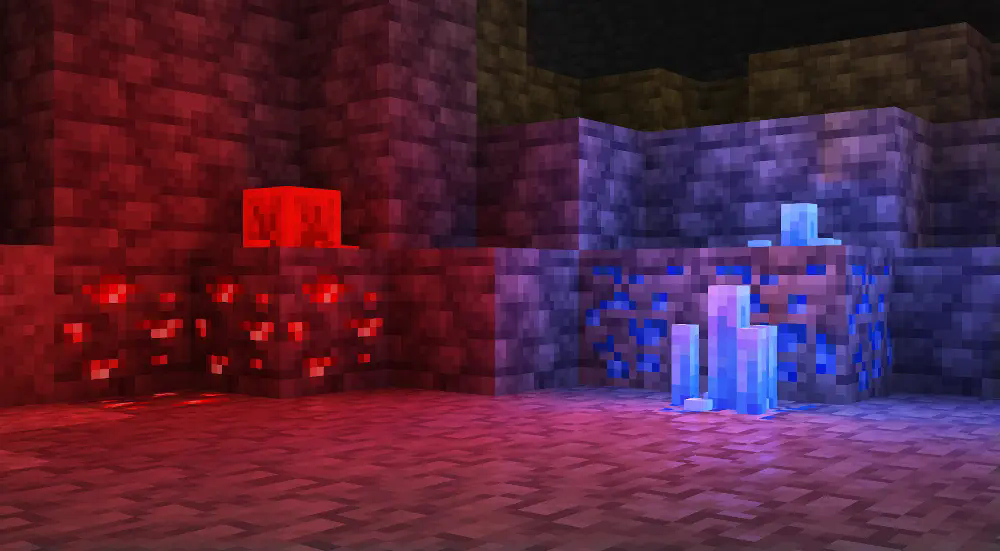
- Redstone and lapis lazuli now also spawn with varied formations on top of them. Their drop counts have been reduced slightly.
- Copper ore spawning has been reduced significantly.
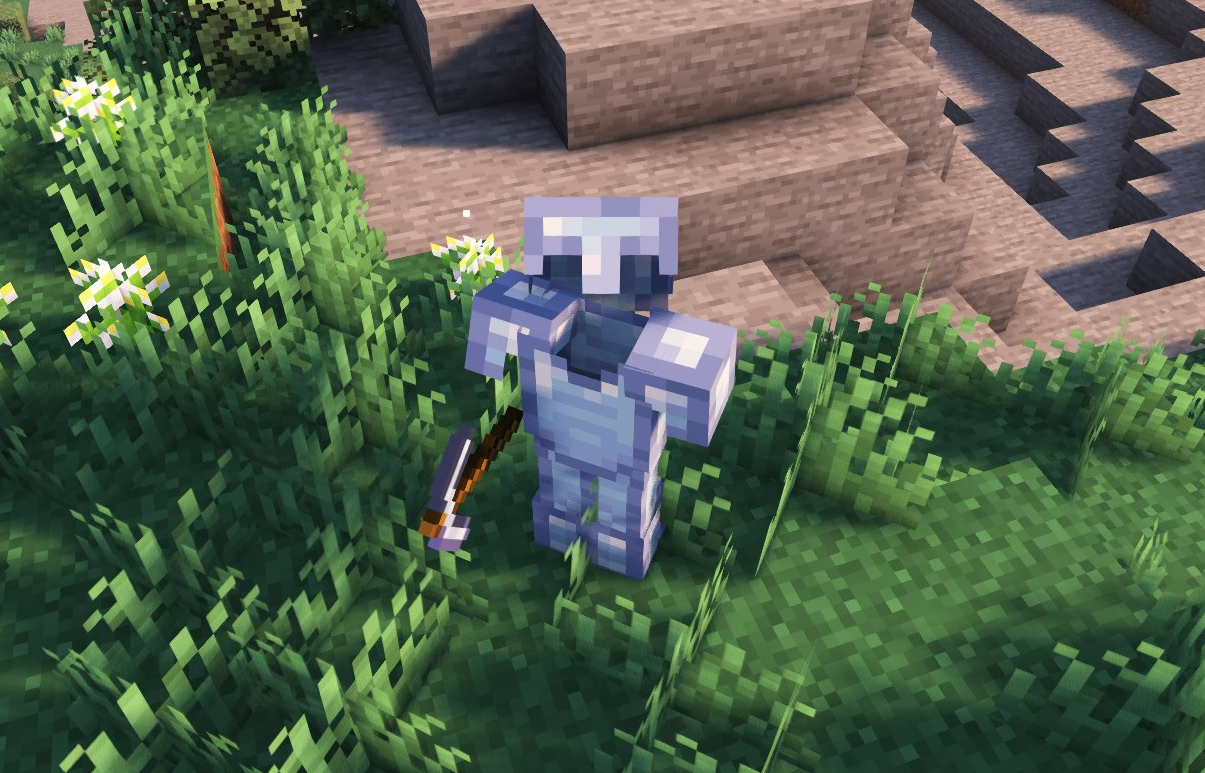
- The appearance of diamond, its tools and armor, has been changed to reflect a "more real" color.
Netherite
Ancient debris is not an ore anymore. Instead it is now a proper deposit under some fossils in soul sand valleys, and ruined portals (only in the Nether).
It operates under the same system as archeology, making "suspicious netherrack" not a mineable block.
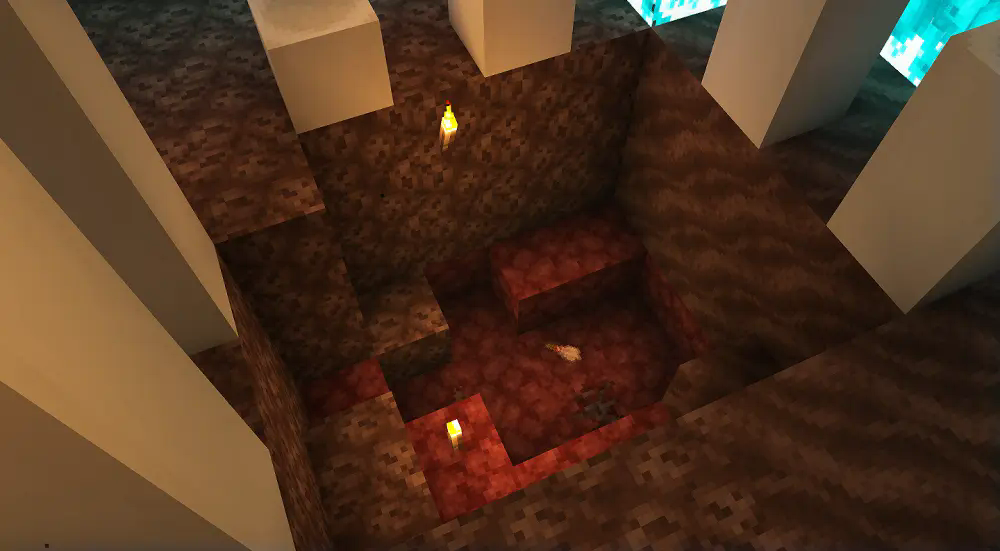
- Suspicious netherrack can drop ancient debris scraps, or eventually a full ancient debris. You can craft ancient debris with 9 scraps.
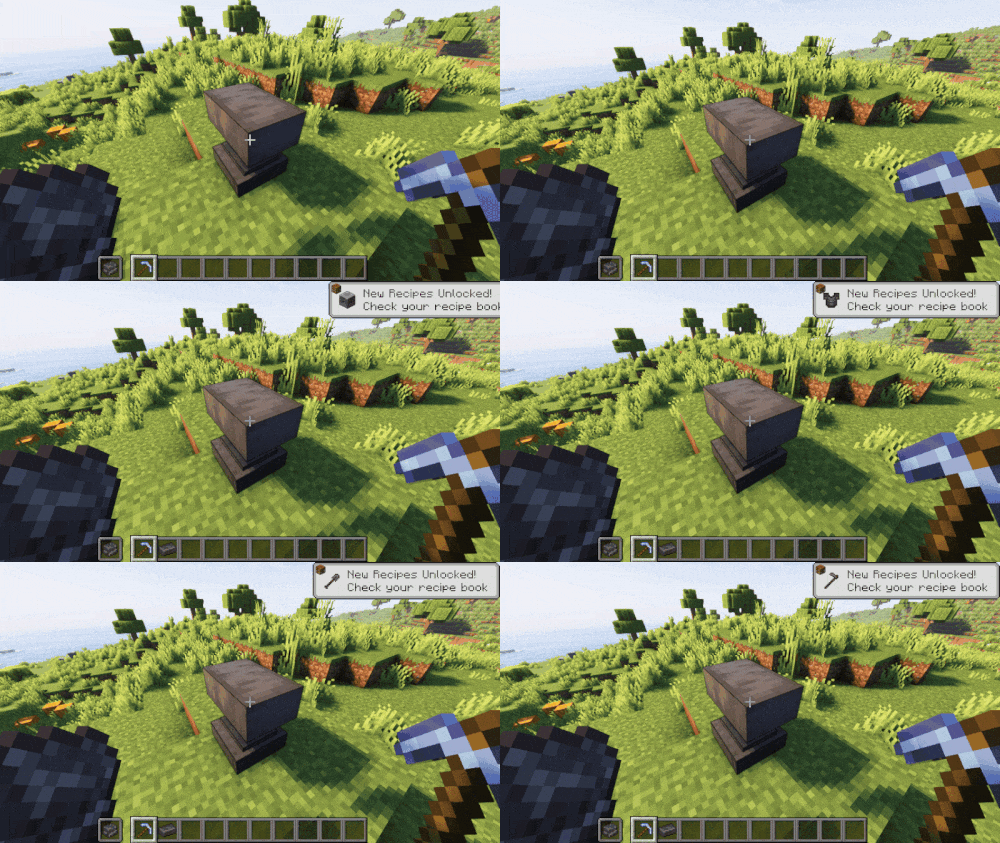
- Ancient debris must then be smelted. Holding the then molten debris on your left hand, and a diamond pickaxe in your right one, right click an anvil to hammer it into a netherite ingot.
- Netherite smithing templates have been disabled. You can apply netherite to a piece at any anvil for the cost of 5 levels.
Available Versions
How to Install Cortex on Your Server
Order Server
Order a Minecraft Java server with at least 3 GB RAM (4 GB recommended).
Set fabric Loader
In the panel under "Egg", select the fabric loader and matching Minecraft version (1.21.3).
Install Mod
Open the mod browser in the dashboard and search for "Cortex". Click "Install" – done! Alternatively, upload the .jar via SFTP to the /mods folder.
Compatibility
Mod Loaders
Minecraft Versions
1.21.3, 1.21.1
Server-side
✓ RequiredRecommended RAM
4 GB(min. 3 GB)Frequently Asked Questions
Cortex server crashes on startup – what to do?
Most common cause: wrong fabric version or insufficient RAM. Check the server log (latest.log) for "OutOfMemoryError" or "Mixin" errors. With Mado Hosting: ensure at least 3 GB RAM is allocated and the loader matches the mod version (1.21.3). You can switch loaders with one click in the panel.
Is Cortex compatible with fabric and quilt?
Cortex officially supports fabric, quilt for Minecraft 1.21.3, 1.21.1. The Mado dashboard automatically detects incompatible loader combinations.
Server lagging with Cortex – how to optimize performance?
Recommended RAM: 4 GB (per 8 players). Use /spark profiler to check if Cortex consumes the most tick time. Common fixes: reduce server view-distance to 8-10, install "performant" or "starlight" as supplementary mods on Forge. With Mado Hosting, your server runs on NVMe SSDs with dedicated CPU cores for minimal latency.
Similar Mods




Rent Modded Server
Install Cortex with just one click on your server.