
CraftLink
A fully in-game, configurable, and simplistic web browser for Minecraft
Screenshots
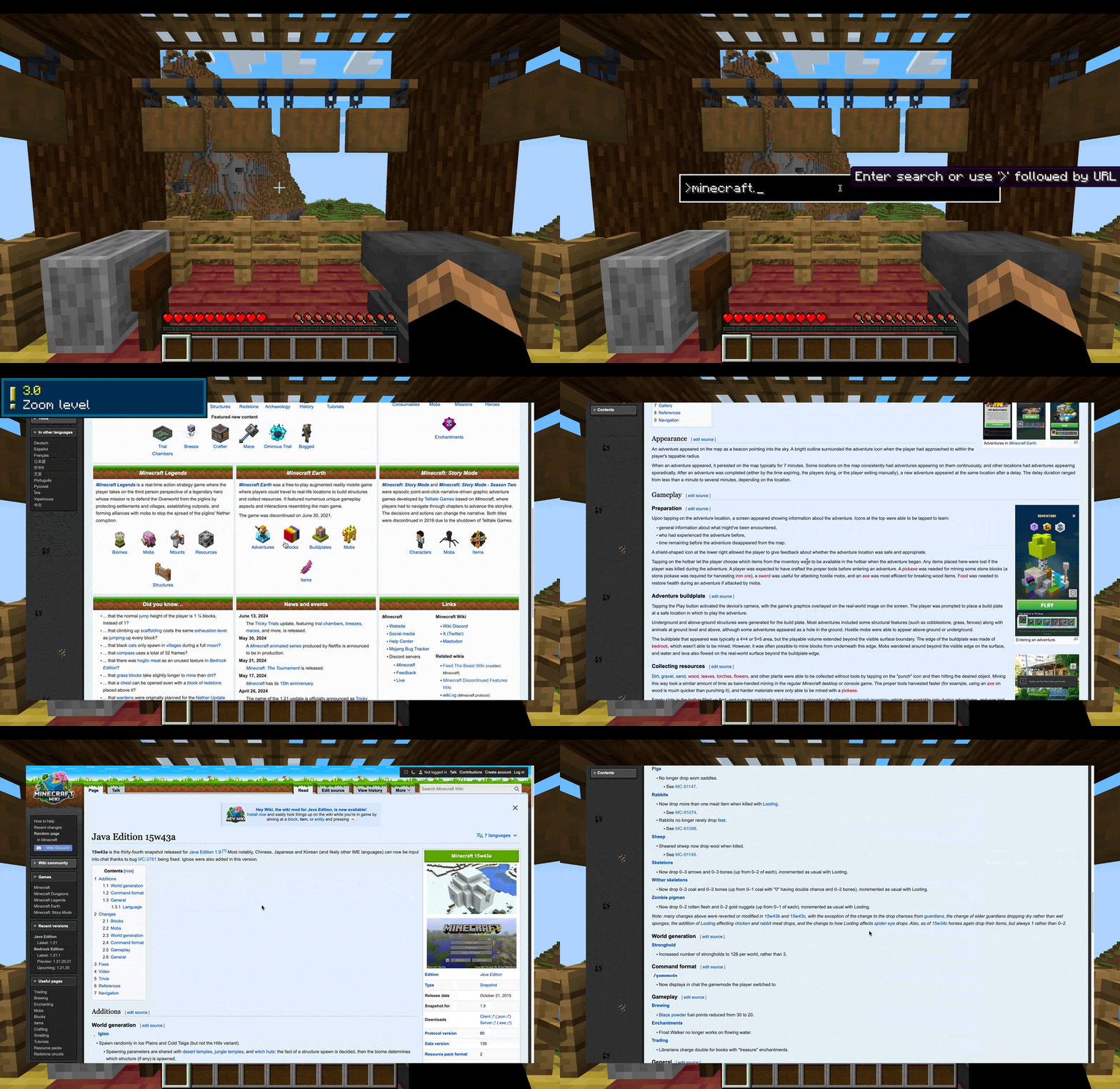
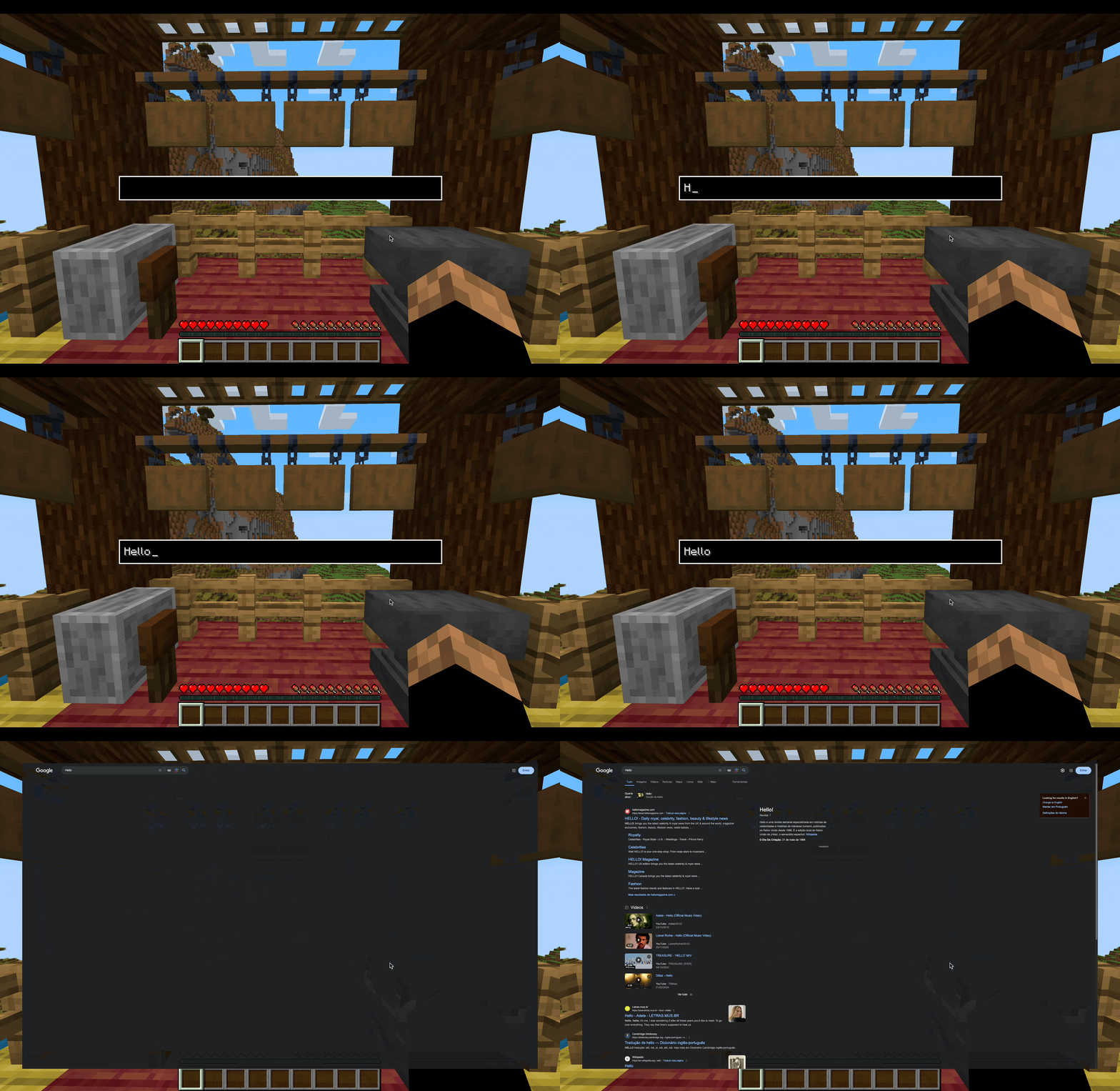
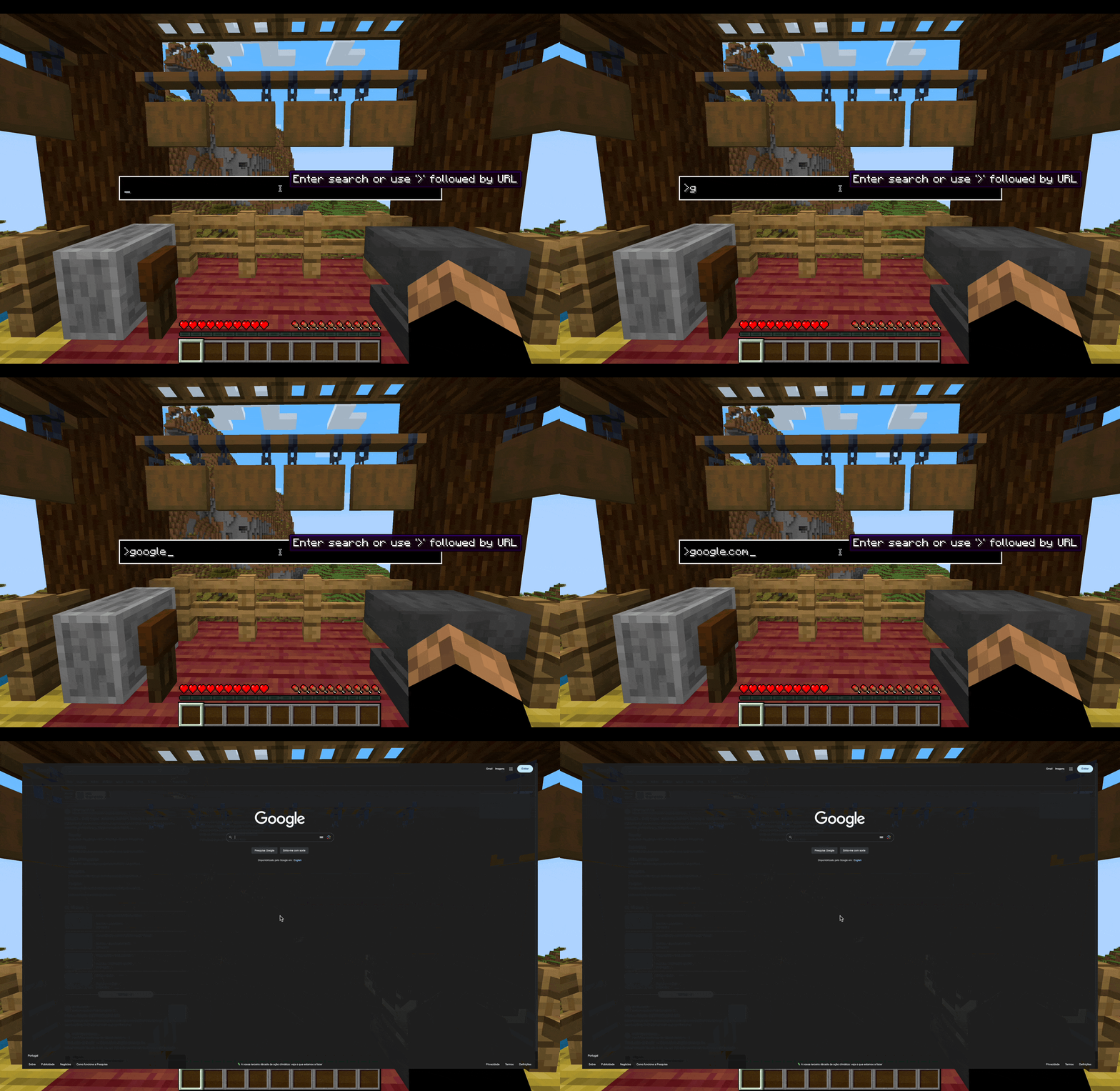
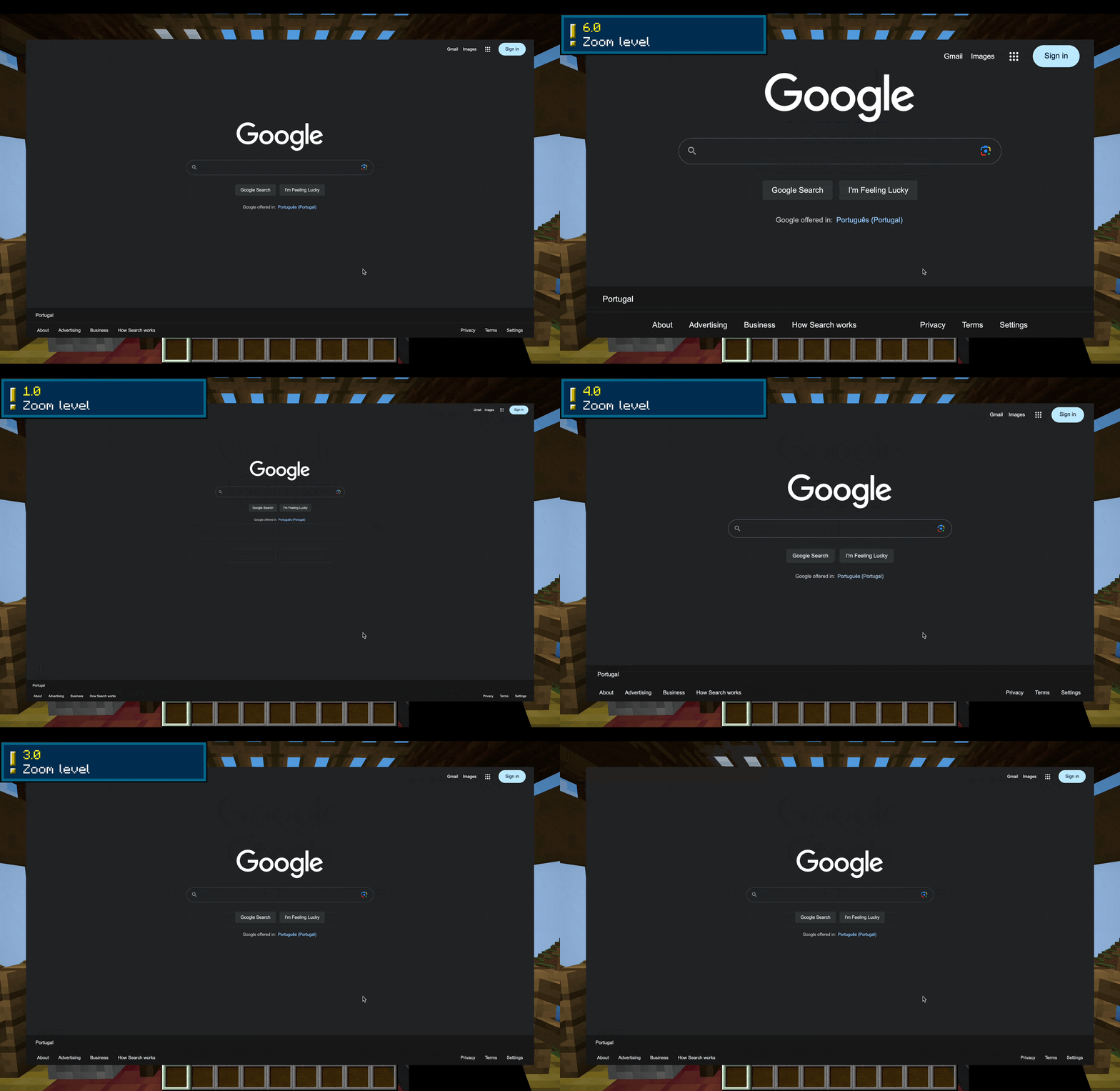
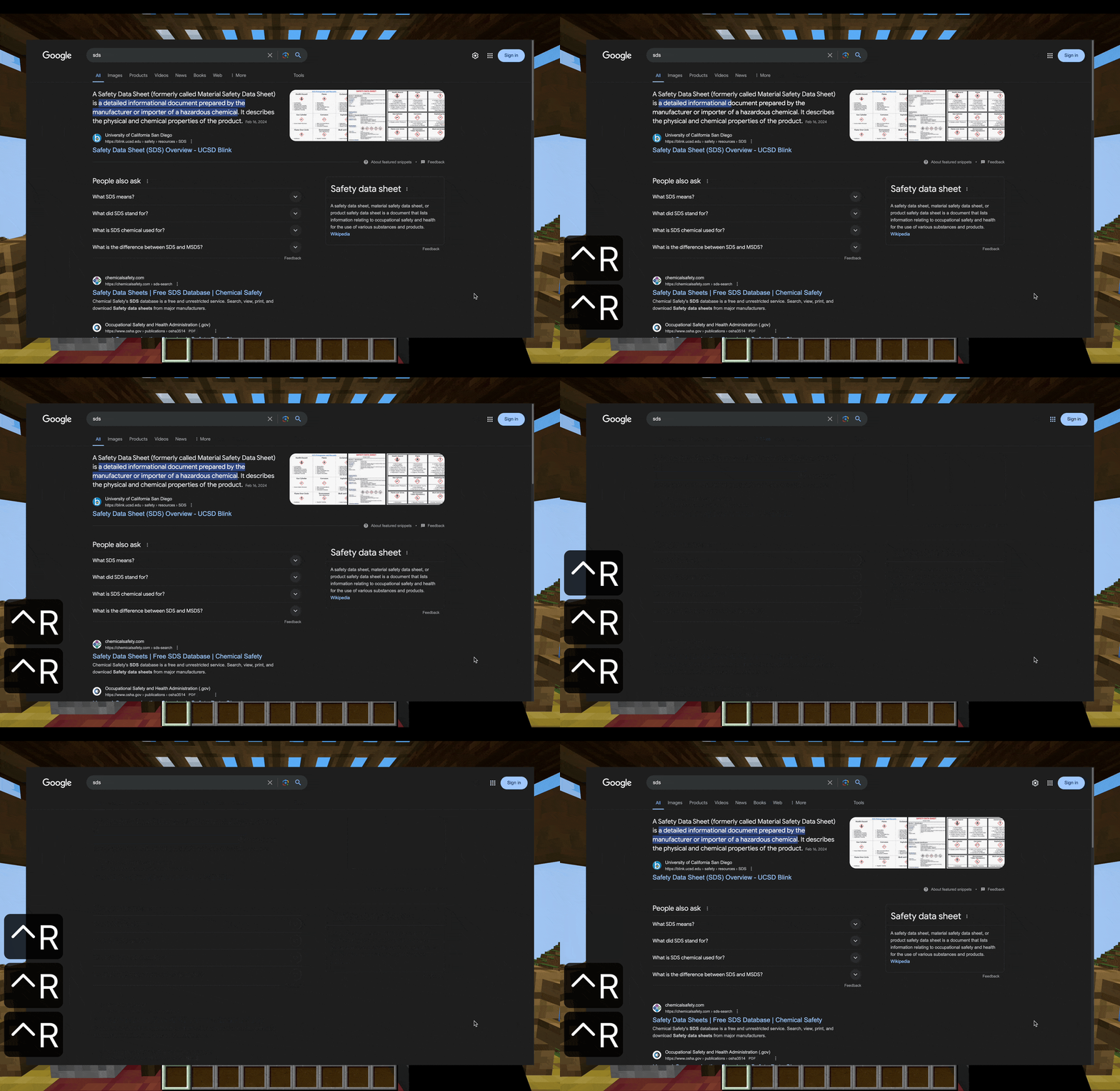
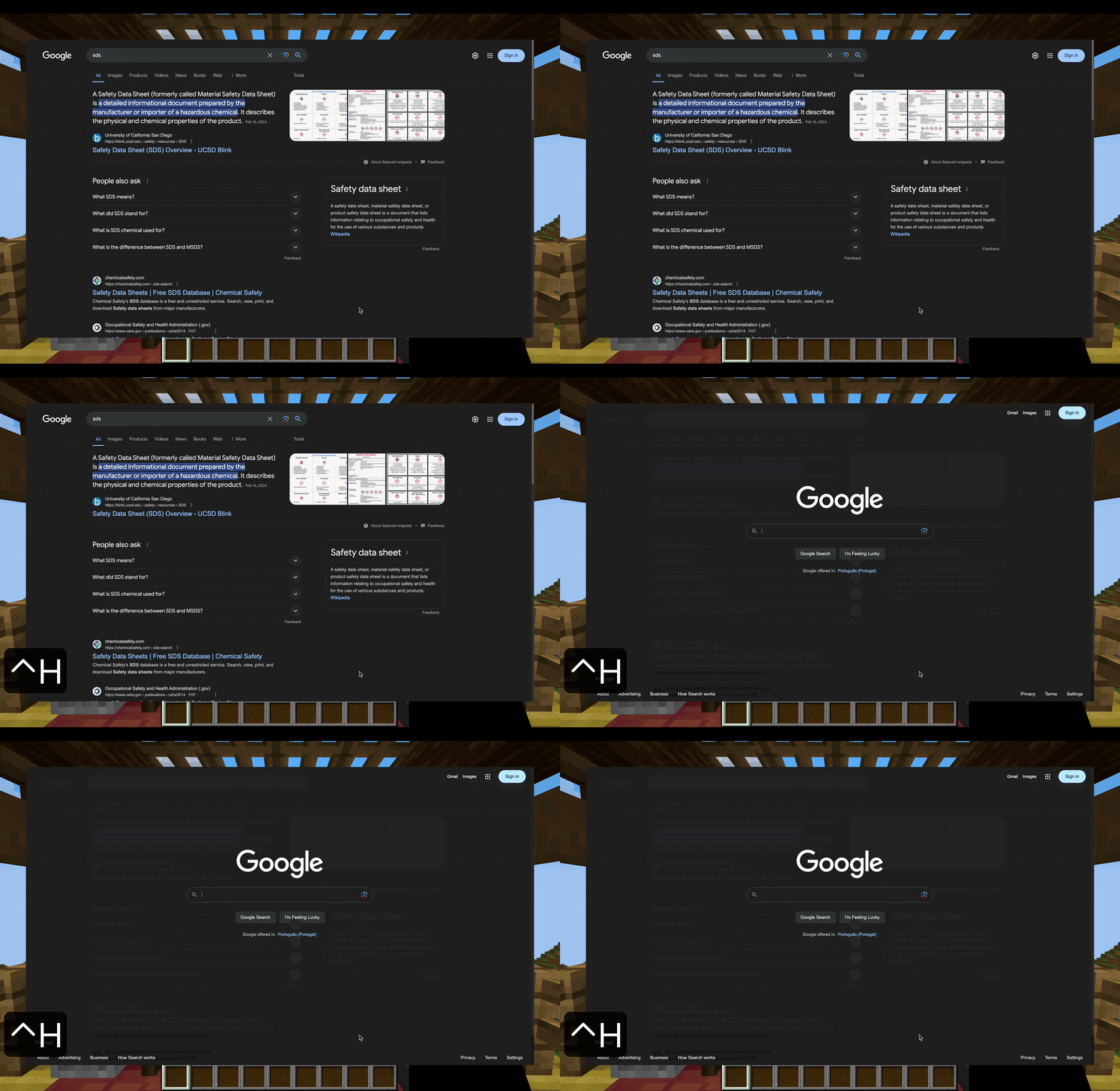
About this Mod
This is my first mod. I hope you like it.

CraftLink is a mod that adds an integrated minimalistic web browser to your game, perfect for doing quick web searches while minecrafting.
Simplicity
Simplicity is the main goal of this mod. It isn't as featureful as a full browser like Google Chrome or Safari, but the mod is meant for the game - the game isn't meant for the mod. CraftLink is a tool, not a gadget.
Efficiency
It won't make you mine faster, but it will make you search faster. The mod includes an easily accessible Search Bar allowing you to quickly search for anything, or directly visit a website. There are intuitive shortcuts for zooming, scaling, and refreshing.
Features
If you wish for a more detailed and/or technical description, visit the wiki.
The Search Bar is a way to quickly search stuff on your preferred search engine. You can access it directly from in-game without entering the browser screen first with the Backspace key. From the browser screen access it with CTRL + Space.
You can also directly enter URLs in the Search Bar to directly visit websites. Just write '>' before your URL. By default, the Search Bar will always search whatever you write on your preferred search engine, even if it's a URL.
Zoom in and out with CTRL + Scroll.
Press CTRL + R to refresh.
CTRL + H will return you to the home page.
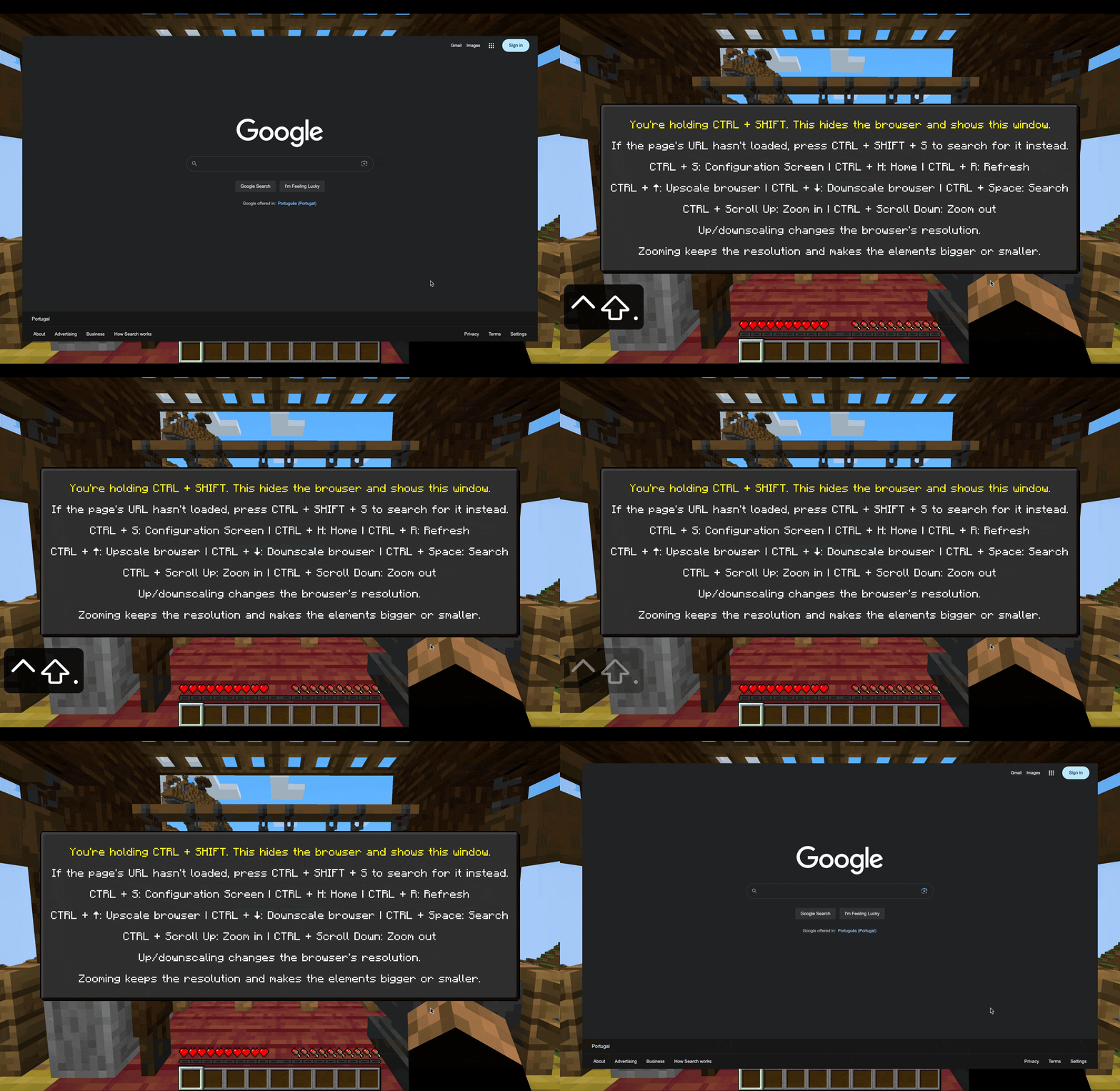
Pressing CTRL + SHIFT will reveal the help window, with all of the shortcuts.
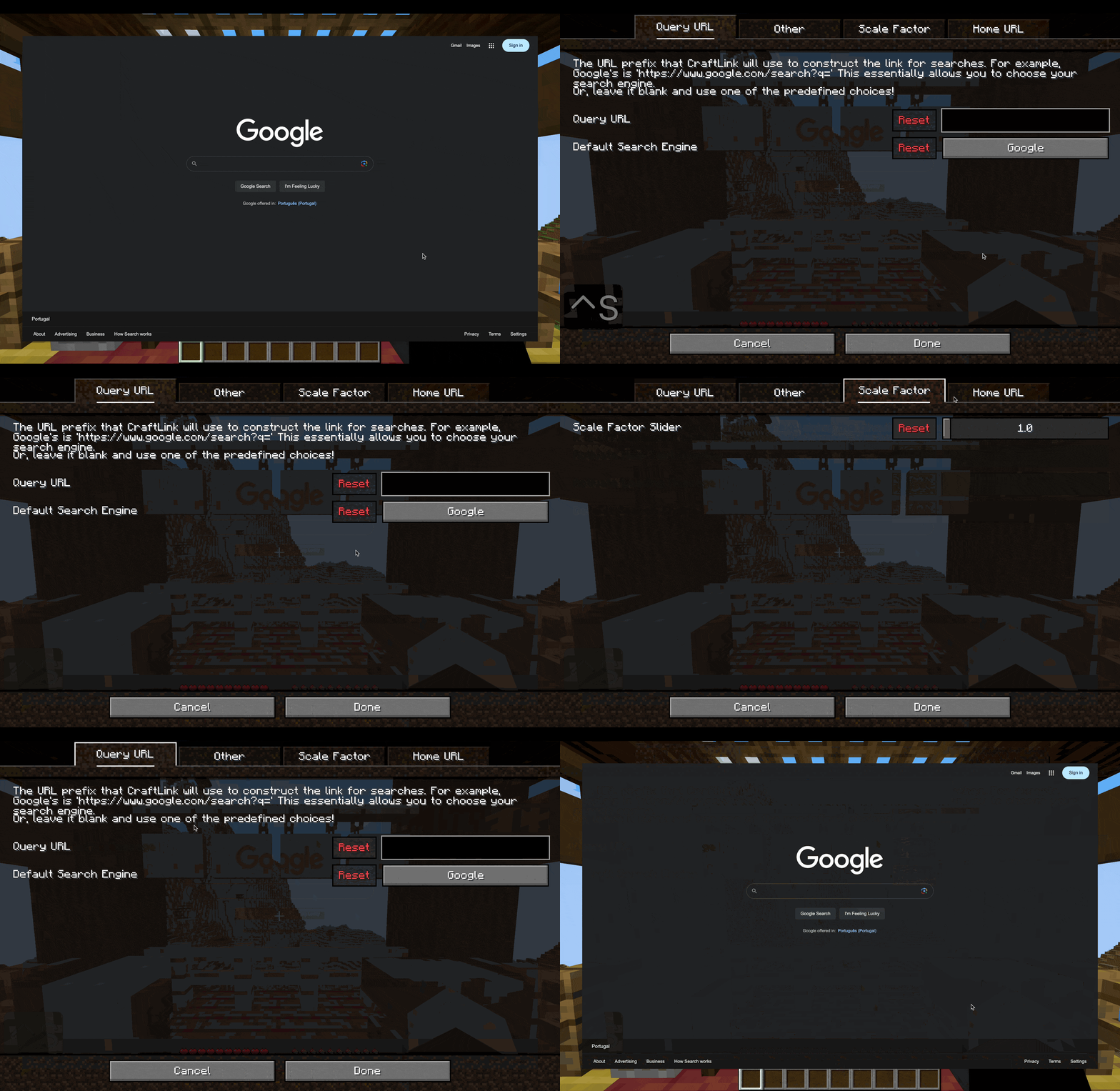
CTRL + S will reveal the Settings / Config Screen.
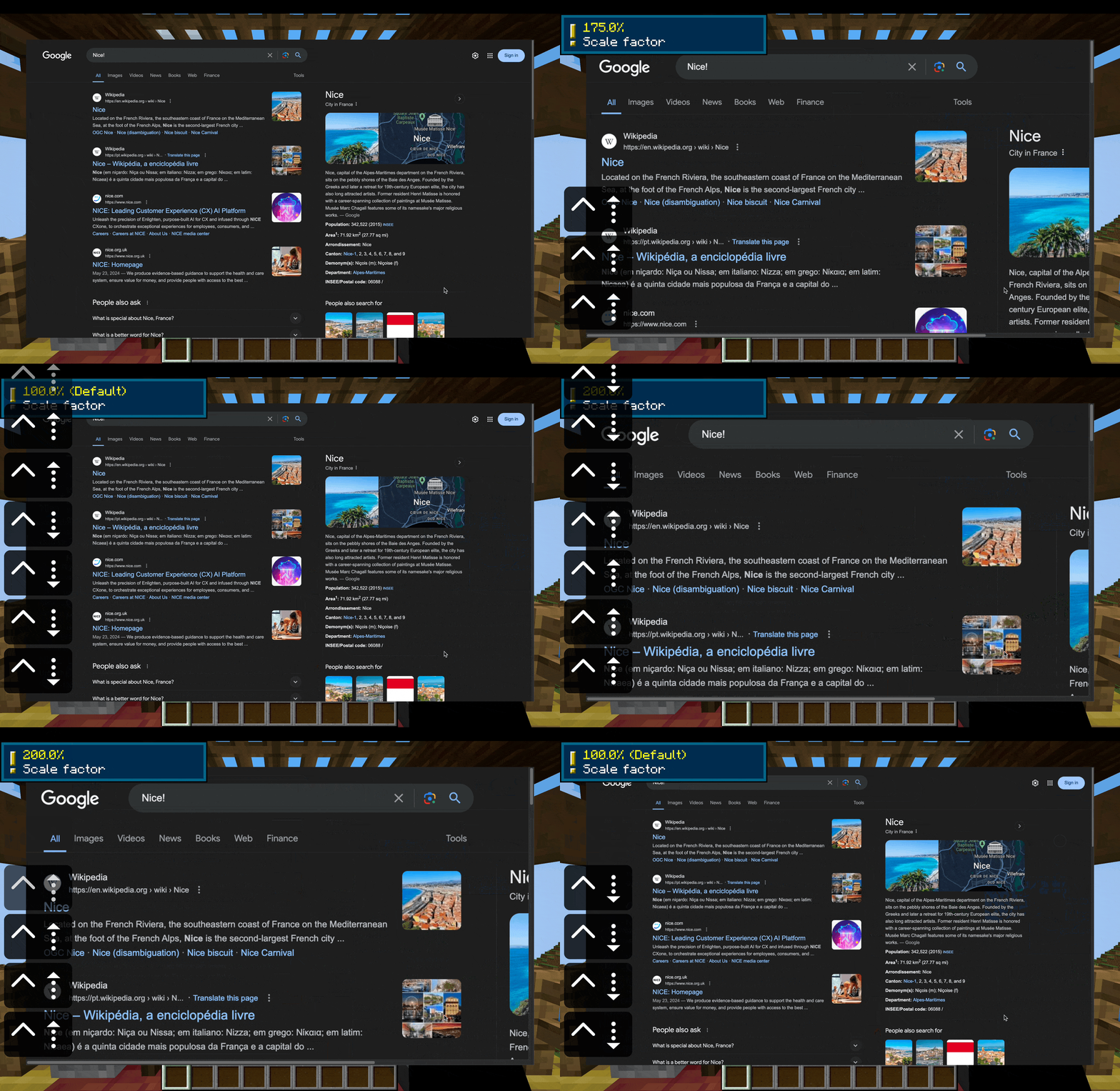
You can change the page's scale with CTRL + (Up / Down arrow). This changes the resolution of the page. I recommend using zoom instead for most cases.
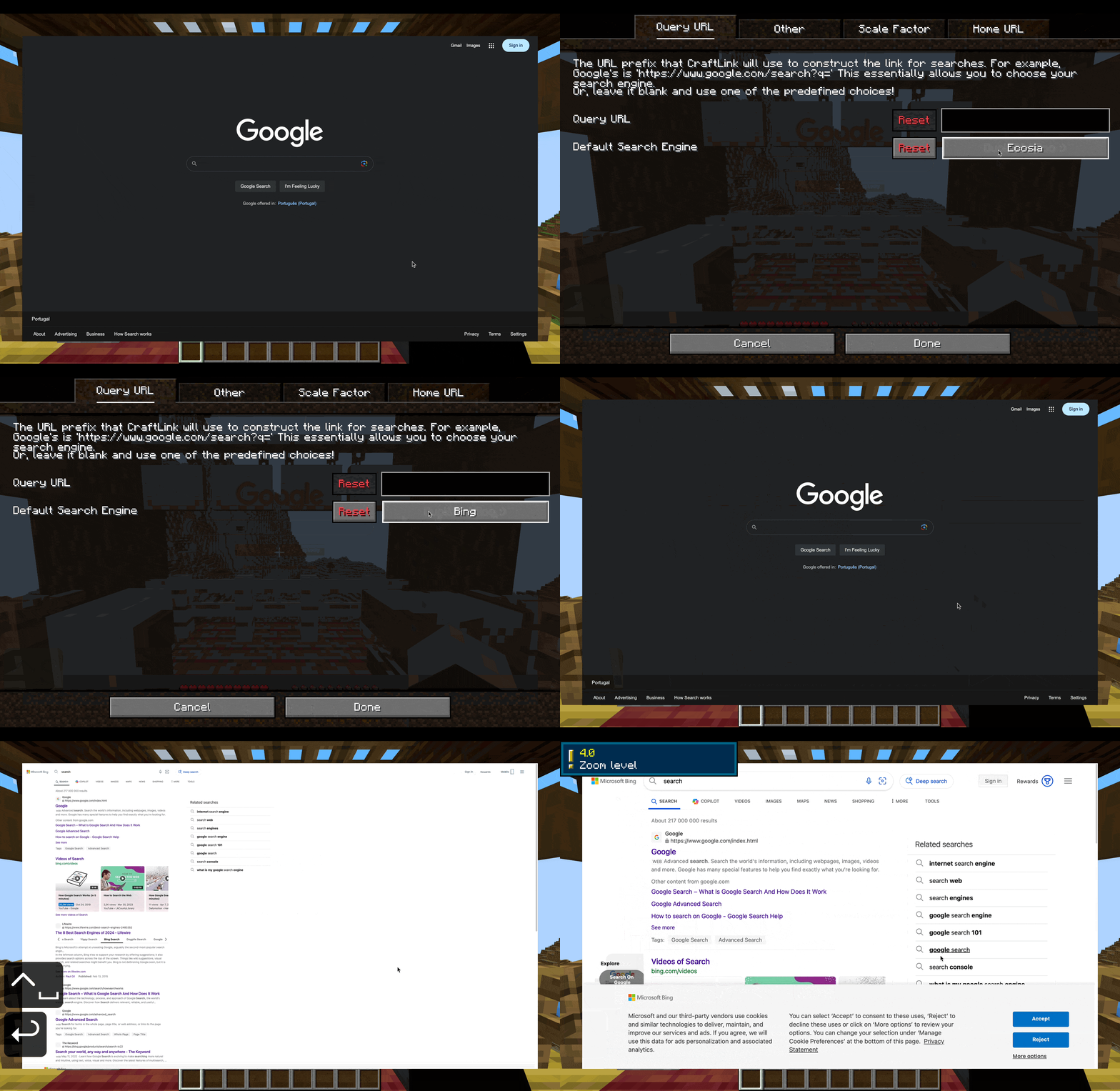
You can change the default search engine! Here I changed it to Bing.
Configurability + Performance
The heavy lifting is done with MCEF, owo-lib, and MidnightLib, which are known and tested libraries, so it should ensure smooth performance without impacting your game.
So, what is configurable?
The config screen also includes detailed explanations for the configurations.
- The home page URL. The home page is the page that is opened when you first open the browser in a session, or when you return to it with CTRL + H. - Google by default
- You can choose one of the default choices (presets), Google, Bing, Yahoo, DuckDuckGo, Ecosia, and Ask, or you can use your own custom url for the home page.
- The default scale factor - 1.0 (100%) by default
- The search engine (which will be used by the search bar) - Google by default
- You can choose one of the default choices (presets), Google, Bing, Yahoo, DuckDuckGo, Ecosia, and Ask, or you can use your own custom query url prefix for searches.
- "Activate Help Text Overlay". This activates an overlay text displaying basic keyboard shortcut controls for the browser, while you hold CTRL. - Off by default
- "Activate Loading Message". This activates a "Loading..." overlay text while the browser is loading a page. - Off by default.
Other features
- CraftLink allows you to access the config screen through ModMenu.
- This mod opens links directly from in-game chat in the browser.
- A help overlay when pressing control (default off)
- A "Loading..." overlay when the browser is loading a page (default off)
- An easter egg in the configuration screen :)
Special note
Note: The browser will ALWAYS try to load a page. If the page doesn't exist, it will display a blank page. This might change in the future, but I want to make sure the error detection algorithm is perfect and doesn't spit out an error where there isn't one. If this happens, press CTRL+SHIFT+S, and this will conveniently search the failed URL on your search engine of choice automatically.
Documented
I wrote a wiki page, but the mod itself includes a built-in help window, accessible with [CTRL + SHIFT].
Licensing
This mod is licensed under the MIT License.
Available Versions
How to Install CraftLink on Your Server
Order Server
Order a Minecraft Java server with at least 3 GB RAM (4 GB recommended).
Set fabric Loader
In the panel under "Egg", select the fabric loader and matching Minecraft version (1.20.1).
Install Mod
Open the mod browser in the dashboard and search for "CraftLink". Click "Install" – done! Alternatively, upload the .jar via SFTP to the /mods folder.
Compatibility
Mod Loaders
Minecraft Versions
1.20.1
Server-side
✗ UnsupportedRecommended RAM
4 GB(min. 3 GB)Frequently Asked Questions
CraftLink server crashes on startup – what to do?
Most common cause: wrong fabric version or insufficient RAM. Check the server log (latest.log) for "OutOfMemoryError" or "Mixin" errors. With Mado Hosting: ensure at least 3 GB RAM is allocated and the loader matches the mod version (1.20.1). You can switch loaders with one click in the panel.
Is CraftLink compatible with fabric?
CraftLink officially supports fabric for Minecraft 1.20.1. The Mado dashboard automatically detects incompatible loader combinations.
Server lagging with CraftLink – how to optimize performance?
Recommended RAM: 4 GB (per 8 players). Use /spark profiler to check if CraftLink consumes the most tick time. Common fixes: reduce server view-distance to 8-10, install "performant" or "starlight" as supplementary mods on Forge. With Mado Hosting, your server runs on NVMe SSDs with dedicated CPU cores for minimal latency.
Rent Modded Server
Install CraftLink with just one click on your server.