
Create: Beyond Ages
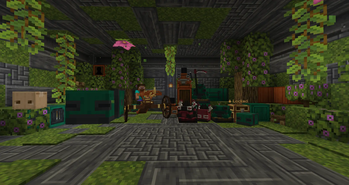
Reimagines Create by adding story and lore, as well as advanced mechanics, powered by new alloys.
Screenshots

About this Mod


Bronze & Crembronze!
This mod introduces Bronze and Crembronze, two alloys that expand technological progression beyond standard Create components. Bronze serves as the foundation for new machines, mechanical parts, and early upgrades, while Crembronze, refined from Bronze, unlocks more advanced tools, enhanced mechanisms, and powerful late-progression technology.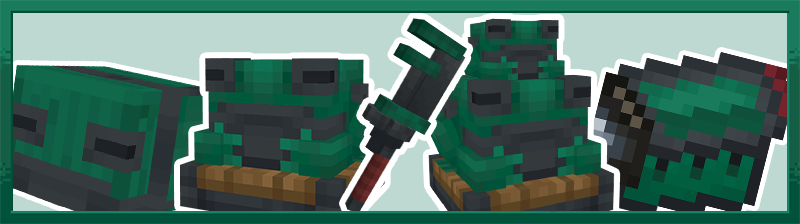

Bronze Progression — Introduces Bronze and its components, forming a new technological step with dedicated materials, crafting parts, and mechanical upgrades.
Crembronze Technology — Advanced alloy refined from Bronze, unlocking enhanced machines, tools, and late-progression Create integrations.
New Frogports Variants — Adds new types of Frogports designed to expand logistics and conveyor connectivity options.
And much more!
Check out our OST!
Companion Package!
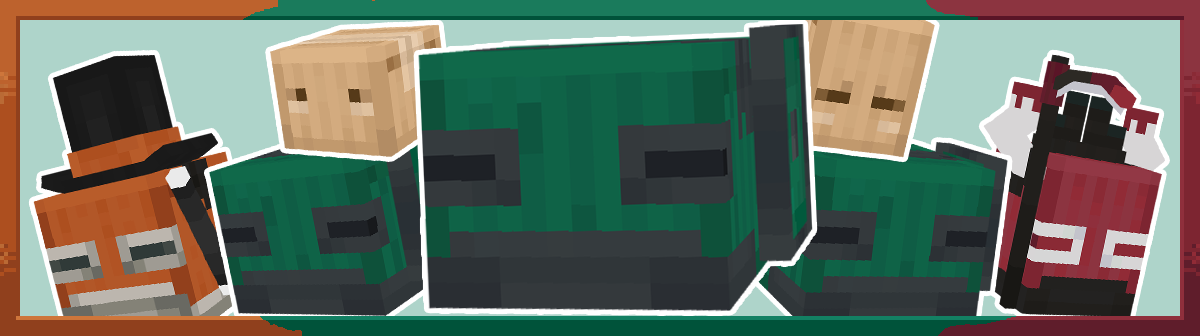
Dialogue System & Lore!
The mod features a dynamic dialogue system that reacts to the player’s actions, making interactions feel more responsive and the world more alive.

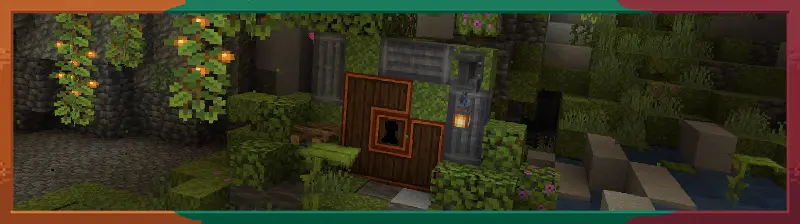
Languages!
The mod is fully localized and available in the following languages:
- English
- Polish
- German
- Russian
- Ukrainian
Alpha Stage
The mod is currently in alpha, so bugs may occur. You able to report issues and provide feedback via Discord.
Special shoutout:
Testers
ScherErik
Roher
Available Versions
How to Install Create: Beyond Ages on Your Server
Order Server
Order a Minecraft Java server with at least 4 GB RAM (6 GB recommended).
Set fabric Loader
In the panel under "Egg", select the fabric loader and matching Minecraft version (1.21.1).
Install Mod
Open the mod browser in the dashboard and search for "Create: Beyond Ages". Click "Install" – done! Alternatively, upload the .jar via SFTP to the /mods folder.
Compatibility
Mod Loaders
Minecraft Versions
1.21.1, 1.20.1
Server-side
✓ RequiredRecommended RAM
6 GB(min. 4 GB)Frequently Asked Questions
Create: Beyond Ages server crashes on startup – what to do?
Most common cause: wrong fabric version or insufficient RAM. Check the server log (latest.log) for "OutOfMemoryError" or "Mixin" errors. With Mado Hosting: ensure at least 4 GB RAM is allocated and the loader matches the mod version (1.21.1). You can switch loaders with one click in the panel.
Is Create: Beyond Ages compatible with fabric and forge and neoforge and quilt?
Create: Beyond Ages officially supports fabric, forge, neoforge, quilt for Minecraft 1.21.1, 1.20.1. Note: Forge and Fabric mods are NOT cross-compatible – pick one loader and stick with it. The Mado dashboard automatically detects incompatible loader combinations.
Server lagging with Create: Beyond Ages – how to optimize performance?
Recommended RAM: 6 GB (per 5 players). Use /spark profiler to check if Create: Beyond Ages consumes the most tick time. Common fixes: reduce server view-distance to 8-10, install "performant" or "starlight" as supplementary mods on Forge. With Mado Hosting, your server runs on NVMe SSDs with dedicated CPU cores for minimal latency.
Rent Modded Server
Install Create: Beyond Ages with just one click on your server.