
Create: Geography
use geography to change the world
Screenshots

About this Mod
Create: Geography
Create: Geography embraces the iconic style of Create to simulate diverse geological processes, introducing new materials and seamlessly blending the natural world with automated production for an immersive geological adventure.
Features
Natural Transform
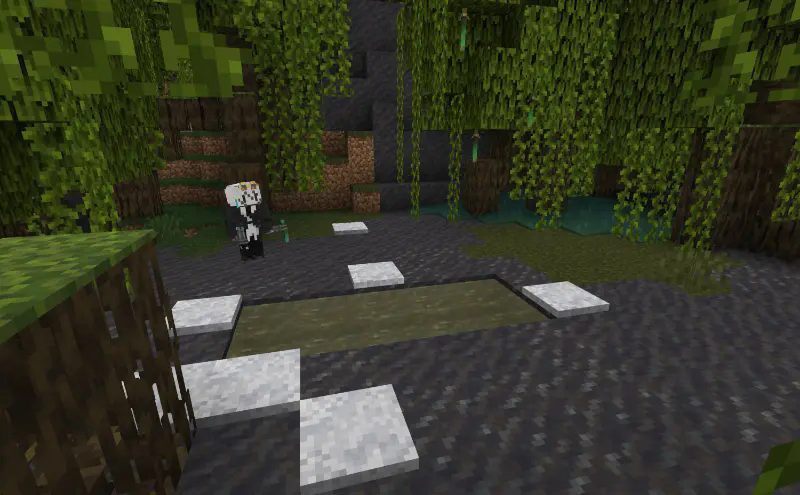
Experience dynamic geological phenomena like salinization and soil freezing that naturally transform the game world, enriching your gameplay. Unlike mods that simply spawn ores, Create: Geography preserves world generation and uses natural transform mechanisms to let players engage deeply with geology’s wonders.
New Materials & Recipes
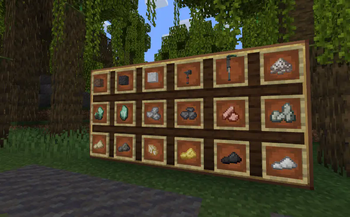
Leverage Create’s mechanics to decompose and recombine materials, unlocking unique geological minerals such as hornblende and pyroxene. These additions enable the creation of diverse, sophisticated production lines.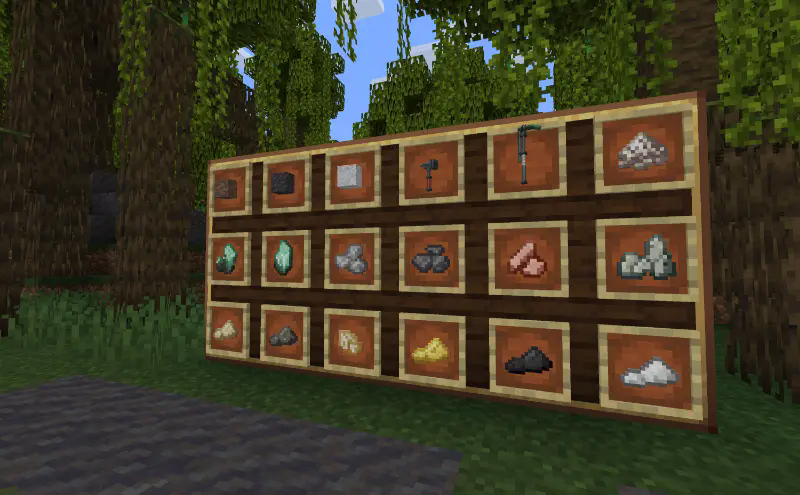
Future Plans
We aim to expand Create: Geography by exploring geological themes in agriculture, polar glaciers, volcanic hot springs, and solar energy, while introducing more functional mineral components to deepen gameplay.
Join Create: Geography and uncover the Earth’s secrets through the beauty of create!
Available Versions
How to Install Create: Geography on Your Server
Order Server
Order a Minecraft Java server with at least 4 GB RAM (6 GB recommended).
Set forge Loader
In the panel under "Egg", select the forge loader and matching Minecraft version (1.20.1).
Install Mod
Open the mod browser in the dashboard and search for "Create: Geography". Click "Install" – done! Alternatively, upload the .jar via SFTP to the /mods folder.
Compatibility
Mod Loaders
Minecraft Versions
1.20.1
Server-side
✓ RequiredRecommended RAM
6 GB(min. 4 GB)Frequently Asked Questions
Create: Geography server crashes on startup – what to do?
Most common cause: wrong forge version or insufficient RAM. Check the server log (latest.log) for "OutOfMemoryError" or "Mixin" errors. With Mado Hosting: ensure at least 4 GB RAM is allocated and the loader matches the mod version (1.20.1). You can switch loaders with one click in the panel.
Is Create: Geography compatible with forge?
Create: Geography officially supports forge for Minecraft 1.20.1. The Mado dashboard automatically detects incompatible loader combinations.
Server lagging with Create: Geography – how to optimize performance?
Recommended RAM: 6 GB (per 5 players). Use /spark profiler to check if Create: Geography consumes the most tick time. Common fixes: reduce server view-distance to 8-10, install "performant" or "starlight" as supplementary mods on Forge. With Mado Hosting, your server runs on NVMe SSDs with dedicated CPU cores for minimal latency.
Similar Mods





Rent Modded Server
Install Create: Geography with just one click on your server.