
Create: Mechanical Botany
Gather plants from automation
Screenshots
About this Mod
Create: Mechanical Botany
Adds two new mechanical blocks to allow for plant reprocessing through Create automation. This mod works well both on it's own and within modpacks.
Mechanical Insolator
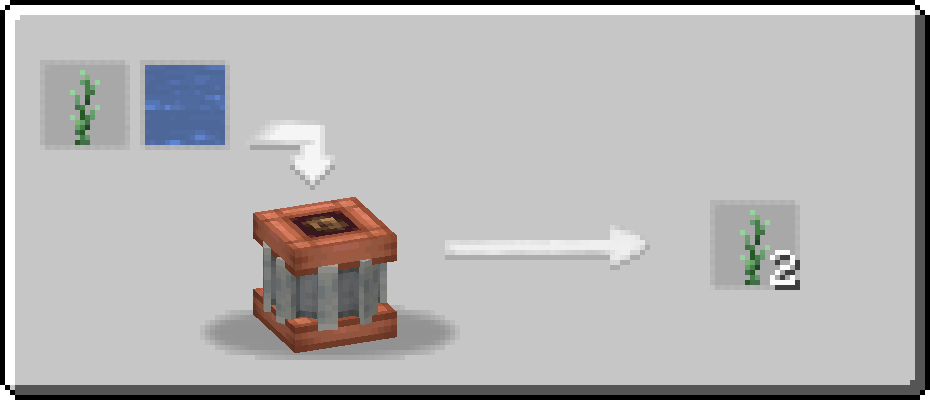
As you might guess, this block is heavily inspired by Thermal Expansion's Phytogenic Insolator. This block can have certain plants put into it either through the top or via a funnel on any side other than the bottom.
The Mechanical Insolator consumes a lot of stress units as it has a x16 kinetic stress impact, so you may wish to be careful when choosing which plants you want to automate in your factories.
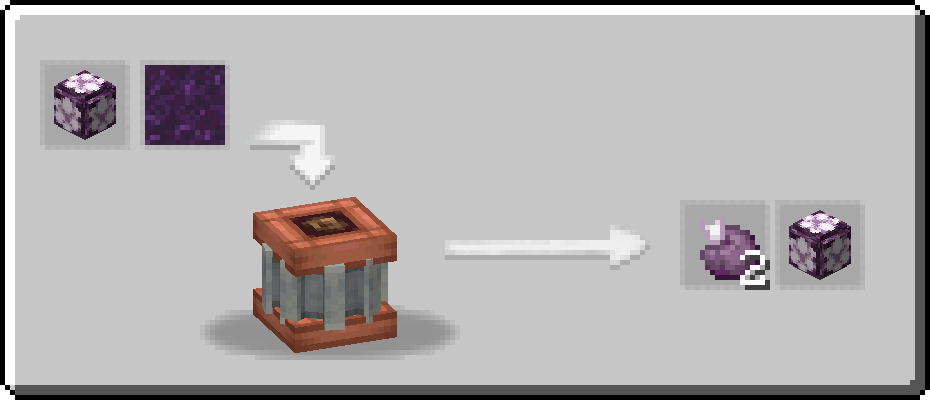
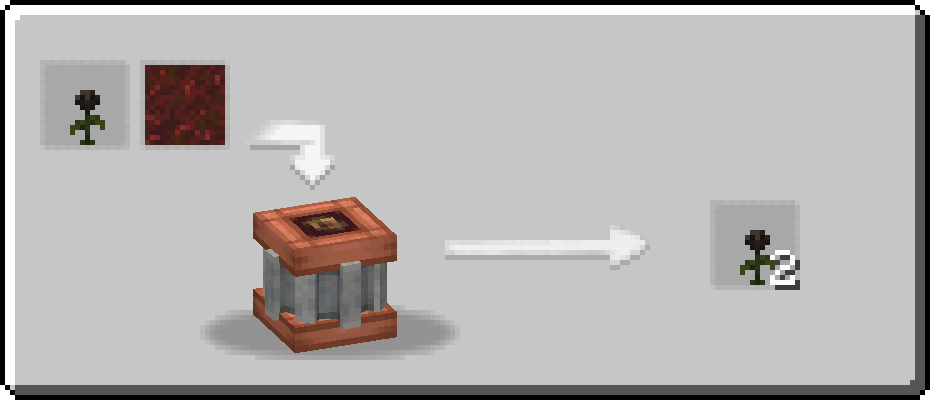
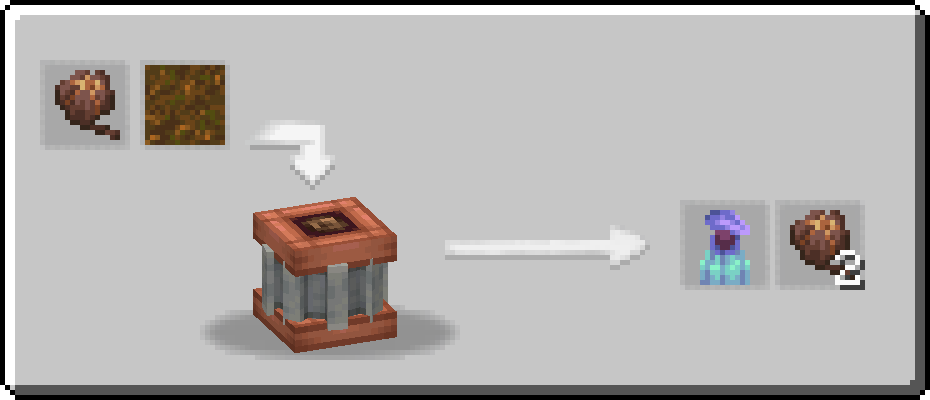
This block requires a fluid input through the bottom of the block in order to process the plant inside of it. Most plants require Water, a few plants - specifically from the Nether - require Lava, but there are a few special plants that require new fluids introduced by Mechanical Botany. Plants obtained through the Sniffer are far too ancient to simply be revitalised with Water and require Liquid Compost. Wither Roses also require a special fluid in order to be processed, Molten Liquid Compost. Chorus Fruit require Void Liquid Compost to be processed.
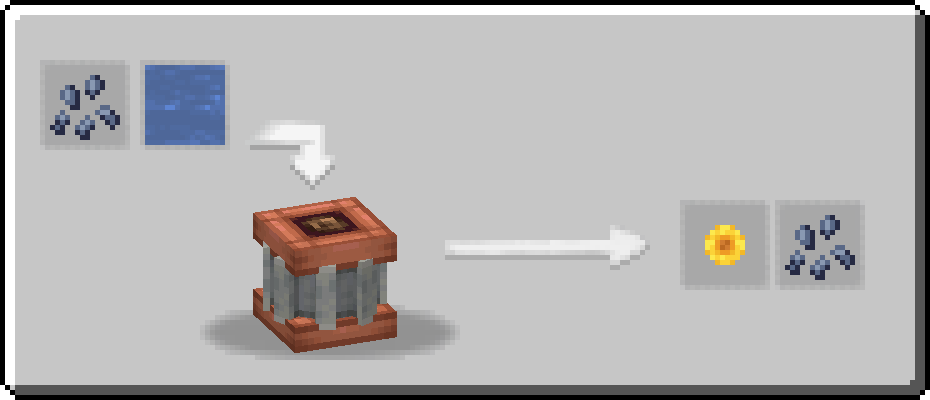
Regular Liquid Compost is obtained by providing an Item Drain with a piece of Compost, obtained through the Mechanical Composter.
Molten Liquid Compost is obtained through mixing together Liquid Compost and Lava inside of a heated basin.
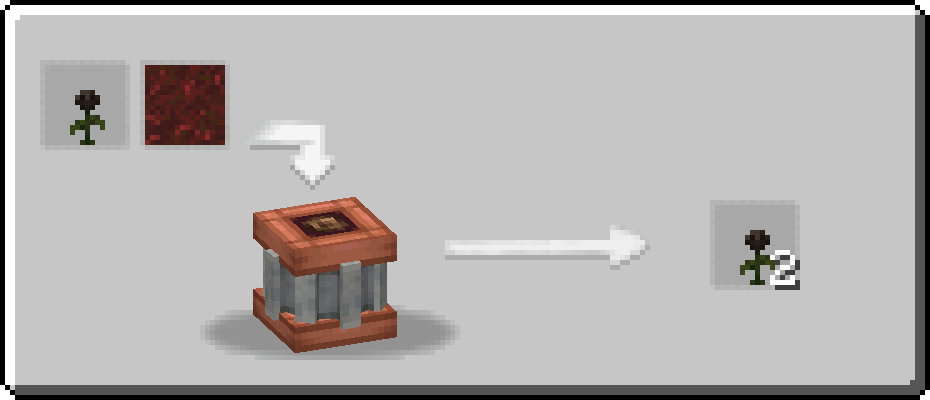
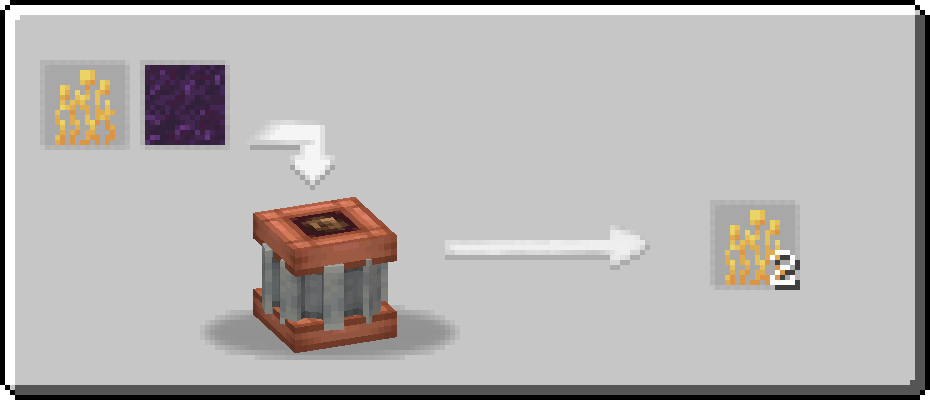
Void Liquid Compost is obtained through mixing together Liquid Compost and Powdered Obsidian inside of a heated basin.
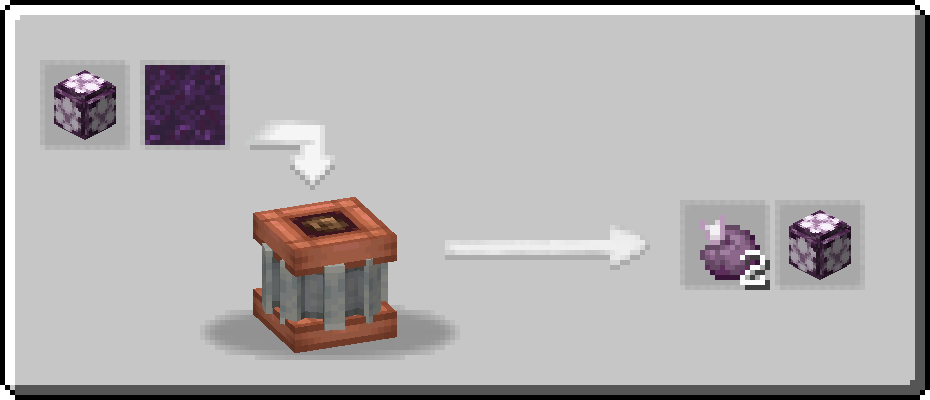
Some mods have built-in compatability within Mechanical Botany!
Create: Garnished - Aureate Shrub
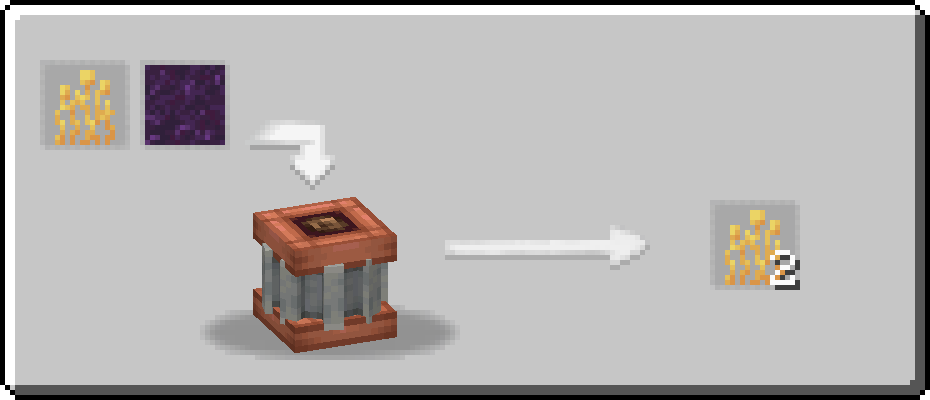
Create: Garnished Reworked - Elven Sweet Berries
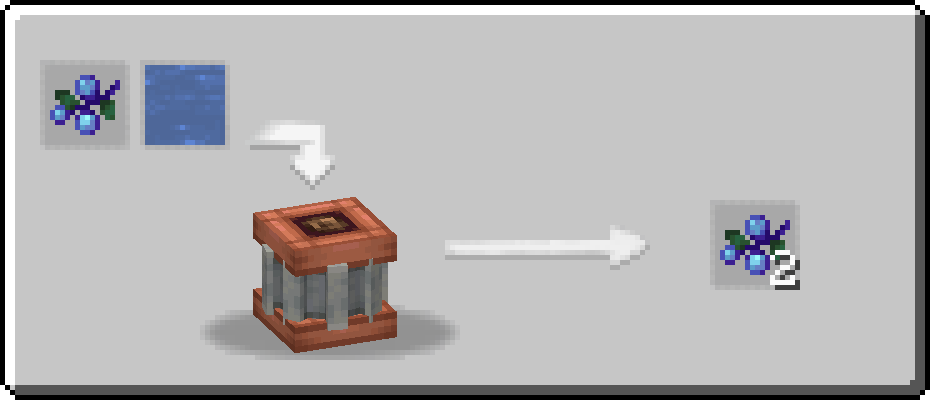
Create: Bitterballen - Sunflower Seeds/Sunflower
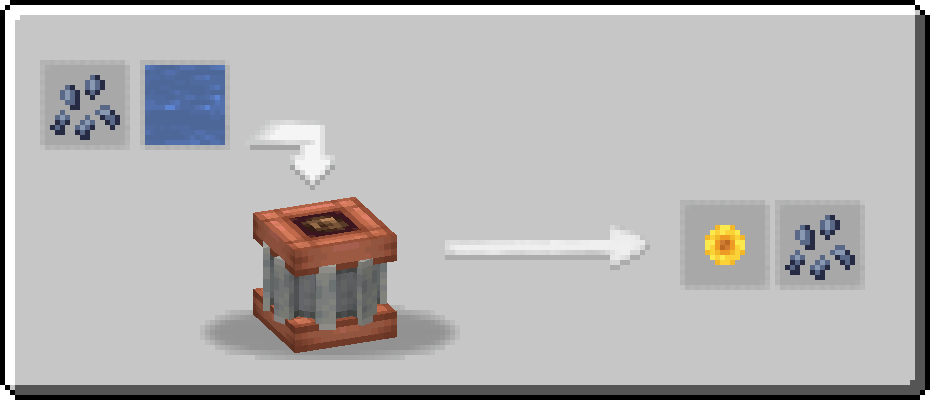
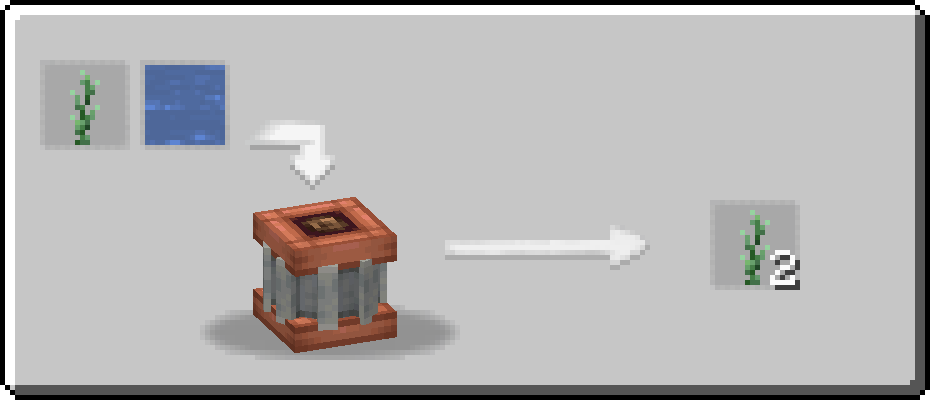
Hibernal Herbs - Tarragon
Mechanical Composter
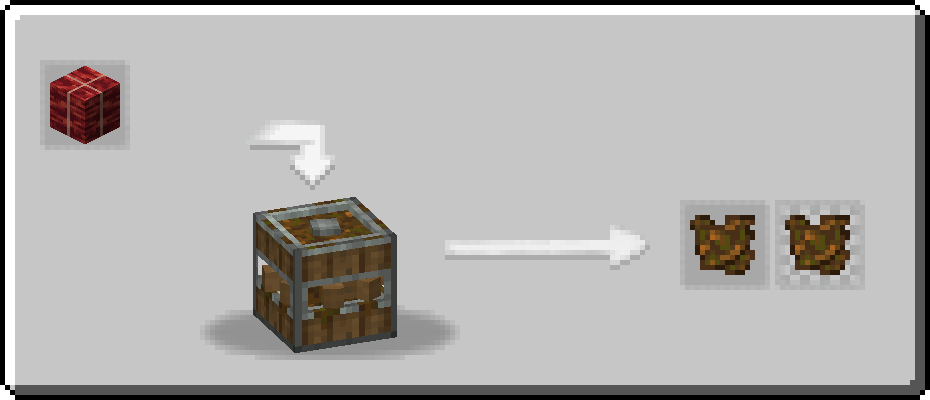
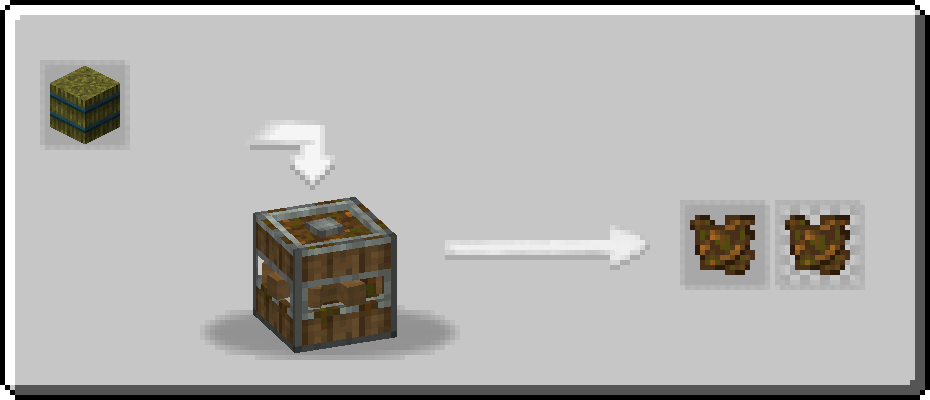
The Mechanical Composter can turn certain plants or crops into Compost. This can then either be used in a similar fashion to Bone Meal, be pressed into Bone Meal, or be provided to an Item Drain to create Liquid Compost.
Nearly every recipe within the Mechanical Composter has 2 outputs for Compost, but only one is guaranteed. The secondary output is a per cent chance depending on what per cent that item has to provide compost within a regular Composter. For example, Wheat has a 65% chance to provide compost to a Composter, so it has a 65% chance to provide an additional piece of Compost when processed through the Mechanical Composter.
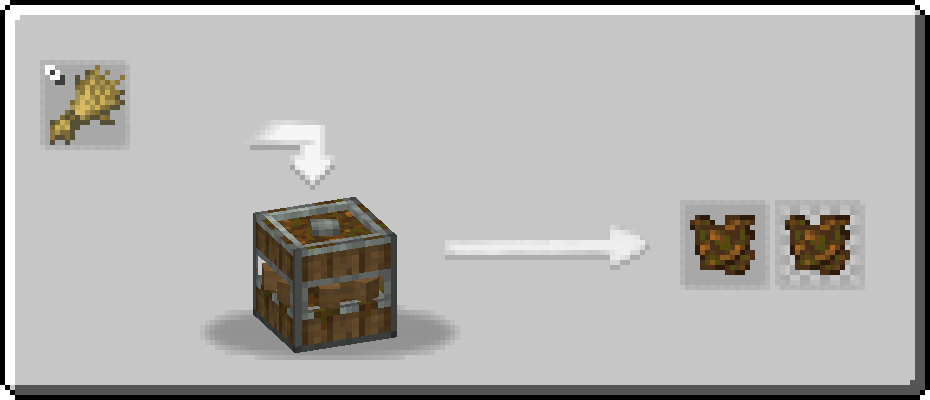
Example Compatibility Recipes
Create: Garnished - Dried Dulse Kelp Block
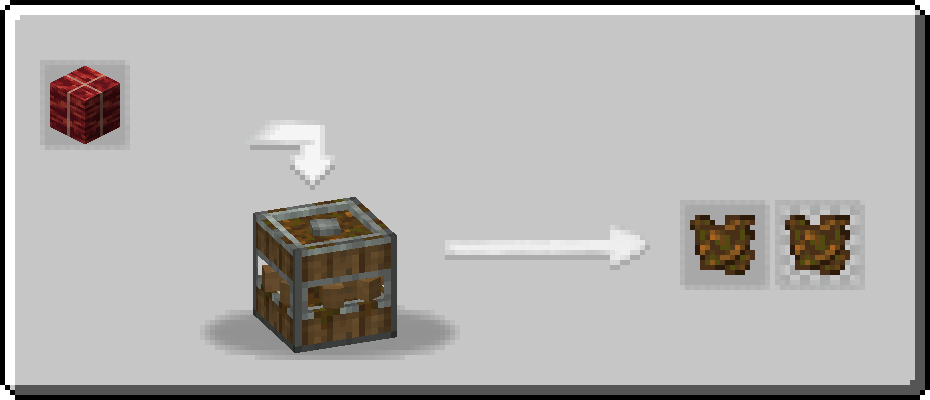
Supplementaries - Flax Bale
Example Recipes For External Use
Perhaps you've come across a mod without integration with this mod, or perhaps you simply want to add a custom recipe that wouldn't exist otherwise. Well, here's some examples from the base mod! (can also be viewed via the GitHub source page)
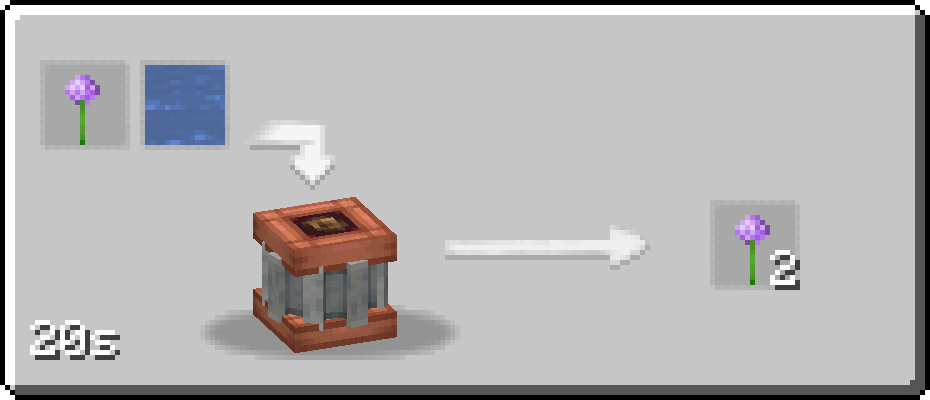
Mechanical Insolator Recipe Example
The first ingredient is the fluid required for the recipe to process while the second ingredient is the "base" item, typically some form of seed or a flower.
As of version 1.0.8: There is a "consume_input" flag to be put in your recipe. Under/Before this version, simply remove that segment from your recipe file or KubeJS script.
{
  "type": "mechanical_botany:insolating",
  "ingredients": [
    {
      "type": "fluid_stack",
      "amount": 1000,
      "fluid": "minecraft:water"
    },
    {
      "item": "minecraft:allium"
    }
  ],
  "processing_time": 50,
  "results": [
    {
      "count": 2,
      "id": "minecraft:allium"
    }
  ]
}
Mechanical Composter Recipe Example
You can specify a singular item, multiple items, or an item tag to be processed into Compost. The amount of Compost provided is completely controlled by you, but is recommended to follow the previously mentioned guidelines the base mod follows of having 1 guaranteed piece of Compost and having a secondary piece of Compost with a per cent chance equal to the per cent chance that item has to provide a regular Composter with compost.
{
  "type": "mechanical_botany:composting",
  "ingredients": [
    [
      {
        "item": "minecraft:cake"
      },
      {
        "item": "minecraft:pumpkin_pie"
      }
    ]
  ],
  "processing_time": 50,
  "results": [
    {
      "count": 1,
      "id": "mechanical_botany:compost"
    },
    {
      "count": 1,
      "id": "mechanical_botany:compost"
    }
  ]
}
Available Versions
How to Install Create: Mechanical Botany on Your Server
Order Server
Order a Minecraft Java server with at least 4 GB RAM (6 GB recommended).
Set forge Loader
In the panel under "Egg", select the forge loader and matching Minecraft version (1.21.1).
Install Mod
Open the mod browser in the dashboard and search for "Create: Mechanical Botany". Click "Install" – done! Alternatively, upload the .jar via SFTP to the /mods folder.
Compatibility
Mod Loaders
Minecraft Versions
1.21.1, 1.21, 1.20.1 (+1 more)
Server-side
✓ RequiredRecommended RAM
6 GB(min. 4 GB)Frequently Asked Questions
Create: Mechanical Botany server crashes on startup – what to do?
Most common cause: wrong forge version or insufficient RAM. Check the server log (latest.log) for "OutOfMemoryError" or "Mixin" errors. With Mado Hosting: ensure at least 4 GB RAM is allocated and the loader matches the mod version (1.21.1). You can switch loaders with one click in the panel.
Is Create: Mechanical Botany compatible with forge and neoforge?
Create: Mechanical Botany officially supports forge, neoforge for Minecraft 1.21.1, 1.21, 1.20.1. The Mado dashboard automatically detects incompatible loader combinations.
Server lagging with Create: Mechanical Botany – how to optimize performance?
Recommended RAM: 6 GB (per 5 players). Use /spark profiler to check if Create: Mechanical Botany consumes the most tick time. Common fixes: reduce server view-distance to 8-10, install "performant" or "starlight" as supplementary mods on Forge. With Mado Hosting, your server runs on NVMe SSDs with dedicated CPU cores for minimal latency.
Rent Modded Server
Install Create: Mechanical Botany with just one click on your server.