
Create: Powerlines
A fork of C:C&A for improving it's wire connectors
Screenshots
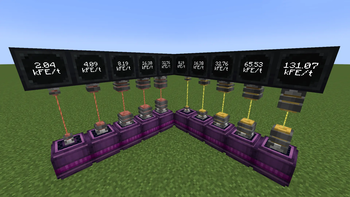
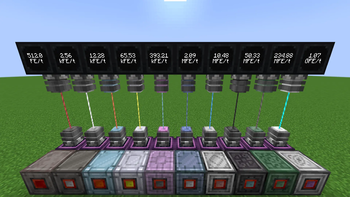
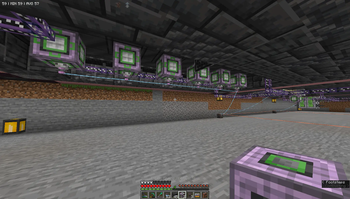
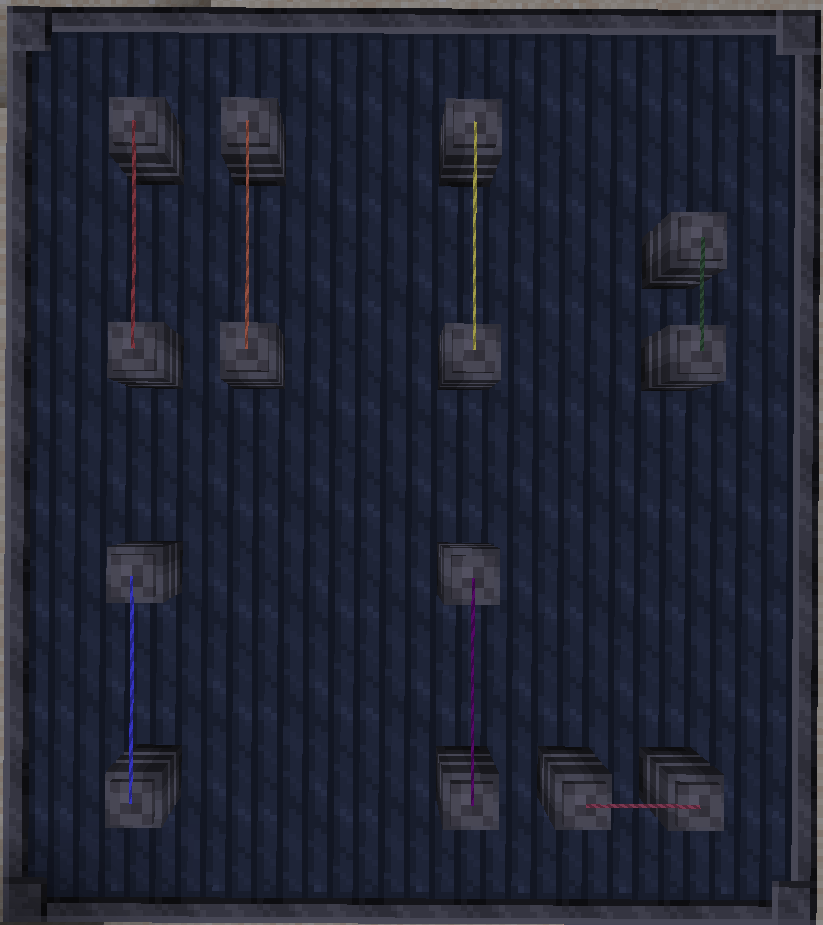
About this Mod
A fork of Create: Crafts & Additions for improving it's wire connectors, giving them more tiers with greater distance and power, with mod compatibilities
NOTICE!
Mod does not come with recipes in the base mod! Add recipes yourself using datapacks or scripting, OR use with C:C&A/Gregtech Modern
Compats:
- Electrum Connector and Spool
- Recipes using rods, their wires and spools
- Autogenerated wires and spools from gt materials
- Generated spools per tier with recipes
Planned:
- Kubejs plugin for spool tiers and connector registry
Java
The mod is also fairly easy to make custom connectors with via a Java mod!
build.gradle
repositories { // Place cursemaven repos within repositories block
   maven { url "https://cursemaven.com/"; content { includeGroup "curse.maven" } }
   maven { url = "https://minecraft.curseforge.com/api/maven/" }
}

dependencies { // Place impl within dependencies block
    implementation fg.deobf("curse.maven:create-powerlines-1076056:6274258")
}
CustomPowerlines.java
import net.deepacat.createpowerlines.blocks.connector.ConnectorStyle;
import net.deepacat.createpowerlines.blocks.connector.ConnectorType;
import net.deepacat.createpowerlines.blocks.connector.ConnectorTypes;
import net.deepacat.createpowerlines.item.WireMaterial;
import net.deepacat.createpowerlines.item.WireMaterials;

import java.util.ArrayList;
import java.util.List;

import static net.deepacat.createpowerlines.blocks.connector.ConnectorTypes.registerOne;
import static net.deepacat.createpowerlines.blocks.connector.ConnectorTypes.registerTier;

public class CustomPowerlines {
    public static void init() {
        ArrayList<WireMaterial> allTier = new ArrayList<>(); // All
        ArrayList<WireMaterial> tierULV = new ArrayList<>(); // 0
        ArrayList<WireMaterial> tierLV = new ArrayList<>();  // 1
        ArrayList<WireMaterial> tierMV = new ArrayList<>();  // 2
        ArrayList<WireMaterial> tierHV = new ArrayList<>();  // 3
        ArrayList<WireMaterial> tierEV = new ArrayList<>();  // 4

        WireMaterial silver = WireMaterials.getOrRegister("Silver", 0xCECECE);
        allTier.add(silver);

        public static ConnectorType[] registerTier(String tier, long baseEnergy, double[] energyMults, int color, List<WireMaterial> wireMaterials) {
        registerTier("Silver", 2048, 1, 0xCECECE, allTier);

        public static ConnectorType registerOne(String tier, String size, int connections, int wireLength, long baseEnergy, double energyMult,
          List<WireMaterial> wireMaterials, int width, int height, int color, ConnectorStyle style)
        registerOne("testConnector", "Small", 4, 16, 4096, 2, allTier, 3, 4, 0xCECECE, ConnectorStyle.LARGE);
    }
}
Available Versions
How to Install Create: Powerlines on Your Server
Order Server
Order a Minecraft Java server with at least 4 GB RAM (6 GB recommended).
Set forge Loader
In the panel under "Egg", select the forge loader and matching Minecraft version (1.20.1).
Install Mod
Open the mod browser in the dashboard and search for "Create: Powerlines". Click "Install" – done! Alternatively, upload the .jar via SFTP to the /mods folder.
Compatibility
Mod Loaders
Minecraft Versions
1.20.1
Server-side
✓ RequiredRecommended RAM
6 GB(min. 4 GB)Frequently Asked Questions
Create: Powerlines server crashes on startup – what to do?
Most common cause: wrong forge version or insufficient RAM. Check the server log (latest.log) for "OutOfMemoryError" or "Mixin" errors. With Mado Hosting: ensure at least 4 GB RAM is allocated and the loader matches the mod version (1.20.1). You can switch loaders with one click in the panel.
Is Create: Powerlines compatible with forge?
Create: Powerlines officially supports forge for Minecraft 1.20.1. The Mado dashboard automatically detects incompatible loader combinations.
Server lagging with Create: Powerlines – how to optimize performance?
Recommended RAM: 6 GB (per 5 players). Use /spark profiler to check if Create: Powerlines consumes the most tick time. Common fixes: reduce server view-distance to 8-10, install "performant" or "starlight" as supplementary mods on Forge. With Mado Hosting, your server runs on NVMe SSDs with dedicated CPU cores for minimal latency.
Rent Modded Server
Install Create: Powerlines with just one click on your server.