
Create: Railgun
Adds the railgun from Project Wingman to Create
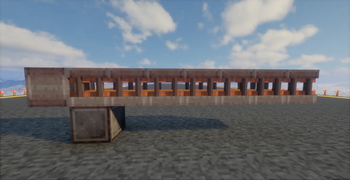
Screenshots


About this Mod
Create: Railgun
For compat with CBC 5.11.3 or lower, use version 1.0.2 or lower of this mod. Future releases will only support CBC 5.11.4 or higher
Adds the railgun from Project Wingman to create. This mod is recommended to be played with Create: Aeronautics but it is not required.
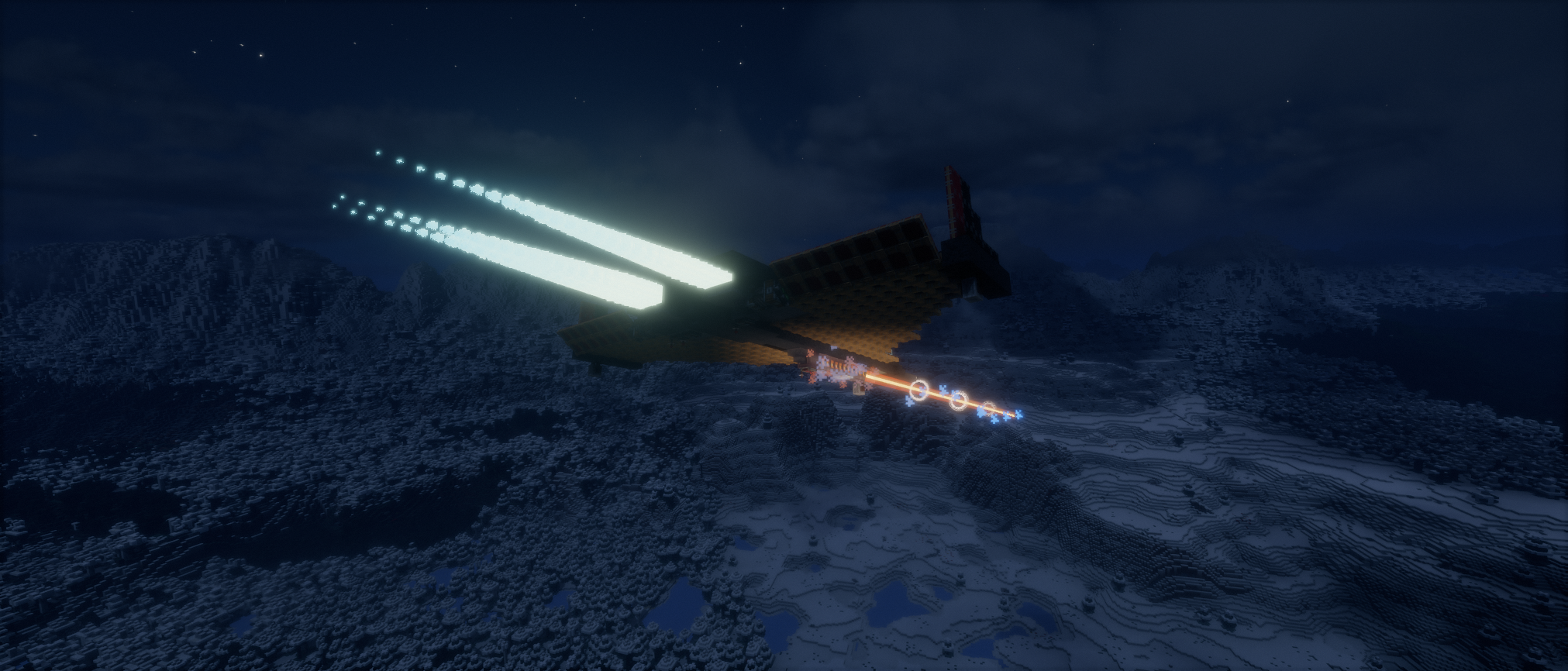
Fires a fast-moving explosive projectile, perfect as a ship or plane mounted long-range cannon.
What does this mod add?
- Multiblock railgun
- Create Big Cannons "burst" shell that fires multiple railgun shots in a spread pattern
- New 'cordium' material that burns 16 items in a furnace (160 per block)
- Cordium blocks can also be used as explosives
- Crafting recipes for everything
Other Notes:
- This mod does not add any power sources so you WILL need another mod to supply power.
- Recommended to use JEI to view the recipes. Railgun assembly procedure can be viewed with Ponder
- Railguns will take into account the velocity of the current physics object when firing when Sable is installed to avoid firing into itself.
Available Versions
How to Install Create: Railgun on Your Server
Order Server
Order a Minecraft Java server with at least 4 GB RAM (6 GB recommended).
Set neoforge Loader
In the panel under "Egg", select the neoforge loader and matching Minecraft version (1.21.1).
Install Mod
Open the mod browser in the dashboard and search for "Create: Railgun". Click "Install" – done! Alternatively, upload the .jar via SFTP to the /mods folder.
Compatibility
Mod Loaders
Minecraft Versions
1.21.1
Server-side
✓ RequiredRecommended RAM
6 GB(min. 4 GB)Frequently Asked Questions
Create: Railgun server crashes on startup – what to do?
Most common cause: wrong neoforge version or insufficient RAM. Check the server log (latest.log) for "OutOfMemoryError" or "Mixin" errors. With Mado Hosting: ensure at least 4 GB RAM is allocated and the loader matches the mod version (1.21.1). You can switch loaders with one click in the panel.
Is Create: Railgun compatible with neoforge?
Create: Railgun officially supports neoforge for Minecraft 1.21.1. The Mado dashboard automatically detects incompatible loader combinations.
Server lagging with Create: Railgun – how to optimize performance?
Recommended RAM: 6 GB (per 5 players). Use /spark profiler to check if Create: Railgun consumes the most tick time. Common fixes: reduce server view-distance to 8-10, install "performant" or "starlight" as supplementary mods on Forge. With Mado Hosting, your server runs on NVMe SSDs with dedicated CPU cores for minimal latency.
Similar Mods





Rent Modded Server
Install Create: Railgun with just one click on your server.