
Crossbow & Bow Optimizer
Handles client-side Bow & Crossbow handling, keeping reload and charge behavior smooth, responsive, and unaffected by server-side slowdowns
Screenshots
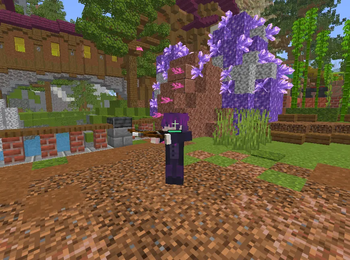
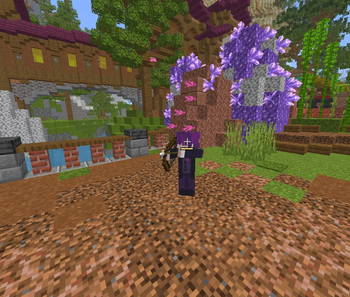
About this Mod
Crossbow & Bow Optimizer
Make bows and crossbows feel sharper, cleaner, and more responsive.
Crossbow & Bow Optimizer is a lightweight client-side Fabric mod, that improves ranged weapon feel with cleaner local feedback, smoother charge handling, and more reliable shot responsiveness under latency.
It is built for players who want bow and crossbow gameplay to feel crisp instead of delayed, noisy, or inconsistent.
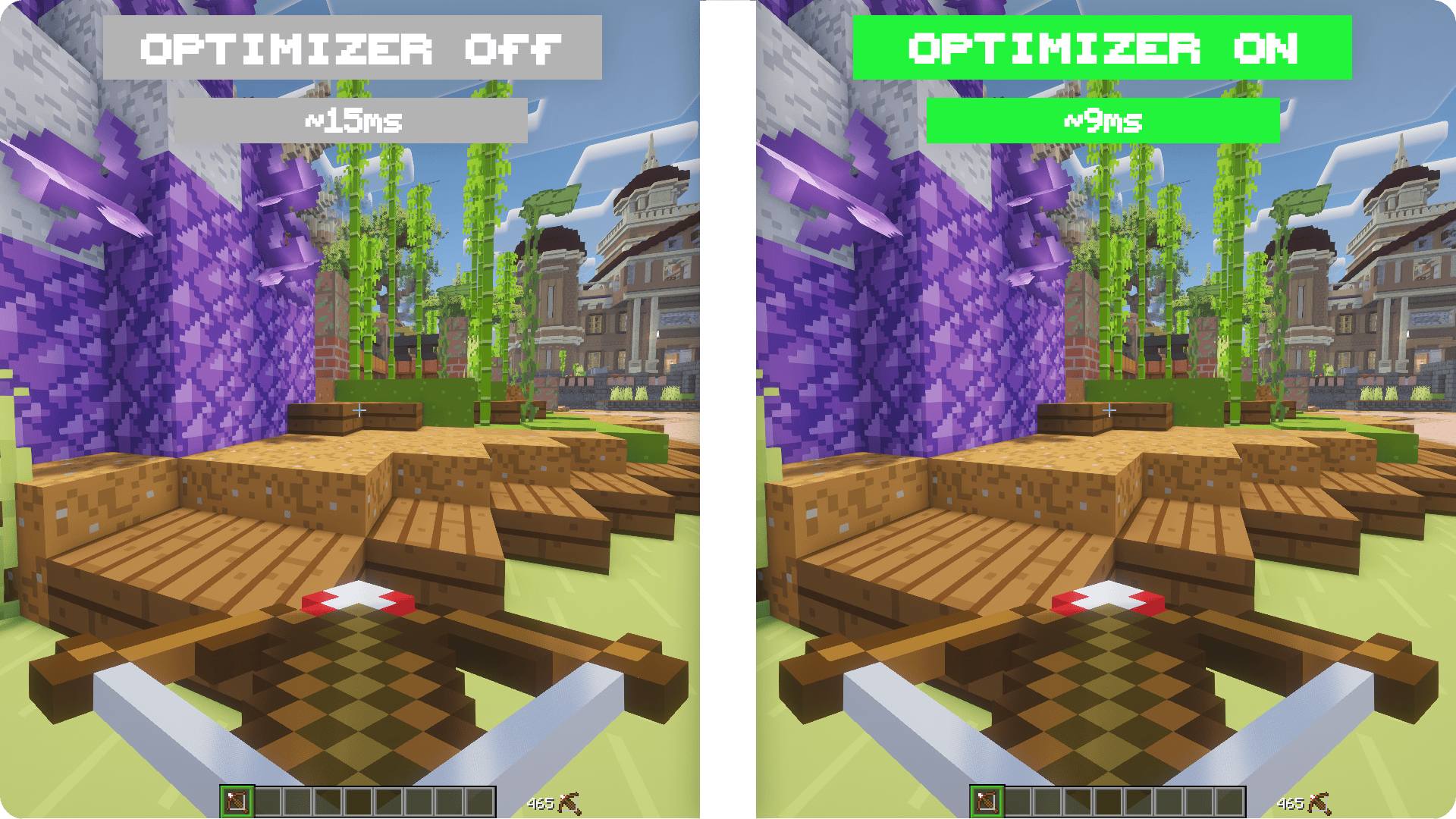
Why Players Use It
- Makes bow and crossbow feedback feel faster
- Cleans up charge and release feel
- Improves crossbow consistency under ping
- Reduces delayed duplicate firing sounds
- Adds a minimal, focused HUD for weapon state
- Stays lightweight and client-side
What It Improves
This mod handles important ranged-weapon feedback locally so actions feel cleaner the moment you use them.
For bows, charging and release feel more immediate and consistent.
For crossbows, charged-state feedback is cleaner and shot timing feels more stable under latency.
It also reduces the messy feeling caused by late duplicate firing sounds and gives you a compact HUD view for charge and shot state.
Important Notes
- Client-side only
- Works on Fabric
1.20.5 - 26.1x - Requires
Fabric API - Servers do not need to install the mod
- Does not add aim assist
- Does not aim, attack, or fire without your input
- Does not modify damage or projectile physics server-side
Configuration
If Mod Menu is installed, you can configure:
- Mod
ON/OFF - HUD visibility
Compatibility
- Minecraft
1.20.5 - 26.1x - Fabric
- Java
21+ - Vanilla servers
- Modded servers
Why Download It
If ranged combat feels sluggish or inconsistent on ping, Crossbow & Bow Optimizer makes bow and crossbow gameplay feel cleaner, tighter, and easier to read without changing server-side outcomes.
Available Versions
How to Install Crossbow & Bow Optimizer on Your Server
Order Server
Order a Minecraft Java server with at least 3 GB RAM (4 GB recommended).
Set fabric Loader
In the panel under "Egg", select the fabric loader and matching Minecraft version (26.1.2).
Install Mod
Open the mod browser in the dashboard and search for "Crossbow & Bow Optimizer". Click "Install" – done! Alternatively, upload the .jar via SFTP to the /mods folder.
Compatibility
Mod Loaders
Minecraft Versions
26.1.2, 26.1.1, 26.1 (+14 more)
Server-side
✗ UnsupportedRecommended RAM
4 GB(min. 3 GB)Frequently Asked Questions
Crossbow & Bow Optimizer server crashes on startup – what to do?
Most common cause: wrong fabric version or insufficient RAM. Check the server log (latest.log) for "OutOfMemoryError" or "Mixin" errors. With Mado Hosting: ensure at least 3 GB RAM is allocated and the loader matches the mod version (26.1.2). You can switch loaders with one click in the panel.
Is Crossbow & Bow Optimizer compatible with fabric?
Crossbow & Bow Optimizer officially supports fabric for Minecraft 26.1.2, 26.1.1, 26.1. The Mado dashboard automatically detects incompatible loader combinations.
Server lagging with Crossbow & Bow Optimizer – how to optimize performance?
Recommended RAM: 4 GB (per 8 players). Use /spark profiler to check if Crossbow & Bow Optimizer consumes the most tick time. Common fixes: reduce server view-distance to 8-10, install "performant" or "starlight" as supplementary mods on Forge. With Mado Hosting, your server runs on NVMe SSDs with dedicated CPU cores for minimal latency.
Similar Mods




![[TaCZ] Timeless and Classics Zero](https://cdn.modrinth.com/data/SzzJttH8/fd27766d2bb8390d284696b1dbd358f87e081439_96.webp)

Rent Modded Server
Install Crossbow & Bow Optimizer with just one click on your server.