
CubeUI
A lightweight, modular UI library for Forge featuring a robust theming engine, 9-slice rendering, and essential widgets for building scalable interfaces.
Screenshots
About this Mod
CubeUI (Library)
Last Update:
- Version: 0.1.0 – beta
- Date: 2025-12-29
- Highlights: Added Theme Engine; implemented 9-slice rendering system; added essential widgets; implemented debug overlay.
- Status: first beta
CubeUI is a lightweight, modular UI Library for Minecraft Forge. It provides a robust framework for creating complex, scalable user interfaces with built-in theming support and high-performance rendering helpers. Designed to make modding UIs easier and more consistent.




Features
- Advanced Theming System: A centralized
ThemeManagerallows hot-swapping textures and styles for all registered widgets. - Smart Rendering: Built-in 9-slice (panels) and 3-slice (buttons/fields) rendering support. No more stretched textures.
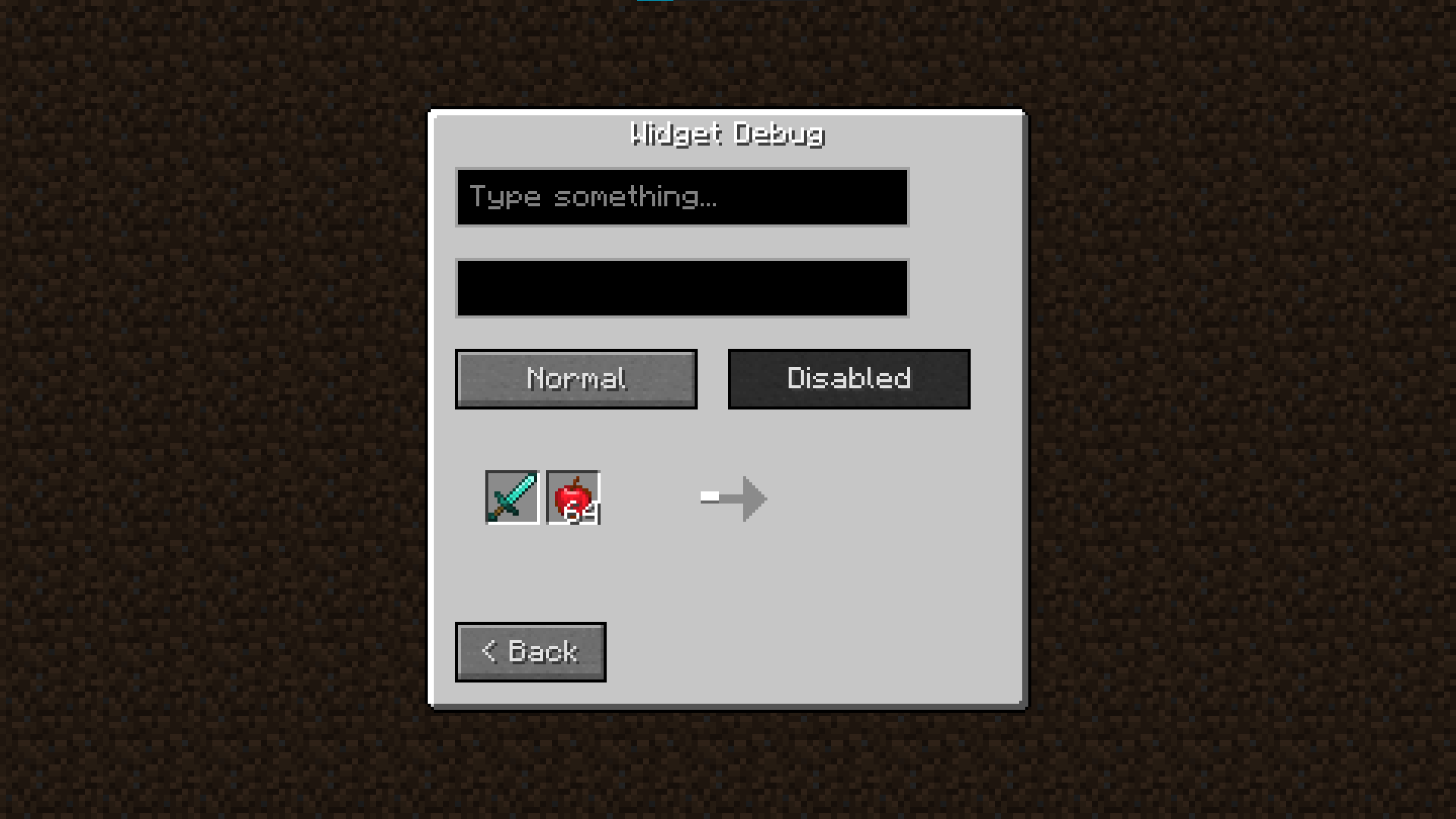
- Essential Widgets: Includes a collection of standard, themable widgets ready for immediate implementation.
- Debug Tools: Includes a built-in debug overlay for developers (Press
Ctrl + Shift + U). - Vanilla Friendly: The default theme mimics the vanilla aesthetic perfectly but can be fully customized.
Usage
Full documentation and implementation examples are available on the wiki (click the Documentation badge above).
To access the developer debug menu in-game, use: CTRL + SHIFT + U
Requirements
- Minecraft: Forge 1.20.1+ (Check file versions)
- Loader: Forge Only
- Dependencies: None (Standalone Library)
License
MIT – free to use in your own projects, modpacks, and addons.
Available Versions
How to Install CubeUI on Your Server
Order Server
Order a Minecraft Java server with at least 3 GB RAM (4 GB recommended).
Set forge Loader
In the panel under "Egg", select the forge loader and matching Minecraft version (1.20.1).
Install Mod
Open the mod browser in the dashboard and search for "CubeUI". Click "Install" – done! Alternatively, upload the .jar via SFTP to the /mods folder.
Compatibility
Mod Loaders
Minecraft Versions
1.20.1
Server-side
✓ RequiredRecommended RAM
4 GB(min. 3 GB)Frequently Asked Questions
CubeUI server crashes on startup – what to do?
Most common cause: wrong forge version or insufficient RAM. Check the server log (latest.log) for "OutOfMemoryError" or "Mixin" errors. With Mado Hosting: ensure at least 3 GB RAM is allocated and the loader matches the mod version (1.20.1). You can switch loaders with one click in the panel.
Is CubeUI compatible with forge?
CubeUI officially supports forge for Minecraft 1.20.1. The Mado dashboard automatically detects incompatible loader combinations.
Server lagging with CubeUI – how to optimize performance?
Recommended RAM: 4 GB (per 8 players). Use /spark profiler to check if CubeUI consumes the most tick time. Common fixes: reduce server view-distance to 8-10, install "performant" or "starlight" as supplementary mods on Forge. With Mado Hosting, your server runs on NVMe SSDs with dedicated CPU cores for minimal latency.
Similar Mods



Rent Modded Server
Install CubeUI with just one click on your server.