
CustomCrosshair
Take full control of your crosshair — draw any shape, pick any color, and add hit effects, all with an Insanely clean and easy to use GUI.
Screenshots
About this Mod
🎯 CustomCrosshair
For any suggestions or Bug Reports, Please DM @SupRani on Discord.
Take full control of your crosshair — draw any shape, pick any color, and add hit effects, all from a simple in-game menu. No resource packs needed.
✏️ Pixel Editor
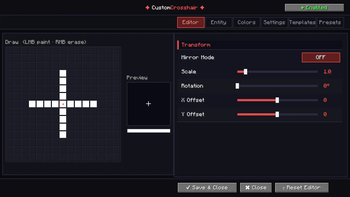
Draw your crosshair pixel by pixel on a 15×15 canvas with left-click to paint and right-click to erase. Every change shows up instantly in the live preview — what you see is exactly what you get.
🎨 Color & Blending
A full HSV color picker, RGB sliders, and alpha control give you complete freedom over your crosshair's look. Vanilla Blend Mode keeps the classic Minecraft feel while still letting you customize — the best of both worlds.
👾 Entity Crosshair
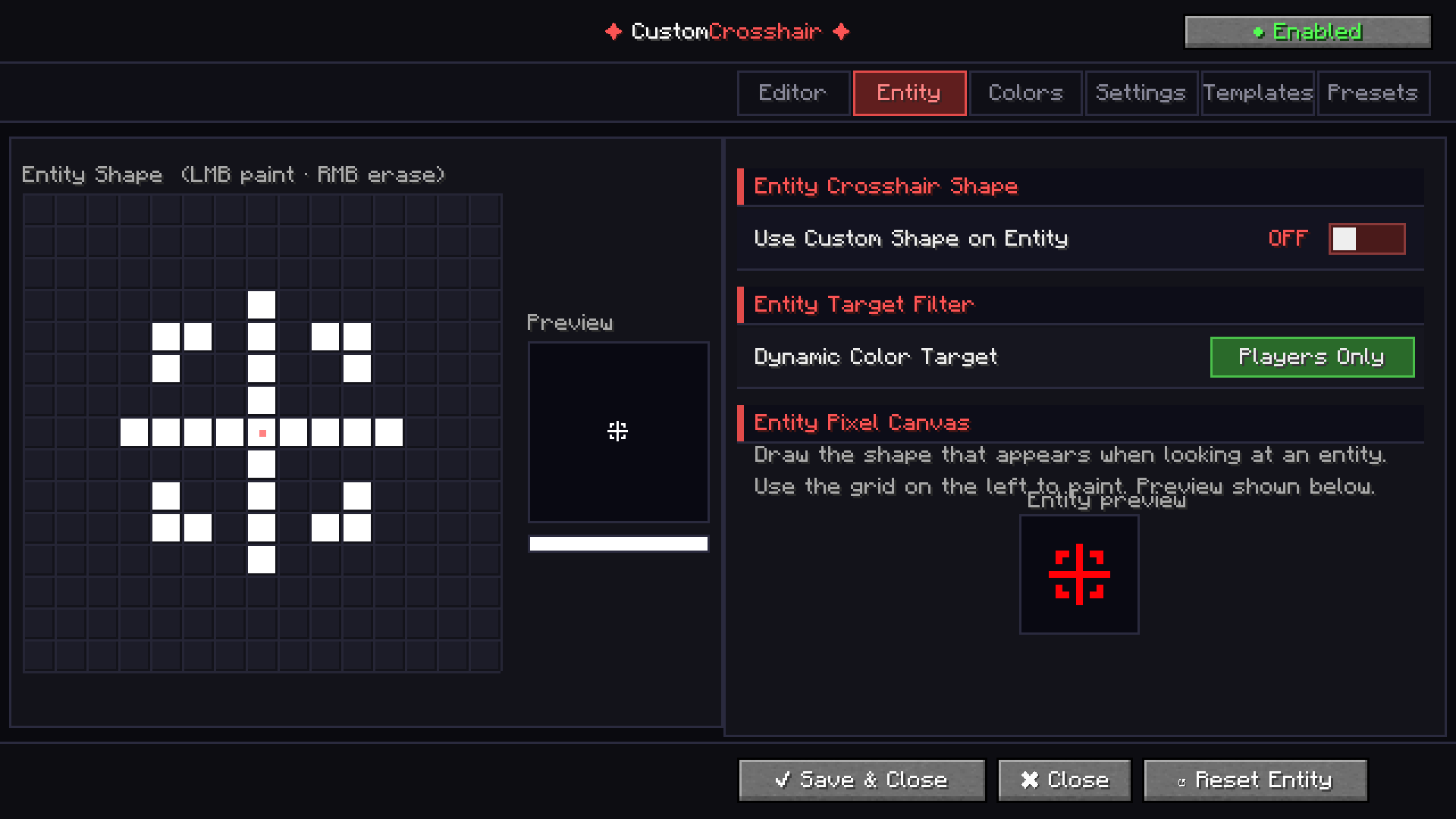
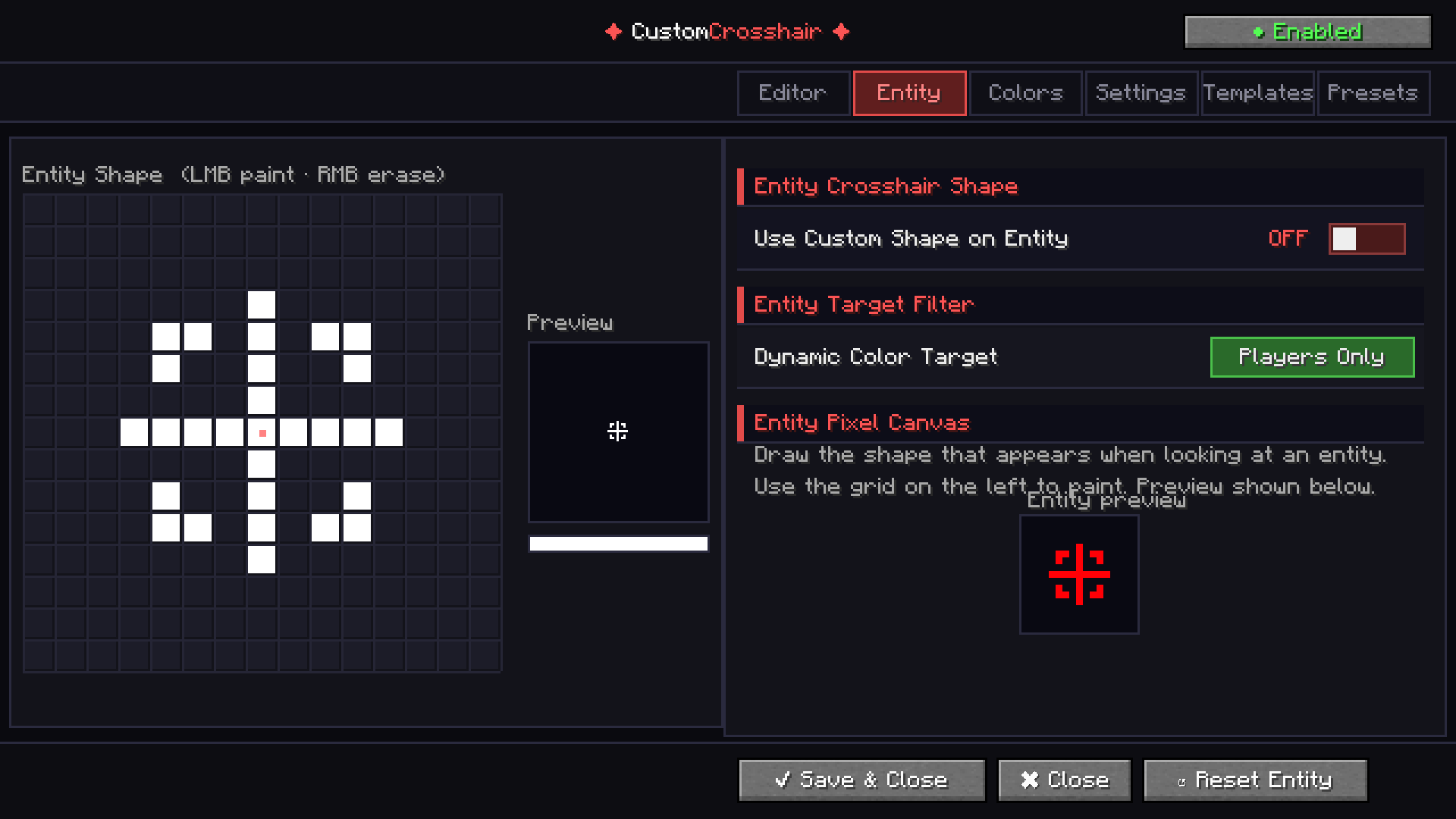
Set a completely separate crosshair shape that automatically swaps in whenever you look at a mob. Perfect for PvP players who want instant visual feedback without any effort.
⚡ Dynamic Effects
- Attack Flash — your crosshair flashes a custom color every time you swing
- Dynamic Color — automatically switches color when targeting an entity
- Invert Mode — flips your crosshair color against any background
- Outline — adds a clean border around every pixel for maximum visibility
🔧 Transform Controls
Scale, rotate, and offset your crosshair with precision sliders. Mirror modes (horizontal, vertical, or both) let you build perfectly symmetric designs in seconds.
💾 Preset System
Save unlimited named crosshair configurations and switch between them instantly. Your entire setup — shape, color, effects — stored in one click.
📦 Built-in Templates
Not sure where to start? Choose from 10 built-in templates including Classic Cross, Sniper, Circle, Diamond, X Shape, and more.
🖥️ The GUI
This is not your average Minecraft settings screen. CustomCrosshair features a fully custom-built dark UI with tabbed navigation, live previews, a real color picker, scrollable panels, and toggle switches — all inside the game, no external tools, no config file hunting.
Fabric 1.21.4 - More Coming Soon!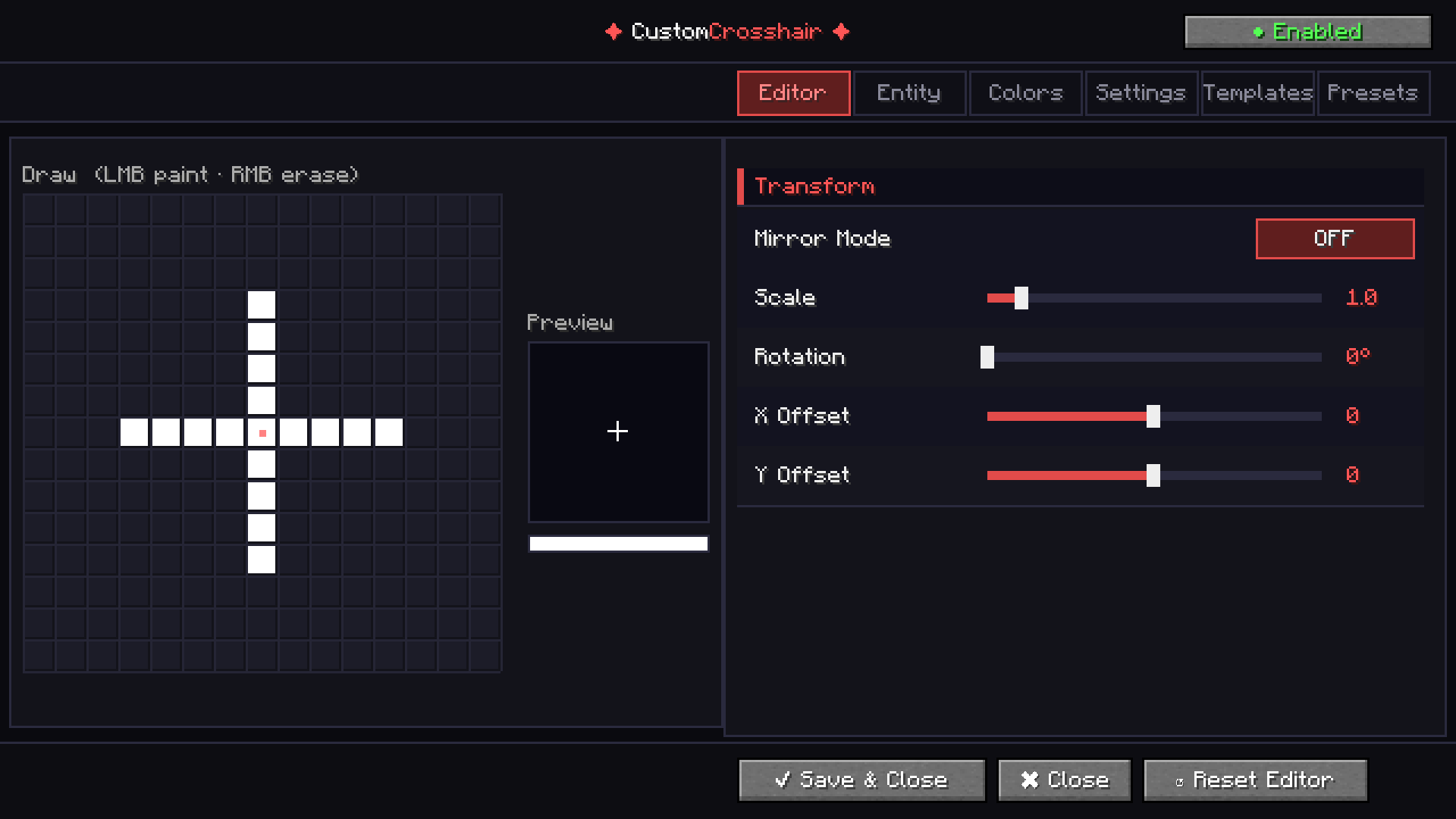
Available Versions
How to Install CustomCrosshair on Your Server
Order Server
Order a Minecraft Java server with at least 3 GB RAM (4 GB recommended).
Set fabric Loader
In the panel under "Egg", select the fabric loader and matching Minecraft version (1.21.11).
Install Mod
Open the mod browser in the dashboard and search for "CustomCrosshair". Click "Install" – done! Alternatively, upload the .jar via SFTP to the /mods folder.
Compatibility
Mod Loaders
Minecraft Versions
1.21.11, 1.21.4
Server-side
✗ UnsupportedRecommended RAM
4 GB(min. 3 GB)Frequently Asked Questions
CustomCrosshair server crashes on startup – what to do?
Most common cause: wrong fabric version or insufficient RAM. Check the server log (latest.log) for "OutOfMemoryError" or "Mixin" errors. With Mado Hosting: ensure at least 3 GB RAM is allocated and the loader matches the mod version (1.21.11). You can switch loaders with one click in the panel.
Is CustomCrosshair compatible with fabric?
CustomCrosshair officially supports fabric for Minecraft 1.21.11, 1.21.4. The Mado dashboard automatically detects incompatible loader combinations.
Server lagging with CustomCrosshair – how to optimize performance?
Recommended RAM: 4 GB (per 8 players). Use /spark profiler to check if CustomCrosshair consumes the most tick time. Common fixes: reduce server view-distance to 8-10, install "performant" or "starlight" as supplementary mods on Forge. With Mado Hosting, your server runs on NVMe SSDs with dedicated CPU cores for minimal latency.
Similar Mods




![[TaCZ] Timeless and Classics Zero](https://cdn.modrinth.com/data/SzzJttH8/fd27766d2bb8390d284696b1dbd358f87e081439_96.webp)

Rent Modded Server
Install CustomCrosshair with just one click on your server.