
Daily Boss
Adding daily boss event into Minecraft
Screenshots


About this Mod




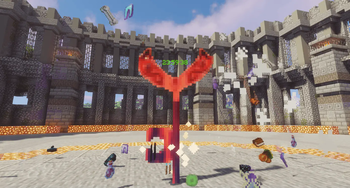
DailyBoss is a Minecraft mod that introduces a Colosseum-style boss daily challenge system.
⚠️ This mod is currently adding compatibility with more bosses from other mods!
Features
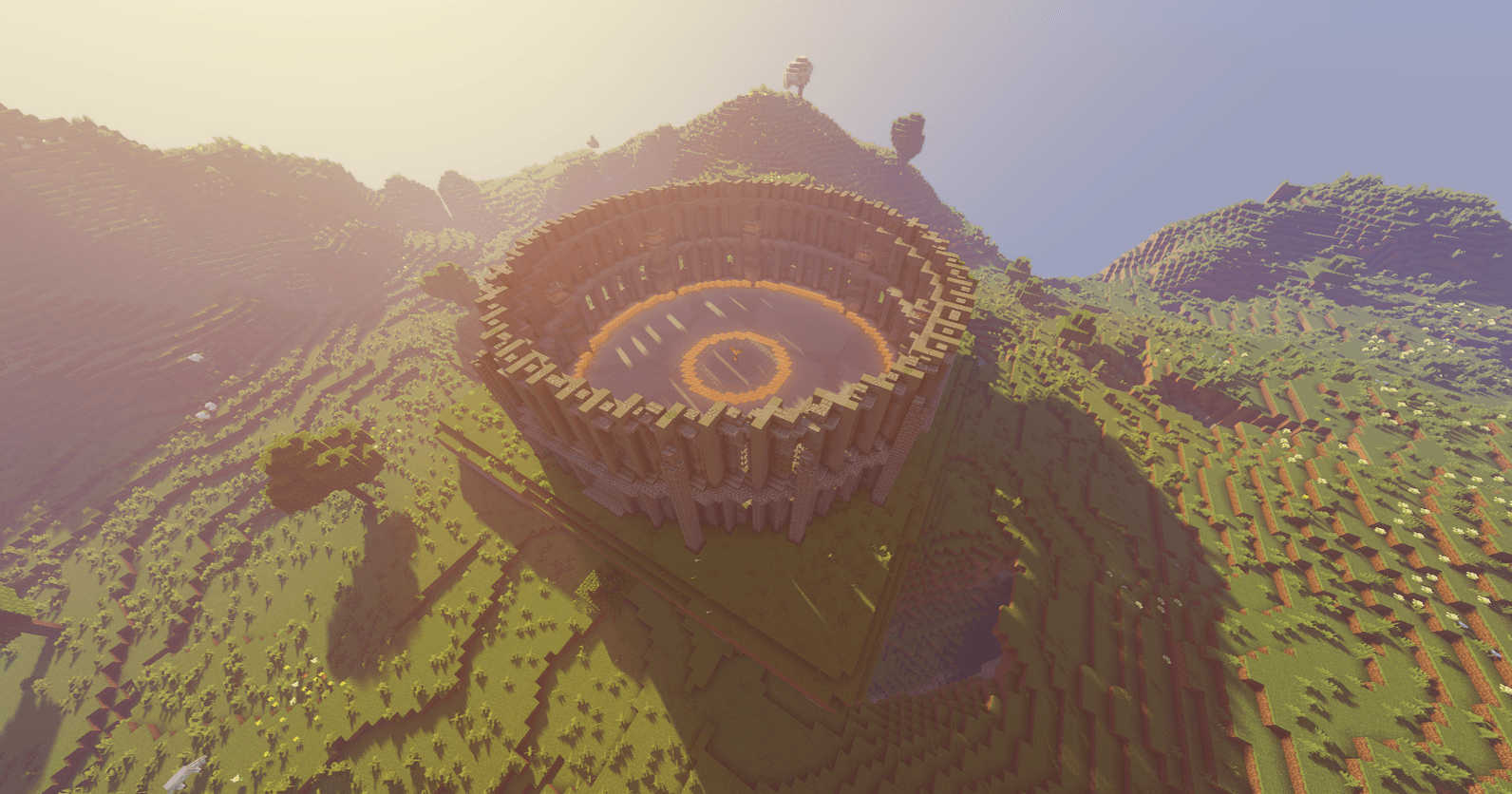
Adds a Colosseum structure and an interactive Key Entity.
When you right-click the Key Entity, it will spawn a random boss that you have already defeated at least once.
The Key Entity resets every 1 real-life day (24 hours)
If you do not defeat the boss within 24 hours, the boss will be discarded, and the Key Entity will reset without reward.
A built-in UI displays a paginated list of available bosses (Press ` key to open)
Custom boss entries can be added via datapacks.
Resource packs can be used to customize boss posters shown in the UI.
Adds a Colosseum structure and an interactive Key Entity.
When you right-click the Key Entity, it will spawn a random boss that you have already defeated at least once.
The Key Entity resets every 1 real-life day (24 hours)
If you do not defeat the boss within 24 hours, the boss will be discarded, and the Key Entity will reset without reward.
A built-in UI displays a paginated list of available bosses (Press ` key to open)
Custom boss entries can be added via datapacks.
Resource packs can be used to customize boss posters shown in the UI.
Commands
- pladailyboss spawn/kill/reset
All Json Data Keys
{
  // list of loot chest for boss on death
  "loot_table": [
    "minecraft:chests/bastion_treasure",
    "minecraft:chests/bastion_other"
  ],
  "loot_table_rolls": 5, // max value for total rolls from loot_table
  // list of all extra items drop for boss on death
  "custom_loot": [
    "minecraft:diamond",
    { "item": "minecraft:emerald", "count": 3 }
  ],
  "custom_loot_rolls": 2, // max value for total rolls from custom_loot
  "disable_mob_loot": true, // disable mob default drop
  "encounter_timeout_ms": 40000, // custom remaining time for boss
  // custom nbt tag for the boss
  "nbt": {
    "Invul": 202
  }
  "is_water": false, // fill the battle zone in water
}
How to add more bosses
- Open your request to my GitHub
- Or you can create a Datapack for yourself
Download Example Datapack/Resourcepack
Mod Showcase Video
Available Versions
How to Install Daily Boss on Your Server
Order Server
Order a Minecraft Java server with at least 4 GB RAM (6 GB recommended).
Set forge Loader
In the panel under "Egg", select the forge loader and matching Minecraft version (1.21.1).
Install Mod
Open the mod browser in the dashboard and search for "Daily Boss". Click "Install" – done! Alternatively, upload the .jar via SFTP to the /mods folder.
Compatibility
Mod Loaders
Minecraft Versions
1.21.1, 1.20.1, 1.19.2 (+1 more)
Server-side
✓ RequiredRecommended RAM
6 GB(min. 4 GB)Frequently Asked Questions
Daily Boss server crashes on startup – what to do?
Most common cause: wrong forge version or insufficient RAM. Check the server log (latest.log) for "OutOfMemoryError" or "Mixin" errors. With Mado Hosting: ensure at least 4 GB RAM is allocated and the loader matches the mod version (1.21.1). You can switch loaders with one click in the panel.
Is Daily Boss compatible with forge and neoforge?
Daily Boss officially supports forge, neoforge for Minecraft 1.21.1, 1.20.1, 1.19.2. The Mado dashboard automatically detects incompatible loader combinations.
Server lagging with Daily Boss – how to optimize performance?
Recommended RAM: 6 GB (per 5 players). Use /spark profiler to check if Daily Boss consumes the most tick time. Common fixes: reduce server view-distance to 8-10, install "performant" or "starlight" as supplementary mods on Forge. With Mado Hosting, your server runs on NVMe SSDs with dedicated CPU cores for minimal latency.
Similar Mods




Rent Modded Server
Install Daily Boss with just one click on your server.