
Dark Souls Expansion
Introduces Dark Souls In Minecraft.
Screenshots
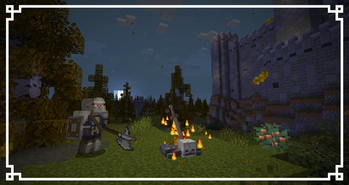
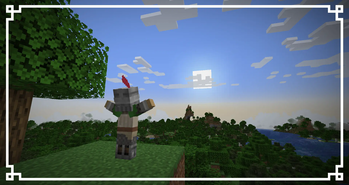
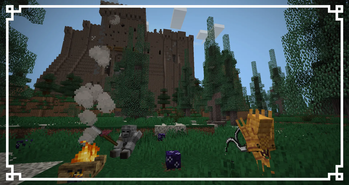
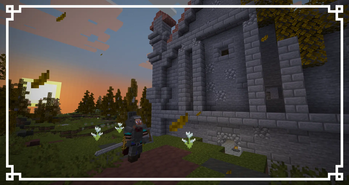
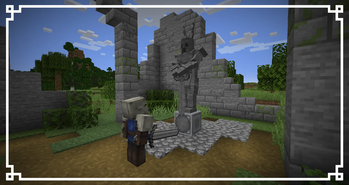
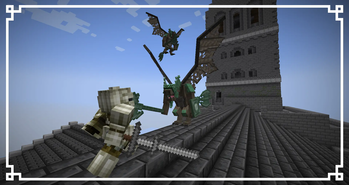
About this Mod
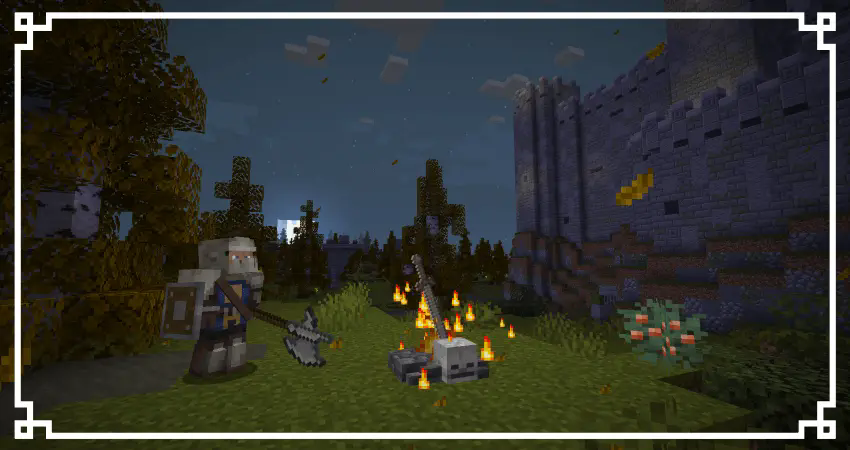
About Dark Souls Expansion
The FazBrick Studios Team presents Dark Souls Expansion. Maintained and kept up to date for modern versions of Minecraft and fully compatible with multiplayer.
This project focuses on transforming the Minecraft game into the look and feel of From Software games without losing the original essence of the Vanilla game. Dark Souls Expansion features a huge variety of weapons, structures, enemies and content to ensure a completely immersive and enjoyable experience for the user.
This mod adds a new dimension called Lordran where most of the user's gameplay time will be based. In this new dimension you will be able to explore and face new enemies and bosses while upgrading your weapons, armor and spells.
The mod is currently in the early stages of development and will be constantly updated adding new content and advancing versions.
I can put this in Modpacks?
Of course! Feel free to add this mod to your modpacks. I encourage you to do so, just don't forget to give credit.
What's in the Mod
The Dark Souls Expansion consists of a large number of structures and dungeons on which the exploration of these and the obtaining of improvement resources and equipment will be completely based.
Currently the project includes:
Undead Burg Dungeon
Undead Parish Dungeon
Sen's Fortress
Sanctuary Structure
Undead Asylum Dungeon and Boss
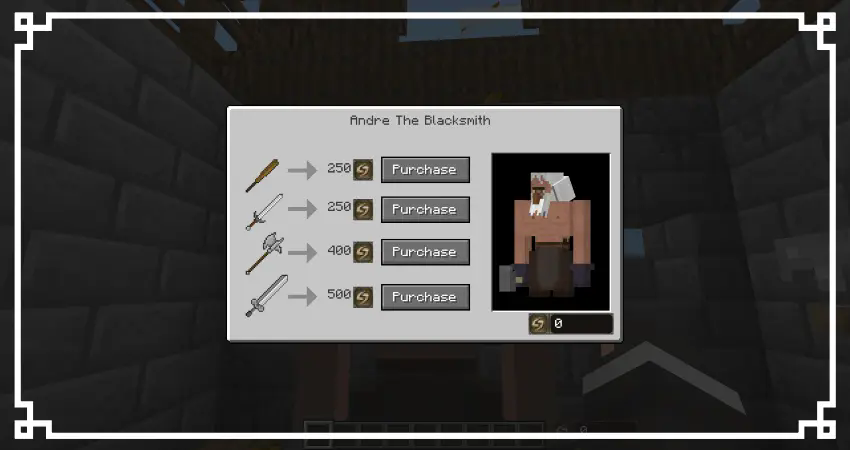
Blacksmith Andre Station and new trading system by souls
More than 45 new weapons with animations
More than 15 new armor sets ispired in the series
New Lordran Dimension
More than 20 new creatures
And a lot more!
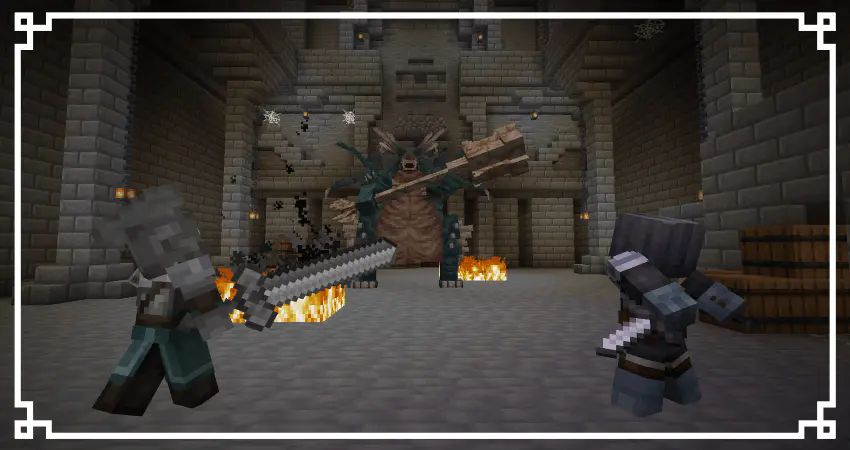
Getting Started
To begin your adventure you will have to find eight ruin fragments scattered around the world in a new structure known as Gravestone Yard. By joining these fragments with an Undead Soul you can obtain Artorias Crest.
This same object will be key to travel to Lordran since it will be the key that we will have to deposit in the new churches that we will find in the world. Once the key is entered, it will take us to Lordran and from there we can explore the world at our leisure and find new structures and enemies.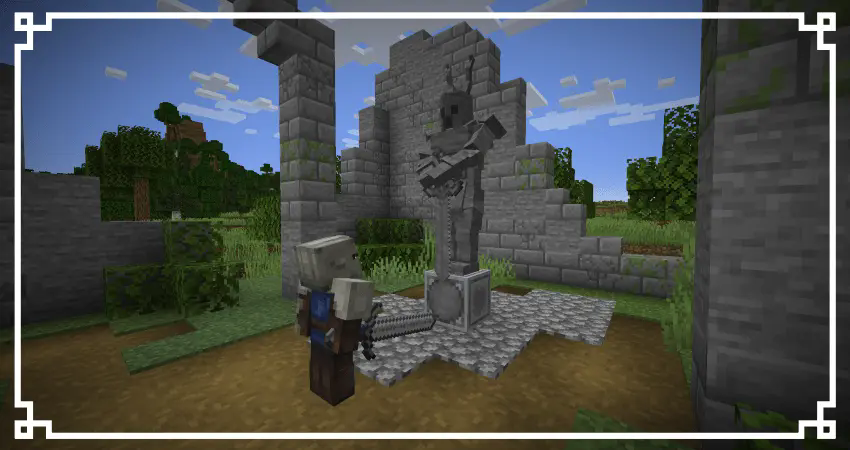
While in Lordran we will have 3 new main structures that we can loot and face their respective bosses. One of these is the blacksmith house which we will use to buy new weapons and items from the blacksmith in exchange for souls. To enable this function we will have to give the blacksmith a Large Amber.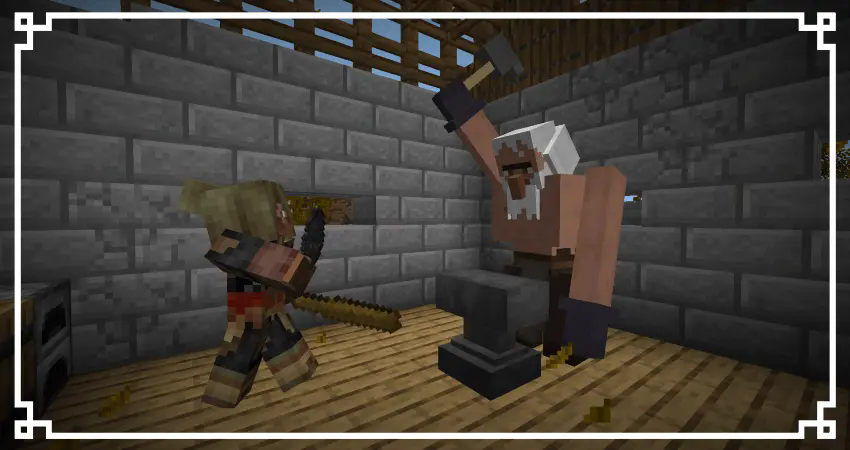
To get started, all you need is a Minecraft Java server with at least 4GB of RAM or more (recommended for smoother gameplay with multiple players). With just one click from your control panel, you can instantly install Dark Souls Expansion [CurseForge] and begin your perilous adventure today!
Redistribution License
You are not allowed to upload or redistribute this mod on websites or domains other than Curseforge or Modrinth.
This specifically includes RU-Minecraft.
Requeriments
Available Versions
How to Install Dark Souls Expansion on Your Server
Order Server
Order a Minecraft Java server with at least 3 GB RAM (4 GB recommended).
Set forge Loader
In the panel under "Egg", select the forge loader and matching Minecraft version (1.20.1).
Install Mod
Open the mod browser in the dashboard and search for "Dark Souls Expansion". Click "Install" – done! Alternatively, upload the .jar via SFTP to the /mods folder.
Compatibility
Mod Loaders
Minecraft Versions
1.20.1
Server-side
✓ RequiredRecommended RAM
4 GB(min. 3 GB)Frequently Asked Questions
Dark Souls Expansion server crashes on startup – what to do?
Most common cause: wrong forge version or insufficient RAM. Check the server log (latest.log) for "OutOfMemoryError" or "Mixin" errors. With Mado Hosting: ensure at least 3 GB RAM is allocated and the loader matches the mod version (1.20.1). You can switch loaders with one click in the panel.
Is Dark Souls Expansion compatible with forge?
Dark Souls Expansion officially supports forge for Minecraft 1.20.1. The Mado dashboard automatically detects incompatible loader combinations.
Server lagging with Dark Souls Expansion – how to optimize performance?
Recommended RAM: 4 GB (per 8 players). Use /spark profiler to check if Dark Souls Expansion consumes the most tick time. Common fixes: reduce server view-distance to 8-10, install "performant" or "starlight" as supplementary mods on Forge. With Mado Hosting, your server runs on NVMe SSDs with dedicated CPU cores for minimal latency.
Similar Mods




Rent Modded Server
Install Dark Souls Expansion with just one click on your server.