
DarkMobs
Increases difficulty of mobs making them harder to kill and making it a challenge
About this Mod

DarkMobs
Increases mob difficulty giving a better challenge in modded environments. Get that 'Dark Souls' effect now! | View Changelog
Server side is supported. You can install this on the server and not need to have it installed on the client.
Created by the same authors who made DarkRPG (for a full RPG experience, get the DarkRPG modpack and enjoy quests and rpg gameplay)
Features
(Your vanilla experience will be further enhanced thanks to these features)
Vanilla mobs can get really easy to defeat, especially in a modded environment where players have equipment and weapons superior to vanilla stats. This mod changes mobs difficulty by making them harder to kill. Each mob has been fine-tuned to feel different based on on-going player feedback. This will make each fight exciting similar to games like Dark Souls where you have to plan each mob fight.
Pehkui is recommended if you want to make the Ender Dragon fight harder (other mobs will work without it).
Some Examples:-
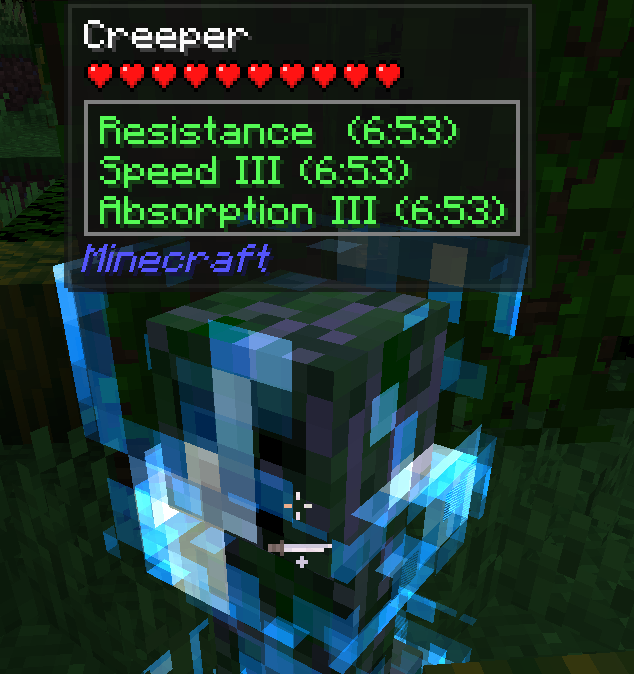
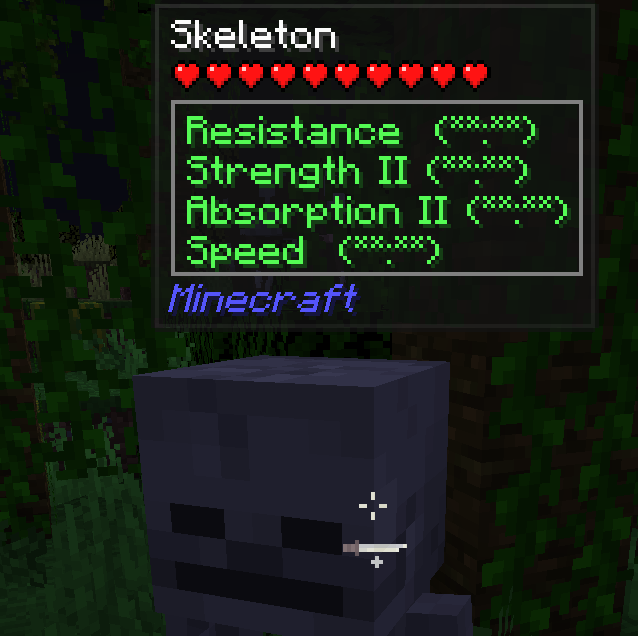
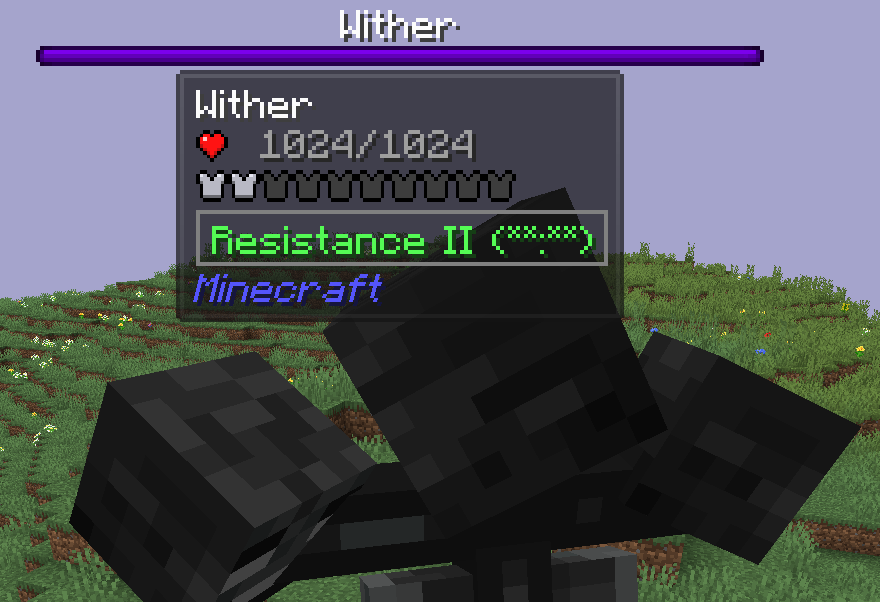
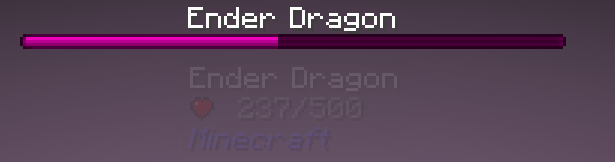
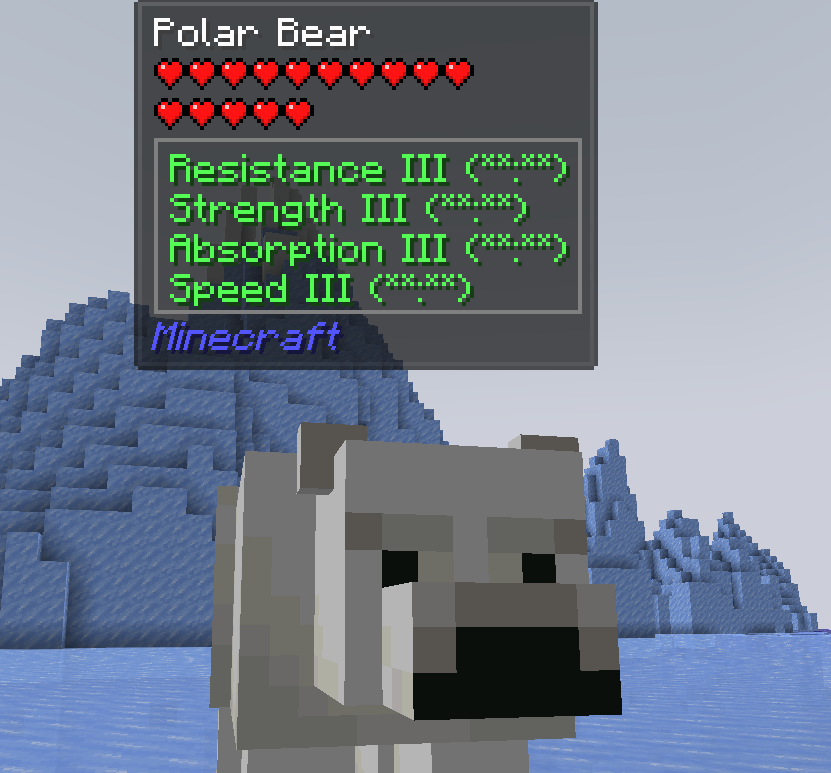
(Dont mess with Polar Bears!)
Permission - Feel free to use in your modpacks.

Available Versions
How to Install DarkMobs on Your Server
Order Server
Order a Minecraft Java server with at least 3 GB RAM (4 GB recommended).
Set fabric Loader
In the panel under "Egg", select the fabric loader and matching Minecraft version (26.1.2).
Install Mod
Open the mod browser in the dashboard and search for "DarkMobs". Click "Install" – done! Alternatively, upload the .jar via SFTP to the /mods folder.
Compatibility
Mod Loaders
Minecraft Versions
26.1.2, 26.1.1, 26.1 (+4 more)
Server-side
✓ RequiredRecommended RAM
4 GB(min. 3 GB)Frequently Asked Questions
DarkMobs server crashes on startup – what to do?
Most common cause: wrong fabric version or insufficient RAM. Check the server log (latest.log) for "OutOfMemoryError" or "Mixin" errors. With Mado Hosting: ensure at least 3 GB RAM is allocated and the loader matches the mod version (26.1.2). You can switch loaders with one click in the panel.
Is DarkMobs compatible with fabric and forge and neoforge and quilt?
DarkMobs officially supports fabric, forge, neoforge, quilt for Minecraft 26.1.2, 26.1.1, 26.1. Note: Forge and Fabric mods are NOT cross-compatible – pick one loader and stick with it. The Mado dashboard automatically detects incompatible loader combinations.
Server lagging with DarkMobs – how to optimize performance?
Recommended RAM: 4 GB (per 8 players). Use /spark profiler to check if DarkMobs consumes the most tick time. Common fixes: reduce server view-distance to 8-10, install "performant" or "starlight" as supplementary mods on Forge. With Mado Hosting, your server runs on NVMe SSDs with dedicated CPU cores for minimal latency.
Similar Mods




Rent Modded Server
Install DarkMobs with just one click on your server.