
DarknessPack
Discover rare Darkness Ore deep underground, smelt shards into ingots, forge Darkness Blocks, and empower gear via the Gemstone Anvil. Lightweight, late‑game fantasy progression with balanced worldgen and proper tool requirements.
Screenshots
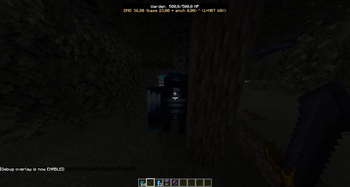
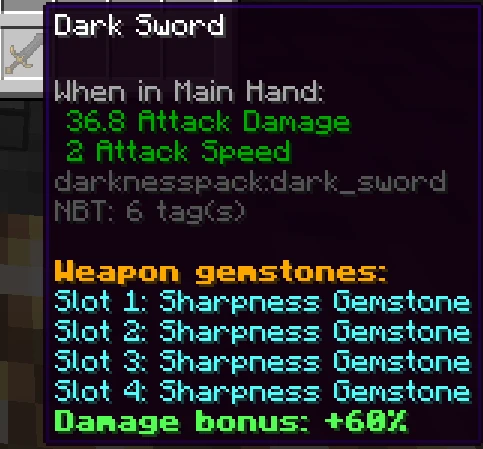
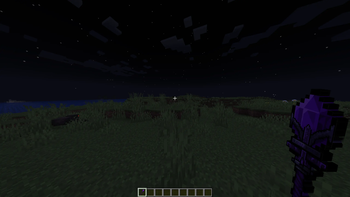
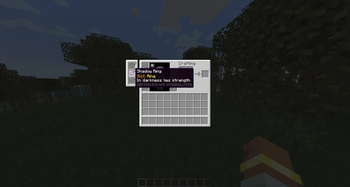
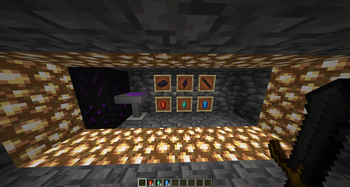
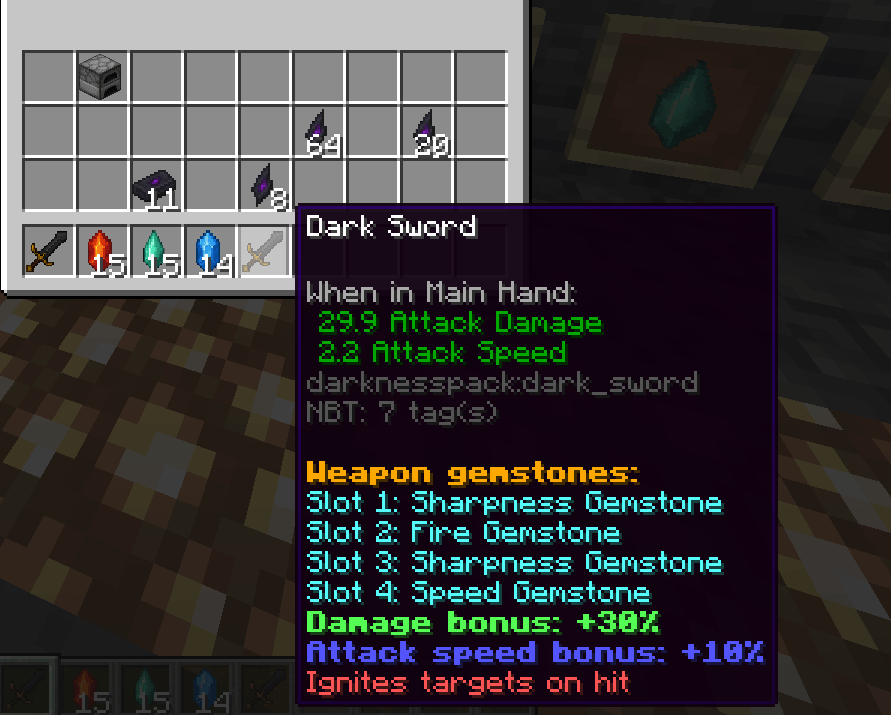
About this Mod
Darkness Pack - 1.20.1
Darkness Pack expands the world of Minecraft with new progression systems, combat mechanics, and crafting opportunities - all wrapped in a mysterious, dark-themed atmosphere. Instead of overwhelming you with instant power, it introduces a gradual journey where every discovery feels earned and every upgrade matters.
Key Features
- A new underground resource – rare and valuable, waiting to be uncovered by those willing to explore deeper than ever before.
- Advanced crafting progression – unlock a specialized workstation where weapons and equipment can be enhanced, upgraded, and customized.
- Gem-based upgrade system – insert mystical gems into your gear to shape its abilities and adapt your playstyle to different challenges.
- Accessories and curios – subtle but powerful items, seamlessly integrated with the Curios API, offering additional layers of character progression.
- New combat tools and mechanics – from unique melee options to ranged weapons and magical abilities, each designed to feel distinct and rewarding.
Gameplay Experience
Darkness Pack focuses on player choice and discovery. Instead of providing a fixed path, it gives you the tools to experiment, combine upgrades, and uncover synergies between items and abilities. Progression is modular and flexible, letting you decide how deep into the darkness you want to venture.
For Players Who…
This mod is designed for players who enjoy exploration, progression, and customization rather than rushing straight to end-game gear. If you like uncovering hidden mechanics, experimenting with different builds, and shaping your own adventure, Darkness Pack was made for you.
Available Versions
How to Install DarknessPack on Your Server
Order Server
Order a Minecraft Java server with at least 3 GB RAM (4 GB recommended).
Set forge Loader
In the panel under "Egg", select the forge loader and matching Minecraft version (1.20.1).
Install Mod
Open the mod browser in the dashboard and search for "DarknessPack". Click "Install" – done! Alternatively, upload the .jar via SFTP to the /mods folder.
Compatibility
Mod Loaders
Minecraft Versions
1.20.1
Server-side
✓ RequiredRecommended RAM
4 GB(min. 3 GB)Frequently Asked Questions
DarknessPack server crashes on startup – what to do?
Most common cause: wrong forge version or insufficient RAM. Check the server log (latest.log) for "OutOfMemoryError" or "Mixin" errors. With Mado Hosting: ensure at least 3 GB RAM is allocated and the loader matches the mod version (1.20.1). You can switch loaders with one click in the panel.
Is DarknessPack compatible with forge?
DarknessPack officially supports forge for Minecraft 1.20.1. The Mado dashboard automatically detects incompatible loader combinations.
Server lagging with DarknessPack – how to optimize performance?
Recommended RAM: 4 GB (per 8 players). Use /spark profiler to check if DarknessPack consumes the most tick time. Common fixes: reduce server view-distance to 8-10, install "performant" or "starlight" as supplementary mods on Forge. With Mado Hosting, your server runs on NVMe SSDs with dedicated CPU cores for minimal latency.
Rent Modded Server
Install DarknessPack with just one click on your server.