
DarkQuesting
Quest Mod with Advancement based Quests and Casino
About this Mod

DarkQuesting
A quest mod for Fabric featuring custom made quests to improve your vanilla gameplay | View Changelog
Server side is supported. You can install this on the server and not need to have it installed on the client.
Created by the same authors who made DarkRPG (for a full RPG experience, get the DarkRPG modpack and enjoy quests and rpg gameplay)
Features
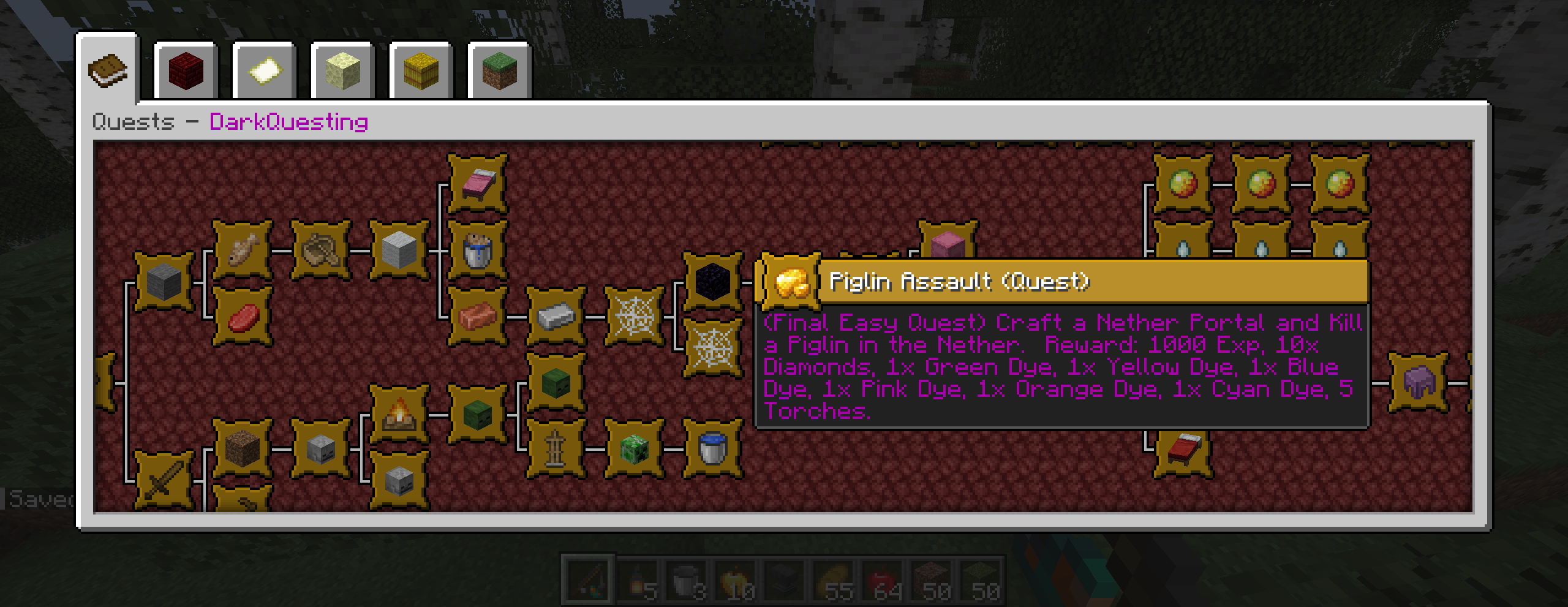
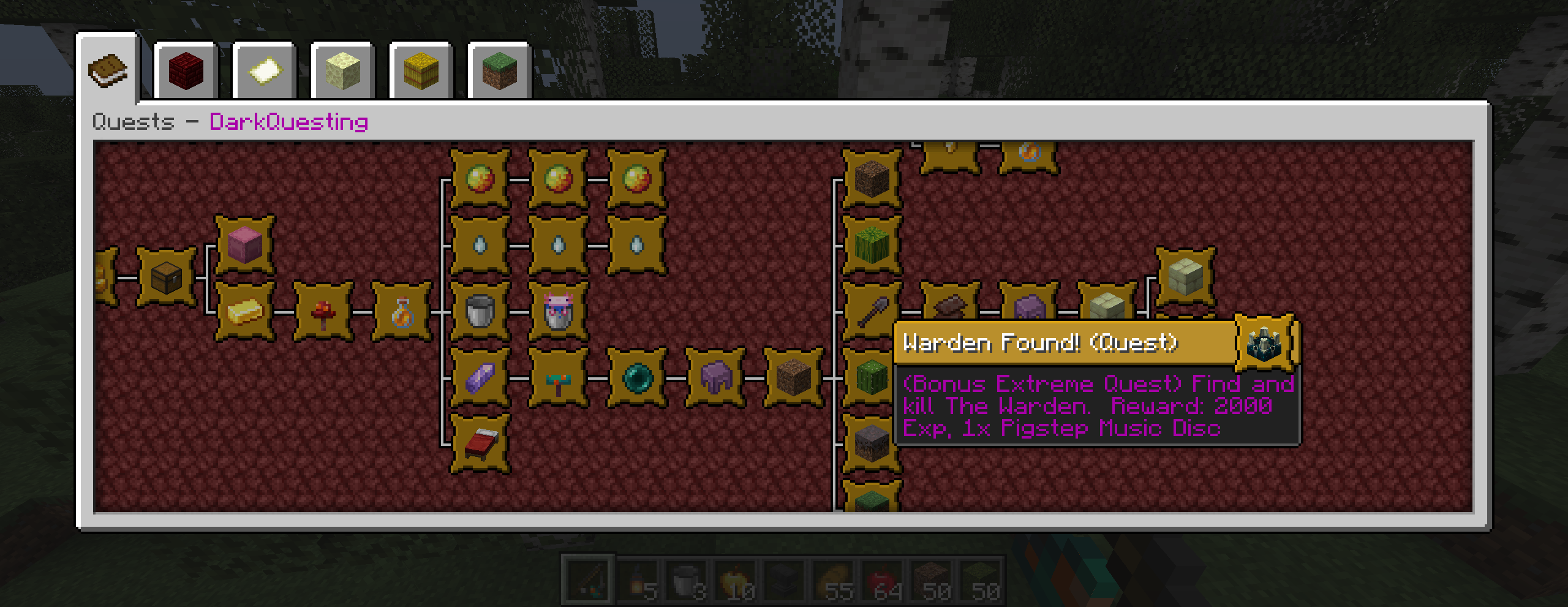
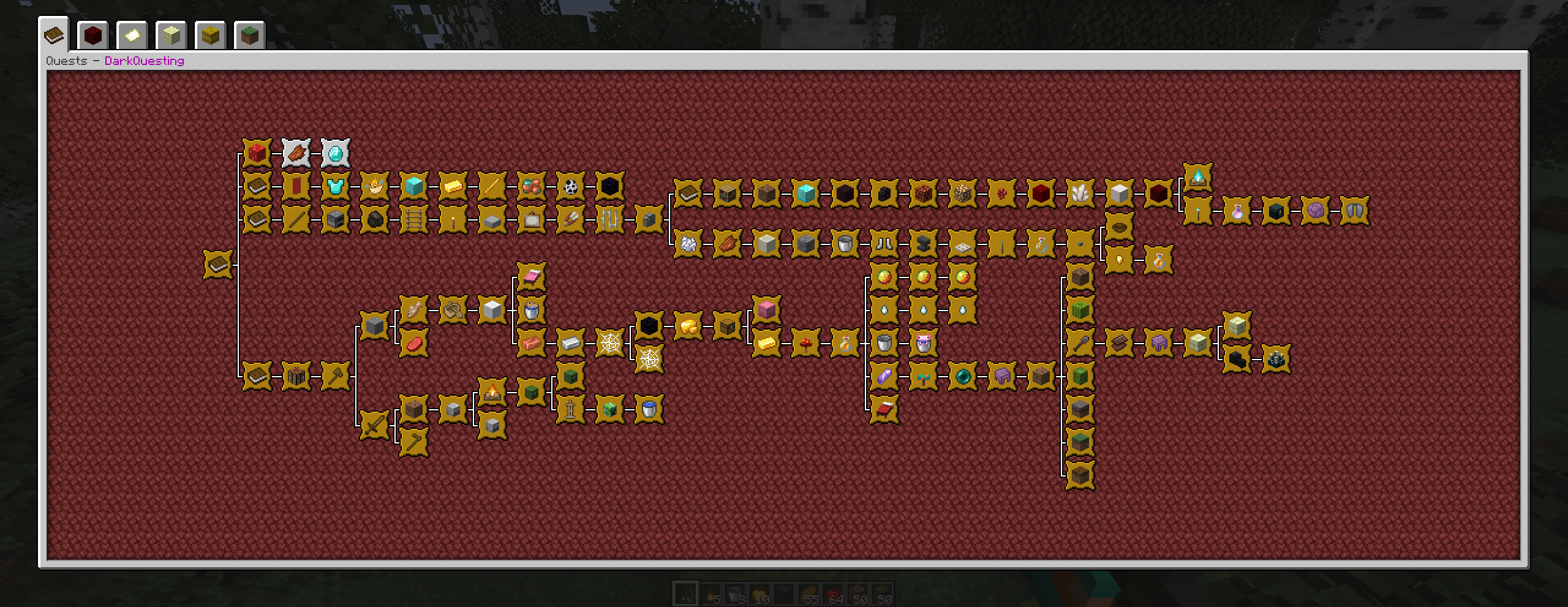
- Lots of Advancement based quests that give rewards and experience after completion, featuring 3 levels of difficulty (Easy, Hard, Extreme) with end quests. There is also a bonus quest after you complete the final extreme quest.
- Extra Quests are also available and can be completed at any time in no particular order.
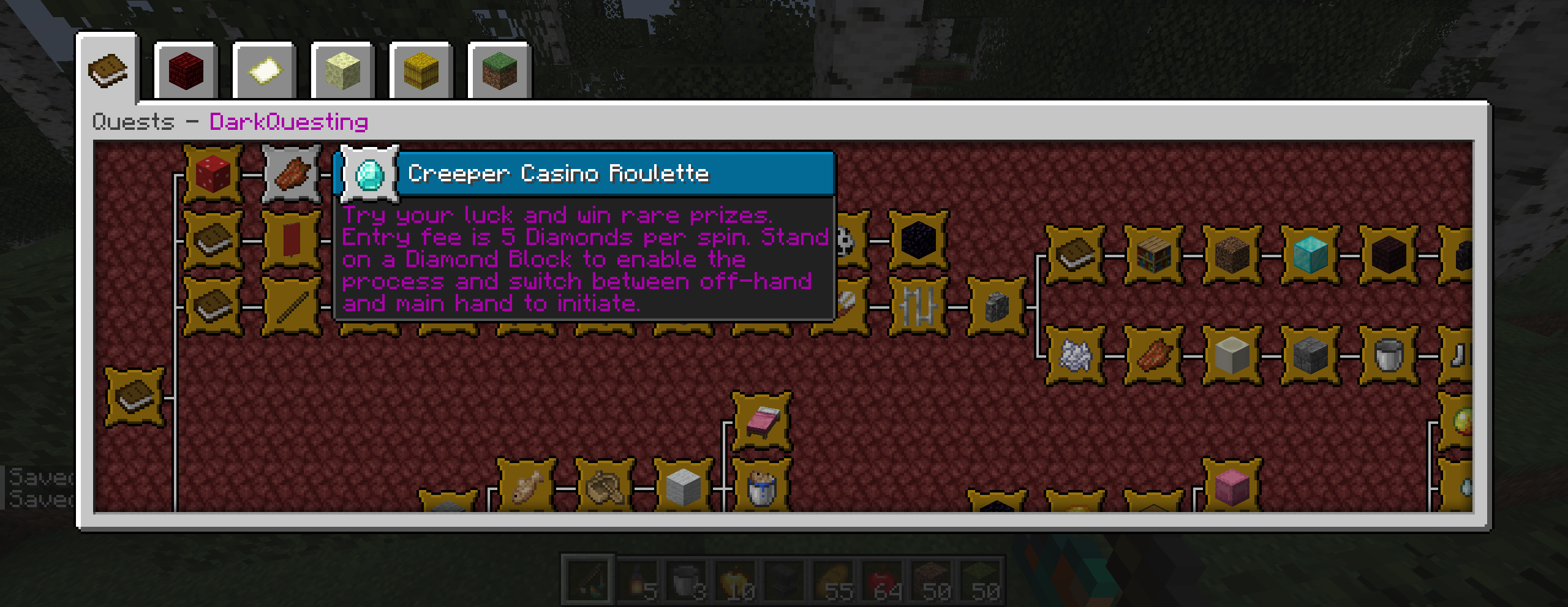
- Creeper Casino features 2 repeatable quests: 1. You can convert Rotten Flesh to Diamonds. 2. Using 5x Diamonds you can play the Roulette game that will give you very rare items and can be played multiple times. Always play the casino with an empty inventory and be near chests and shulker boxes.
- To start questing, press L in the game and click on the Book icon.
Creeper Casino Random Loot:
Spoiler
45x Rotten Flesh
2x Totem of Undying
1x End Crystal
1x Elytra
10x Sponge
1x Nether Star
1x Netherite Sword
1x Netherite Pickaxe
6x Netherite Ingots
25x Gold Ingots
45x Iron Ingots
5x Diamond Ores
5x Lapis Lazuli
10x Enchanted Golden Apples
1x Heart of the Sea
45x Firework Rockets
3x Gray Shulker Boxes
1x Stone
Screenshots
Main Quests:
Creeper Casino:
Special Warden Quest:
All quests completed:
Permission - Feel free to use in your modpacks.

Available Versions
How to Install DarkQuesting on Your Server
Order Server
Order a Minecraft Java server with at least 3 GB RAM (4 GB recommended).
Set fabric Loader
In the panel under "Egg", select the fabric loader and matching Minecraft version (26.1.2).
Install Mod
Open the mod browser in the dashboard and search for "DarkQuesting". Click "Install" – done! Alternatively, upload the .jar via SFTP to the /mods folder.
Compatibility
Mod Loaders
Minecraft Versions
26.1.2, 26.1.1, 26.1 (+4 more)
Server-side
✓ RequiredRecommended RAM
4 GB(min. 3 GB)Frequently Asked Questions
DarkQuesting server crashes on startup – what to do?
Most common cause: wrong fabric version or insufficient RAM. Check the server log (latest.log) for "OutOfMemoryError" or "Mixin" errors. With Mado Hosting: ensure at least 3 GB RAM is allocated and the loader matches the mod version (26.1.2). You can switch loaders with one click in the panel.
Is DarkQuesting compatible with fabric and forge and neoforge and quilt?
DarkQuesting officially supports fabric, forge, neoforge, quilt for Minecraft 26.1.2, 26.1.1, 26.1. Note: Forge and Fabric mods are NOT cross-compatible – pick one loader and stick with it. The Mado dashboard automatically detects incompatible loader combinations.
Server lagging with DarkQuesting – how to optimize performance?
Recommended RAM: 4 GB (per 8 players). Use /spark profiler to check if DarkQuesting consumes the most tick time. Common fixes: reduce server view-distance to 8-10, install "performant" or "starlight" as supplementary mods on Forge. With Mado Hosting, your server runs on NVMe SSDs with dedicated CPU cores for minimal latency.
Similar Mods




Rent Modded Server
Install DarkQuesting with just one click on your server.