
Darwin IV mod
Explore an alien planet Darwin IV from an iconic book The Expedition by Wayne Douglas Barlowe.
Screenshots
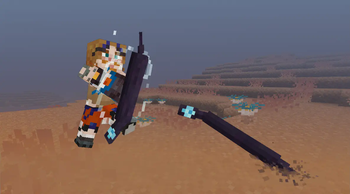
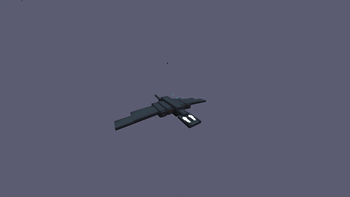
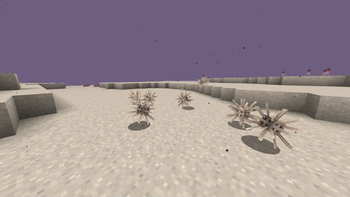
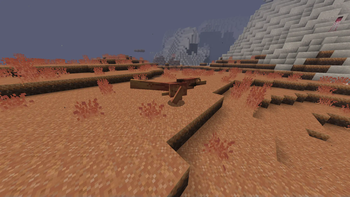
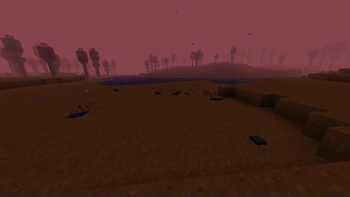
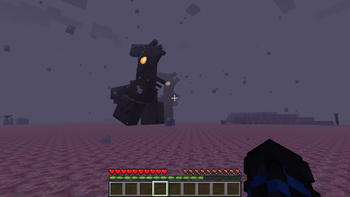
About this Mod
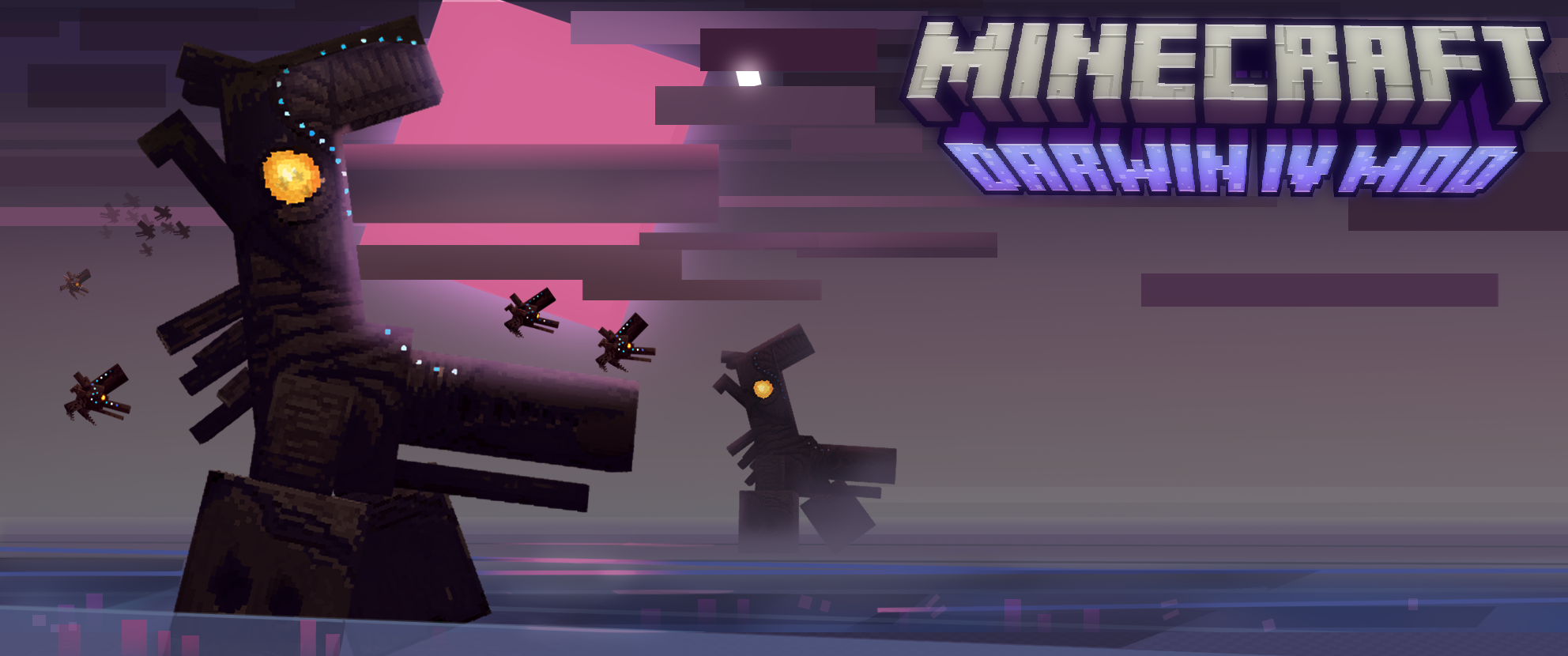
Explore an alien planet Darwin IV from an iconic book The Expedition by Wayne Douglas Barlowe. This mod adds a unique alien planet dimension with unique creatures and loot. Get ready to delve into a challenging and intriquing new world.
This mod is currently unfinished! So only a half-baked beta is аvailable.
Mod adds a new dimension, to which you can travel through a special portal that can be rarely found in the overworld. It can be activated by using a Yuma Technology item that you can craft by using a netherstar, 3 iron ignots and a redstone block.
New dimension called Darwin IV, contains 6 new unique biomes and 16 new mobs and 3 inuque soundtracks composed by PesterJest and Heath!
current biomes are:
- Amoebic sea
- Deep Amoebic sea
- Pocket forest
- Saline valley
- Prairie
- Litoral zone
list of mobs:
- Emperor sea strider
- Sea strider nymph
- Disk flyer
- Dark disk flyer
- Stripewing
- Amoebite
- Amoebound
- Prairie ram
- Jetdarter
- Skewer
- Symbiont flyer
- Sackback
- Beach quill
- Spinosa
- Shorehopper
- Pillslug
All of the mobs are well animated and modeled with unique drops.
The mod adds a variety of life quality enhancing blocks and items.
please consider that this mod is still in early development, so not all content is added or polished!
critiques and help will be more than welcome!
Available Versions
How to Install Darwin IV mod on Your Server
Order Server
Order a Minecraft Java server with at least 3 GB RAM (4 GB recommended).
Set forge Loader
In the panel under "Egg", select the forge loader and matching Minecraft version (1.20.1).
Install Mod
Open the mod browser in the dashboard and search for "Darwin IV mod". Click "Install" – done! Alternatively, upload the .jar via SFTP to the /mods folder.
Compatibility
Mod Loaders
Minecraft Versions
1.20.1
Server-side
✓ RequiredRecommended RAM
4 GB(min. 3 GB)Frequently Asked Questions
Darwin IV mod server crashes on startup – what to do?
Most common cause: wrong forge version or insufficient RAM. Check the server log (latest.log) for "OutOfMemoryError" or "Mixin" errors. With Mado Hosting: ensure at least 3 GB RAM is allocated and the loader matches the mod version (1.20.1). You can switch loaders with one click in the panel.
Is Darwin IV mod compatible with forge?
Darwin IV mod officially supports forge for Minecraft 1.20.1. The Mado dashboard automatically detects incompatible loader combinations.
Server lagging with Darwin IV mod – how to optimize performance?
Recommended RAM: 4 GB (per 8 players). Use /spark profiler to check if Darwin IV mod consumes the most tick time. Common fixes: reduce server view-distance to 8-10, install "performant" or "starlight" as supplementary mods on Forge. With Mado Hosting, your server runs on NVMe SSDs with dedicated CPU cores for minimal latency.
Similar Mods




Rent Modded Server
Install Darwin IV mod with just one click on your server.