
Screenshots
About this Mod
What is this mod?
This mod adds useful tweaks for datapack creators. You can read more about all the included features below.
Tweaks
In-game Datapack Editor
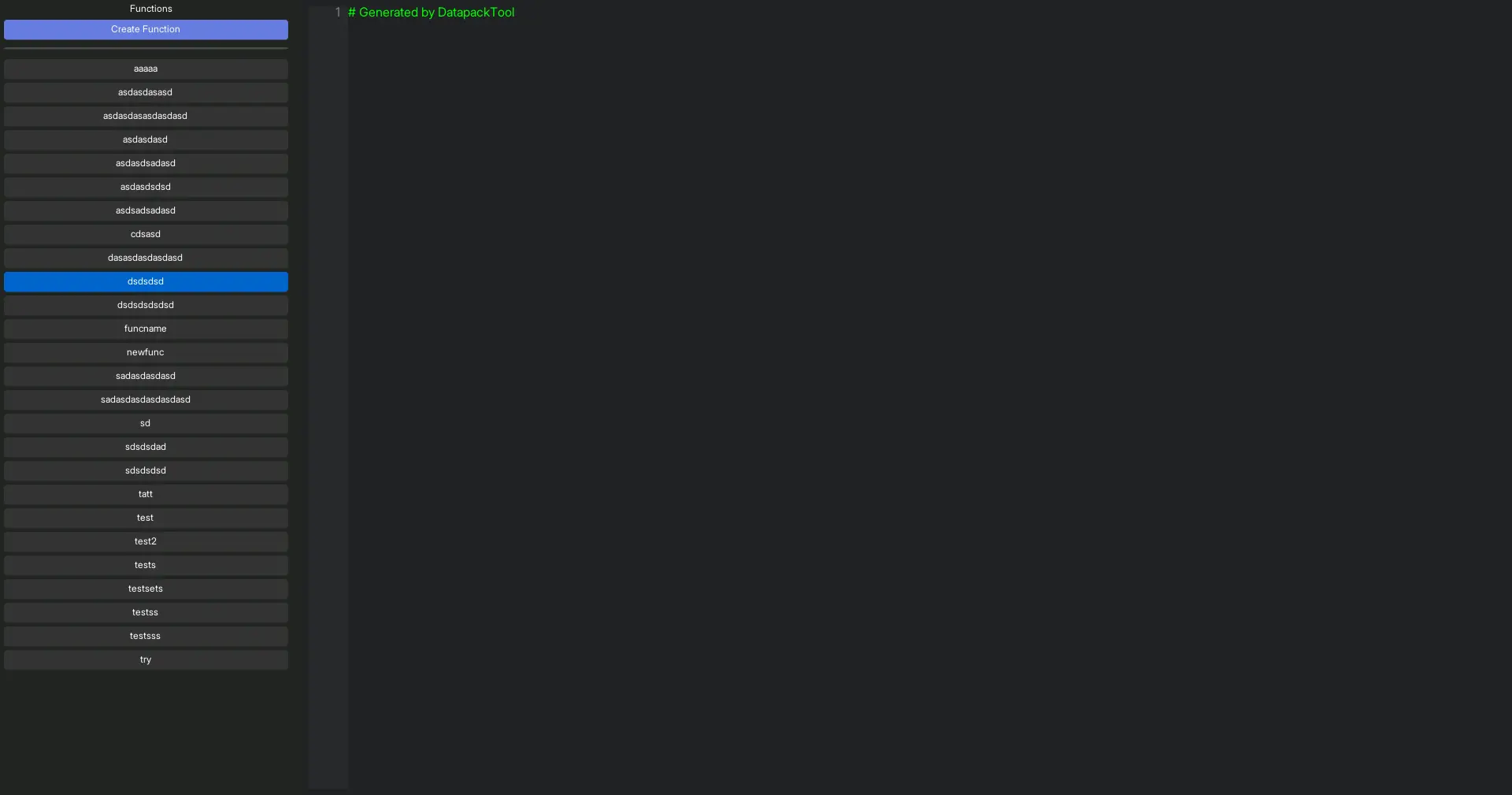
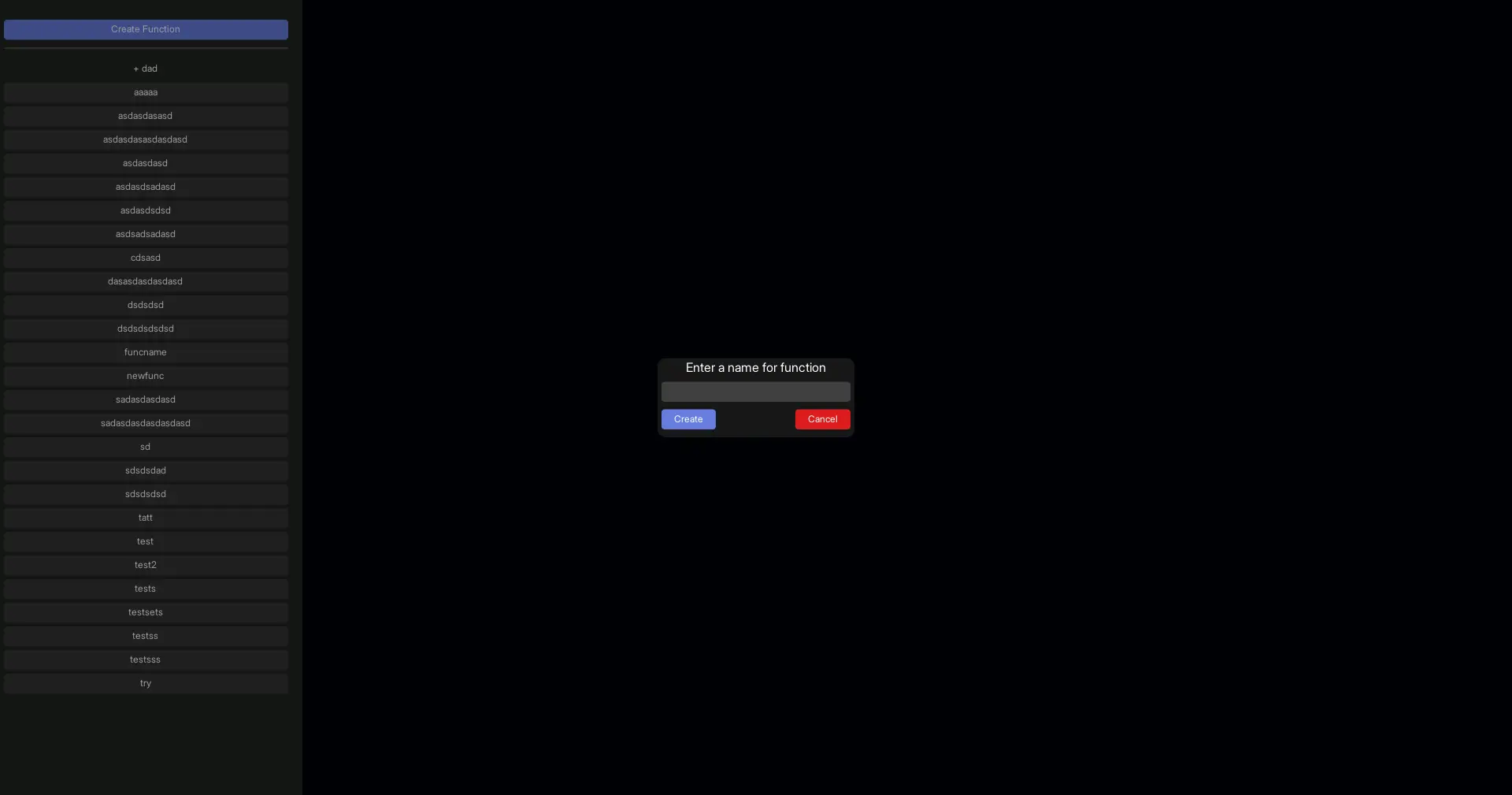
A fully functional in-game datapack function editor! Available since version 1.1.0.
Supports creating functions, editing, comments, suggestions, and even folders!
In-game editor showcase

Converting Command Block Chains into Functions
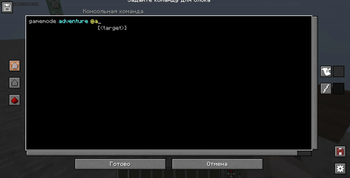
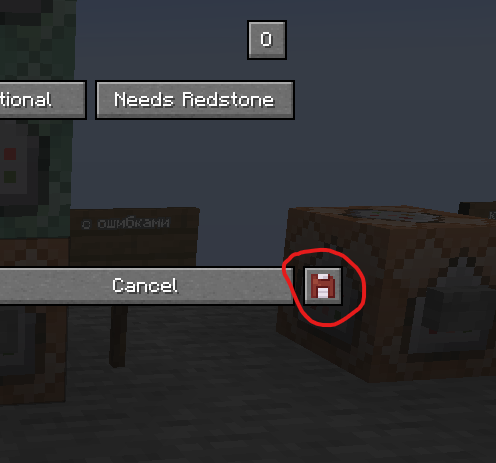
A new button has been added to the command block interface, allowing you to export a command block chain as a datapack function.
Alternatively, you can press F10 while in the command block interface, or hover over a command block and press F10 to open the conversion screen.
Button showcase
Export screen showcase
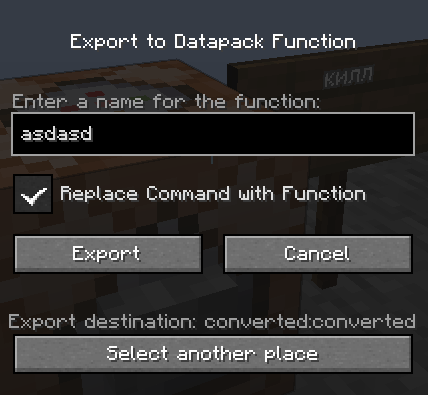
The mod also provides an option to remove the entire command block chain and replace the first command block with a call to the newly created function.
Important:
The start of the chain is defined by the command block from which the export is initiated. This allows you to convert only a selected portion of a command block chain into a function.
To export the entire chain, you must open the export screen from the command block at the very beginning of the chain.
Additional
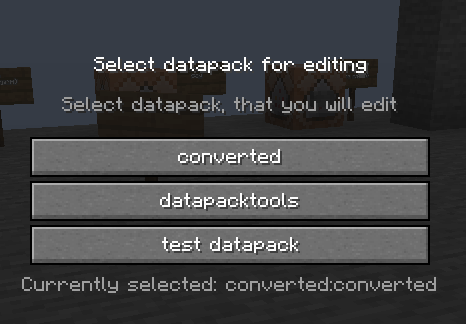
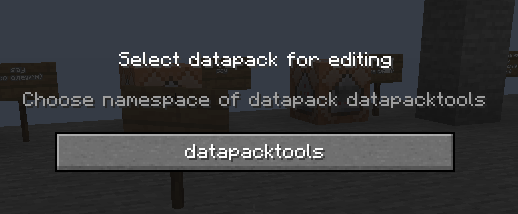
To select the datapack you want to edit, press F8 (or any key you have bound to this action).
Selecting datapack showcase
Thanks to..
- Dundunkin for the idea behind this mod and all the tweaks.
- Twemoji for the icons used in the project logo.
Available Versions
How to Install datapacktools on Your Server
Order Server
Order a Minecraft Java server with at least 3 GB RAM (4 GB recommended).
Set fabric Loader
In the panel under "Egg", select the fabric loader and matching Minecraft version (1.20.3).
Install Mod
Open the mod browser in the dashboard and search for "datapacktools". Click "Install" – done! Alternatively, upload the .jar via SFTP to the /mods folder.
Compatibility
Mod Loaders
Minecraft Versions
1.20.3, 1.20.2, 1.20.1
Server-side
✓ RequiredRecommended RAM
4 GB(min. 3 GB)Frequently Asked Questions
datapacktools server crashes on startup – what to do?
Most common cause: wrong fabric version or insufficient RAM. Check the server log (latest.log) for "OutOfMemoryError" or "Mixin" errors. With Mado Hosting: ensure at least 3 GB RAM is allocated and the loader matches the mod version (1.20.3). You can switch loaders with one click in the panel.
Is datapacktools compatible with fabric?
datapacktools officially supports fabric for Minecraft 1.20.3, 1.20.2, 1.20.1. The Mado dashboard automatically detects incompatible loader combinations.
Server lagging with datapacktools – how to optimize performance?
Recommended RAM: 4 GB (per 8 players). Use /spark profiler to check if datapacktools consumes the most tick time. Common fixes: reduce server view-distance to 8-10, install "performant" or "starlight" as supplementary mods on Forge. With Mado Hosting, your server runs on NVMe SSDs with dedicated CPU cores for minimal latency.
Rent Modded Server
Install datapacktools with just one click on your server.