
Deep Dark Nether Portal
Enables the player to travel to the Nether using the portal found in the Ancient City!
Screenshots
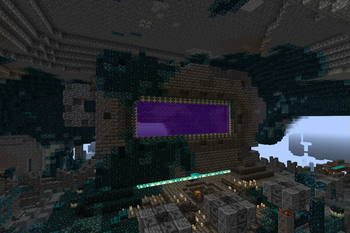
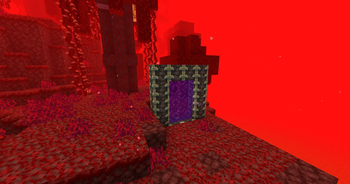
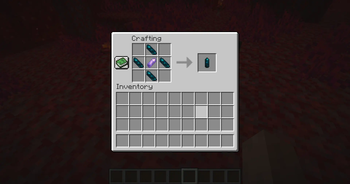
About this Mod
Is the Ancient City...boring? I was so excited when the concept was first announced, but after I got the Swift Sneak enchantment for my leggings and all the echo shards I could carry for a soul compass, plus the pieces for a music disk that gave me the shivers, what was the point of going back? This mod intends to give a reason to keep going back to the Ancient City and brave its dangers. Now you can ignite the portal in the city center and use it to travel to the Nether!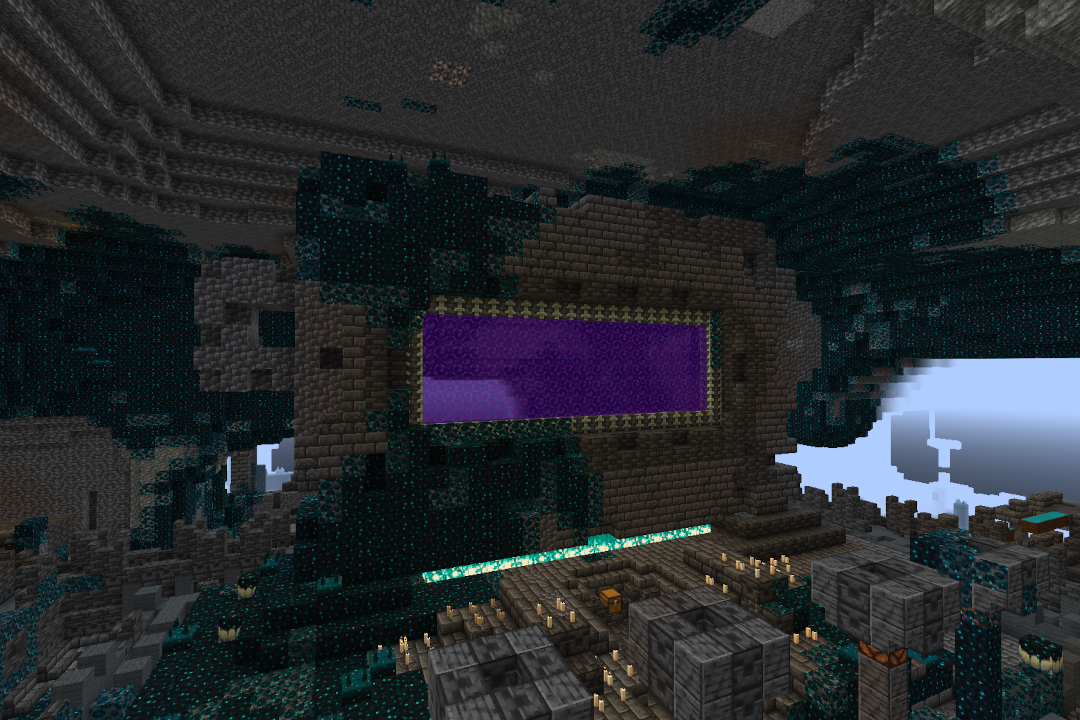
Intended to be paired with a mod like No Nether Portal to disable standard nether portals.
Because other mods do it better, this mod does not disable standard obsidian portals on its own.
Craft an Echo Stone using four echo shards and an amethyst shard and use it to activate the ancient city portal and reach the Nether. The item is damaged by 1 when used (except in creative mode). If you are having trouble lighting the portal, be sure to check for Sculk Veins clinging to the Reinforced Deepslate that are getting in the way of generating the portal.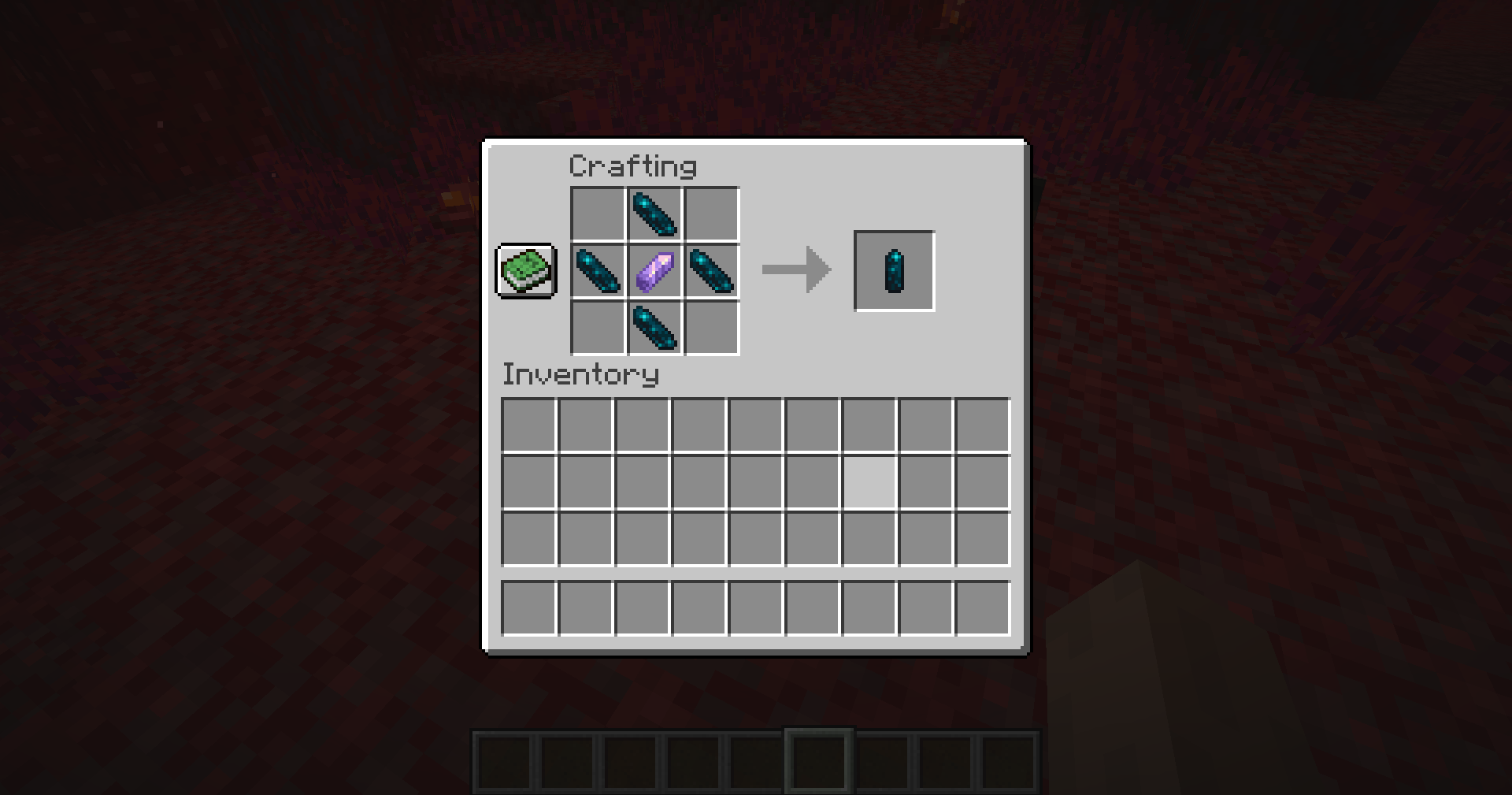
Once you reach the Nether, a portal will be generated for your return (just as it does when you use a standard obsidian portal). Difference being that you cannot move the portal because it is made of Reinforced Deepslate. One way in, one way out, unless you find another Ancient City and ignite its portal there (or if you don't disable standard obsidian nether portals).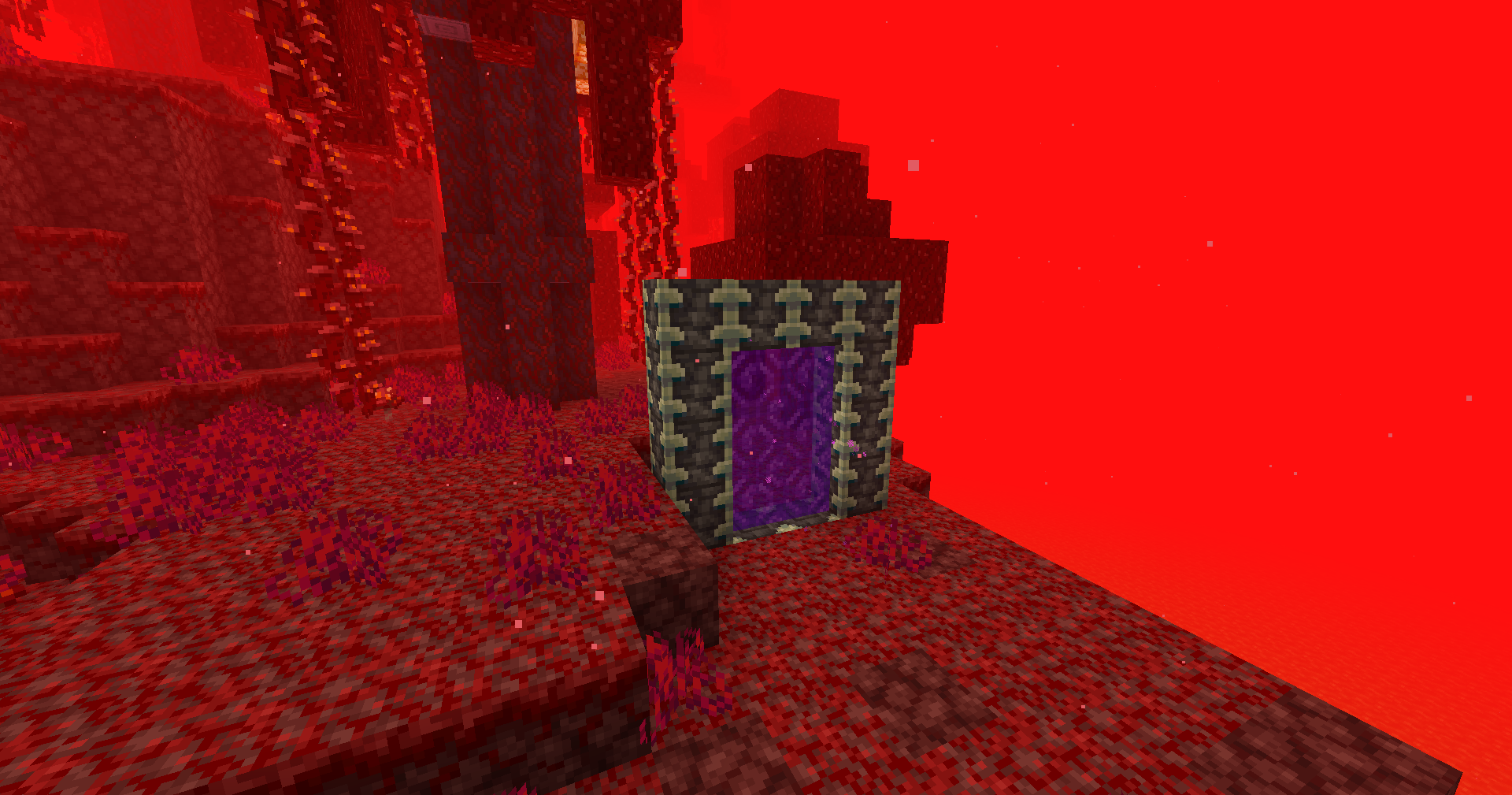
Note that the v1.0 version of this mod uses a unique portal block, so any mod that disables nether portal teleportation (as opposed to only disabling the creation of nether portals) will not disable the portals of this mod.
Made with MCreator
Available Versions
How to Install Deep Dark Nether Portal on Your Server
Order Server
Order a Minecraft Java server with at least 3 GB RAM (4 GB recommended).
Set forge Loader
In the panel under "Egg", select the forge loader and matching Minecraft version (1.20.1).
Install Mod
Open the mod browser in the dashboard and search for "Deep Dark Nether Portal". Click "Install" – done! Alternatively, upload the .jar via SFTP to the /mods folder.
Compatibility
Mod Loaders
Minecraft Versions
1.20.1, 1.19.2
Server-side
✓ RequiredRecommended RAM
4 GB(min. 3 GB)Frequently Asked Questions
Deep Dark Nether Portal server crashes on startup – what to do?
Most common cause: wrong forge version or insufficient RAM. Check the server log (latest.log) for "OutOfMemoryError" or "Mixin" errors. With Mado Hosting: ensure at least 3 GB RAM is allocated and the loader matches the mod version (1.20.1). You can switch loaders with one click in the panel.
Is Deep Dark Nether Portal compatible with forge?
Deep Dark Nether Portal officially supports forge for Minecraft 1.20.1, 1.19.2. The Mado dashboard automatically detects incompatible loader combinations.
Server lagging with Deep Dark Nether Portal – how to optimize performance?
Recommended RAM: 4 GB (per 8 players). Use /spark profiler to check if Deep Dark Nether Portal consumes the most tick time. Common fixes: reduce server view-distance to 8-10, install "performant" or "starlight" as supplementary mods on Forge. With Mado Hosting, your server runs on NVMe SSDs with dedicated CPU cores for minimal latency.
Similar Mods




Rent Modded Server
Install Deep Dark Nether Portal with just one click on your server.