
Deformation Dimension
Nerfs elytra by adding an entirely new dungeon-like dimension you need to complete to obtain one.
Screenshots
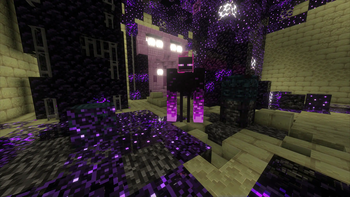
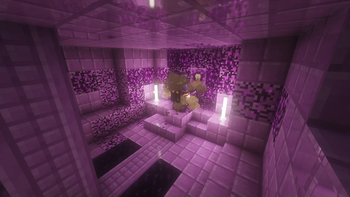
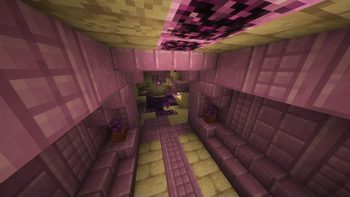
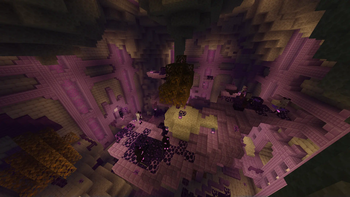
About this Mod
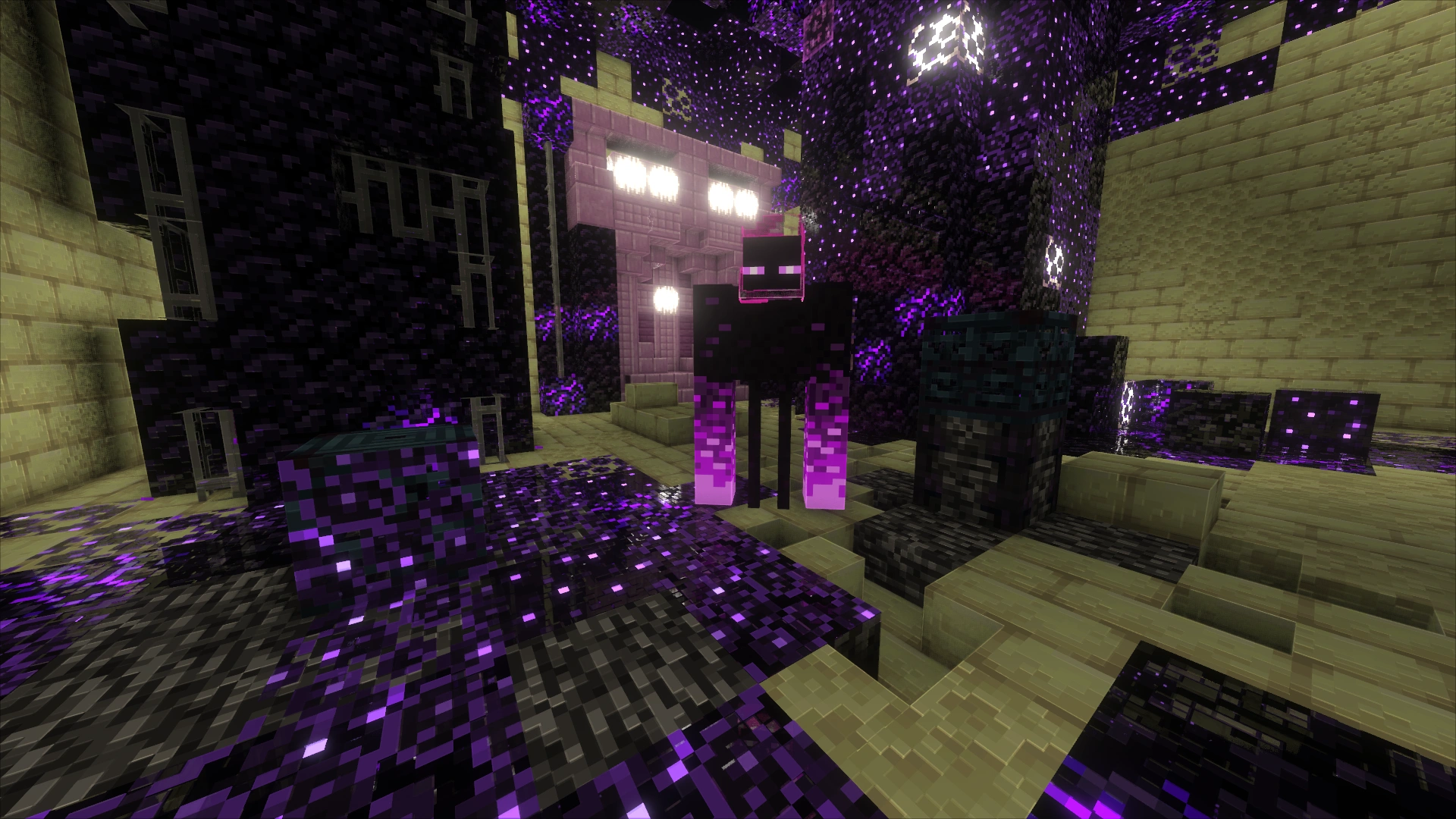
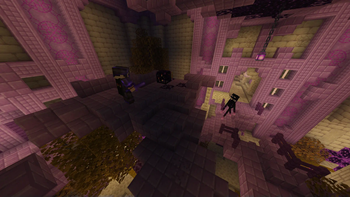
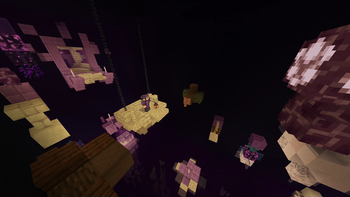
This datapack adds a very late-game, dungeon-like dimension called Deformation, inspired by the new Trial Chamber dungeon and classical roguelike games. It features various challenges, including mob fighting, basic parkour, puzzles, and even battles with custom mini-bosses. Elytras found on End city ships have been replaced with the Deformation Entrance, which, when activated, teleports the player into the dimension. Each visit generates a unique layout.
Once inside, players must complete several rooms with different challenges to reach the center of the dungeon, where they can obtain an elytra.
This datapack also introduces End Fever — a sickness that hampers flying with elytras in the End dimension. Its effects can be mitigated by regularly drinking milk or using a new enchantment rarely found within the Deformation. This mechanic adds an extra layer of difficulty to acquiring multiple elytras and brings more depth to End exploration, which currently lacks content.
It's highly recommended to use this datapack with Optifine, Fabulously Optimized, or the list of recommended mods to view the custom textures of blocks and mobs.
HOWEVER, it's totally optional, and the dungeon is playable without them just fine. I personally have made sure that the dungeon will look great even without custom textures.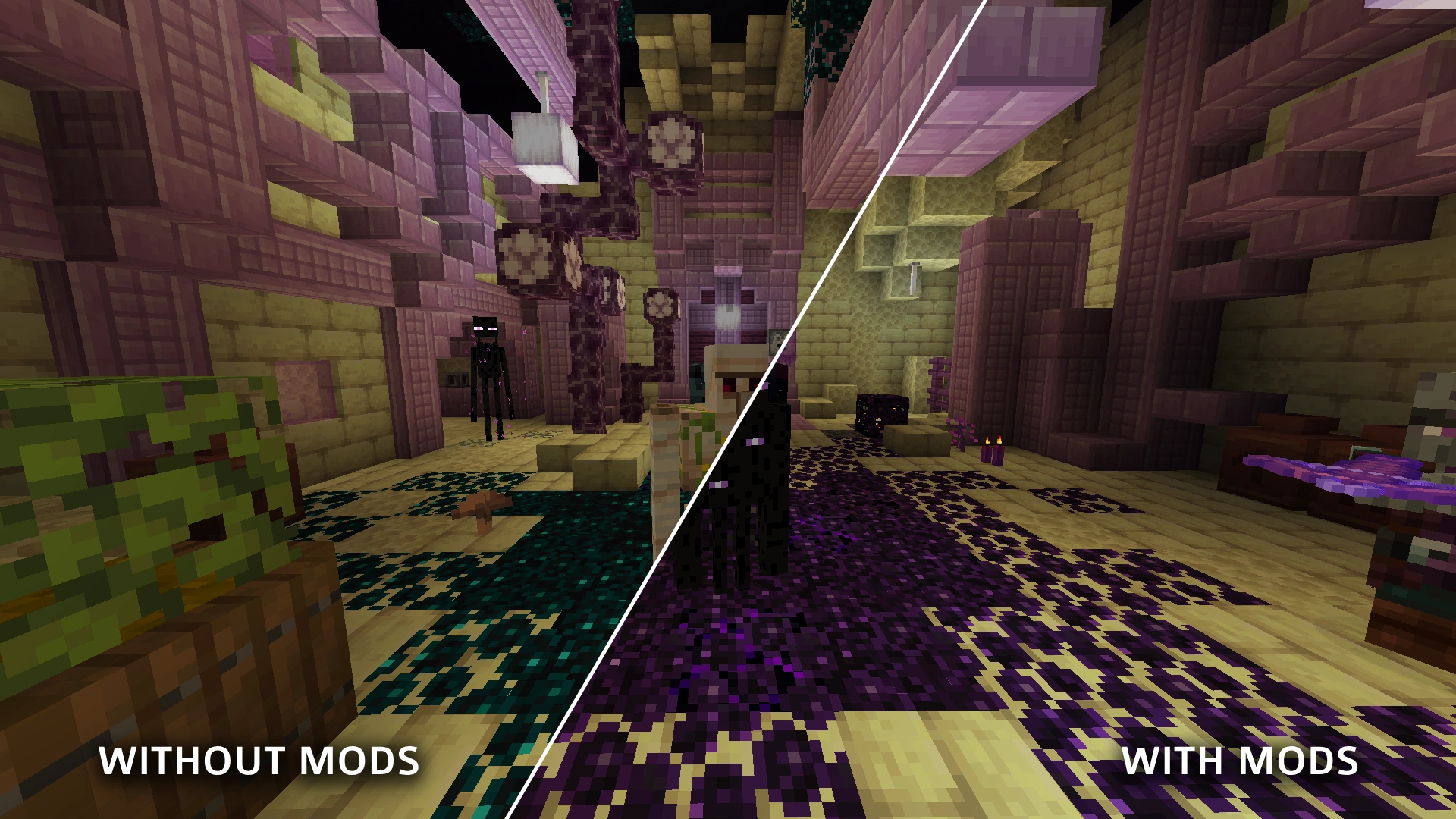
Recommended mods
As mentioned above, to see some custom textures, you will need OptiFine, Fabulously Optimized modpack, or mods that implement the OptiFine/MCpatcher resource pack format, such as:- Continuity — Allows to see unique textures of custom blocks in the dimension. Implements the CTM feature.
- ETF — Allows to see unique textures of custom mobs. Implements the Random Entities feature.
- EMF — Allows to see unique models of custom mobs. Implements the CEM feature.
- MoreMcmeta or Animatica — Allows to see animated textures of custom mobs. Two mods have identical functionality, but MoreMcmeta is significantly more optimized, multiplatform and gets updates faster. Implement the Custom Animations feature.
- Disable Custom Worlds Advice — Removes the annoying warning displayed each time you enter a world with this datapack.
Deleting the datapack
Due to a Minecraft Bug MC-255158, deleting this datapack can sometimes temporarily make your world unloadable. If you encounter this problem, simply uninstall the DeformationDimension datapack (and optionally the resource pack) and then install the DeformationDimension-Blank datapack. This will maintain dimension registered without including any features or mechanics from the original datapack. Just keep the Blank datapack active, and you can continue enjoying your world without any features from the Deformation Dimension datapack.
This problem is unlikely to occur in any modded scenario, as most modern mod loaders fix this bug by themselves. However, if you somehow encounter this issue on Fabric, Quilt or NeoForge — uninstall the DeformationDimension mod and follow the steps in the paragraph above for all affected worlds.
Optimization
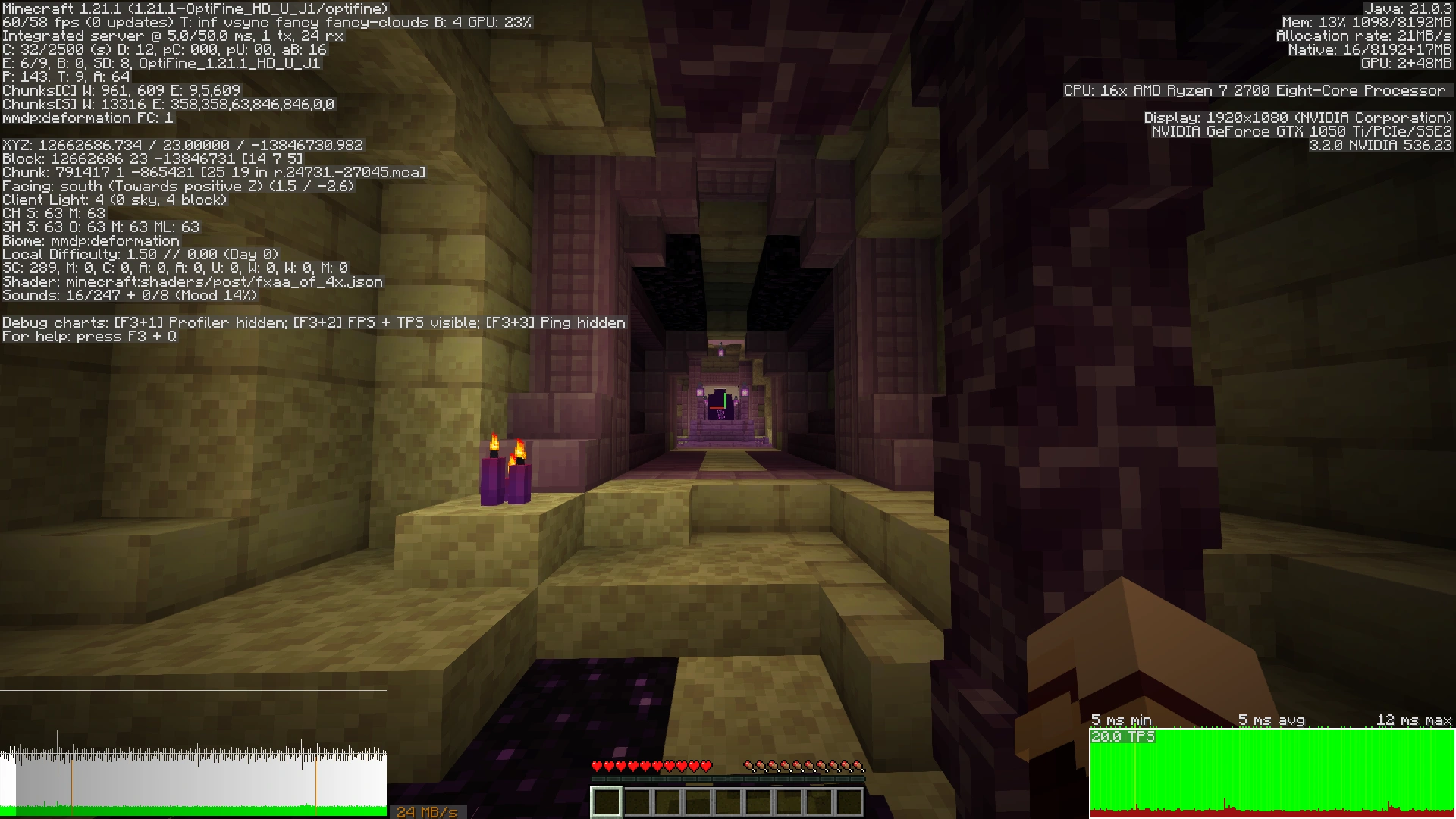
This datapack is highly optimized and have little or practically no impact on the TPS and mspt of the game. I tried to use minimal amount of @e selectors and NBT manipulations, used advancement triggers where possible, and applied other more complex methods to minimize its influence on game performance. Regarding numbers, in singleplayer on Minecraft 1.21.1 | 8 GB RAM | 3.2 GHz CPU | Optifine, as shown in the screenshots, the performance difference between a Vanilla Player in Overworld and a Datapack Player in the Deformation is within the margin of error.

|
|
| Performance with 1 player, without the datapack | Performance with 1 player, with the datapack |
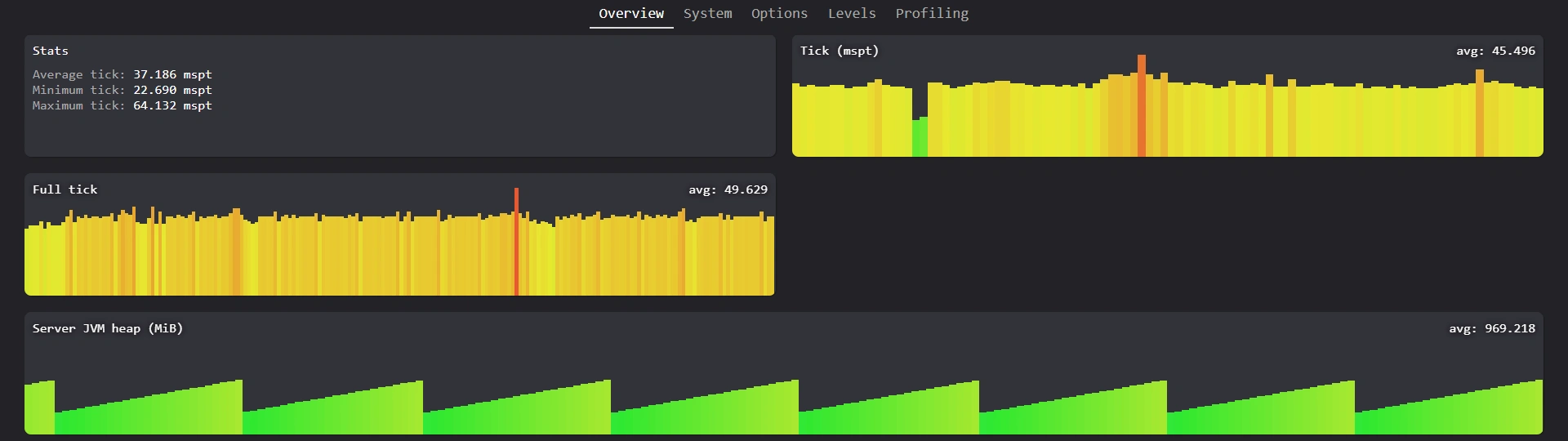
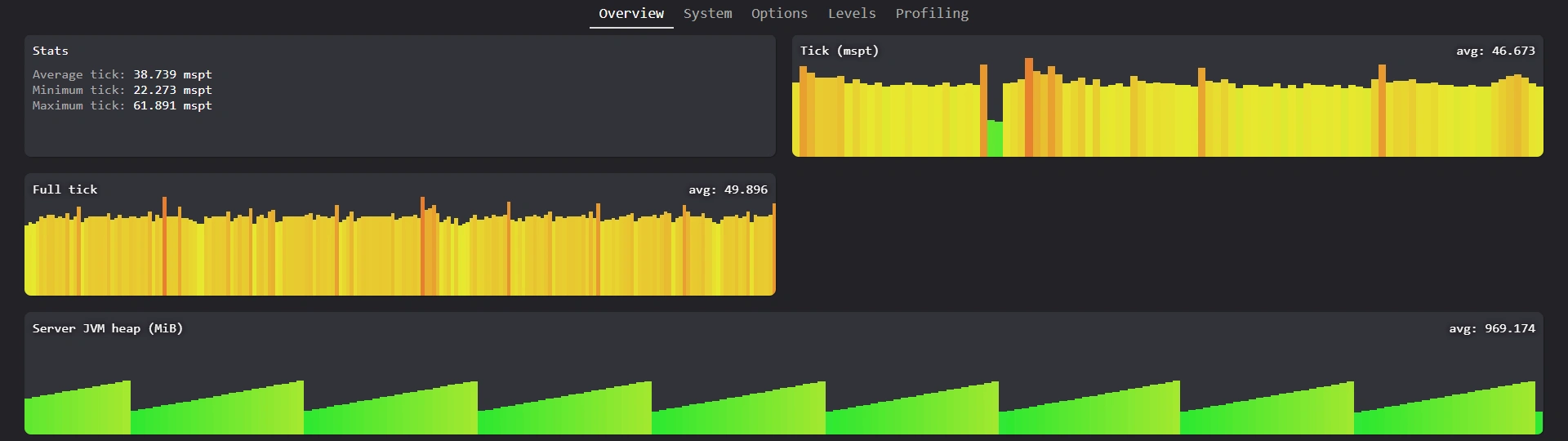
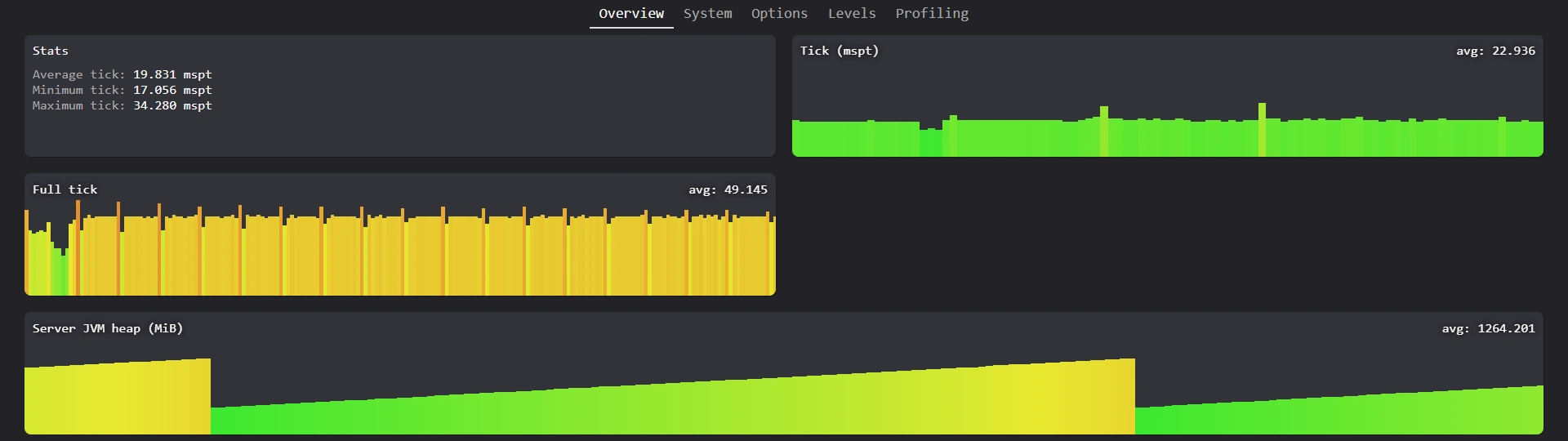
In the multiplayer with 10 players on Minecraft 1.21.1 | 8 GB RAM | 3.2 GHz CPU | Lithium Server, the results are: 37.2 mspt for Vanilla Players in Overworld, 38.7 mspt for Datapack Players in Overworld and 19.8 mspt for Datapack Players in the Deformation. Players in the Deformation dimension place less load on the server than players in Overworld, because Overworld has higher world altitude and, in most cases, more simultaneous mobs.
|
|
|
| Performance with 10 players in Overworld, without the datapack | Performance with 10 players in Overworld, with the datapack | Performance with 10 players in the Deformation |
As you can see from the numbers, this datapack scales pretty well even in multiplayer, and does not create extra lag for the server by itself. The only exception for this is when a player enters the Deformation dimension. At this time new dungeon generates, which for a few seconds can create a slight lag. This is caused by Minecraft structure generation process and I don't think I can fix it.
Compatibility
This datapack follows Official MC Datapacks and Smithed conventions and uses very unintrusive methods to add modifications to the game. It should be compatible with most datapacks and mods, even those that modify the End dimension or End Cities. The only exception is mods and datapacks that directly modify the End City ship structure template. If that is your case, just make sure to place the DeformationDimension datapack after all other datapacks with /datapack command.
However, no system is perfect, so if you've struggled with hard incompatibility, feel free to report it on github. I'll try to help you to the best of my ability.
It also 100% compatible with shaders.
Translations
So far, this datapack has been translated into the following languages:- en_us — magmamir
- ru_ru — magmamir
- pl_pl — _Sasha_Lapa_
- uk_ua — _Sasha_Lapa_
- ko_kr — good7777865
Available Versions
How to Install Deformation Dimension on Your Server
Order Server
Order a Minecraft Java server with at least 4 GB RAM (6 GB recommended).
Set datapack Loader
In the panel under "Egg", select the datapack loader and matching Minecraft version (1.21.4).
Install Mod
Open the mod browser in the dashboard and search for "Deformation Dimension". Click "Install" – done! Alternatively, upload the .jar via SFTP to the /mods folder.
Compatibility
Mod Loaders
Minecraft Versions
1.21.4, 1.21.3, 1.21.2 (+2 more)
Server-side
✓ RequiredRecommended RAM
6 GB(min. 4 GB)Frequently Asked Questions
Deformation Dimension server crashes on startup – what to do?
Most common cause: wrong datapack version or insufficient RAM. Check the server log (latest.log) for "OutOfMemoryError" or "Mixin" errors. With Mado Hosting: ensure at least 4 GB RAM is allocated and the loader matches the mod version (1.21.4). You can switch loaders with one click in the panel.
Is Deformation Dimension compatible with datapack and fabric and neoforge and quilt?
Deformation Dimension officially supports datapack, fabric, neoforge, quilt for Minecraft 1.21.4, 1.21.3, 1.21.2. The Mado dashboard automatically detects incompatible loader combinations.
Server lagging with Deformation Dimension – how to optimize performance?
Recommended RAM: 6 GB (per 5 players). Use /spark profiler to check if Deformation Dimension consumes the most tick time. Common fixes: reduce server view-distance to 8-10, install "performant" or "starlight" as supplementary mods on Forge. With Mado Hosting, your server runs on NVMe SSDs with dedicated CPU cores for minimal latency.
Similar Mods




Rent Modded Server
Install Deformation Dimension with just one click on your server.