
DirectionHUD
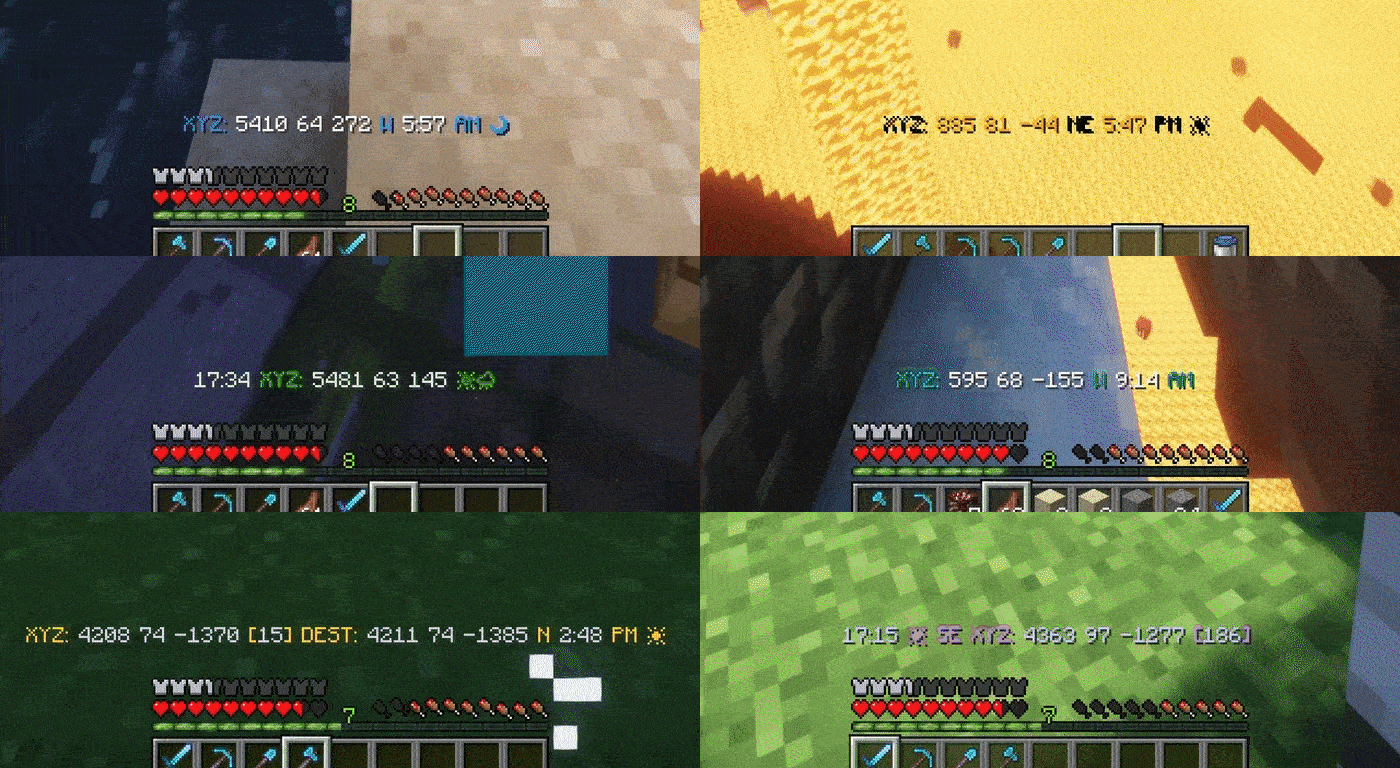
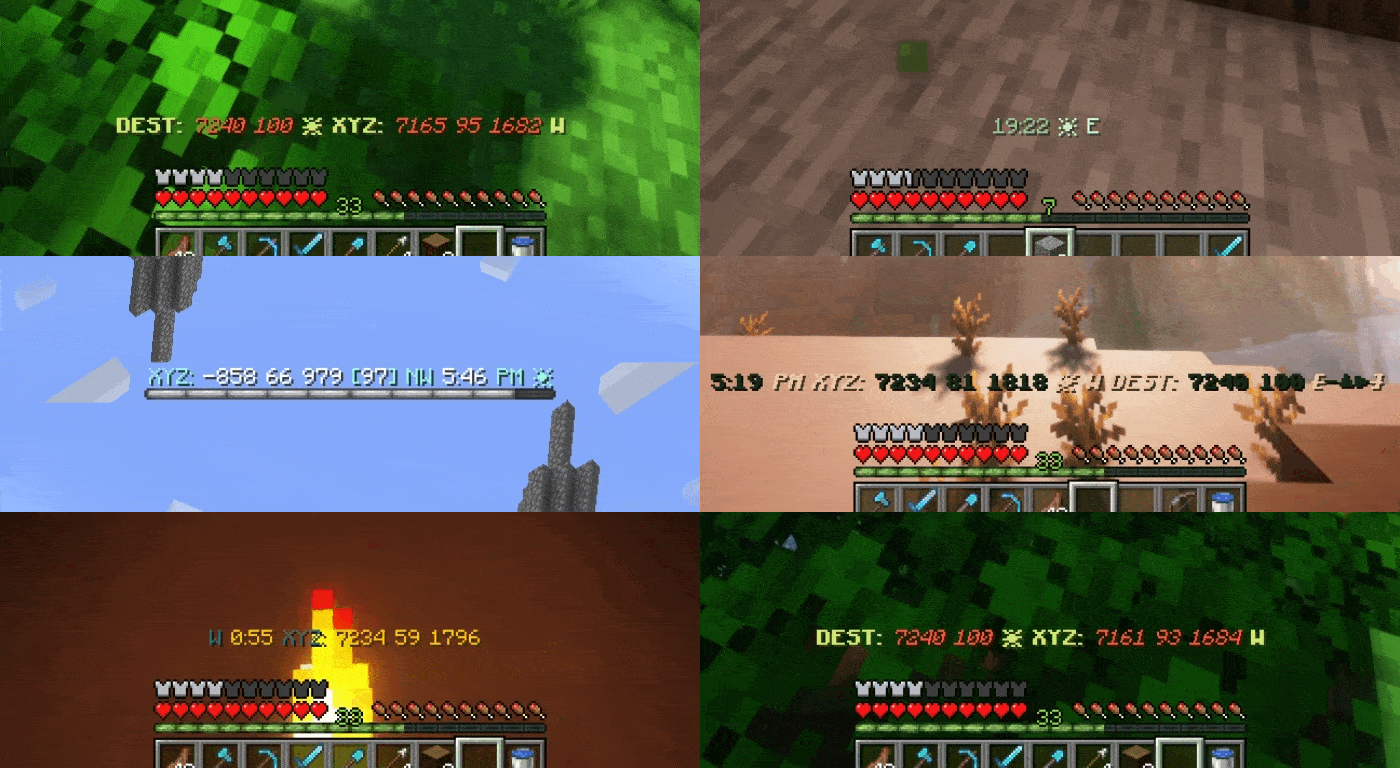
A multi purpose coordinates HUD mod. Fully customizable HUD with features to save coordinates, log deaths, and player tracking!
Screenshots
About this Mod
DirectionHUD





DirectionHUD is a fully customizable Minecraft Fabric mod that enhances the vanilla navigation experience.
With the mod, you can save coordinates, track other players, see death locations, all with full customization with the /hud and /destination commands.
Help localize DirectionHUD on Crowdin!
Where does the mod work? - DirectionHUD both works on client and server, but for now the client side only supports single player & DirectionHUD servers. As with anything, that can change with time.
How do I set custom destinations? - You can use /dest set
Why does it feel like a plugin? - DirectionHUD was originally a plugin, but I am currently working on making it feel more like a mod!
Check out my other Projects!


Features
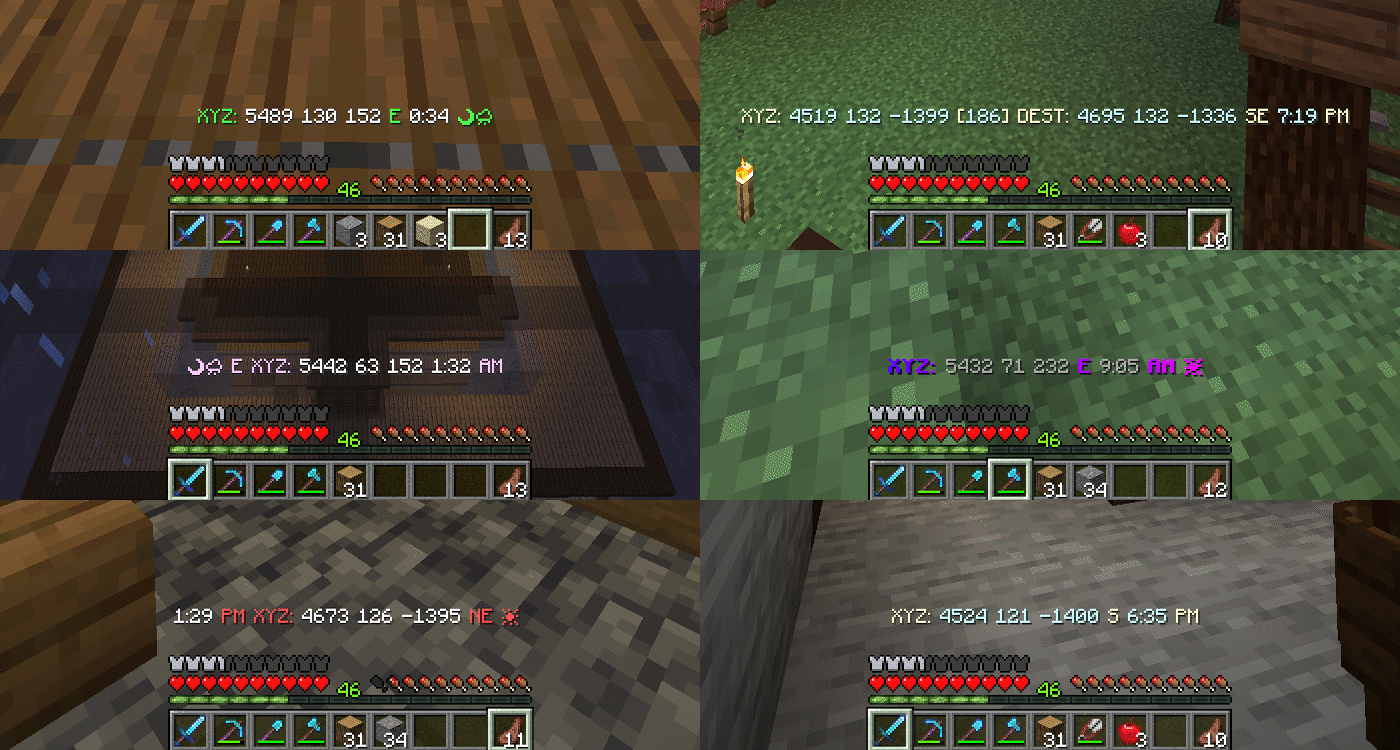
Press H to toggle the hud.
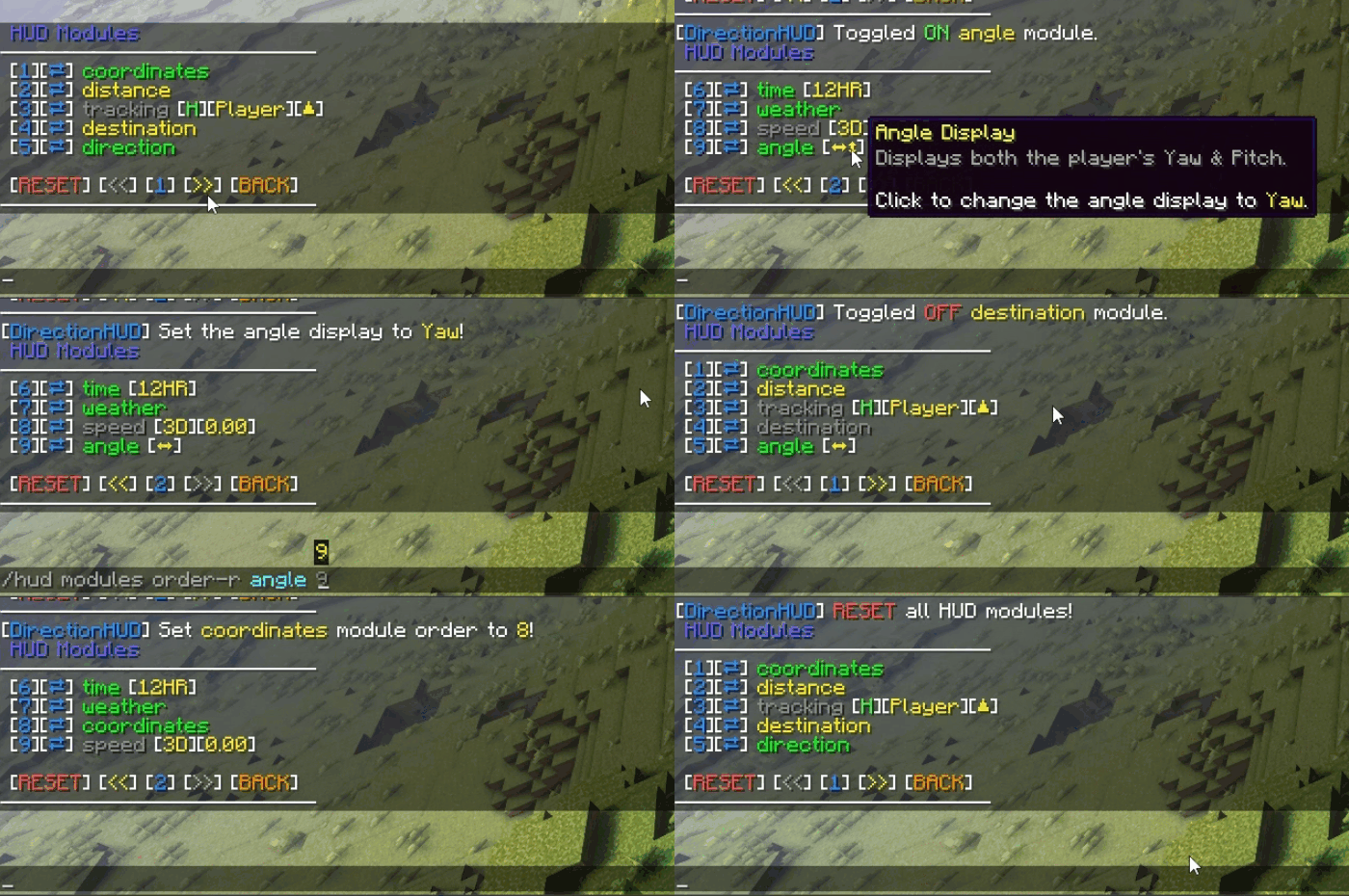
HUD Customization
Toggle and customize HUD modules to your liking, while sorting them to be perfect for you.
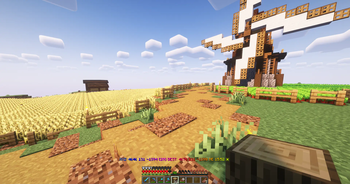
Saving Coordinates
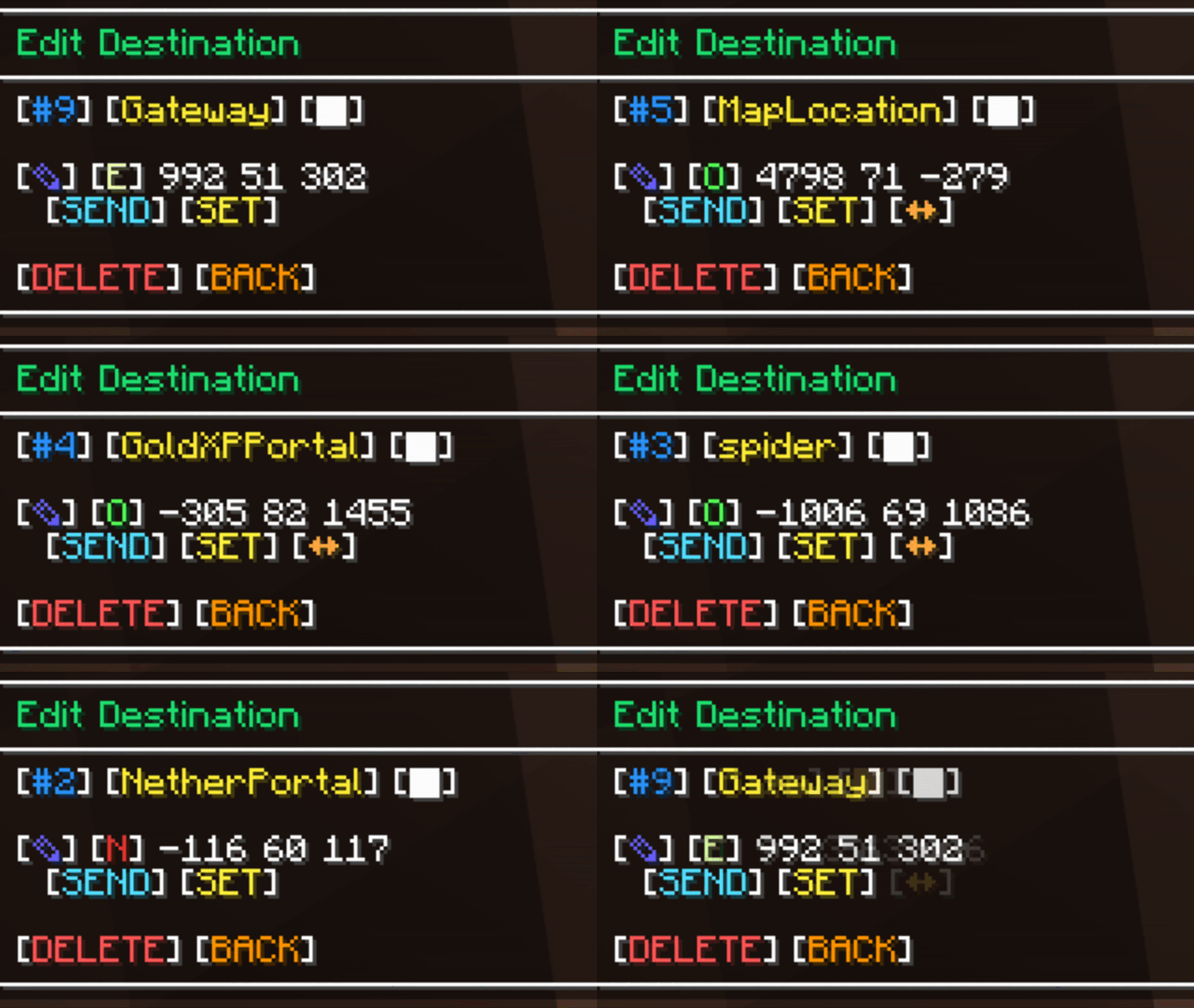
Tired of writing down base locations?
Save, set, convert, and edit coordinates easily using the chat UI.
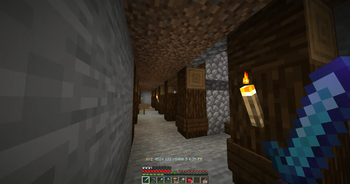
Tracking
Having trouble hunting down keeping up with your friends?
Send a tracking request and start your adventures!
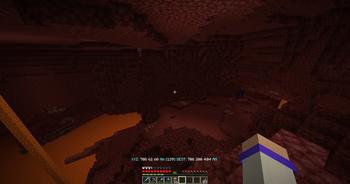
Death Saving
Which cave did I die in...
See your past previous deaths (customizable in the config)
Command Settings
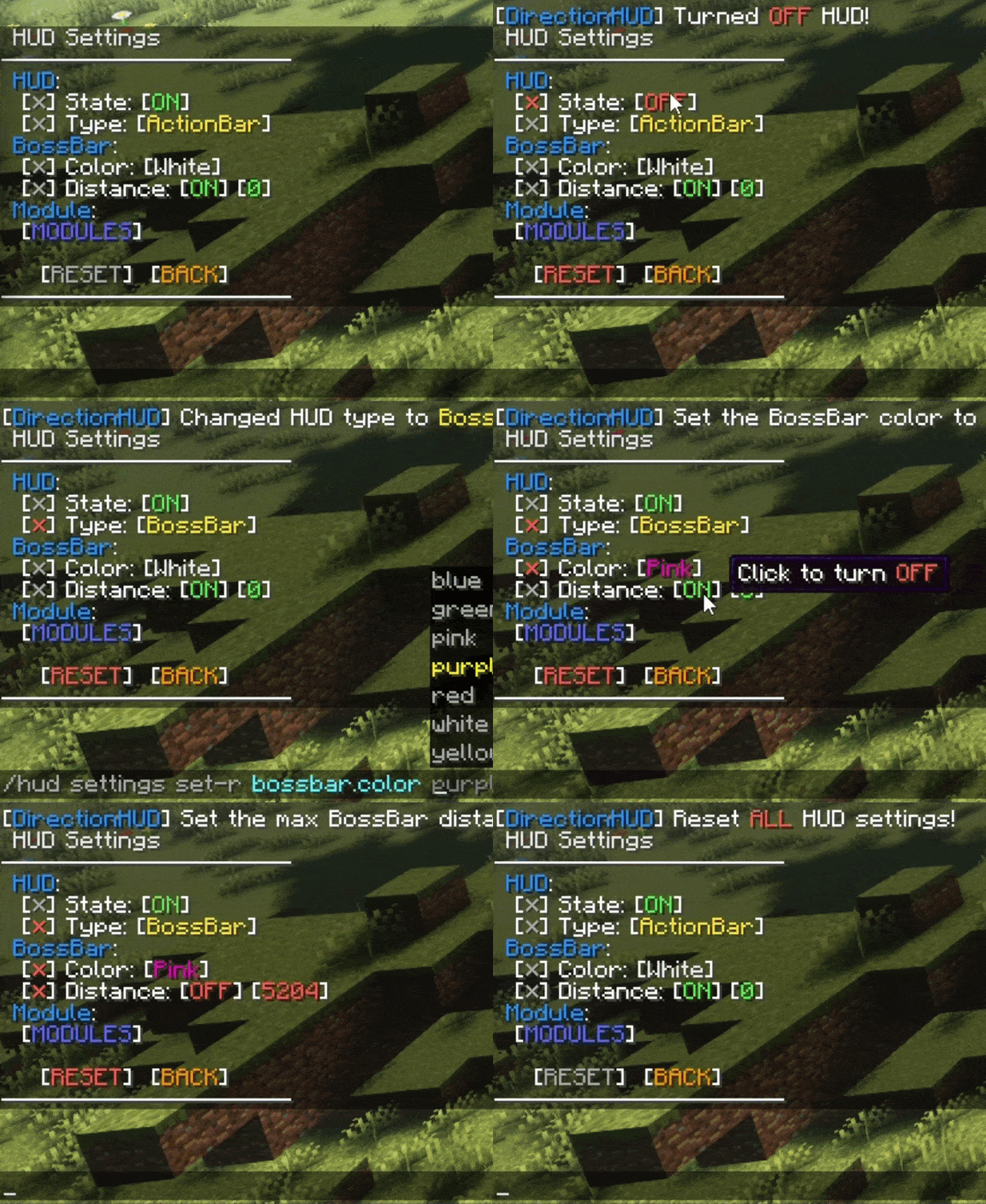
CUSTOMIZATION? MORE
Toggle destination & HUD settings, like bossbar color or autoclear status.

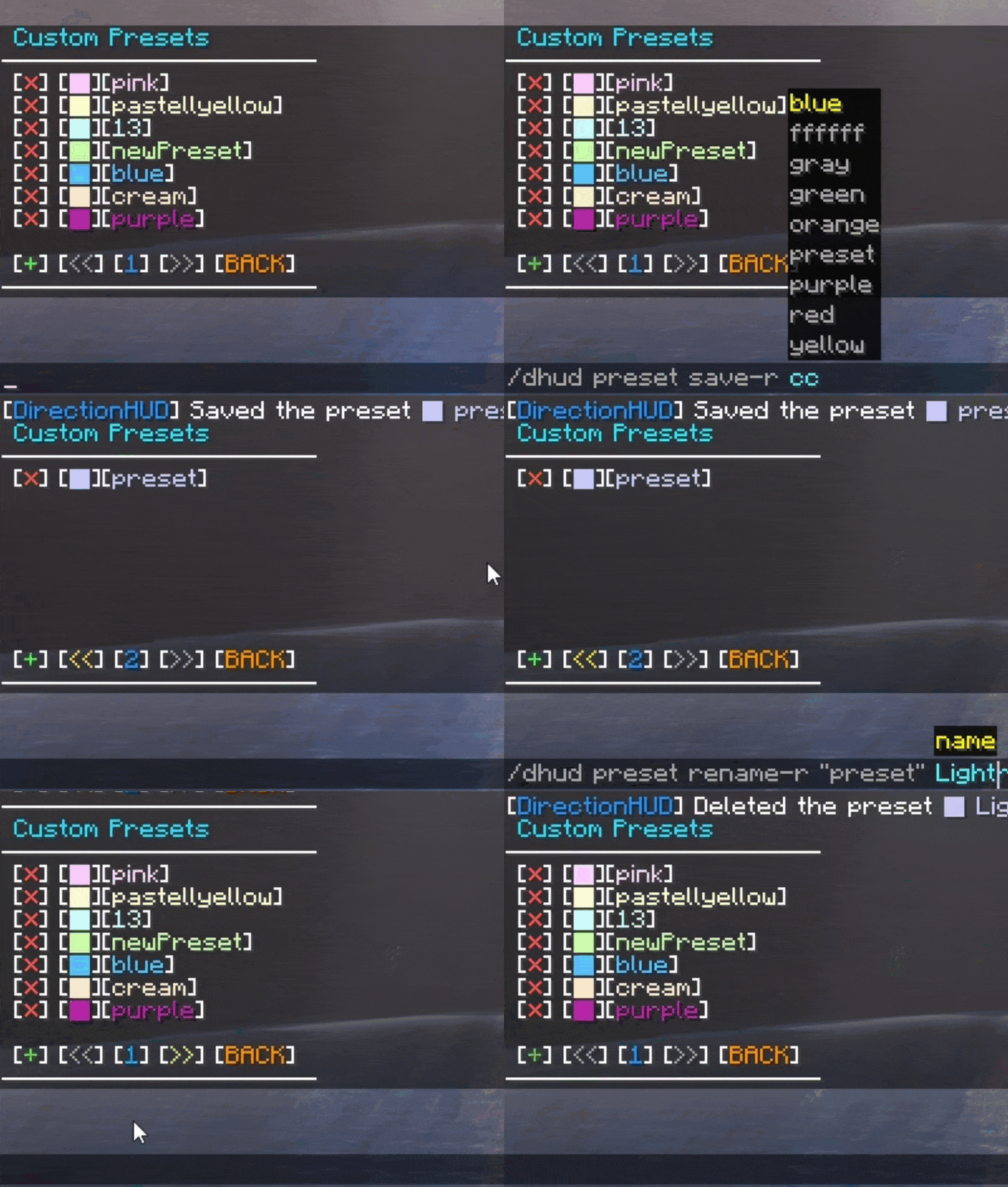
Color Perfection
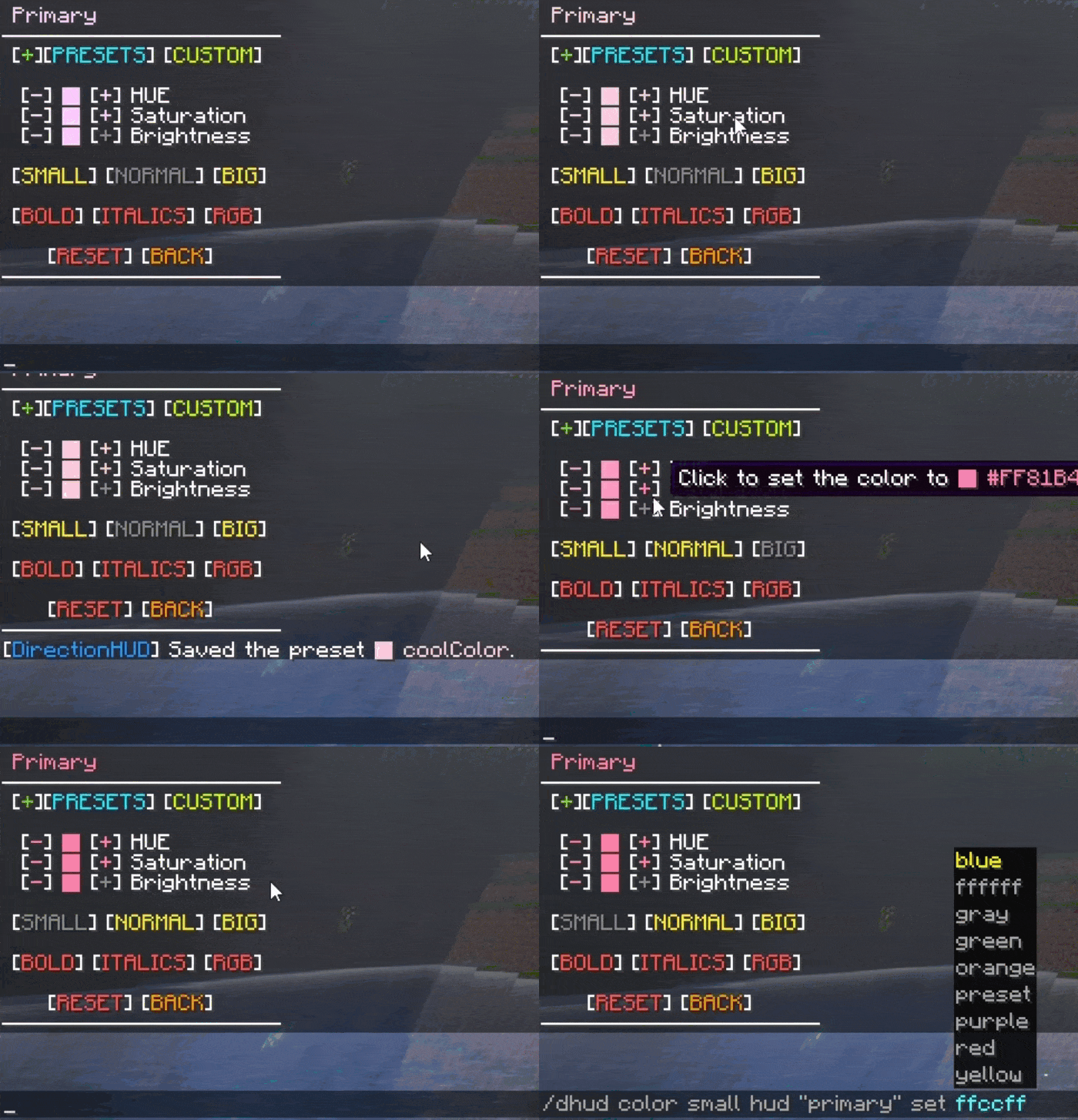
Need to find the perfect color combination?
Use the included presets, make a custom preset with the name of your choice, or use the color picker to set your favorite colors!
Config Settings
Change default player configs and DirectionHUD settings using the config file when running on server, or use ModMenu & YetAnotherConfigLib when running on client.
Future Goals - GitHub
Available Versions
How to Install DirectionHUD on Your Server
Order Server
Order a Minecraft Java server with at least 3 GB RAM (4 GB recommended).
Set fabric Loader
In the panel under "Egg", select the fabric loader and matching Minecraft version (26.1.2).
Install Mod
Open the mod browser in the dashboard and search for "DirectionHUD". Click "Install" – done! Alternatively, upload the .jar via SFTP to the /mods folder.
Compatibility
Mod Loaders
Minecraft Versions
26.1.2, 26.1.1, 26.1 (+35 more)
Server-side
✓ RequiredRecommended RAM
4 GB(min. 3 GB)Frequently Asked Questions
DirectionHUD server crashes on startup – what to do?
Most common cause: wrong fabric version or insufficient RAM. Check the server log (latest.log) for "OutOfMemoryError" or "Mixin" errors. With Mado Hosting: ensure at least 3 GB RAM is allocated and the loader matches the mod version (26.1.2). You can switch loaders with one click in the panel.
Is DirectionHUD compatible with fabric and folia and paper and purpur and quilt and spigot?
DirectionHUD officially supports fabric, folia, paper, purpur, quilt, spigot for Minecraft 26.1.2, 26.1.1, 26.1. The Mado dashboard automatically detects incompatible loader combinations.
Server lagging with DirectionHUD – how to optimize performance?
Recommended RAM: 4 GB (per 8 players). Use /spark profiler to check if DirectionHUD consumes the most tick time. Common fixes: reduce server view-distance to 8-10, install "performant" or "starlight" as supplementary mods on Forge. With Mado Hosting, your server runs on NVMe SSDs with dedicated CPU cores for minimal latency.
Similar Mods




Rent Modded Server
Install DirectionHUD with just one click on your server.