
Disable Fog
Allows you to selectively disable different types of fog.
Screenshots
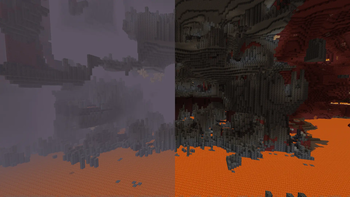
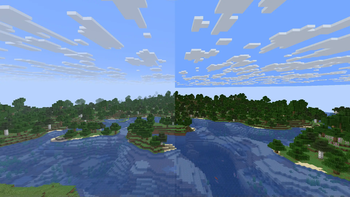
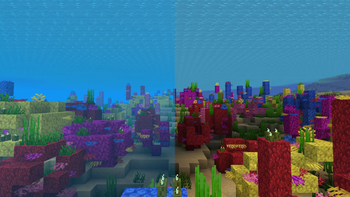
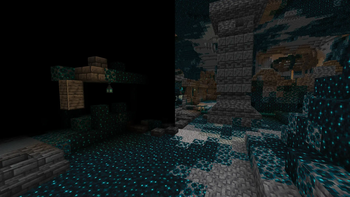

About this Mod
Disable Fog
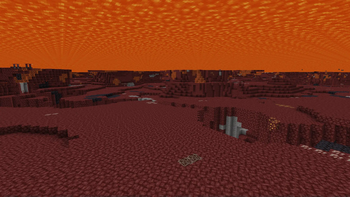
This is a client mod that allows you to selectively disable certain types of fog in minecraft.


Toggleable Fog Types:
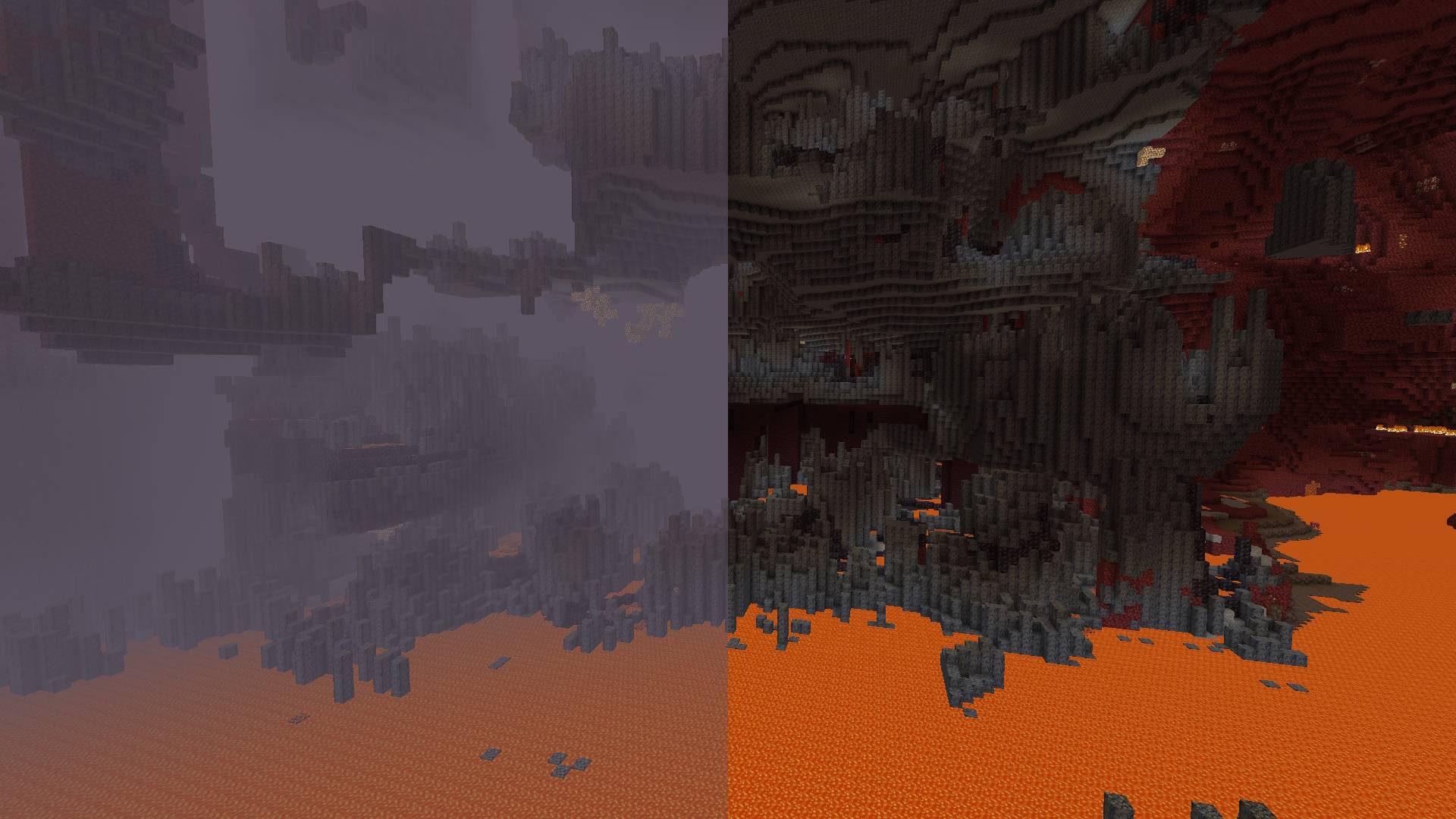
- Terrain Fog: Remove the fog that depends on the drawing distance, which hides the boundaries of the chunks.
- Atmospheric Fog: Remove sky fog in the Overworld and thick fog in the Nether.
- Lava Fog: Remove fog in lava for clearer vision.
- Water Fog: Clear underwater fog for better visibility.
- Powder Snow Fog: Eliminate fog effects in powder snow.
- Blindness Fog: Disable fog caused by the blindness effect.
- Darkness Fog: Remove fog from the darkness effect (e.g., from wardens).
By default, the mod disables terrain fog and atmospheric fog. All other fog types can be configured individually, including per-dimension overrides.
Configuration:
Starting from version 2.0.0, the mod includes a built-in configuration screen available on all mod loaders — no additional mods required.
For Fabric and Quilt:
- Install ModMenu to access the configuration screen in-game.
For Forge and NeoForge:
- No additional mods required. Select the mod from the mod list and click the "Config" button.
Per-Dimension Settings:
Each dimension can independently override the global fog settings. If a dimension setting is set to DEFAULT, it inherits the value from the global configuration. Dimensions added by other mods are supported automatically.
⚠️ Note for versions below 2.0.0:
Built-in configuration is available starting from version 2.0.0. On older versions, install ClothConfig and ModMenu to configure the mod in-game.
Available Versions
How to Install Disable Fog on Your Server
Order Server
Order a Minecraft Java server with at least 3 GB RAM (4 GB recommended).
Set fabric Loader
In the panel under "Egg", select the fabric loader and matching Minecraft version (26.2-snapshot-2).
Install Mod
Open the mod browser in the dashboard and search for "Disable Fog". Click "Install" – done! Alternatively, upload the .jar via SFTP to the /mods folder.
Compatibility
Mod Loaders
Minecraft Versions
26.2-snapshot-2, 26.1.2, 26.2-snapshot-1 (+23 more)
Server-side
✗ UnsupportedRecommended RAM
4 GB(min. 3 GB)Frequently Asked Questions
Disable Fog server crashes on startup – what to do?
Most common cause: wrong fabric version or insufficient RAM. Check the server log (latest.log) for "OutOfMemoryError" or "Mixin" errors. With Mado Hosting: ensure at least 3 GB RAM is allocated and the loader matches the mod version (26.2-snapshot-2). You can switch loaders with one click in the panel.
Is Disable Fog compatible with fabric and forge and neoforge and quilt?
Disable Fog officially supports fabric, forge, neoforge, quilt for Minecraft 26.2-snapshot-2, 26.1.2, 26.2-snapshot-1. Note: Forge and Fabric mods are NOT cross-compatible – pick one loader and stick with it. The Mado dashboard automatically detects incompatible loader combinations.
Server lagging with Disable Fog – how to optimize performance?
Recommended RAM: 4 GB (per 8 players). Use /spark profiler to check if Disable Fog consumes the most tick time. Common fixes: reduce server view-distance to 8-10, install "performant" or "starlight" as supplementary mods on Forge. With Mado Hosting, your server runs on NVMe SSDs with dedicated CPU cores for minimal latency.
Rent Modded Server
Install Disable Fog with just one click on your server.