
DiscAI Based Horror.jar
DiscAI is a horror mod that adds a new dimension of fear, unique abilities, and terrifying creatures. Transform your gameplay with a customizable totem, explore the Horror Dimension accessed through mysterious doors, and let your growing fear physically af
Screenshots
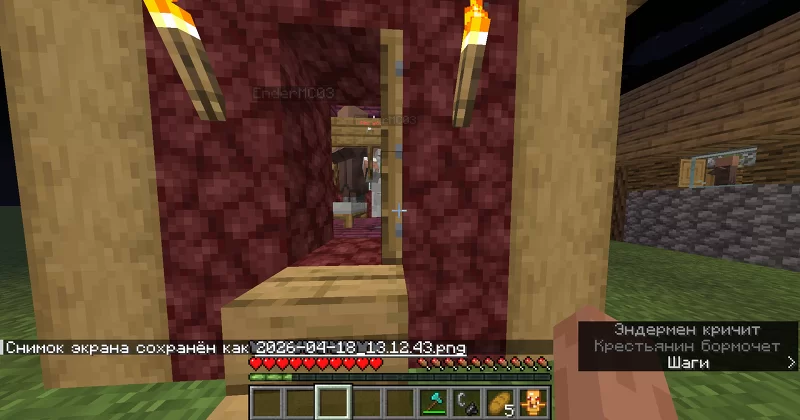
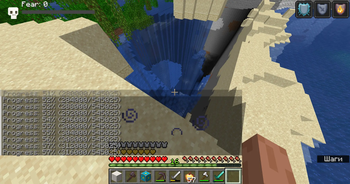
About this Mod
DiscAI is a horror-themed Minecraft mod that adds a whole new dimension of fear, unique abilities, and terrifying creatures. Transform your gameplay with a customizable totem, explore the Horror Dimension, and let your fear affect the world around you. Minecraft Horror Mod
✨ Key Features
🌀 Horror Dimension
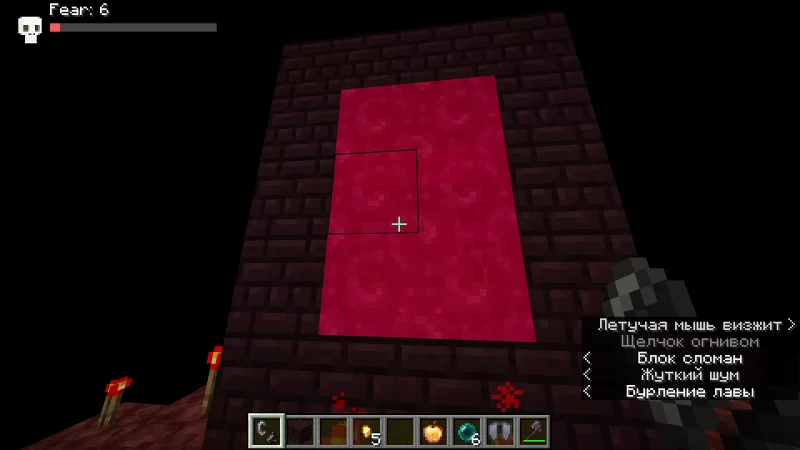
A new dimension accessible via randomly generated wooden doors (2% chance per chunk).

Unique structures (ruins, bridges, towers) spawn around the player.

Constant lightning strikes, whispers, red torches, and distorted trees.
🧿 Player Totem
A unique item that becomes a 3D animated model of any player (skin auto-downloaded).

Rename it in an anvil to change abilities:

    [fly] – levitation while held.

    [boom] – explosion on right-click.

    [flame] – fireballs.

    [water] – clears water around.

    [lava] – turns lava into obsidian.

    [tunnel] – digs a 5x5 tunnel.

    [1000tnt] – launches 200 TNT blocks.
😱 Fear System
Fear level (0–100) displayed on screen.

Grows in the Horror Dimension, by playing records, opening chests, or encountering monsters.

Affects villagers (they become scared, refuse to trade).

Triggers storms, lightning, red veil effect.

Hallucinations – whispers, random sounds, screen distortion.
👾 Horror Creatures (NEW)
Horror Spider – teleports near fearful players, mimics their skin.

Giant Squid – attacks in water, leaves ink craters, destroys blocks.

Giant Figure – rare wandering giant that watches and leaves footprints.

Giant Alex – spawns only on a secret seed (7778749381209293789), attacks after 5 minutes of staring.

Bolotnoe Mob (Swamp Horror) – a custom GeckoLib-animated creature that spawns exclusively in swamps. It has idle, walk, and attack animations, and emits scary sounds.

Trickster – a mischievous entity that plays with the player: locks them in cages, explodes nearby, blinds, teleports, or spawns mobs. Disappears after a few actions.
🕵️ Thief-Observer
A mysterious villager with a player's head (random famous skin) that appears after mob cleanup.

It walks to the nearest chest, steals items (removes them from the chest), and then vanishes.

Has a chance to spawn after periodic world cleaning.
✝️ World Atmosphere (NEW)
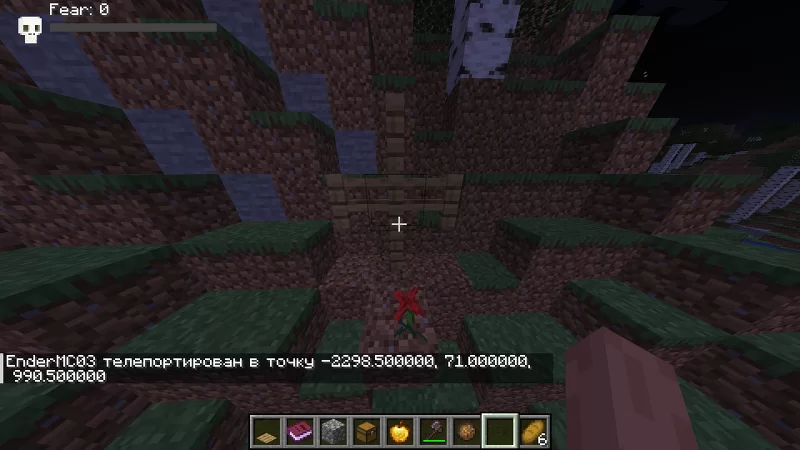
Crosses and graves spawn naturally on the surface (0.5% chance per chunk, 30% chance for a grave with flowers).

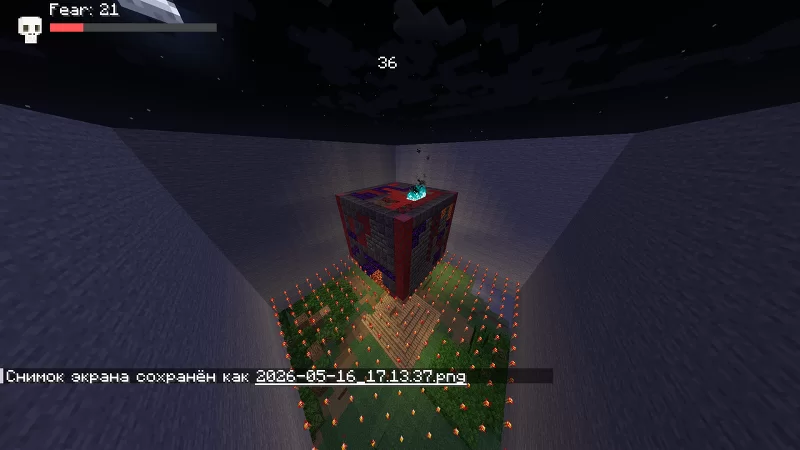
CraterGenerator – creates huge 120×120 block craters deep underground, leaving lava and magma.

Random doors appear in the world (configurable chance).

Mineshaft structures (netherrack + obsidian) generate in caves with a cavity and redstone torches.
🛠️ Advanced Generation
Mineshaft structures (netherrack + obsidian) generate in caves.

Random horror tunnels (2x4, 60 blocks long) with red torches and a pit to bedrock.

Redstone torches, cursed signs with configurable messages.

Optimized chunk generation – all world features are queued to avoid lag.
🛠️ FAKE CREATIVE
PRESS F4 BUTTON FOR ENABLE
WORKS IN SURVIVAL FOR OPEN GUI (JIGSAW, COMMAND BLOCK, STRUCTURE BLOCK )
AND FOR UNLIMITED BLOCKS
🧟 VILLAGE CORRUPTION
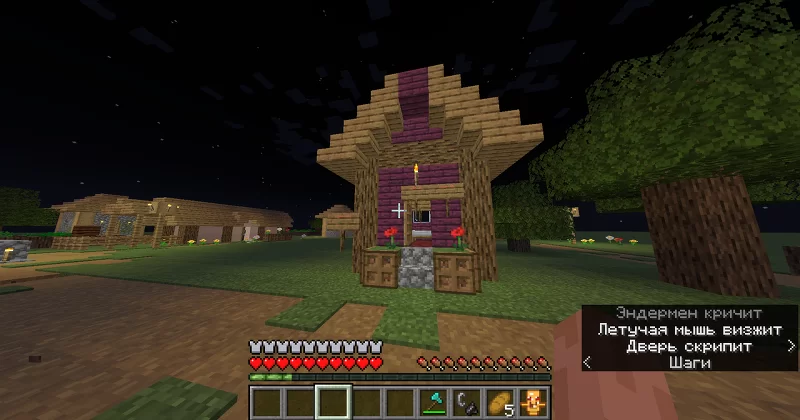
Village Corruption – Villagers in villages may gradually become infected by the Horror Dimension influence, changing their behavior and trading offers. Infected villagers emit particles, refuse normal trades, and may transform into hostile creatures over time.

Village Invasion – periodic raids can spawn in villages, forcing players to defend or evacuate.

MobCleaner – the mod includes an automatic cleanup system that removes all hostile mobs (except players and villagers) in a 730‑block radius every 30 minutes to reduce lag and keep worlds playable. This does not affect villagers, so your trading halls are safe.

Villager protection – villagers are completely excluded from the cleanup, preserving their heads and trades.
🎛️ Full Configuration
All chances, durations, and fear values are adjustable in config/discai-common.toml.

In-game /discaisettings GUI to toggle IP, geolocation, hostname display on cursed signs.

Built-in safe mode warning (skippable).

MobCleaner – automatically kills all non-player, non-villager entities in a 730‑block radius every 30 minutes (can be disabled).
🌐 Multiplayer & Privacy
Fully multiplayer compatible (dedicated server supported).

Privacy options: disable IP/geolocation/hostname collection.

Scare warning with consent toggle.
🔇 Ambient Sounds
Cave whispers, player breathing, door creaks, and scary ambient tracks.

Sound events for the Trickster (appear, action, disappear, laugh).
📦 Commands
Command Permission Description
/fear set <0-100> op Set fear level
/fear add
/fear get op Show current fear
/discaisettings any Open privacy settings GUI
/testhorrorsign op Spawn a cursed sign with random text
/showmineshafts op List generated mineshaft structures
/spawnmine op Spawn a test mineshaft structure
/resetsafemodewarning op Reset the first-time warning
🚀 Installation
Minecraft 1.20.1, Forge 47.4.16 or higher.

Download the .jar file and place it into your mods folder.

Launch the game once – the config file will generate automatically.

(Optional) Customize config/discai-common.toml to adjust difficulty, spawn rates, and privacy settings.
GeckoLib is needed version 4x or above (recommended 4.8.3 )
⚠️ Important Notes
This mod includes sudden loud sounds, screen flashes (scare jumpscares), and visual effects. Disable them in the config if needed.

First join will show a warning – you can reset it with /resetsafemodewarning.

The mod collects no personal data unless you enable IP/geolocation display (off by default). All settings are under [privacy] in config or /discaisettings.
🧪 Compatibility
Forge only (no Fabric version).

Works with OptiFine, Oculus, Iris (shaderpacks may affect the red veil effect).

Can be installed on dedicated servers (client-side effects only affect the player).
📜 License
All rights reserved. You may not redistribute or modify the code without permission.
💬 Support
For bug reports, suggestions, or help, add me to friends first, dm me on [Discord](Username: psihovanaya_lichnost_05862) or write a comments
Enjoy the horror… and don't look back. 👁️
Available Versions
How to Install DiscAI Based Horror.jar on Your Server
Order Server
Order a Minecraft Java server with at least 3 GB RAM (4 GB recommended).
Set forge Loader
In the panel under "Egg", select the forge loader and matching Minecraft version (1.20.1).
Install Mod
Open the mod browser in the dashboard and search for "DiscAI Based Horror.jar". Click "Install" – done! Alternatively, upload the .jar via SFTP to the /mods folder.
Compatibility
Mod Loaders
Minecraft Versions
1.20.1
Server-side
✓ RequiredRecommended RAM
4 GB(min. 3 GB)Frequently Asked Questions
DiscAI Based Horror.jar server crashes on startup – what to do?
Most common cause: wrong forge version or insufficient RAM. Check the server log (latest.log) for "OutOfMemoryError" or "Mixin" errors. With Mado Hosting: ensure at least 3 GB RAM is allocated and the loader matches the mod version (1.20.1). You can switch loaders with one click in the panel.
Is DiscAI Based Horror.jar compatible with forge?
DiscAI Based Horror.jar officially supports forge for Minecraft 1.20.1. The Mado dashboard automatically detects incompatible loader combinations.
Server lagging with DiscAI Based Horror.jar – how to optimize performance?
Recommended RAM: 4 GB (per 8 players). Use /spark profiler to check if DiscAI Based Horror.jar consumes the most tick time. Common fixes: reduce server view-distance to 8-10, install "performant" or "starlight" as supplementary mods on Forge. With Mado Hosting, your server runs on NVMe SSDs with dedicated CPU cores for minimal latency.
Similar Mods




Rent Modded Server
Install DiscAI Based Horror.jar with just one click on your server.