
Distant Worlds
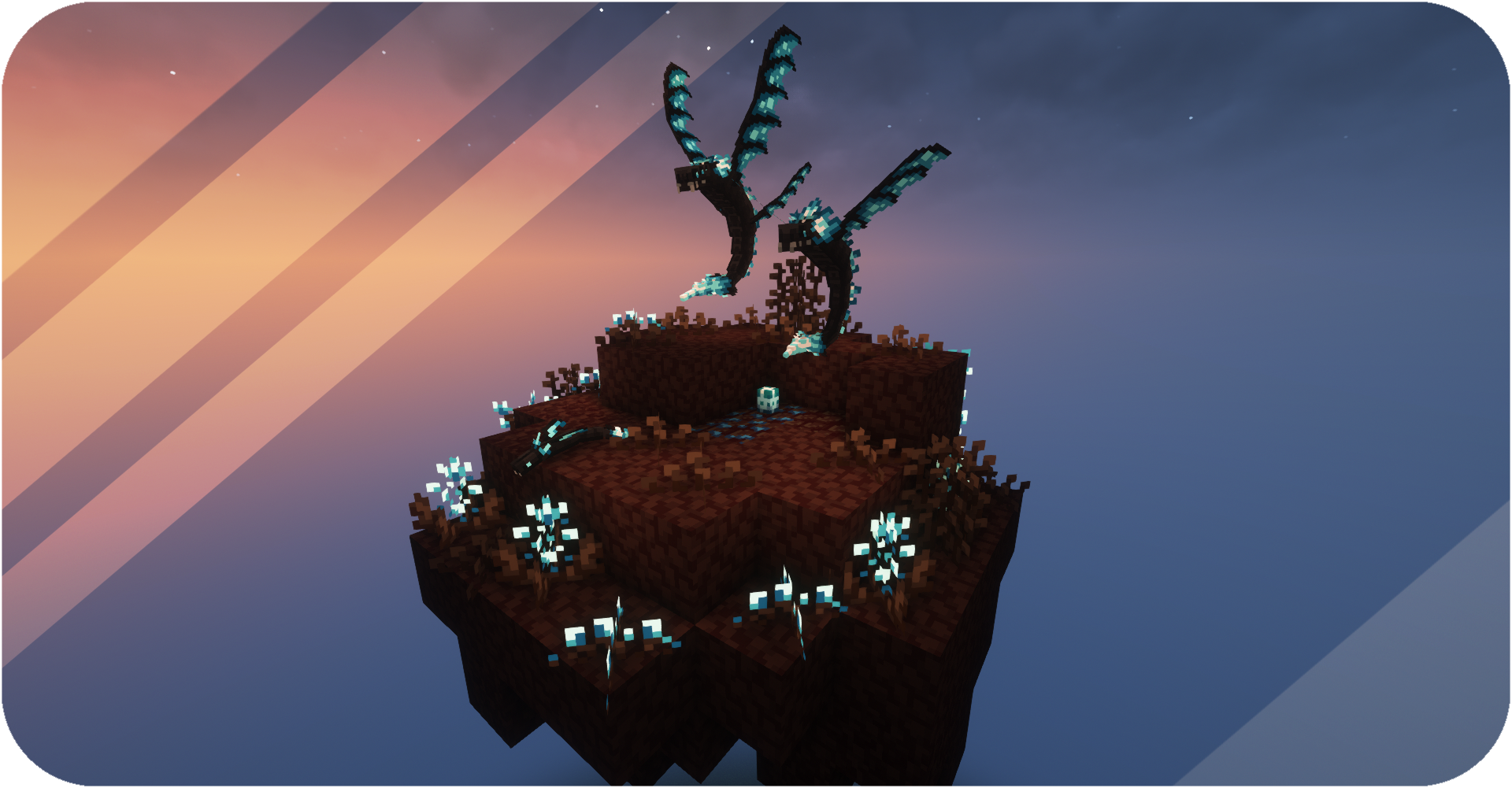
Adds dimension with its own biomes, materials, mobs and even new crafting method
Screenshots
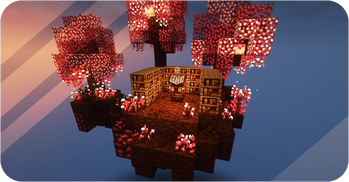
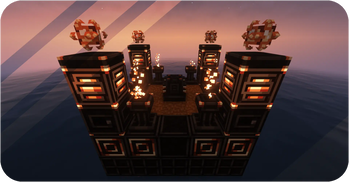
About this Mod

Created using MCreator
You can also download Distant Worlds: Emissive Pack
Check out the Mod Trailer and Wiki to learn more about
Trailer:
Reviews:
• About Distant Worlds •
Description: Distant Worlds mod is full of new game elements in the style of techno magic. Let's explore new dimension with different biomes, fight and tame mobs, use many building or functional blocks and discover new crafting method! (More dimensions will be added later)
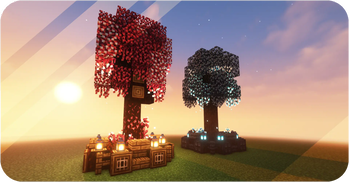
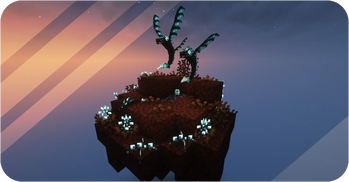
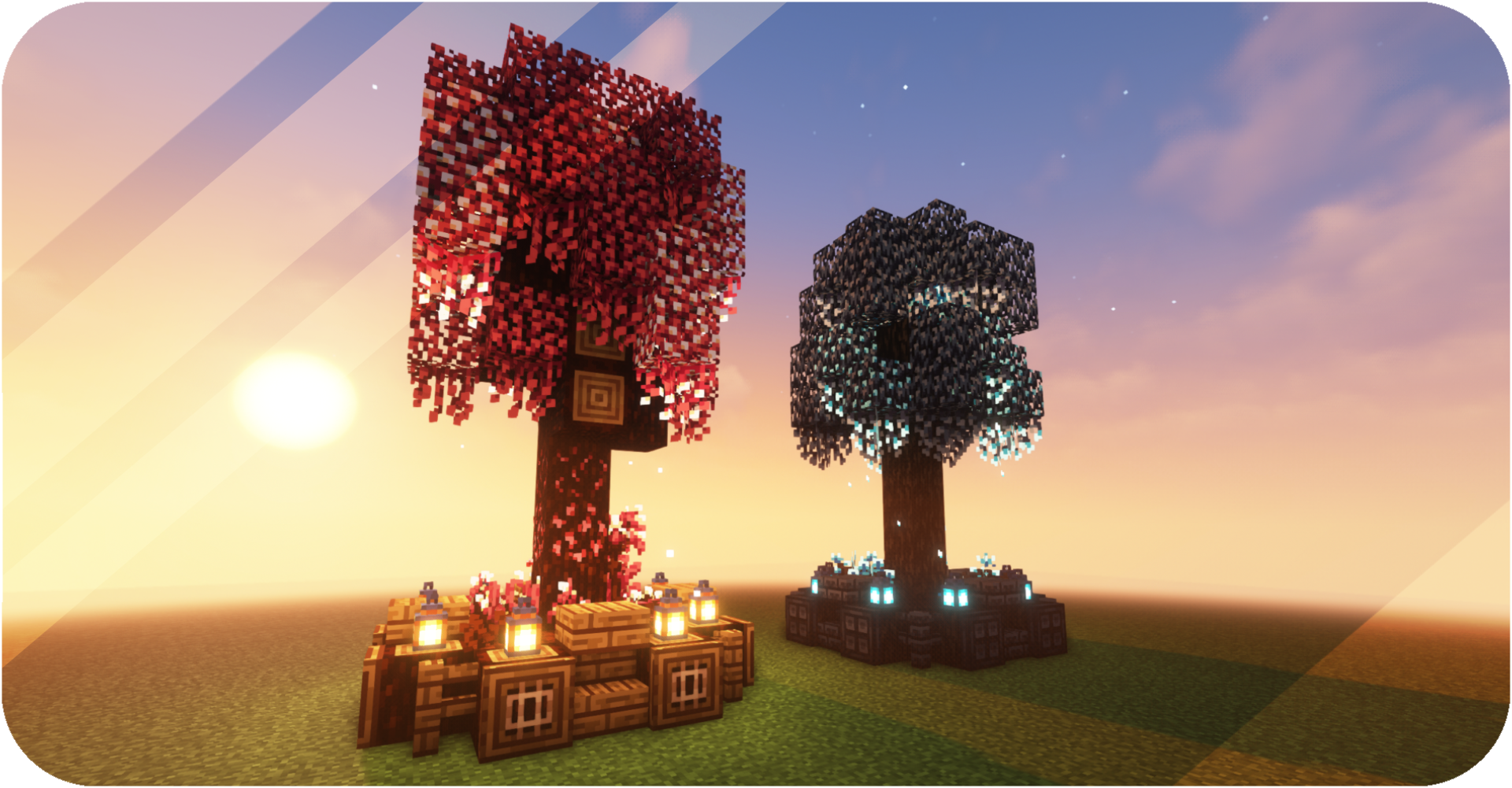
Biomes: Dimensions will be colorful and diverse with many new biomes! Each of them will have its own theme and interesting features. Here you will find many new blocks for your buildings.
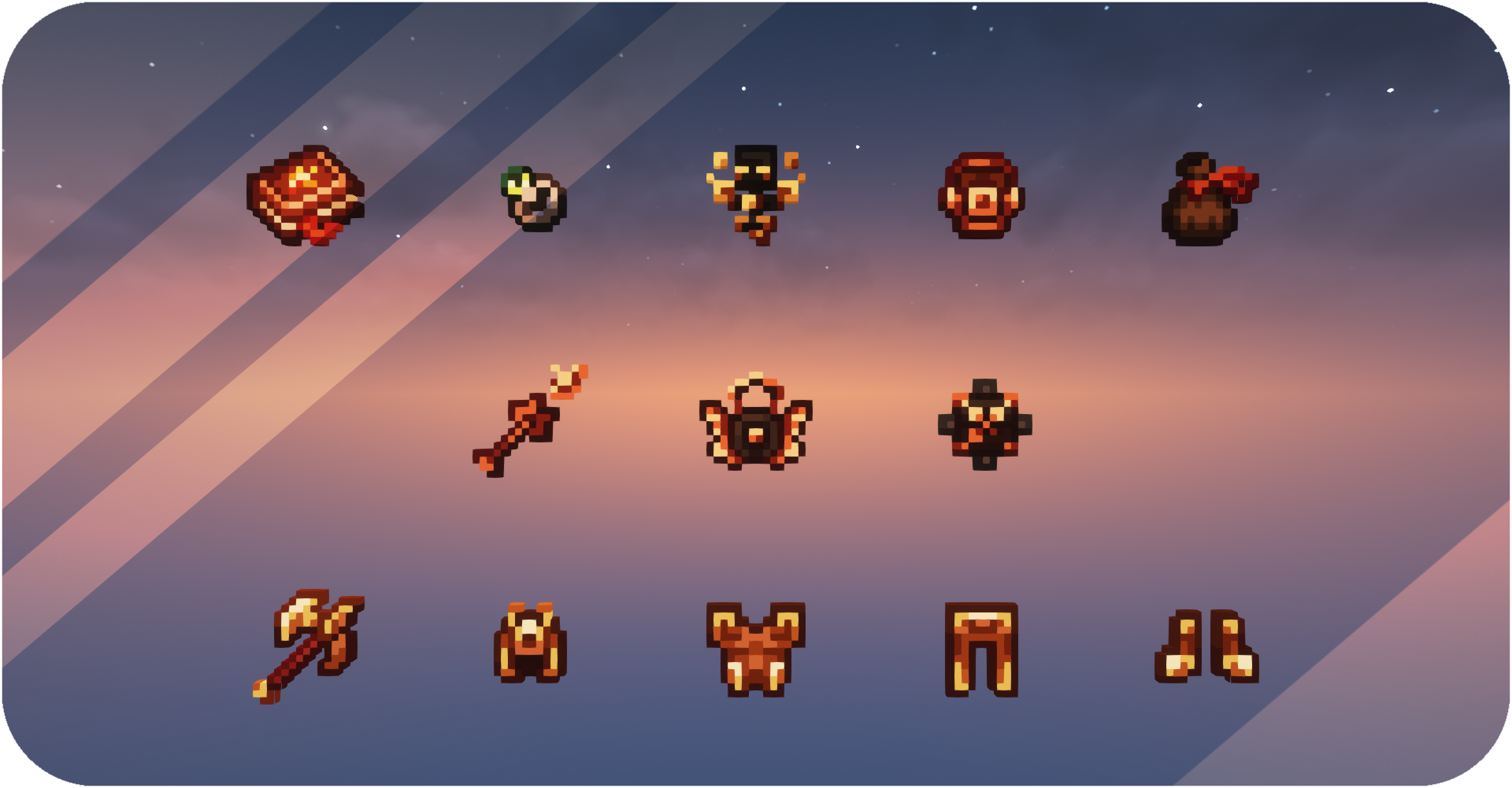
Mobs: Fight and tame! You can meet many new enemies and friends there. Loot will be really valuable, because you can create many useful things from it. Tamed animals will be able to protect you or help in a difficult battle.
Researches: Mod will be easier to understand with the research system! Find abandoned libraries, look for ancient papers, and do your own researches to find out more about what you've come across. New entries will appear in your books. Check them out to learn more.

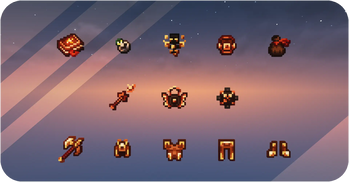
Rituals: Build structure for rituals to create stronger tools and armor using new materials. Special blocks with their functionality and various ways of receiving and moving energy are available to you. Craft and use enhancement modules to make rituals more comfortable for you!

• Getting Started •
Each player receives a Distant Worlds Book upon entering the world for the first time. Garhenna Book will receive new entries as you explore and travel. Use these books to learn all the information you need to start your journey.
Available Versions
How to Install Distant Worlds on Your Server
Order Server
Order a Minecraft Java server with at least 3 GB RAM (4 GB recommended).
Set forge Loader
In the panel under "Egg", select the forge loader and matching Minecraft version (1.20.1).
Install Mod
Open the mod browser in the dashboard and search for "Distant Worlds". Click "Install" – done! Alternatively, upload the .jar via SFTP to the /mods folder.
Compatibility
Mod Loaders
Minecraft Versions
1.20.1, 1.18.2
Server-side
✓ RequiredRecommended RAM
4 GB(min. 3 GB)Frequently Asked Questions
Distant Worlds server crashes on startup – what to do?
Most common cause: wrong forge version or insufficient RAM. Check the server log (latest.log) for "OutOfMemoryError" or "Mixin" errors. With Mado Hosting: ensure at least 3 GB RAM is allocated and the loader matches the mod version (1.20.1). You can switch loaders with one click in the panel.
Is Distant Worlds compatible with forge?
Distant Worlds officially supports forge for Minecraft 1.20.1, 1.18.2. The Mado dashboard automatically detects incompatible loader combinations.
Server lagging with Distant Worlds – how to optimize performance?
Recommended RAM: 4 GB (per 8 players). Use /spark profiler to check if Distant Worlds consumes the most tick time. Common fixes: reduce server view-distance to 8-10, install "performant" or "starlight" as supplementary mods on Forge. With Mado Hosting, your server runs on NVMe SSDs with dedicated CPU cores for minimal latency.
Rent Modded Server
Install Distant Worlds with just one click on your server.