
Dok's Enchants
Adds new enchantments: Apprehending and Endless Suffering.
About this Mod
Version: 1.0.0
Minecraft: 1.21.1
Loader: NeoForge 21.1.208 – 21.1.211
License: MIT
Overview
Dok's Enchants introduces two unique enchantments focused on survivability and mob interaction.
Enchantments
Endless Suffering (I)
Applicable to any chest armor tagged '#minecraft:enchantable/chest_armor'.
When in combat, releases waves of fire that damage mobs around you and heal you for stacked amount.
Disables automatic durability regeneration, forcing players to rely on Mending or manual repair.
Can only be obtained from librarians and applied through an anvil (not from enchantment tables).
Apprehending (I–III)
Applicable to swords and axes tagged '#minecraft:axes' or '#minecraft:enchantable/sharp_weapon'.
Killing mobs with an enchanted weapon grants a chance to obtain that mob’s vanilla spawn egg.
Only works for player kills, excludes bosses, and ignores Looting bonuses.
How to Obtain
Spoiler
Endless Suffering: Obtainable as a Novice Librarian trade (~5% chance). Apply to eligible armor using an anvil.
Apprehending: Obtainable through enchantment tables or anvils for eligible weapons.
Compatibility
Fully compatible with modded items using vanilla enchantment tags.
Any item registered under these tags will automatically support the new enchantments.
For detailed update history, see the included CHANGELOG.md file in GitHub.
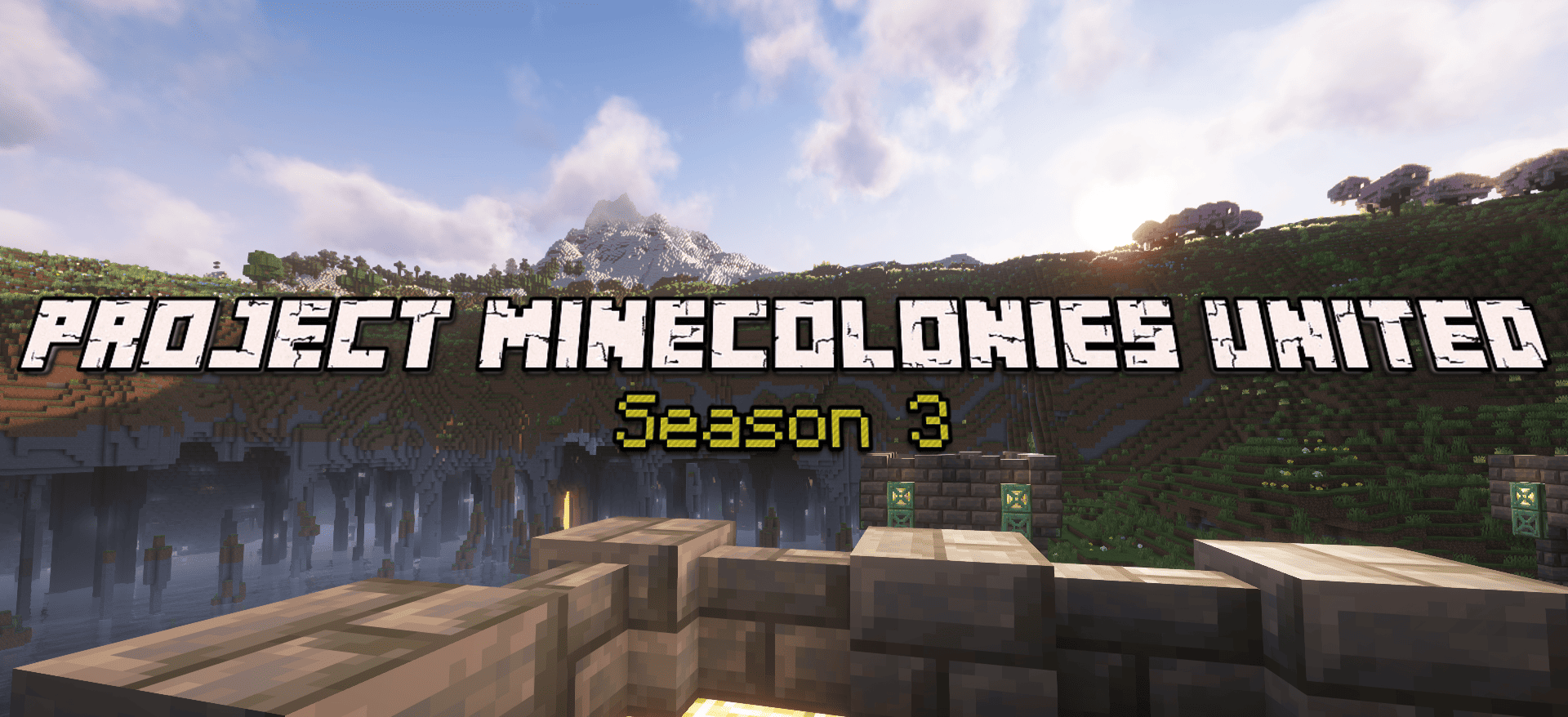
Do you want to try our modpack? Join our official lag-free server,
filled with kind and helpful people.
Discord: PMU Discord
Modpack: Project Minecolonies United
Thank you, Expadax, for helping me with testing! <3
Available Versions
How to Install Dok's Enchants on Your Server
Order Server
Order a Minecraft Java server with at least 3 GB RAM (4 GB recommended).
Set neoforge Loader
In the panel under "Egg", select the neoforge loader and matching Minecraft version (1.21.1).
Install Mod
Open the mod browser in the dashboard and search for "Dok's Enchants". Click "Install" – done! Alternatively, upload the .jar via SFTP to the /mods folder.
Compatibility
Mod Loaders
Minecraft Versions
1.21.1
Server-side
✓ RequiredRecommended RAM
4 GB(min. 3 GB)Frequently Asked Questions
Dok's Enchants server crashes on startup – what to do?
Most common cause: wrong neoforge version or insufficient RAM. Check the server log (latest.log) for "OutOfMemoryError" or "Mixin" errors. With Mado Hosting: ensure at least 3 GB RAM is allocated and the loader matches the mod version (1.21.1). You can switch loaders with one click in the panel.
Is Dok's Enchants compatible with neoforge?
Dok's Enchants officially supports neoforge for Minecraft 1.21.1. The Mado dashboard automatically detects incompatible loader combinations.
Server lagging with Dok's Enchants – how to optimize performance?
Recommended RAM: 4 GB (per 8 players). Use /spark profiler to check if Dok's Enchants consumes the most tick time. Common fixes: reduce server view-distance to 8-10, install "performant" or "starlight" as supplementary mods on Forge. With Mado Hosting, your server runs on NVMe SSDs with dedicated CPU cores for minimal latency.
Similar Mods




Rent Modded Server
Install Dok's Enchants with just one click on your server.