
Don's Building Stuff
A collection of tools that makes building insanely enjoyable
About this Mod
a mod for people who can engineer a factory… but can't build a decent wall
👋 Hi!
My name is Donnie — an enthusiast developer.
I can build complex machines, automate half the game…
…but when it comes to survival building?
yeah… no.
So I decided to fix that.
By making the game do the annoying parts for me.
⚠️ Status
🚧 Active development
This is a passion project. I'm learning as I go, so expect rough edges, weird ideas, and updates that actually change things.
🔨 The Tool: Trowel
This mod is built around one idea:
building in survival should feel creative, without actually becoming creative mode.
The Trowel is a smart building tool for:
- texturing walls without constantly swapping blocks by hand
- making clean gradients and patterns
- replacing existing blocks without tearing everything down
- building large walls and floors much faster than normal
It currently comes in four tiers:
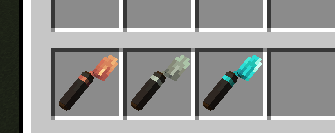
🟠 Copper Trowel — chaos mode
The simple one.
- Uses blocks from your hotbar
- Places them in a slightly random order
- Great for quick texturing and rough variation
- Perfect when you want a wall to stop looking flat, but don't want to micromanage every block
basically: "just make it look less boring"
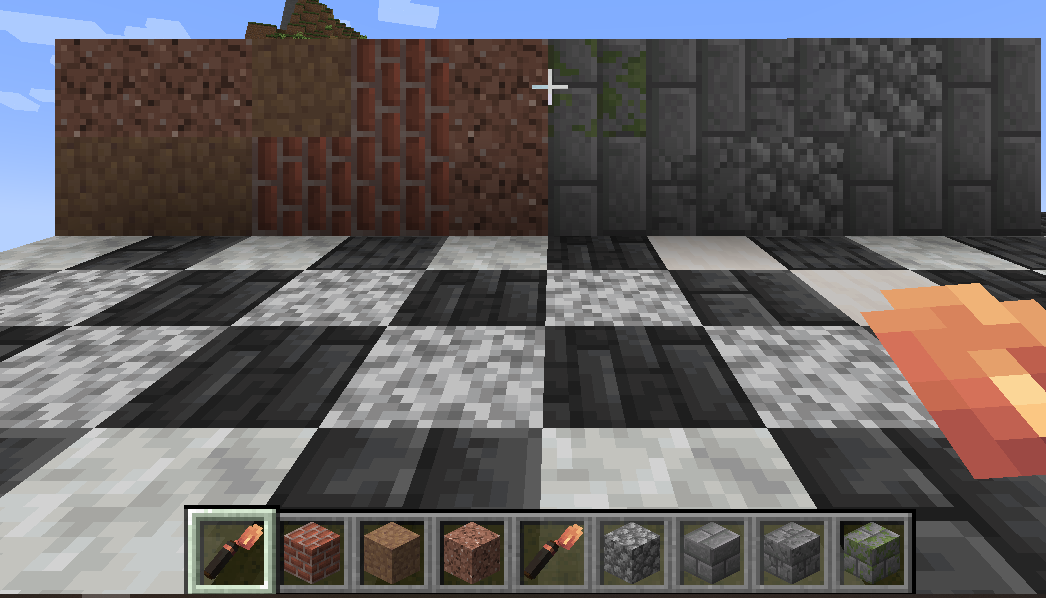
⚙️ Iron Trowel — control mode
The practical survival upgrade.
- Lets you pick materials directly from your inventory
- Gives you more control over what gets placed
- Better for planned builds, cleaner palettes, and less randomness
- A good middle ground between "chaos texture spam" and full pattern control
for when you start pretending you know what you're doing
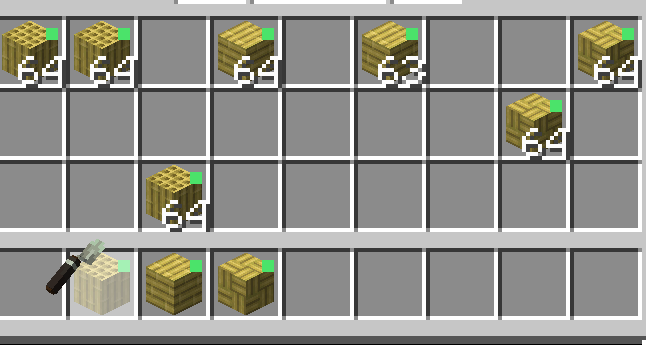
💎 Diamond Trowel — architect mode
This is where things get serious.
- Choose exactly which blocks the trowel can use
- Set block ratios for mixed palettes
- Control placement order instead of relying on randomness
- Great for stripes, gradients, checkerboards, and deliberate patterns
- Supports rotation controls for directional blocks
Use Ctrl + Right Click to change placement order.
suddenly you're not bad at building anymore. suspicious.

🔥 Netherite Trowel — endgame mode
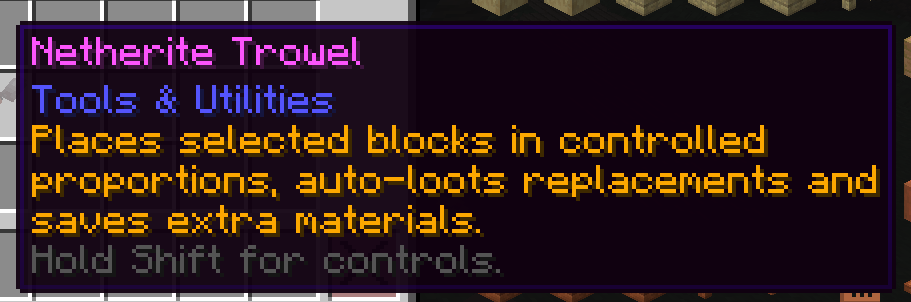
The final upgrade for people who are done placing blocks one by one.
- Higher durability
- Bigger quick-place range
- Better suited for large walls, roads, roofs, and long survival projects
- Built for high-volume building without losing control
- Best version of the trowel for serious late-game use
It can be upgraded through a normal smithing recipe, and also has a Create sequenced assembly recipe when Create is installed.
🚀 Quick Place Mode
For when building by hand starts feeling insulting.
Available on the higher trowel tiers.
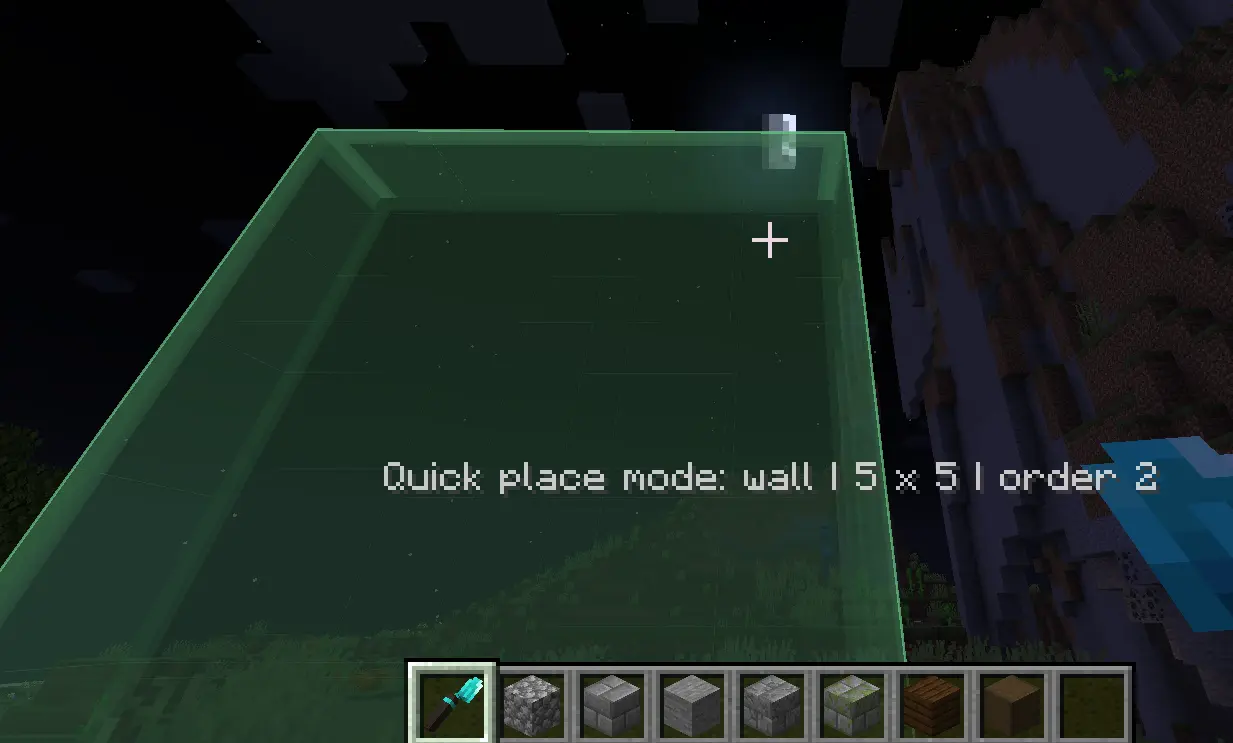
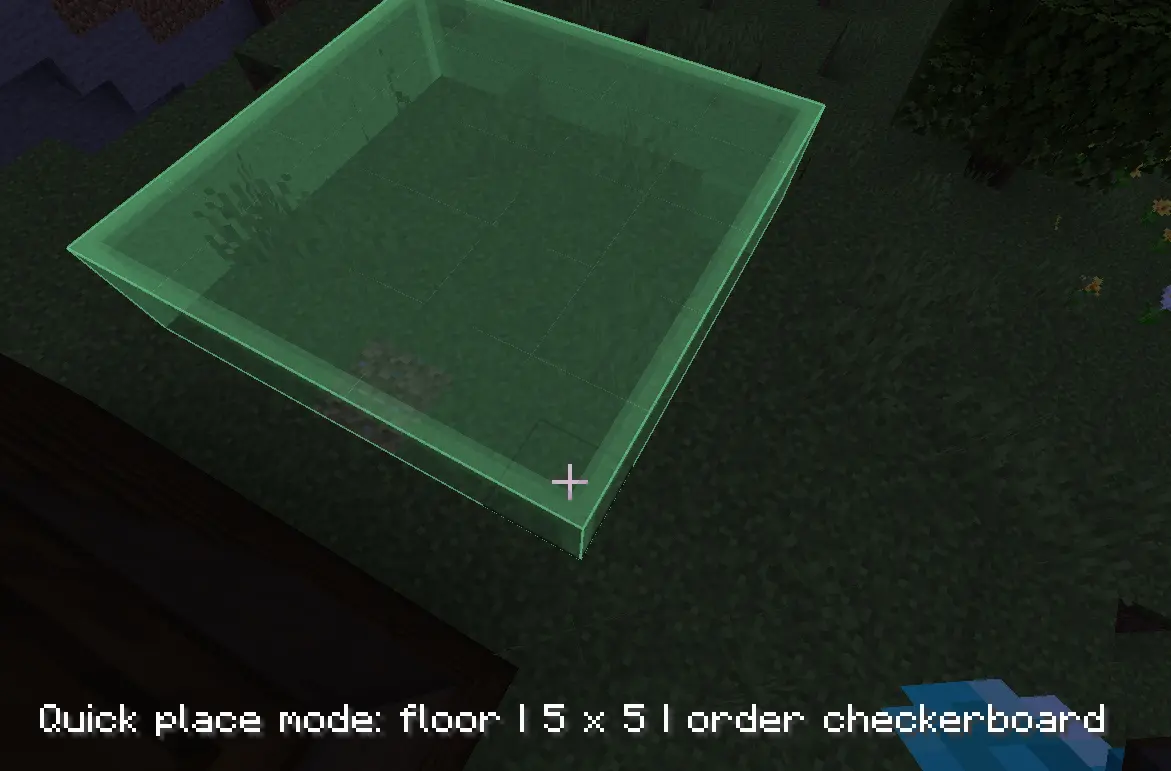
- Press Alt + Right Click to start a quick-place selection
- Preview the full area before placing
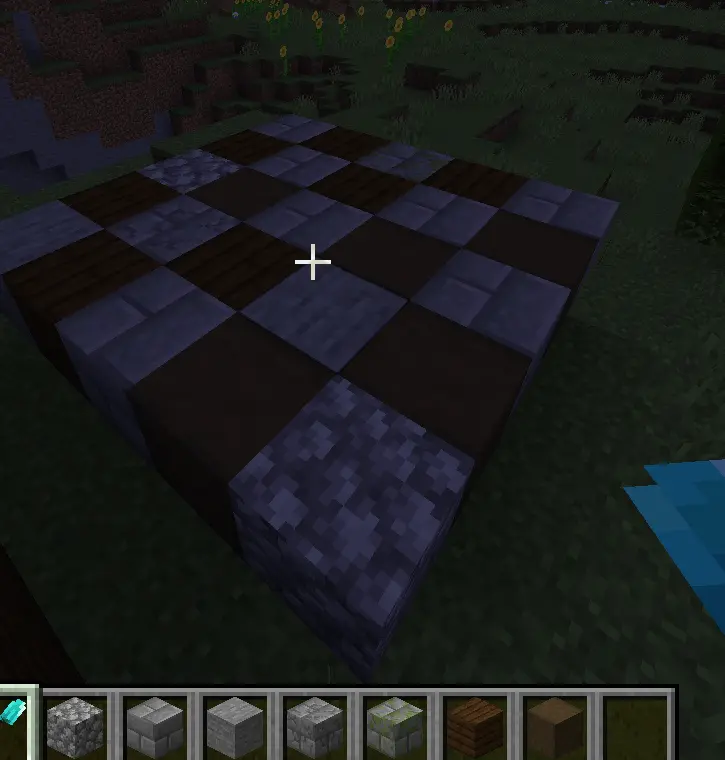
- Great for walls, floors, facades, and other flat surfaces
- Works especially well with ordered palettes and checkerboard-style patterns
- Netherite pushes this even further for large-scale builds
⚠️ It is meant for fast clean surfaces, not cursed 3D geometry.
✅ Built with modded survival building in mind, including Create-based setups
🔁 Replacement Mode
Hold a pickaxe or shovel in your offhand to activate replacement mode.
This lets you swap existing blocks directly instead of breaking everything first.
- Pickaxe in offhand: great for stone, bricks, deepslate, and most hard building blocks
- Shovel in offhand: great for dirt, gravel, sand, paths, and terrain-style reworking
- Replace blocks much more cleanly during renovations
- Ideal for fixing ugly gradients, reworking roads, touching up terrain, and changing palettes mid-build
In other words:
- less rebuilding
- less cleanup
- less suffering
✨ Enchantments
Yes, the trowels are enchantable.
Supported enchantments
- Efficiency → increases smart building radius / building power
- Fortune → gives a chance to not consume blocks
- Unbreaking → makes long building sessions less painful
- Mending → because repairing your tool is boring
- Attraction → pulls drops into your inventory for smoother cleanup
- Silk Touch → Changes will apply softer. No torches destroyed, no blocks updated.
Attraction
Attraction is the mod's custom utility enchantment. WORKS FOR ALL ITEMS AND NOT ONLY FOR TROWELS
- Pulls relevant block drops into your inventory
- Also works on mob drops
- Makes cleanup much faster during building, replacing, mining, and general survival play
- Fits the whole point of the mod: less annoying inventory and ground clutter
🎮 Controls
Quick summary so people don't have to guess:
- Right Click → normal trowel use
- Ctrl + Right Click → change placement order
- Alt + Right Click → quick-place mode
- Tab → cycle rotation / orientation modes
- Shift → show more detailed tooltip info
🎯 Goal of the Mod
Make building:
- faster
- easier
- less annoying
- and actually fun
Without turning it into full creative mode.
💬 Final Words
This mod is made with love, experiments, and a bit of chaos.
If something breaks — it’s probably a feature.
If it works — I’m as surprised as you are.
Join my Discord
or find me directly (@silentudono)
Available Versions
How to Install Don's Building Stuff on Your Server
Order Server
Order a Minecraft Java server with at least 3 GB RAM (4 GB recommended).
Set neoforge Loader
In the panel under "Egg", select the neoforge loader and matching Minecraft version (1.21.1).
Install Mod
Open the mod browser in the dashboard and search for "Don's Building Stuff". Click "Install" – done! Alternatively, upload the .jar via SFTP to the /mods folder.
Compatibility
Mod Loaders
Minecraft Versions
1.21.1
Server-side
✓ RequiredRecommended RAM
4 GB(min. 3 GB)Frequently Asked Questions
Don's Building Stuff server crashes on startup – what to do?
Most common cause: wrong neoforge version or insufficient RAM. Check the server log (latest.log) for "OutOfMemoryError" or "Mixin" errors. With Mado Hosting: ensure at least 3 GB RAM is allocated and the loader matches the mod version (1.21.1). You can switch loaders with one click in the panel.
Is Don's Building Stuff compatible with neoforge?
Don's Building Stuff officially supports neoforge for Minecraft 1.21.1. The Mado dashboard automatically detects incompatible loader combinations.
Server lagging with Don's Building Stuff – how to optimize performance?
Recommended RAM: 4 GB (per 8 players). Use /spark profiler to check if Don's Building Stuff consumes the most tick time. Common fixes: reduce server view-distance to 8-10, install "performant" or "starlight" as supplementary mods on Forge. With Mado Hosting, your server runs on NVMe SSDs with dedicated CPU cores for minimal latency.
Rent Modded Server
Install Don's Building Stuff with just one click on your server.