
Donutsmp Toolkit
A client for DonutSMP with useful tools and modules
Screenshots
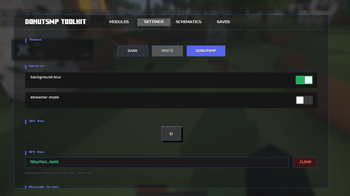
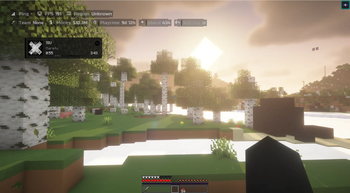
About this Mod
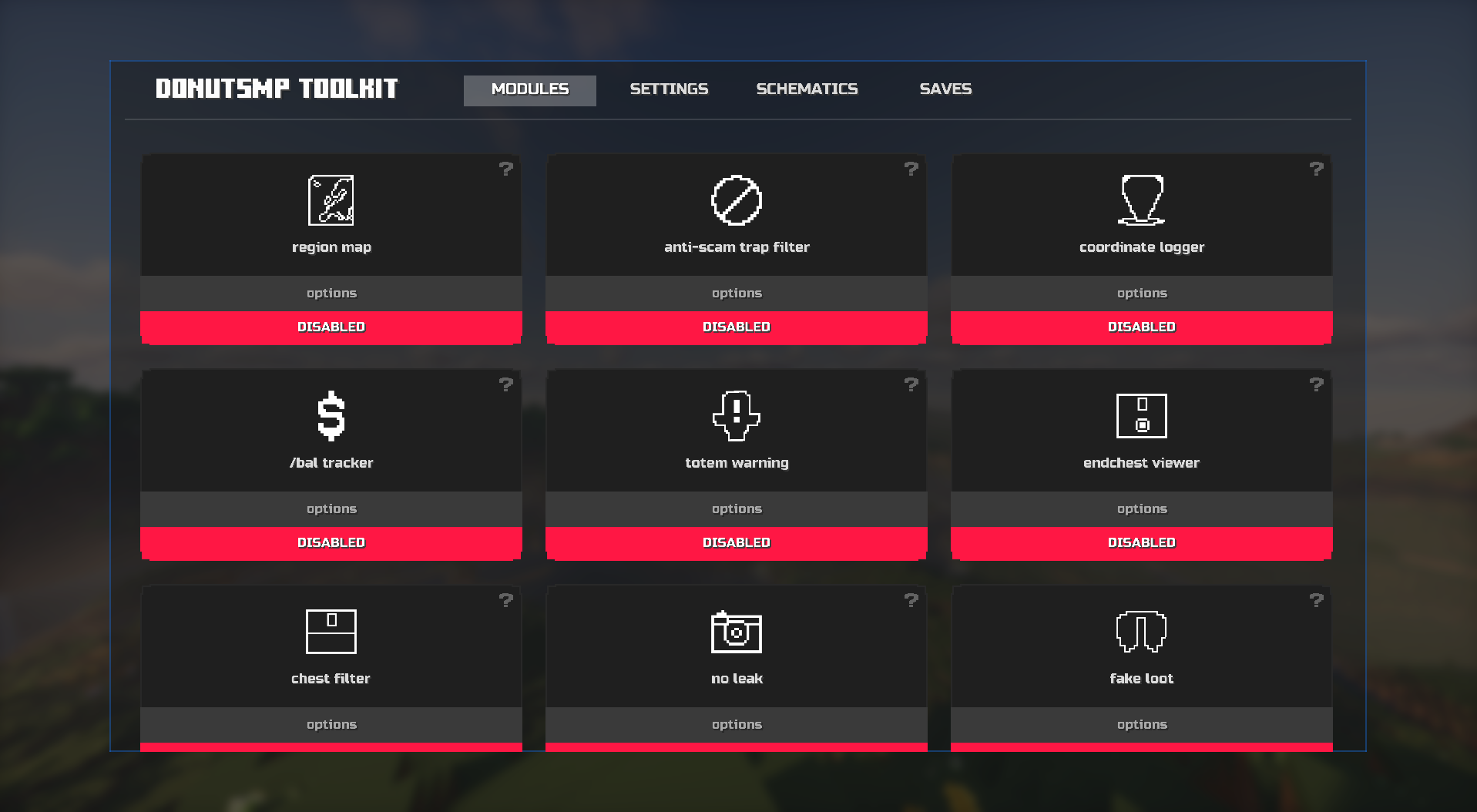
DonutSMP Toolkit
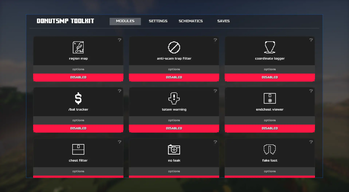
A client mod made for DonutSMP players. It adds a bunch of useful features to make your time on the server easier and more enjoyable
Features
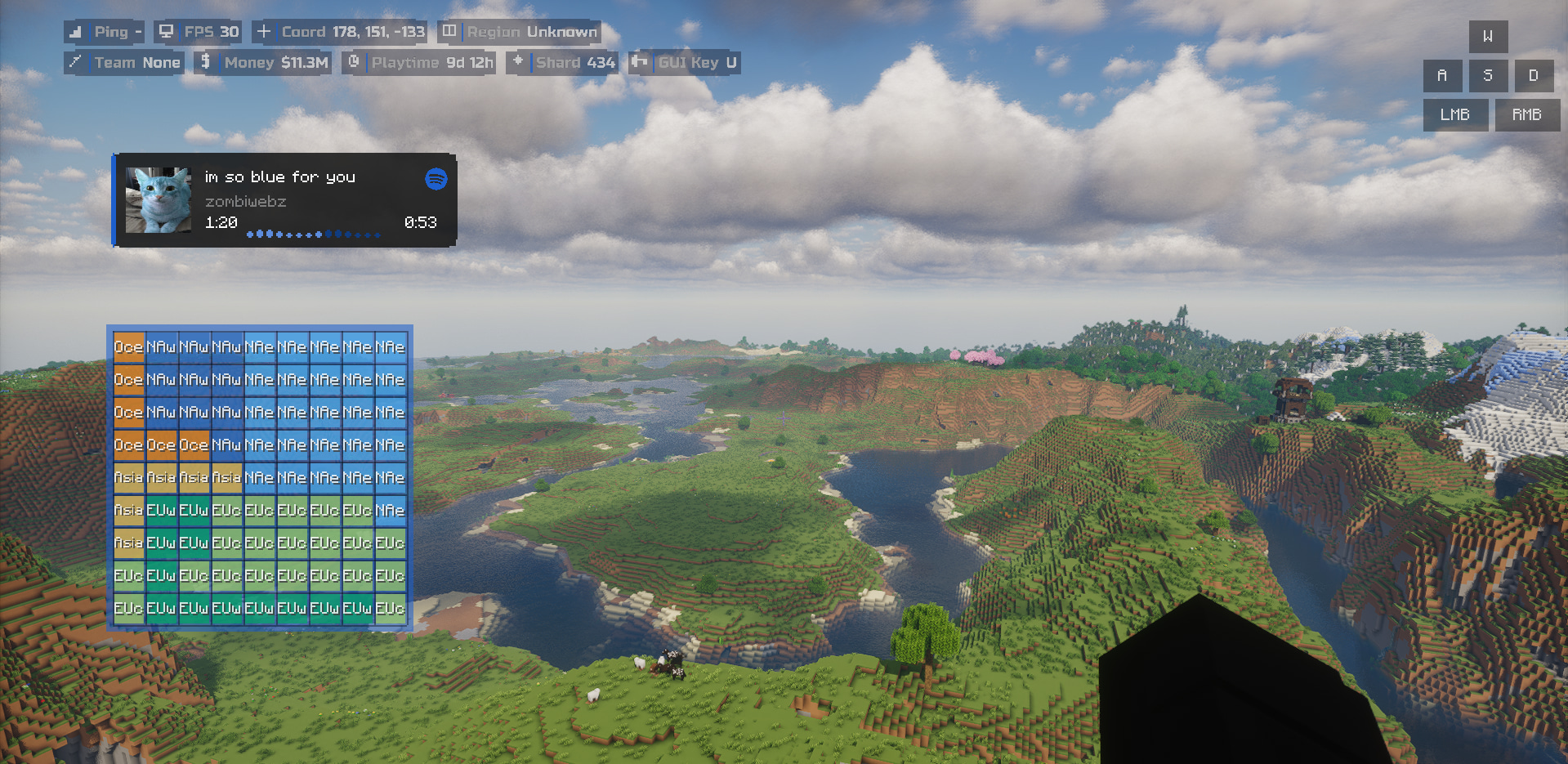
Spotify HUD
shows the song you are listening to on spotify using windows system media transport controls. only works on windows
HUD
lets you see things like your balance and coordinates in the top left
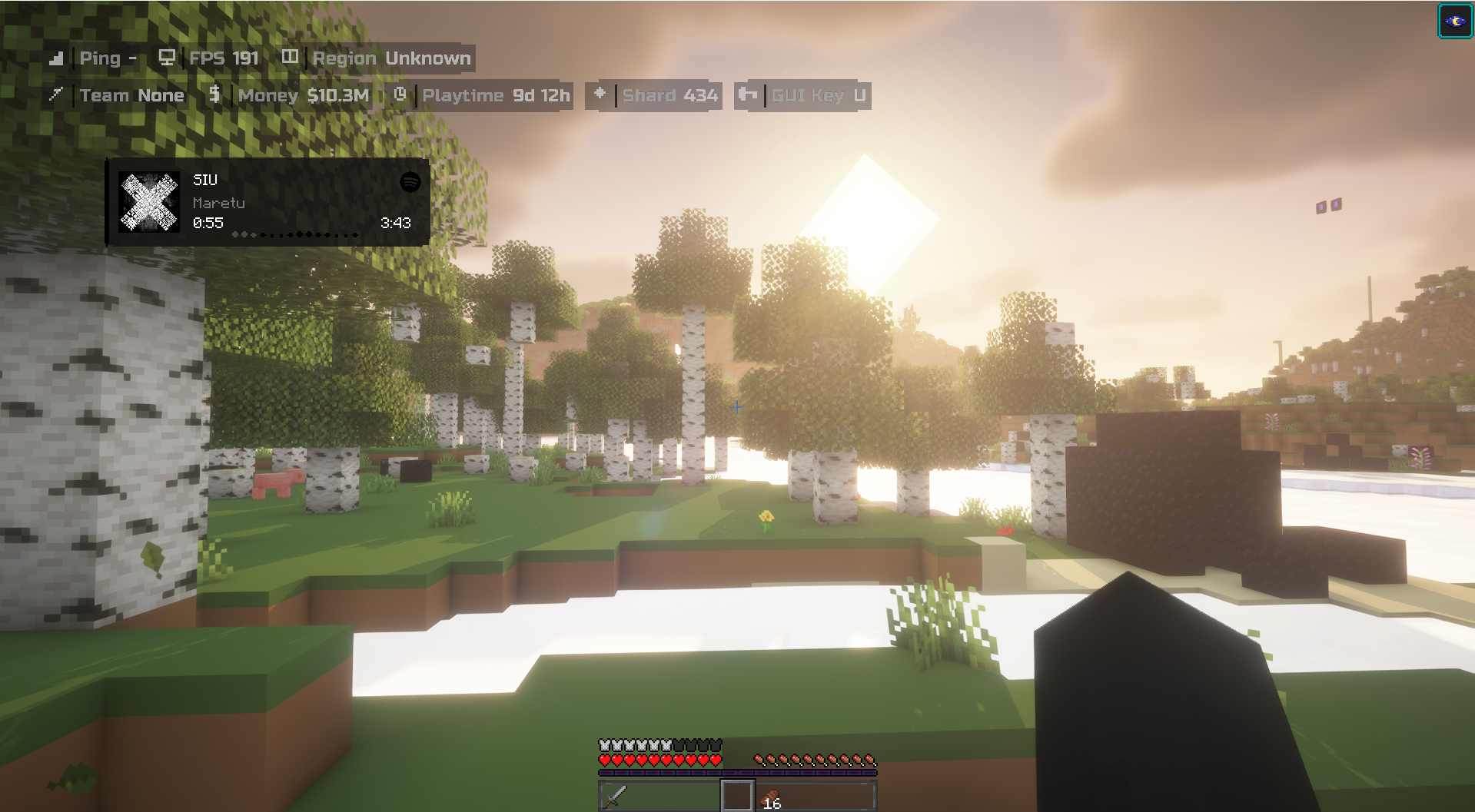
Keystrokes
shows the keys you are pressing on screen
Chest Filter
highlights valuable items in chests and plays a really cool sound effect
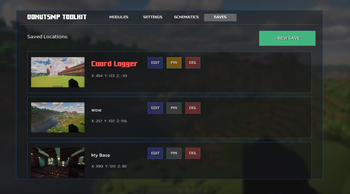
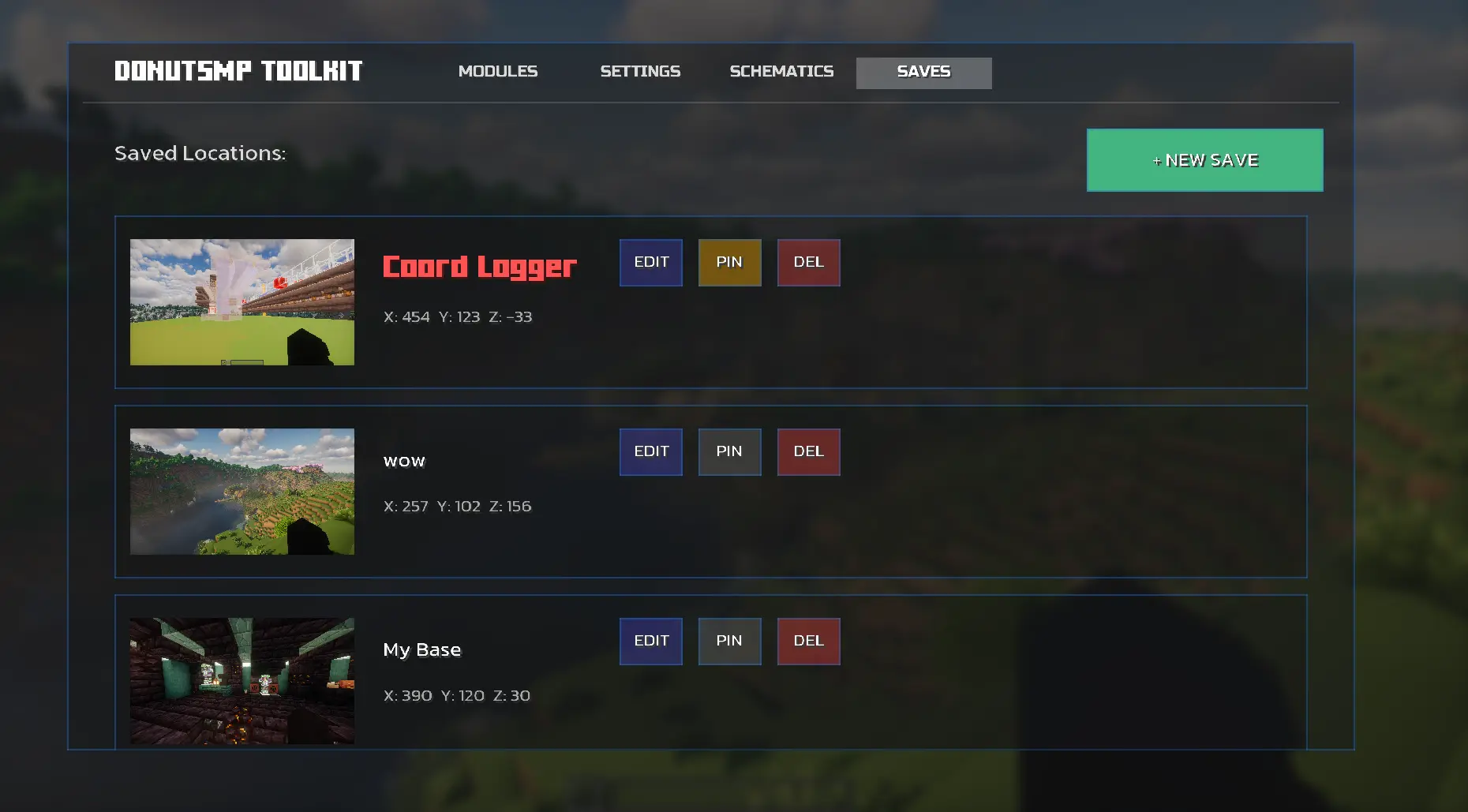
Coordinate Logger
press your keybind to save your current coordinates
Saves
save your current coordinates with a screenshot so you can find important locations later
Totem Warning
warns you when you dont have a totem equipped
Zoom
just zoom
Region Map
we wanted to add a map radar but it would break donut smp rules so we just made the region map
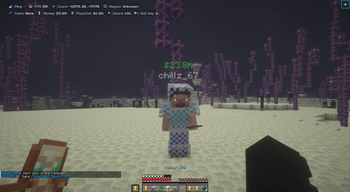
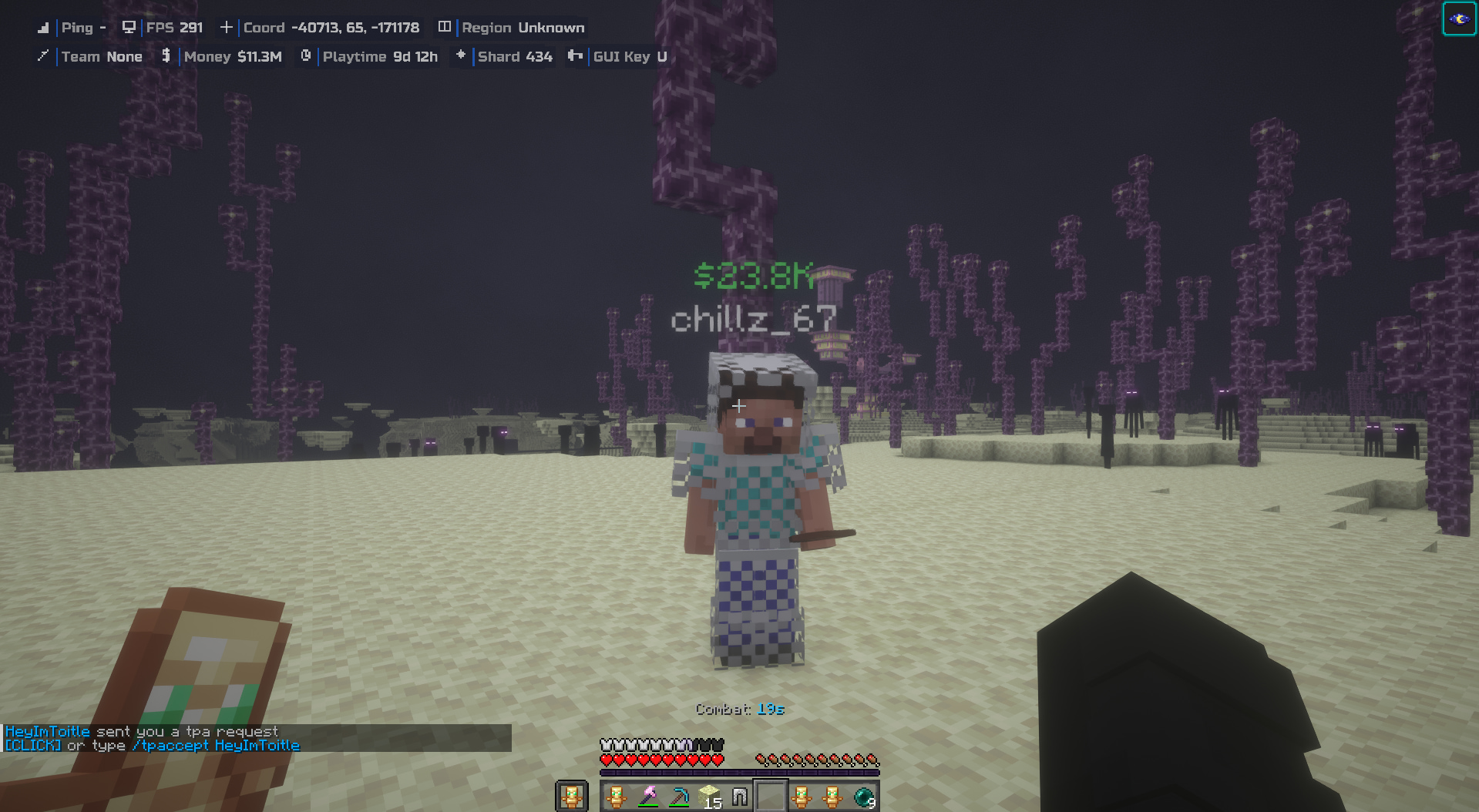
Balance Tracker
see the balance of the player you are looking at without typing /bal
Ender Chest Viewer
saves your ender chest contents when you open it so you can check it anytime without being near one. note you need to open it at least once
Fake Loot
makes regular items look like valuable ones perfect for making fake loot drops
No Leak
replaces bedrock and tuff blocks with deepslate visually
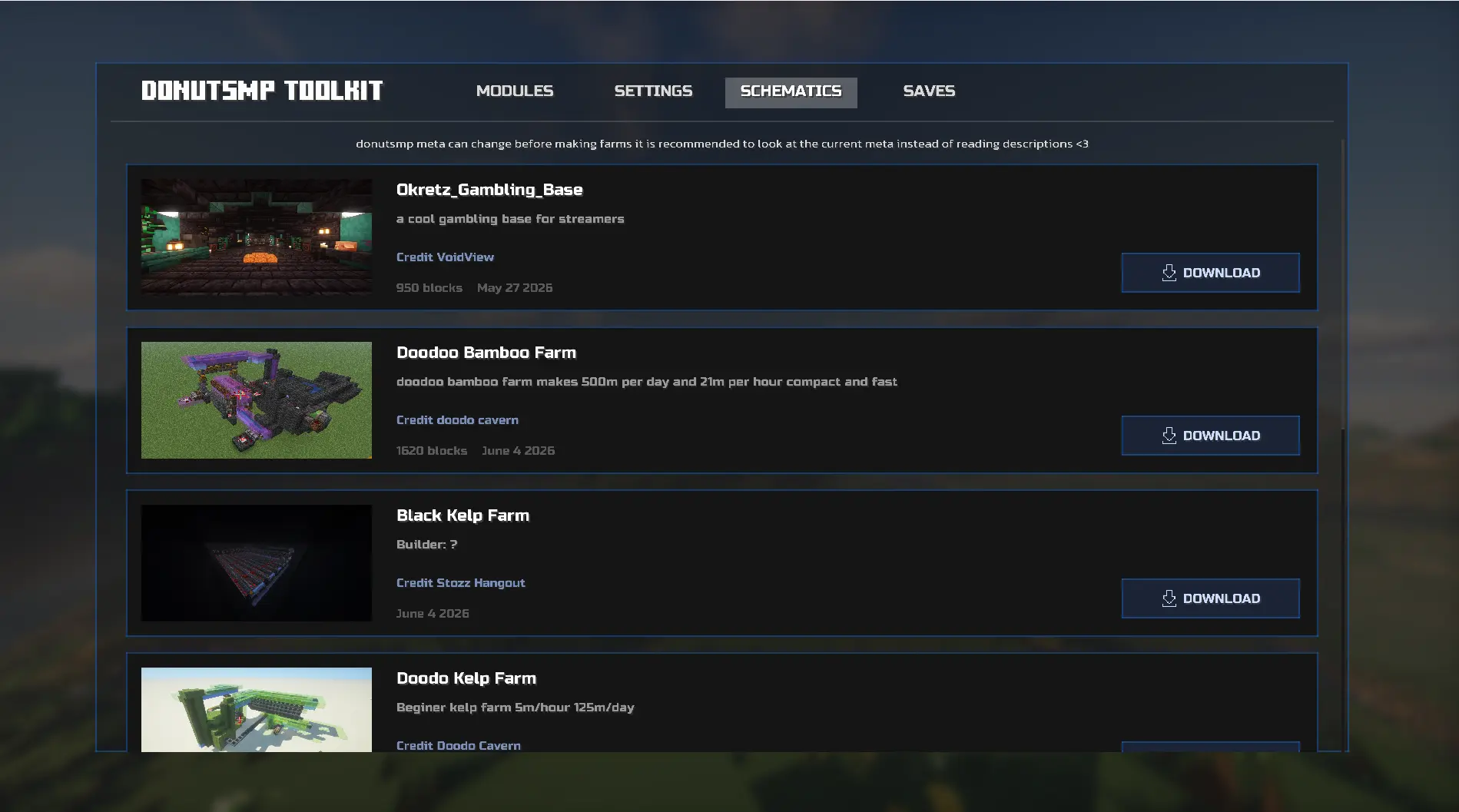
Schematics
download community schematics directly into your game no need to leave the server
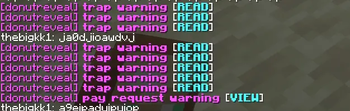
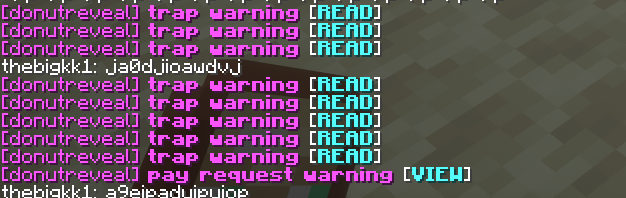
Anti-Scam
filters trap scam and pay messages from chat
Notes
Some features like Balance Tracker only work on DonutSMP
Source Code
Available Versions
How to Install Donutsmp Toolkit on Your Server
Order Server
Order a Minecraft Java server with at least 3 GB RAM (4 GB recommended).
Set fabric Loader
In the panel under "Egg", select the fabric loader and matching Minecraft version (1.21.11).
Install Mod
Open the mod browser in the dashboard and search for "Donutsmp Toolkit". Click "Install" – done! Alternatively, upload the .jar via SFTP to the /mods folder.
Compatibility
Mod Loaders
Minecraft Versions
1.21.11, 1.21.10
Server-side
✗ UnsupportedRecommended RAM
4 GB(min. 3 GB)Frequently Asked Questions
Donutsmp Toolkit server crashes on startup – what to do?
Most common cause: wrong fabric version or insufficient RAM. Check the server log (latest.log) for "OutOfMemoryError" or "Mixin" errors. With Mado Hosting: ensure at least 3 GB RAM is allocated and the loader matches the mod version (1.21.11). You can switch loaders with one click in the panel.
Is Donutsmp Toolkit compatible with fabric?
Donutsmp Toolkit officially supports fabric for Minecraft 1.21.11, 1.21.10. The Mado dashboard automatically detects incompatible loader combinations.
Server lagging with Donutsmp Toolkit – how to optimize performance?
Recommended RAM: 4 GB (per 8 players). Use /spark profiler to check if Donutsmp Toolkit consumes the most tick time. Common fixes: reduce server view-distance to 8-10, install "performant" or "starlight" as supplementary mods on Forge. With Mado Hosting, your server runs on NVMe SSDs with dedicated CPU cores for minimal latency.
Rent Modded Server
Install Donutsmp Toolkit with just one click on your server.