
Doom's Markers
All new land markers without a whole map mod!
Screenshots



About this Mod




Do you want to mark locations without needing a whole map mod? Want to track your Death locations without any hassle? Want to actually know how far that Buried Treasure map will take you? Want to customise your Markers?
Features
- Place your own Markers
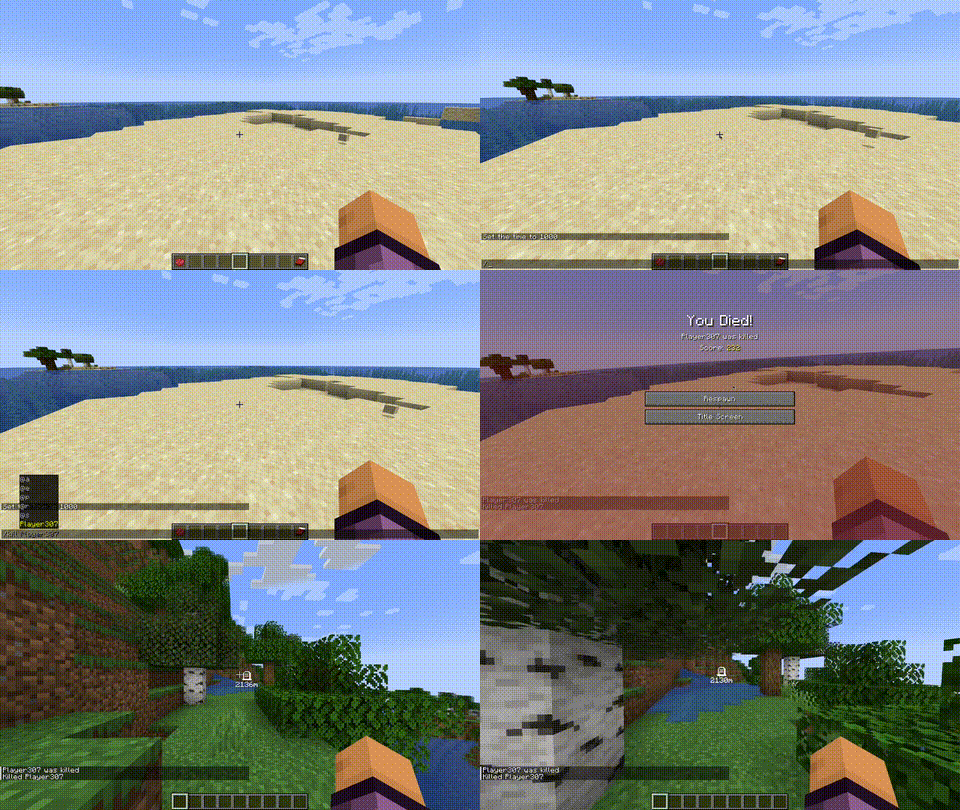
- Death Markers
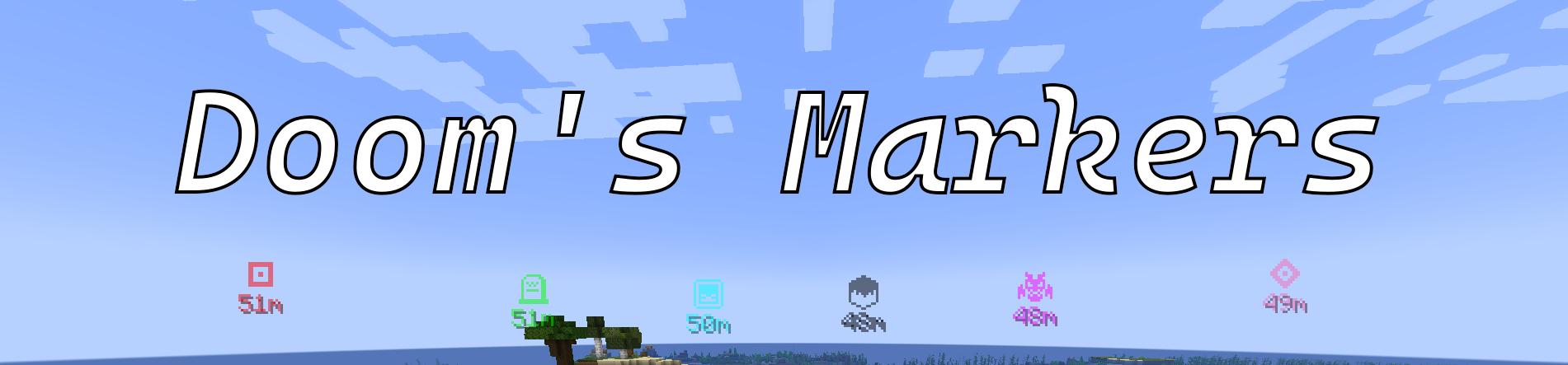
- Customise your Markers colour and icon using items!
- Display distance to Markers
- Toggle Markers with
M - Create Markers from Map Banners or tracked locations like Buried Treasure or Wooldland Mansions!
Feel free to join my Discord server and give me any suggestions for new features
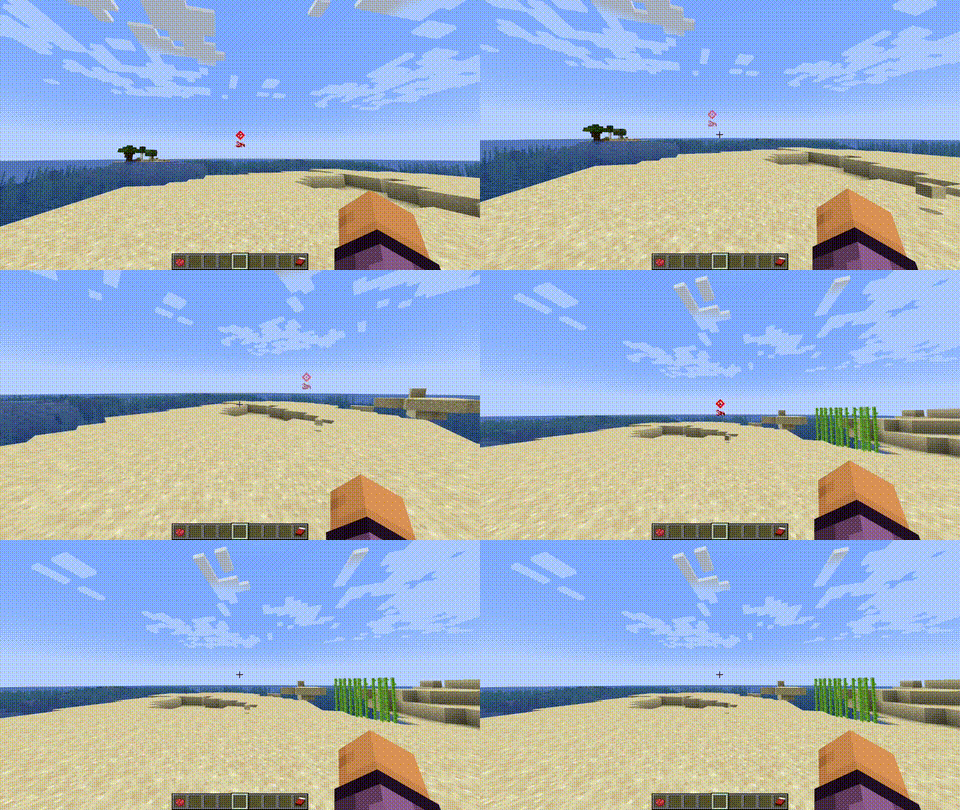
Create Markers with the Use key
Customise a Marker with the Middle mouse button to change the icon or right click with Dye to change the colour. While holding the Use key
Scroll through the icon options while holding the Use key
Delete the Marker by punching it while holding the Use key
Spawns a Death Marker when you die!
Planned
- Share Markers with other players
- Config file for options
Usage
The mod revolved around the Use key. This key defaults to the GRAVE key or `.
The toggle key defaults to M but these are both configurable through Minecrafts Keybinds menu.
Mod Requirements
This mod does not require any extra dependencies!
FAQ
Can I use this mod in my modpack?
Absolutely! If you do so, I would love to know about it too :D
Will this be backported to before 1.20.1?
Unless a lot of people request this, probably not.
Will this be updated past 1.20.1?
Absolutely. I am just making this version stable first and then I will update it to newer versions.
Support
Support can be provided on my discord server or you can report any bugs for the mod on the GitHub repository here. For the plugin please use this one
Partnership
If you need a new server check out our partner lagless.gg
Use code Dinonuggies for 20% off!
Available Versions
How to Install Doom's Markers on Your Server
Order Server
Order a Minecraft Java server with at least 3 GB RAM (4 GB recommended).
Set fabric Loader
In the panel under "Egg", select the fabric loader and matching Minecraft version (1.20.1).
Install Mod
Open the mod browser in the dashboard and search for "Doom's Markers". Click "Install" – done! Alternatively, upload the .jar via SFTP to the /mods folder.
Compatibility
Mod Loaders
Minecraft Versions
1.20.1
Server-side
✓ RequiredRecommended RAM
4 GB(min. 3 GB)Frequently Asked Questions
Doom's Markers server crashes on startup – what to do?
Most common cause: wrong fabric version or insufficient RAM. Check the server log (latest.log) for "OutOfMemoryError" or "Mixin" errors. With Mado Hosting: ensure at least 3 GB RAM is allocated and the loader matches the mod version (1.20.1). You can switch loaders with one click in the panel.
Is Doom's Markers compatible with fabric and forge?
Doom's Markers officially supports fabric, forge for Minecraft 1.20.1. Note: Forge and Fabric mods are NOT cross-compatible – pick one loader and stick with it. The Mado dashboard automatically detects incompatible loader combinations.
Server lagging with Doom's Markers – how to optimize performance?
Recommended RAM: 4 GB (per 8 players). Use /spark profiler to check if Doom's Markers consumes the most tick time. Common fixes: reduce server view-distance to 8-10, install "performant" or "starlight" as supplementary mods on Forge. With Mado Hosting, your server runs on NVMe SSDs with dedicated CPU cores for minimal latency.
Similar Mods




Rent Modded Server
Install Doom's Markers with just one click on your server.