
Screenshots
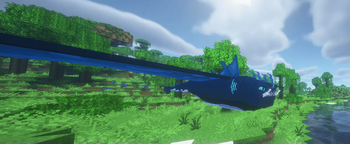
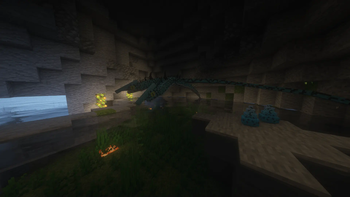
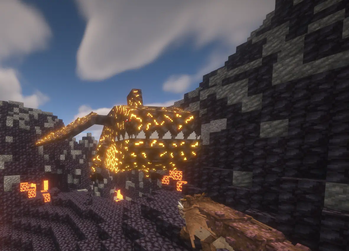
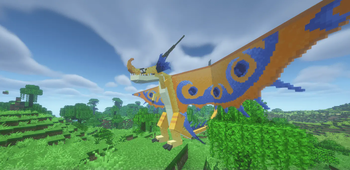
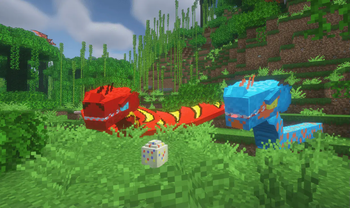
About this Mod
Obs: deathsong is already being remade
Summary
This mod is an addon for the Isle of Berk and Archipelago additions.
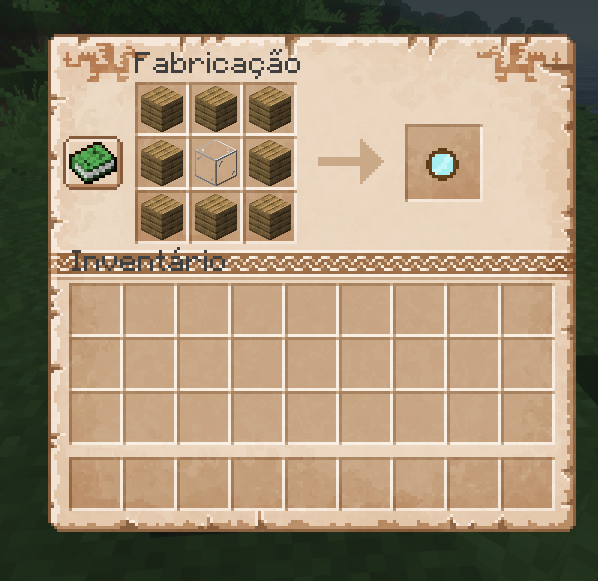
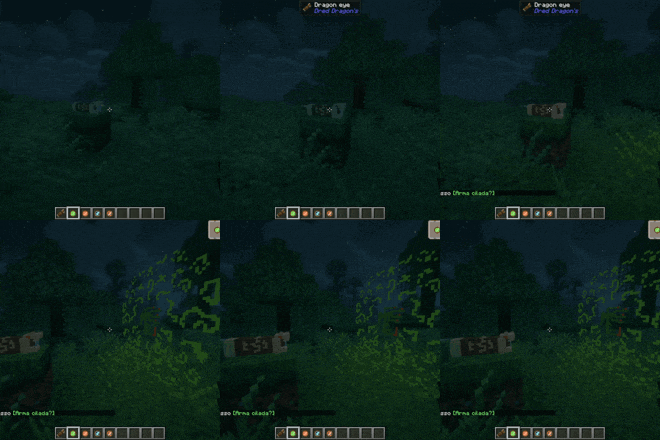
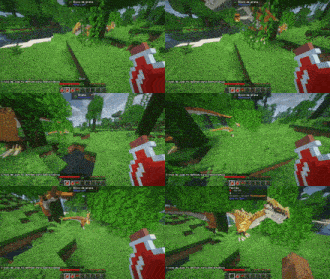
It works like AA, in this first version it adds 5 new dragons, the same ones from my pack, but now with the addition of the dragon eye (Creative tab only), some lenses that work when you click them on the dragon eye.
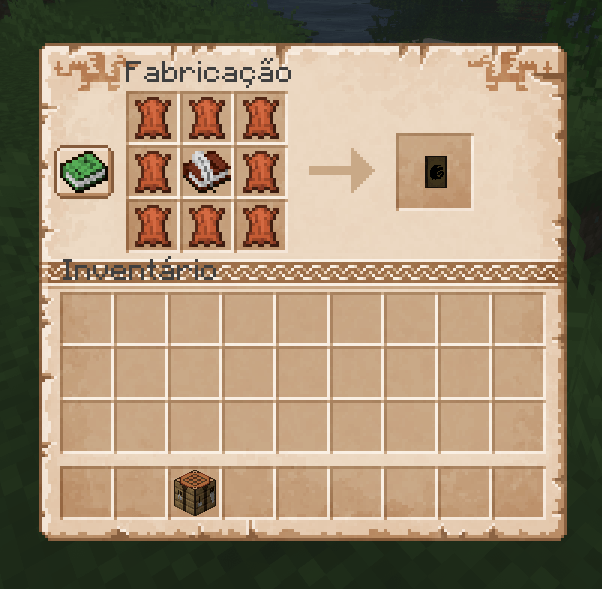
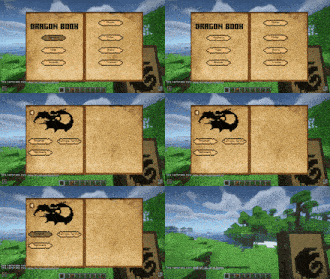
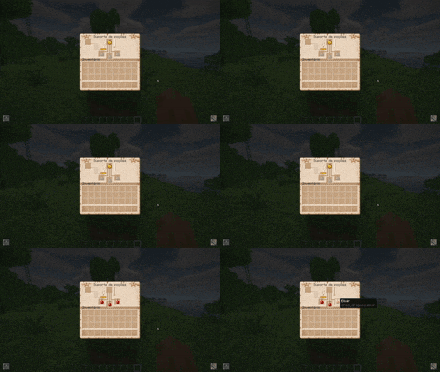
There is also the book of dragons, it has the base dragons from the Isle of Berk, and those from my pack for now, but I intend to add all of the AA and Stego Pack, some pages are locked, and can only be accessed after using the dragon lens on the dragon's eye!
About Mod
The dragon eye has a locked and open version, to unlock it just use the Snow Wraith's tooth from the AA on it, but it is still not possible to get it in survival.
There is also an elixir, which when used on a baby dragon makes it grow instantly.
Items
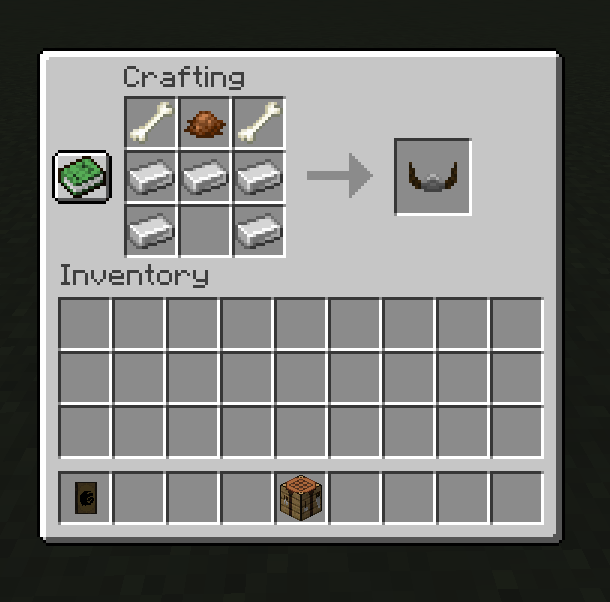
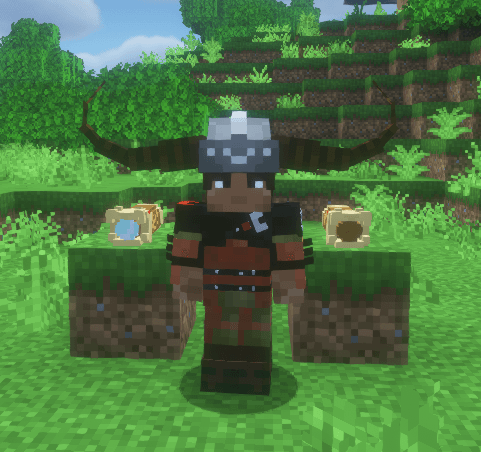
Stoick Helmet
Lens
Dragons Book
Dragon Eye
Elixir
Install Requirements
Archipelago Additions (1.18.2-2.1.1)
Geckolib (1.18.2-3.0.46)
Isle of Berk (1.18.2-1.2.0)
Isle of Berk Variant Loader (1.18.2-2.4.0)
Isle of Berk Addons (1.18.2-1.1d)
Links:
https://www.youtube.com/@Drednaww
Credits
Most dragon models use IoB models as a base due to hardcoded rigging dependencies making it impractical to scratch model. Archipelago Additions does not claim to have made these models, they were created by the IoB team and now belong to NBD. We are permitted use of these IoB base assets provided we remain as an addon to IoB and/or NBD and do not claim to have made them.
SakuraBabochka for granting permission to use the dragon icons.
And the AA team who are the models used to show the dragons in the book of dragons.
Available Versions
How to Install Dred Dragon's on Your Server
Order Server
Order a Minecraft Java server with at least 3 GB RAM (4 GB recommended).
Set forge Loader
In the panel under "Egg", select the forge loader and matching Minecraft version (1.18.2).
Install Mod
Open the mod browser in the dashboard and search for "Dred Dragon's". Click "Install" – done! Alternatively, upload the .jar via SFTP to the /mods folder.
Compatibility
Mod Loaders
Minecraft Versions
1.18.2
Server-side
✓ RequiredRecommended RAM
4 GB(min. 3 GB)Frequently Asked Questions
Dred Dragon's server crashes on startup – what to do?
Most common cause: wrong forge version or insufficient RAM. Check the server log (latest.log) for "OutOfMemoryError" or "Mixin" errors. With Mado Hosting: ensure at least 3 GB RAM is allocated and the loader matches the mod version (1.18.2). You can switch loaders with one click in the panel.
Is Dred Dragon's compatible with forge?
Dred Dragon's officially supports forge for Minecraft 1.18.2. The Mado dashboard automatically detects incompatible loader combinations.
Server lagging with Dred Dragon's – how to optimize performance?
Recommended RAM: 4 GB (per 8 players). Use /spark profiler to check if Dred Dragon's consumes the most tick time. Common fixes: reduce server view-distance to 8-10, install "performant" or "starlight" as supplementary mods on Forge. With Mado Hosting, your server runs on NVMe SSDs with dedicated CPU cores for minimal latency.
Similar Mods




Rent Modded Server
Install Dred Dragon's with just one click on your server.