
Dry Deserts
Stops rivers from generating in deserts
Screenshots
About this Mod
Dry Deserts and all my other packs will no longer get updated, but anyone is welcome to fork or continue the project!
Dry Deserts
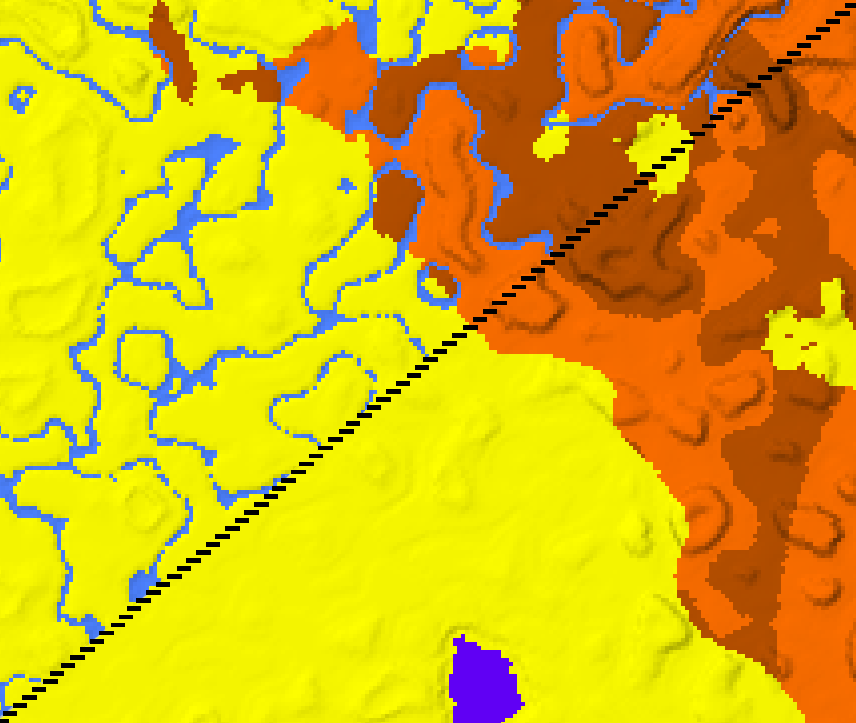
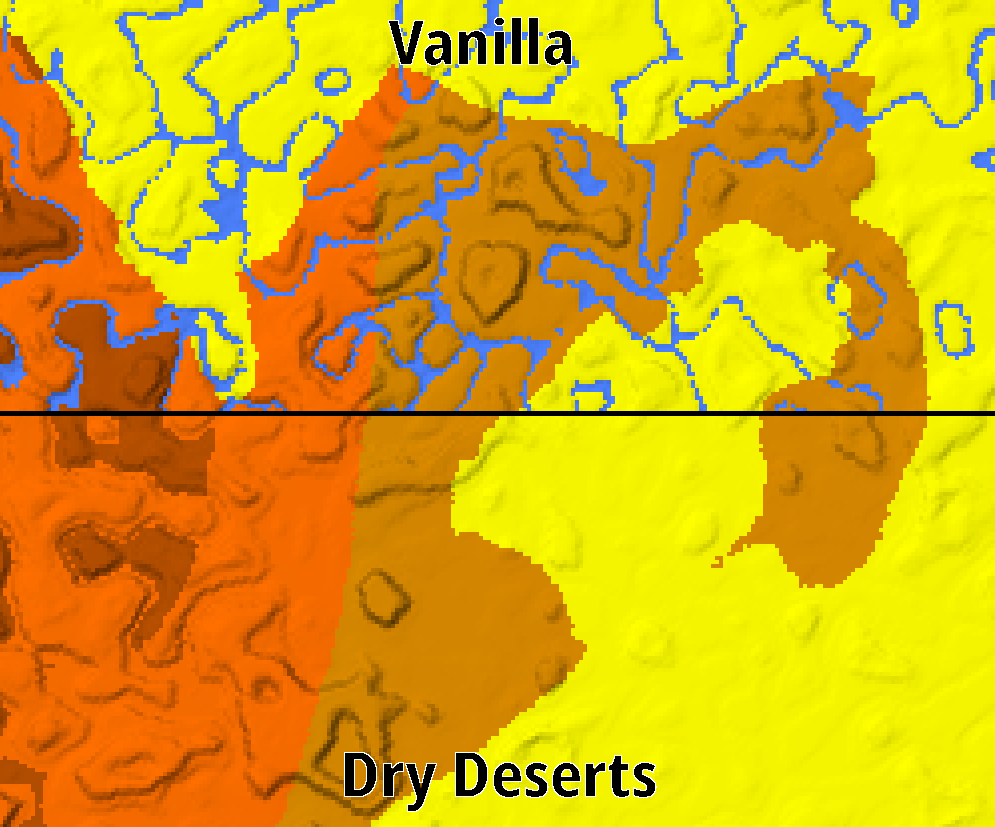
Dry Deserts stops rivers from generating in desert and badland biomes, making them truly feel like arid biomes.
You might still see the occasional body of water in those biomes, especially near coasts and aquifers, however no river biomes should generate in deserts.
🚨 To use with Large Biomes, you must make a change in the datapack files 🚨
Compatibility
Dry deserts should be compatible with most biome mods, worldgen mods that alter how rivers generate might cause trouble however, use the Issues to report any problems or request compatibility with a specific pack or mod. You can test most datapack combinations with the Datapack Map.
Configurability (Datapack only)
- While the datapack will be active if you generate a world with the large biomes preset, it will not work correctly unless you make a change to
Dry-Deserts/data/minecraft/worldgen/desity_functions/overworld/ridges.json, there are instructions there as to what you need to do - By default rivers are completely prevented from generating in deserts, however there are a couple options available to allow some river generation, check the
README.mdfile in the pack folder. You can use the Minecraft Datapack Map to check your changes
Maps created with the Datapack Map by jacobsjo
Available Versions
How to Install Dry Deserts on Your Server
Order Server
Order a Minecraft Java server with at least 4 GB RAM (6 GB recommended).
Set datapack Loader
In the panel under "Egg", select the datapack loader and matching Minecraft version (1.21.8).
Install Mod
Open the mod browser in the dashboard and search for "Dry Deserts". Click "Install" – done! Alternatively, upload the .jar via SFTP to the /mods folder.
Compatibility
Mod Loaders
Minecraft Versions
1.21.8, 1.21.7, 1.21.6 (+18 more)
Server-side
✓ RequiredRecommended RAM
6 GB(min. 4 GB)Frequently Asked Questions
Dry Deserts server crashes on startup – what to do?
Most common cause: wrong datapack version or insufficient RAM. Check the server log (latest.log) for "OutOfMemoryError" or "Mixin" errors. With Mado Hosting: ensure at least 4 GB RAM is allocated and the loader matches the mod version (1.21.8). You can switch loaders with one click in the panel.
Is Dry Deserts compatible with datapack and fabric and forge and neoforge and quilt?
Dry Deserts officially supports datapack, fabric, forge, neoforge, quilt for Minecraft 1.21.8, 1.21.7, 1.21.6. Note: Forge and Fabric mods are NOT cross-compatible – pick one loader and stick with it. The Mado dashboard automatically detects incompatible loader combinations.
Server lagging with Dry Deserts – how to optimize performance?
Recommended RAM: 6 GB (per 5 players). Use /spark profiler to check if Dry Deserts consumes the most tick time. Common fixes: reduce server view-distance to 8-10, install "performant" or "starlight" as supplementary mods on Forge. With Mado Hosting, your server runs on NVMe SSDs with dedicated CPU cores for minimal latency.
Similar Mods




Rent Modded Server
Install Dry Deserts with just one click on your server.