
DynamicPack
This mod will automatically update your resource packs!
Screenshots
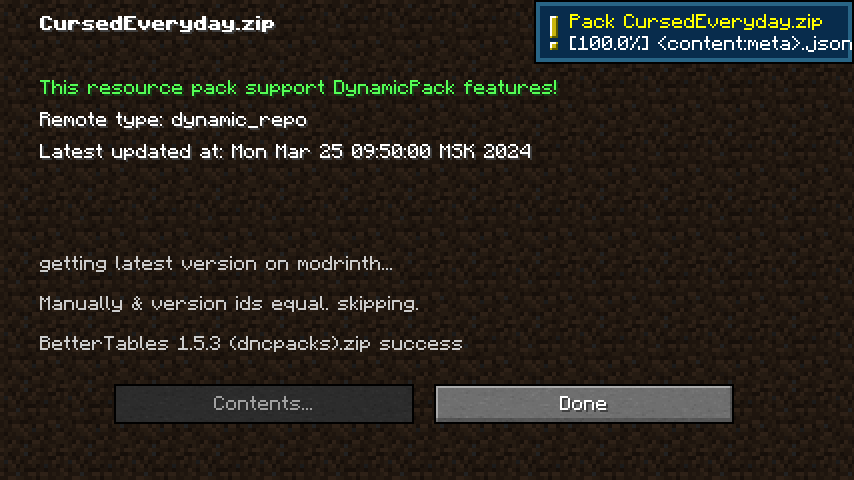
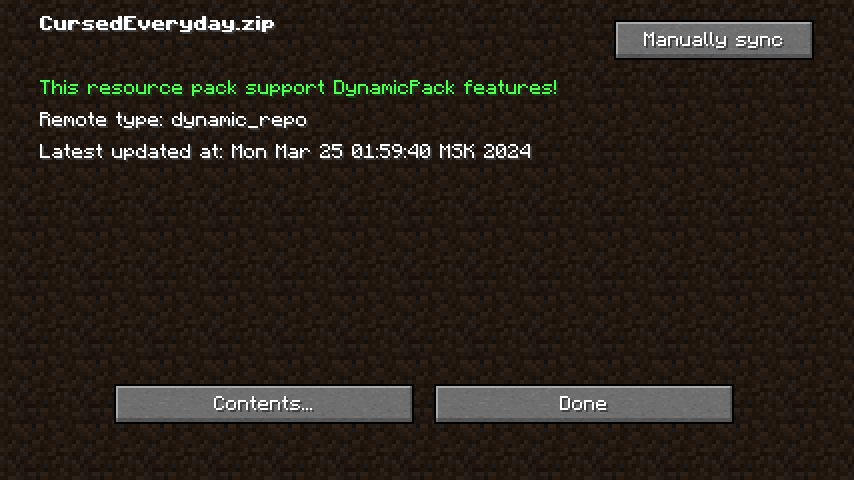
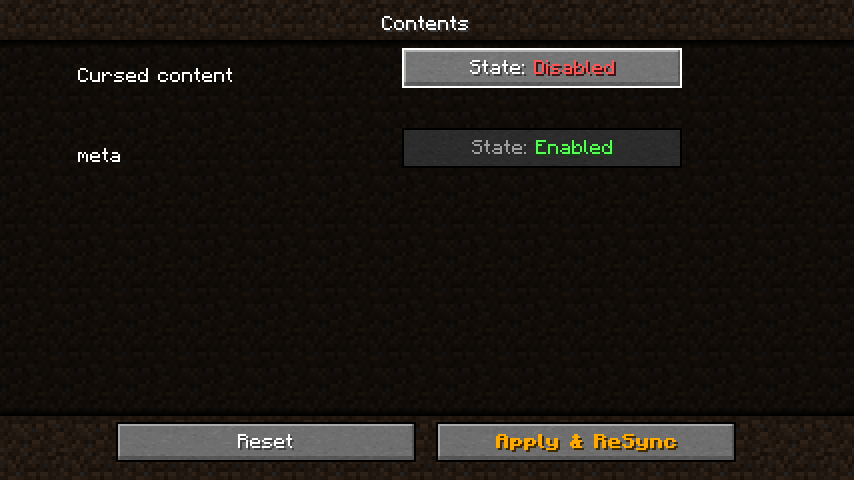
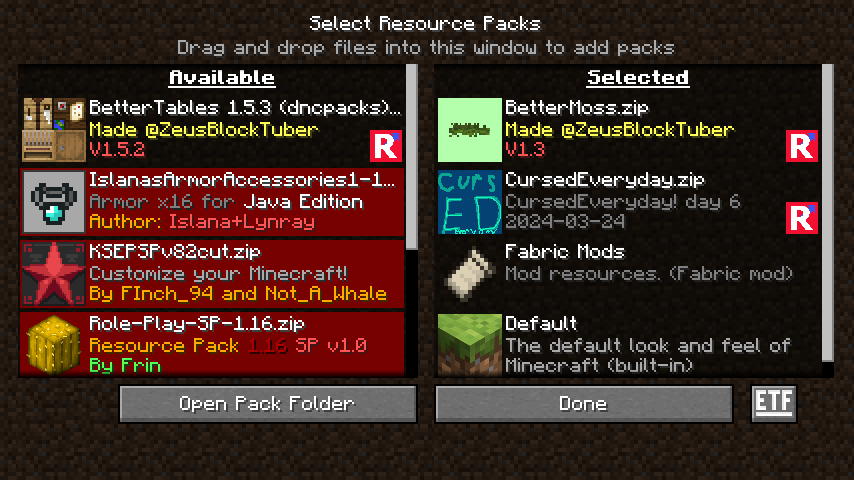
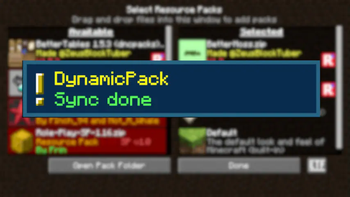
About this Mod
🌍 DynamicPack
A lightweight mod that monitors your resource pack version and updates it automatically.





📖 Documentation
See the GitHub Wiki for full developer documentation, advanced features, and examples.
🎨 Resource Packs Using DynamicPack
These resource packs already use automatic DynamicPack updates:
- CursedEveryday (GitHub)
- ModsRU
- Zelda Music
- PawTotems (SMP, GitHub)
- SPPack (SMP, GitHub)
- Essentially Tweaked
- Vanilla Leaves
⚙️ How It Works
Resource pack developers include a metadata file named dynamicmcpack.json inside their pack.
At game launch, DynamicPack checks for updates and automatically downloads the latest version if necessary.
🧩 For Players
Install the mod and enjoy — DynamicPack will handle updates in the background.
🛠 For Developers
If you’d like your pack to update itself automatically, you can choose one of the integration options below.
🔗 Option 1 — Update from Modrinth
Create a file named dynamicmcpack.json in your pack:
{
  "current": {
    "version_number": "7.1"                                   // Current version of your resource pack
  },
  "remote": {
    "game_version": "1.21.1",                                 // Compatible Minecraft version
    "modrinth_project_id": "better-leaves",                   // Your Modrinth project slug or ID
    "type": "modrinth"                                        // Update source type (Modrinth)
  },
  "formatVersion": 1                                          // Internal config format version
}
🐙 Option 2 — Update from GitHub
Create a file named dynamicmcpack.json in your pack:
{
  "current": {},
  "remote": {
    "sign_no_required": true,                                 // Optional digital signature — set to true to disable verification
    "type": "dynamic_repo",                                   // Update source type (Dynamic Repository)
    "url": "https://adamcalculator.github.io/CursedEveryday/" // Remote repository URL
  },
  "formatVersion": 1                                          // Internal configuration format version
}
Next, create a dynamicmcpack.repo.json file like this:
{
  "formatVersion": 1,                                         // Internal schema version
  "build": 10,                                                // Build number of your current release
  "name": "CursedEveryday",                                   // Display name of your resource pack
  "contents": [
    {
      // Metadata block (main information about pack components)
      "url": "path/to/content.json",
      "hash": "5e4d4ad1e9714487263c51f5f83c448c0708773a",     // SHA1 checksum of content.json
      "id": "meta",
      "hidden": true,                                         // Hides this component from user‑facing lists
      "required": true                                        // Marks this component as mandatory
    },
    {
      // Example of an additional content section
      "url": "path/to/content.json",
      "hash": "6e6739297dac80078bbc4890567f05d4015553db",
      "id": "cursed",
      "name": "Cursed content"                                // Optional friendly display name
    }
  ]
}
Next, create a separate content.json file for each content section:
{
  "formatVersion": 1,                                         // Schema version
  "content": {
    "parent": "path/to/parent",                               // Local folder containing the files
    "remote_parent": "remote/path/to/parent",                 // Corresponding path in your Git repo
    "files": {
      "path/to/file": {
        "hash": "ca55daeef2e2d84ccd64608cf889ac321c18d4c2",   // SHA1 hash of file
        "size": 4773                                          // File size in bytes
      },
      "path/to/file2": {
        "hash": "336e9f4e6d7d1400d8a308a33e703e8b33ea5434",
        "size": 54665
      },
      "path/to/file3": {
        "hash": "09dae0777de1705e8acd0ff84c0bb6b7e3e22f63",
        "size": 98592
      }
    }
  }
}
⚠️ Important: These examples use
json5, which allows comments (//).
The actual files must be valid.json, so remove comments before use or validate them with this JSON checker.
Advanced features — such as dynamic repositories — are documented in the GitHub Wiki.
💖 Support the Project
DynamicPack is open‑source and completely free under the MIT License.
If you’d like to support the original author:
Bitcoin:bc1qpc0q9ym7rnfatdh43c4jyf68znj8x2jae5j4cz
Every satoshi helps keep things dynamic (and maybe buys some extra coffee ☕).
Available Versions
How to Install DynamicPack on Your Server
Order Server
Order a Minecraft Java server with at least 3 GB RAM (4 GB recommended).
Set fabric Loader
In the panel under "Egg", select the fabric loader and matching Minecraft version (26.1.2).
Install Mod
Open the mod browser in the dashboard and search for "DynamicPack". Click "Install" – done! Alternatively, upload the .jar via SFTP to the /mods folder.
Compatibility
Mod Loaders
Minecraft Versions
26.1.2, 26.1.1, 26.1 (+28 more)
Server-side
✗ UnsupportedRecommended RAM
4 GB(min. 3 GB)Frequently Asked Questions
DynamicPack server crashes on startup – what to do?
Most common cause: wrong fabric version or insufficient RAM. Check the server log (latest.log) for "OutOfMemoryError" or "Mixin" errors. With Mado Hosting: ensure at least 3 GB RAM is allocated and the loader matches the mod version (26.1.2). You can switch loaders with one click in the panel.
Is DynamicPack compatible with fabric and forge and neoforge?
DynamicPack officially supports fabric, forge, neoforge for Minecraft 26.1.2, 26.1.1, 26.1. Note: Forge and Fabric mods are NOT cross-compatible – pick one loader and stick with it. The Mado dashboard automatically detects incompatible loader combinations.
Server lagging with DynamicPack – how to optimize performance?
Recommended RAM: 4 GB (per 8 players). Use /spark profiler to check if DynamicPack consumes the most tick time. Common fixes: reduce server view-distance to 8-10, install "performant" or "starlight" as supplementary mods on Forge. With Mado Hosting, your server runs on NVMe SSDs with dedicated CPU cores for minimal latency.
Similar Mods






Rent Modded Server
Install DynamicPack with just one click on your server.