
Easel Does It!
Adds the Easel and more, making interacting with paintings much easel-ier
Screenshots
About this Mod
⠀⠀⠀⠀⠀⠀⠀⠀⠀⠀⠀⠀⠀⠀⠀⠀⠀⠀⠀
About
Easel Does It is a simple mod that aims to make working with paintings easier, as first conceptualised here.
⚠️ Warning: Easel Does It requires Blueprint for all versions.
⚠️ Fast Painting players: Please go to the Fast Paintings config and set the nbt_drop value to WHEN_PLACED_WITH_NBT for intended behavior with this mod.
Features
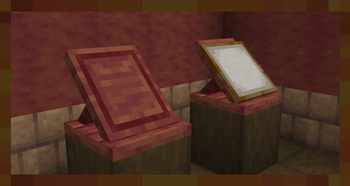
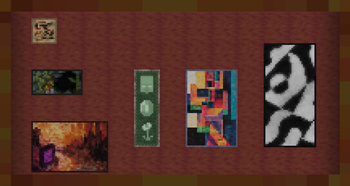
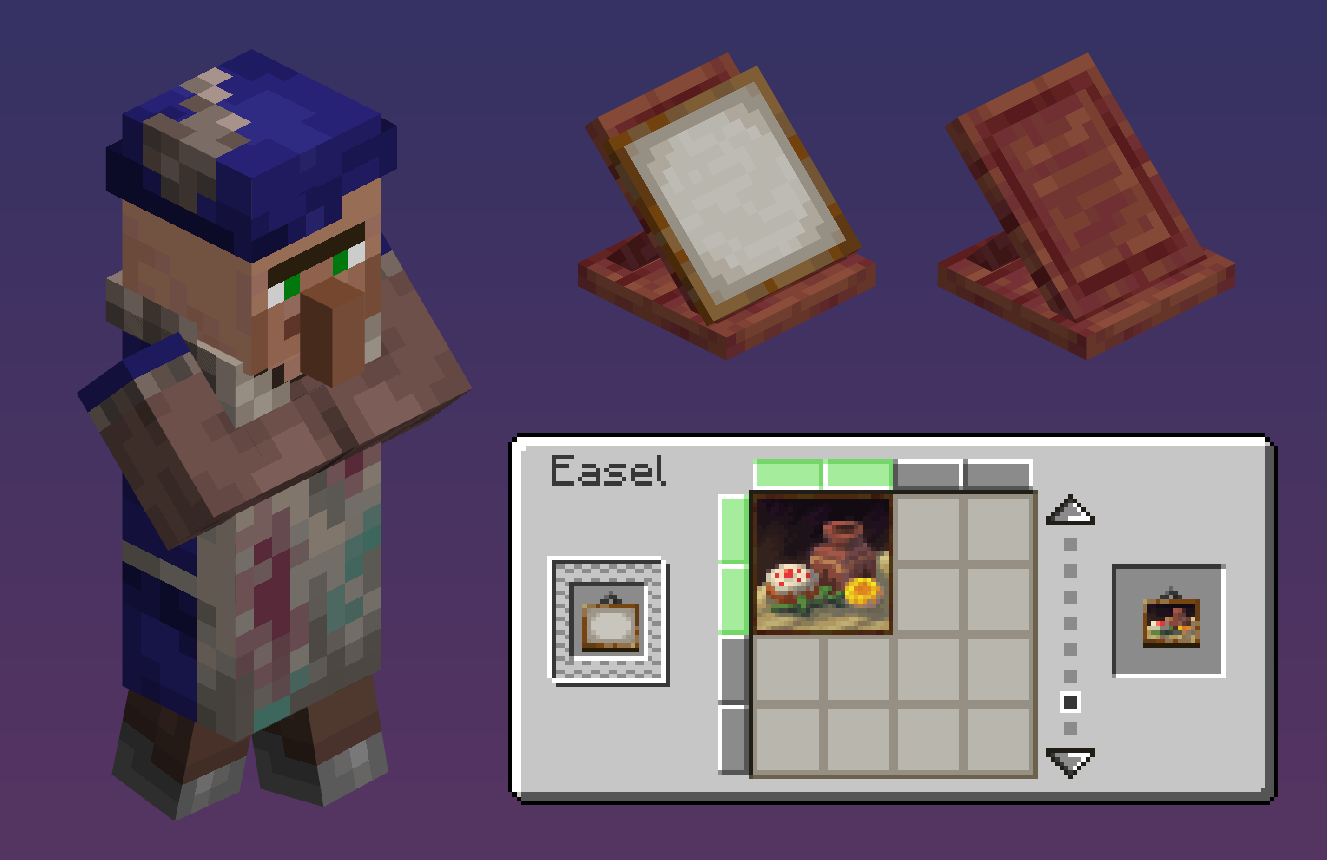
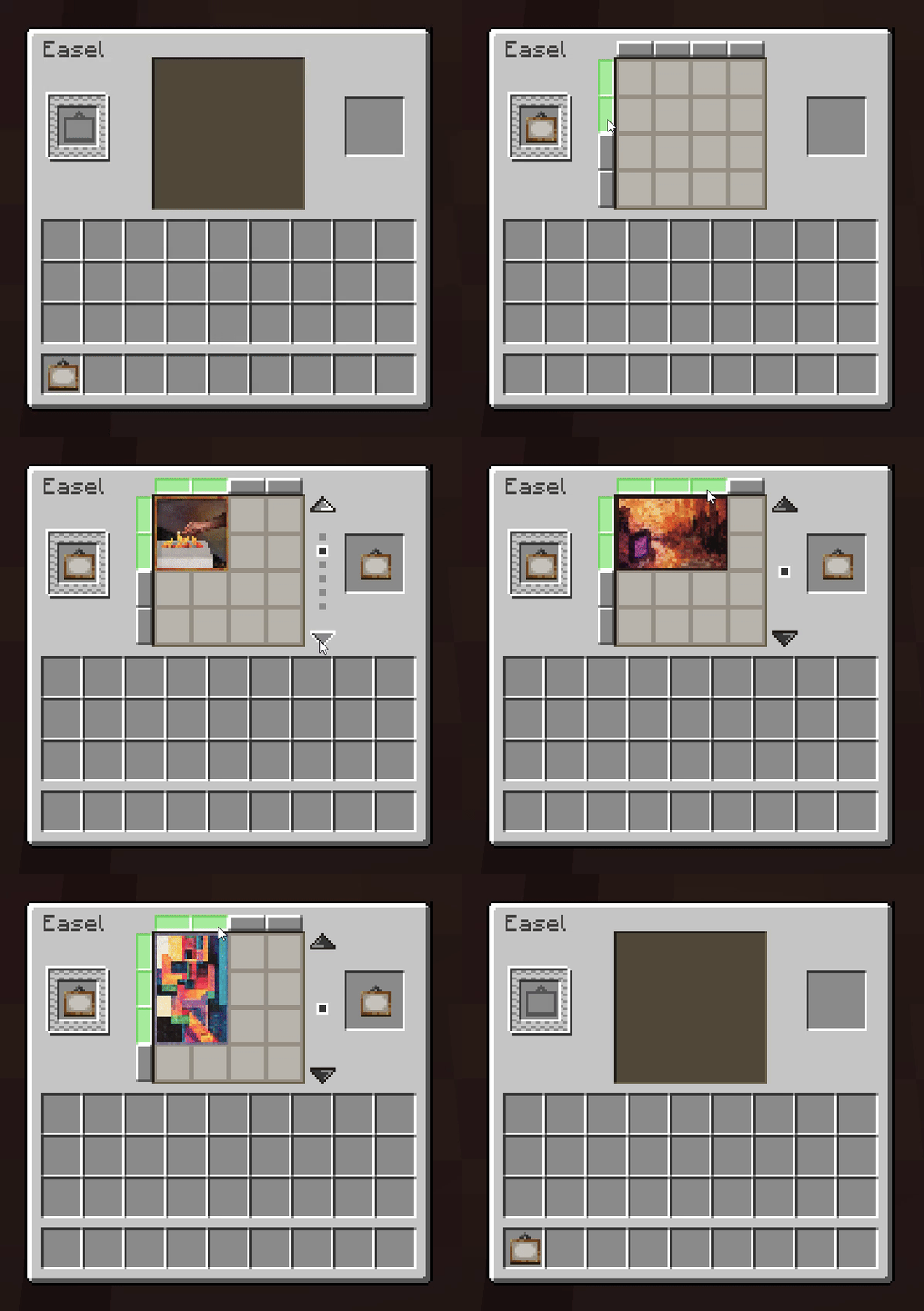
The Easel is a new workstation that allows players to set painting items to always place the variant they want via a GUI, as shown below. We add 5 new paintings to spice up your decoration game! If you want the easel to hold a painting, simply right-click it with one. To take it back, sneak + right-click it with an empty hand.
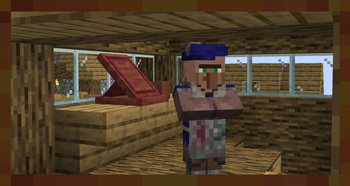
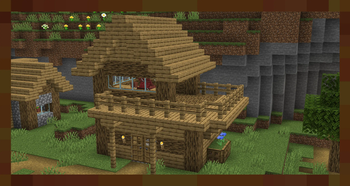
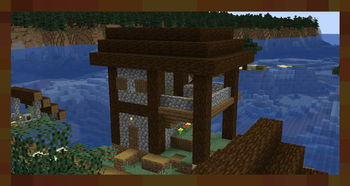
If a villager claims an easel as their job site, they become an Artist - A new profession that trades dyed blocks and items, as well as a special exclusive painting that cannot be placed normally. Easels and Artist villagers naturally generate in new Artist House structures, found in every type of village.
We also fix MC-257133, which causes a client-server desync when placing paintings on spaces where they do not fit.
⠀⠀⠀⠀⠀⠀⠀⠀⠀⠀⠀⠀
Compatibility
⚠️ FAST PAINTING USERS: ⚠️
For QOL reasons, we make paintings placed with set variants preserve their variants when broken and dropped as an item. However, Fast Paintings replaces the Painting entity and causes our code to misfire. To ensure intended behavior, PLEASE GO TO THE FAST PAINTING CONFIGURATION FILES AND SET THE nbt_drop FIELD WHEN_PLACED_WITH_NBT. Sorry for the inconvenience!
The artists will offer new trades if you have the following mods installed:
- Farmer's Delight: Artists will buy canvas and sell hanging canvas signs.
- Clayworks: Artists will sell decorated pots of all colors.
- Chalk: Artists will sell chalk of all colors.
- Dye Depot: Artist will sell items colored in the dye depot dyes.
Easels are fully compatible with modded paintings, to accomodate the abundance of painting variants that some modpacks build up. If you are in need of painting mods, we recommend the Abnormals Suite and Portfolio.
Credits
| Art & Design | Code | ||
|---|---|---|---|
 |
 |
||
| Glyphy | Dolt |
Available Versions
How to Install Easel Does It! on Your Server
Order Server
Order a Minecraft Java server with at least 3 GB RAM (4 GB recommended).
Set forge Loader
In the panel under "Egg", select the forge loader and matching Minecraft version (1.21.1).
Install Mod
Open the mod browser in the dashboard and search for "Easel Does It!". Click "Install" – done! Alternatively, upload the .jar via SFTP to the /mods folder.
Compatibility
Mod Loaders
Minecraft Versions
1.21.1, 1.20.1
Server-side
✓ RequiredRecommended RAM
4 GB(min. 3 GB)Frequently Asked Questions
Easel Does It! server crashes on startup – what to do?
Most common cause: wrong forge version or insufficient RAM. Check the server log (latest.log) for "OutOfMemoryError" or "Mixin" errors. With Mado Hosting: ensure at least 3 GB RAM is allocated and the loader matches the mod version (1.21.1). You can switch loaders with one click in the panel.
Is Easel Does It! compatible with forge and neoforge?
Easel Does It! officially supports forge, neoforge for Minecraft 1.21.1, 1.20.1. The Mado dashboard automatically detects incompatible loader combinations.
Server lagging with Easel Does It! – how to optimize performance?
Recommended RAM: 4 GB (per 8 players). Use /spark profiler to check if Easel Does It! consumes the most tick time. Common fixes: reduce server view-distance to 8-10, install "performant" or "starlight" as supplementary mods on Forge. With Mado Hosting, your server runs on NVMe SSDs with dedicated CPU cores for minimal latency.
Similar Mods




Rent Modded Server
Install Easel Does It! with just one click on your server.