
Easy modpack
Tool for easily fixing issues and compatibilities in modpacks.
Screenshots
About this Mod
Easy Modpack
The Ultimate Tool for Creating and Fixing Modpacks
Are you tired of different mods repeating elements or unbalancing your pack's progression? Easy Modpack gives you the power to customize your experience by removing and replacing everything that doesn't fit your vision.
Main Features
Total Element Management:
- Items: Remove or replace duplicate or unwanted items.
- Recipes: Adjust, remove, or modify recipes. If you replace an item, the recipes will be updated to avoid breaking the mods.
- Blocks: Delete or substitute blocks to prevent conflicts and repetition.
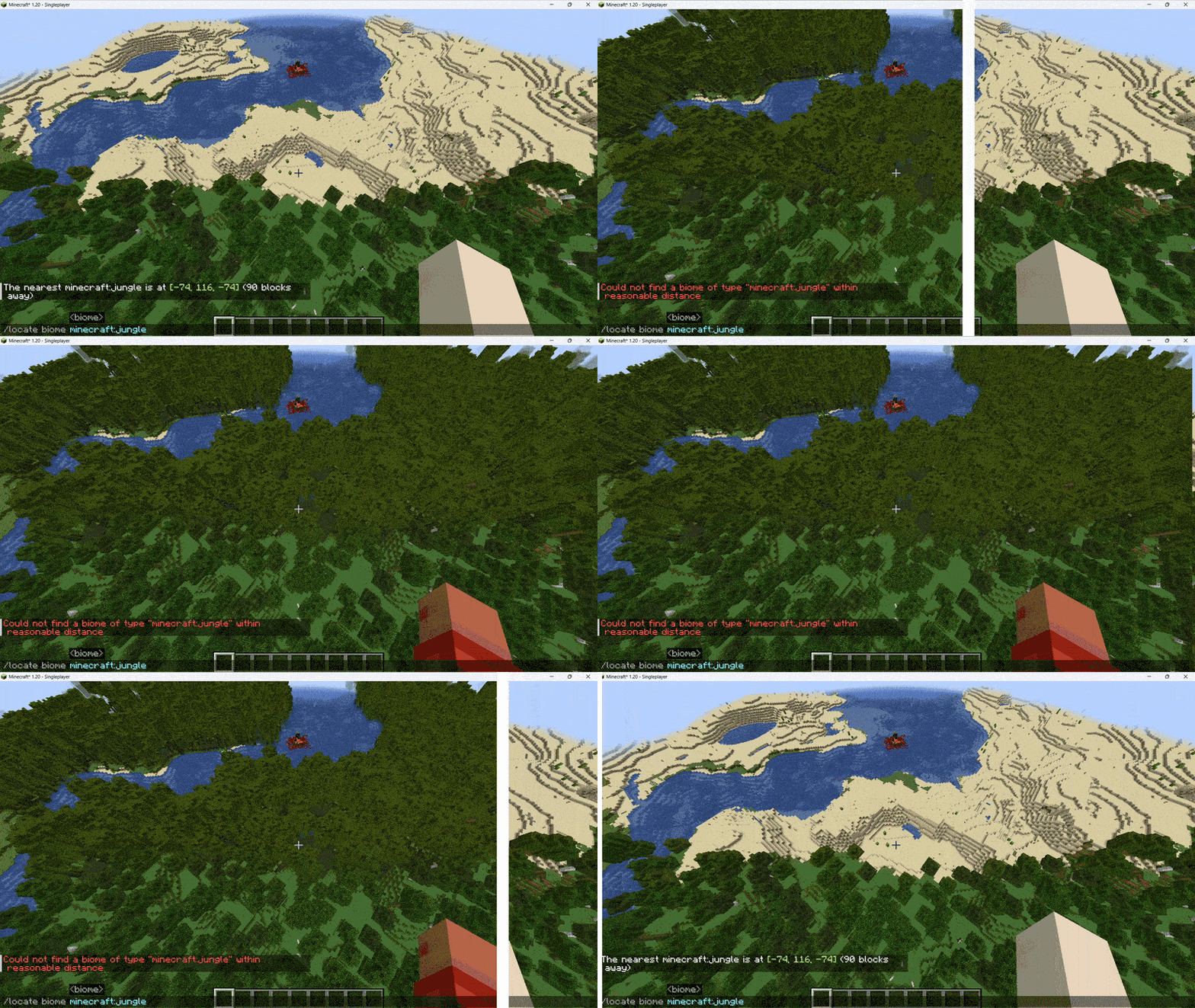
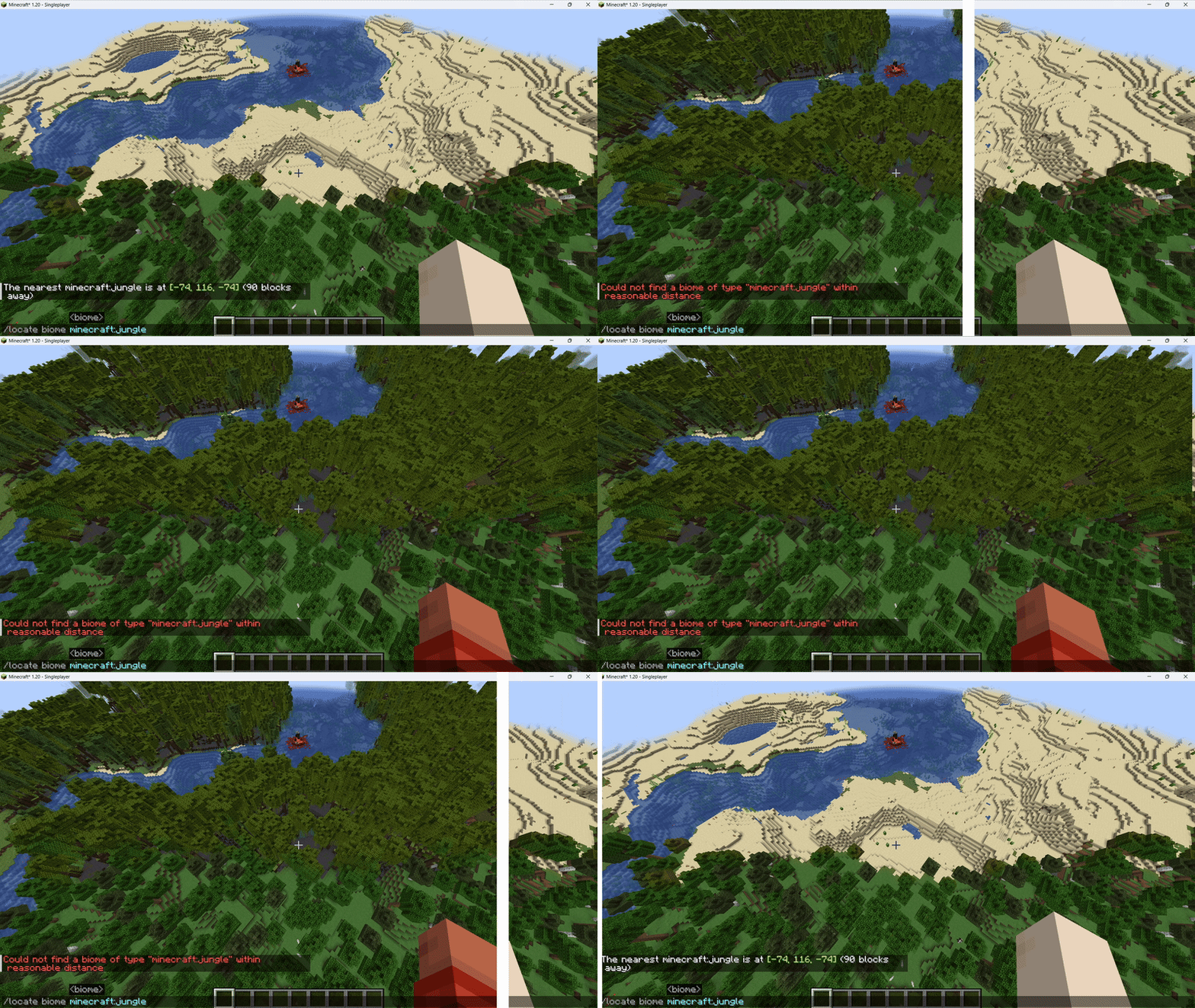
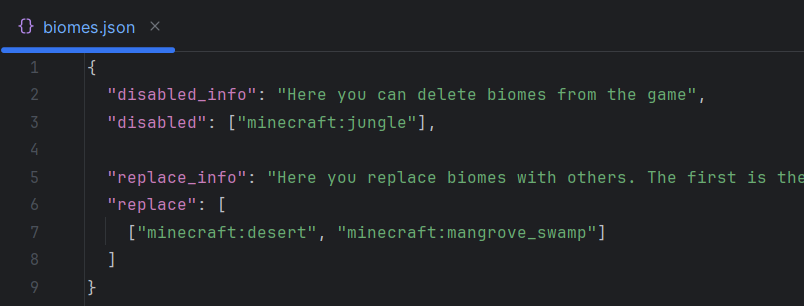
- Biomes: Control world generation by removing or modifying biomes that don't match your style.
- Entities: Delete or replace entities easily.
Compatibility:
- Works perfectly with JEI, REI, and EMI; removed elements will not be visible and the recipes will display correctly.
For Creators and Players:
- Modpack Creator: Ideal for resolving conflicts between mods and maintaining balanced progression.
- Casual Player: Perfect for experimenting, imposing restrictions on servers, or creating unique challenges, such as turning water into lava or dirt into diamond blocks.
Simple Configuration:
- All customization is managed through the
config/easy_modpack/folder, making configuration intuitive and accessible.
- All customization is managed through the
Support and Updates
- Compatibility: The compatible versions and loader depend on development and demand. If you have any questions, contact me!
- Collaboration and Ports: Do you want to contribute or need a port for another version? I am open to collaborating and keeping Easy Modpack updated. Contact me!
Check the branches to view the source code for each version and loader.
Incompatibilities
- TerraBlender: If this mod is installed you won't be able to replace biomes (We are working on it, help needed!)
- Report any incompatibility here!
Demonstrations
Biome replacer
Available Versions
How to Install Easy modpack on Your Server
Order Server
Order a Minecraft Java server with at least 3 GB RAM (4 GB recommended).
Set fabric Loader
In the panel under "Egg", select the fabric loader and matching Minecraft version (1.20.1).
Install Mod
Open the mod browser in the dashboard and search for "Easy modpack". Click "Install" – done! Alternatively, upload the .jar via SFTP to the /mods folder.
Compatibility
Mod Loaders
Minecraft Versions
1.20.1
Server-side
✓ RequiredRecommended RAM
4 GB(min. 3 GB)Frequently Asked Questions
Easy modpack server crashes on startup – what to do?
Most common cause: wrong fabric version or insufficient RAM. Check the server log (latest.log) for "OutOfMemoryError" or "Mixin" errors. With Mado Hosting: ensure at least 3 GB RAM is allocated and the loader matches the mod version (1.20.1). You can switch loaders with one click in the panel.
Is Easy modpack compatible with fabric and quilt?
Easy modpack officially supports fabric, quilt for Minecraft 1.20.1. The Mado dashboard automatically detects incompatible loader combinations.
Server lagging with Easy modpack – how to optimize performance?
Recommended RAM: 4 GB (per 8 players). Use /spark profiler to check if Easy modpack consumes the most tick time. Common fixes: reduce server view-distance to 8-10, install "performant" or "starlight" as supplementary mods on Forge. With Mado Hosting, your server runs on NVMe SSDs with dedicated CPU cores for minimal latency.
Similar Mods



Rent Modded Server
Install Easy modpack with just one click on your server.