
Extended ItemView (EIV)
A lightweight recipe viewer for newer Minecraft versions.
Screenshots

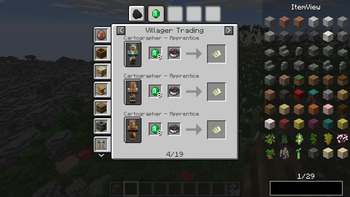
About this Mod
Extended ItemView
A mod all around simplifying your life by showing you the recipes you need! :D
NOW WITH CHAT RECIPES!
In the newest version of EIV (6.1.0+1.21.11), you can share recipes with your friends by clicking on the share button located beside a recipe in the view screen. Shared recipes are displayed in chat and are fully interactive!
Supported Functions
Currently supported functions are:
- recipe viewing
- bookmarking items
- item-transfer (fast-move items in crafting gui)
- hiding/showing overlay
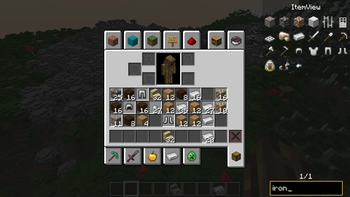
- item highlighting (double-click on searchbar)
- cheatmode
- recipe sharing (+ displayed in the chat)
NOTE: Must be installed on both the client and server
This mod also comes with an easy to use API. More info on the github page.
Native supported recipes
- shaped crafting
- shapeless crafting
- smelting
- blasting
- smoking
- stonecutting
- campfire cooking
- smithing
- burning
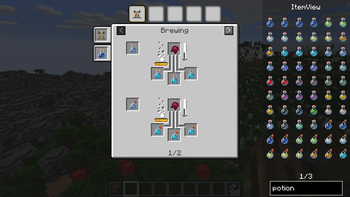
- brewing
- villager trading
- entity loot
Cheatmode
By holding the cheatmode keybind (by default left-alt) while clicking on items in the overlay you can cheat them if you have sufficient permission (Admin).
- Scroll to change count
- Middle-Click to instantly change count to max stack size
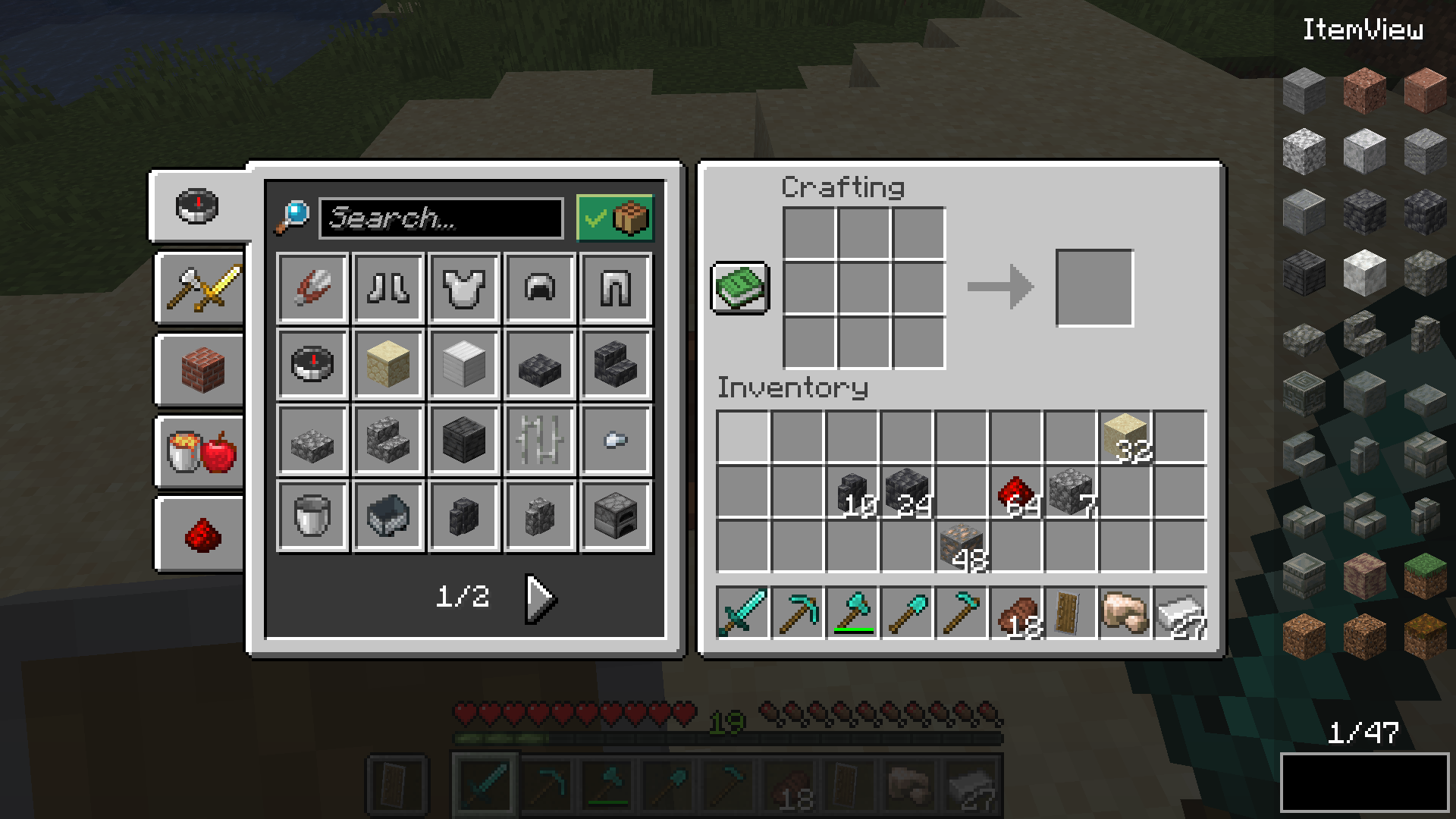
Dynamic Resizing
Change between two different resize modes and make EIV fit exactly to your personal preferences
Wrap
- Overlay-Items wrap around UI elements (e.g. potion effects, recipe book, ...)
Cut
- The overlay width becomes smaller when there's not enough space for items
Item Overlay
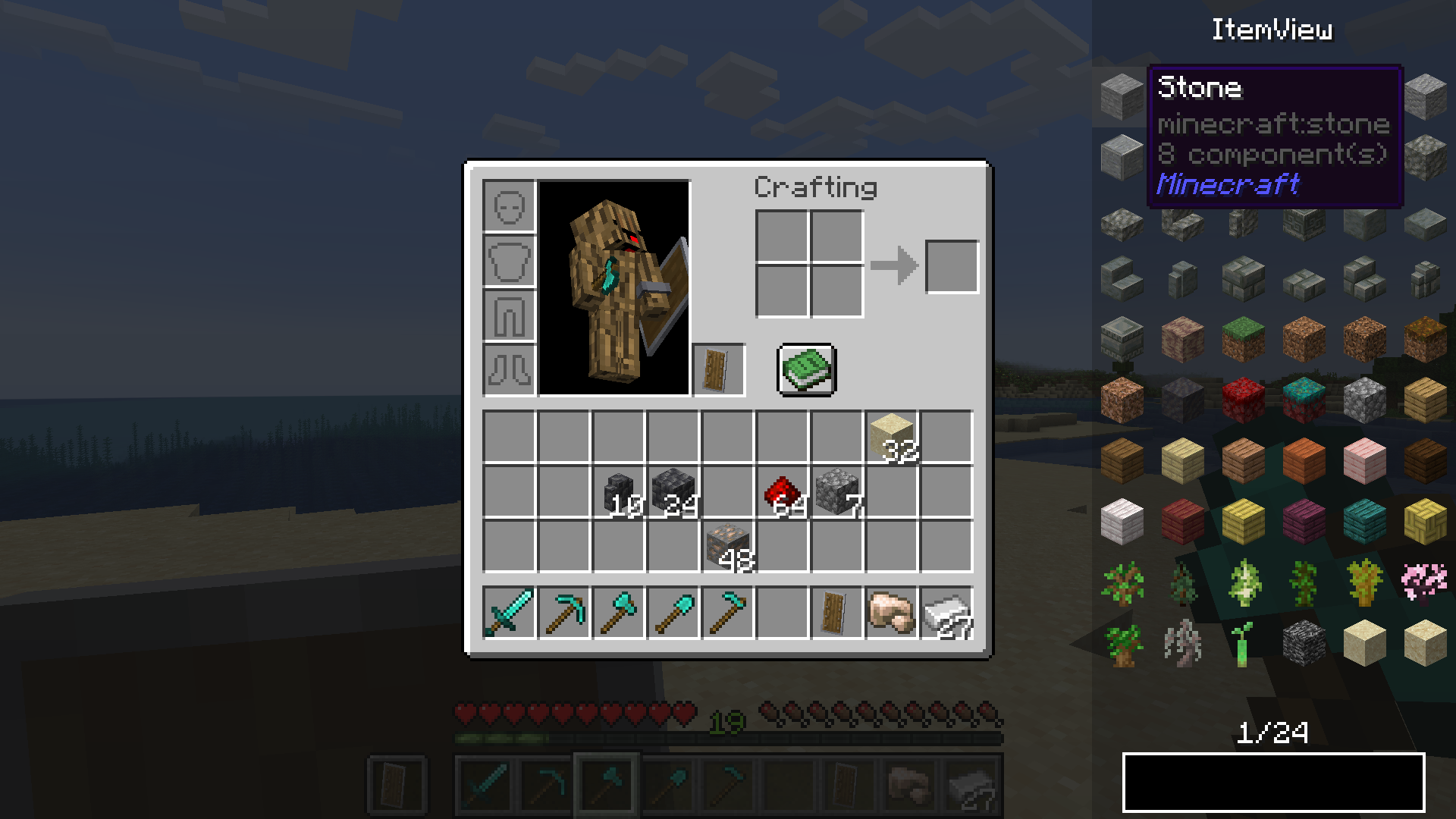
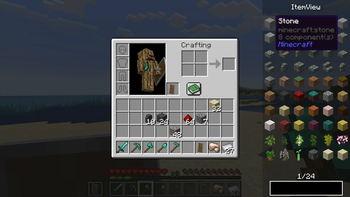
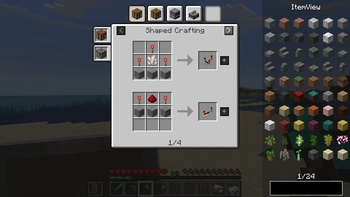
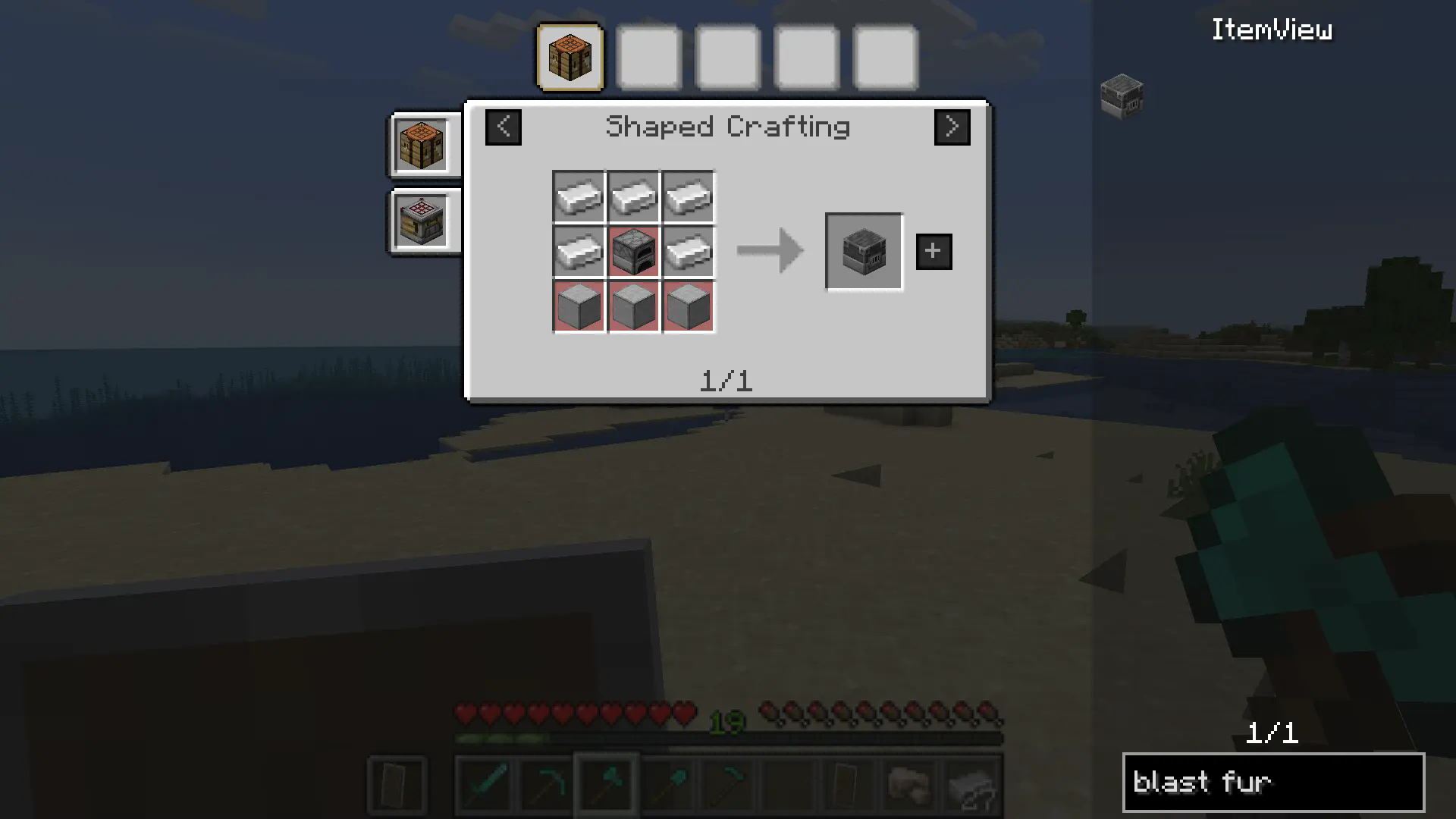
Crafting Recipes
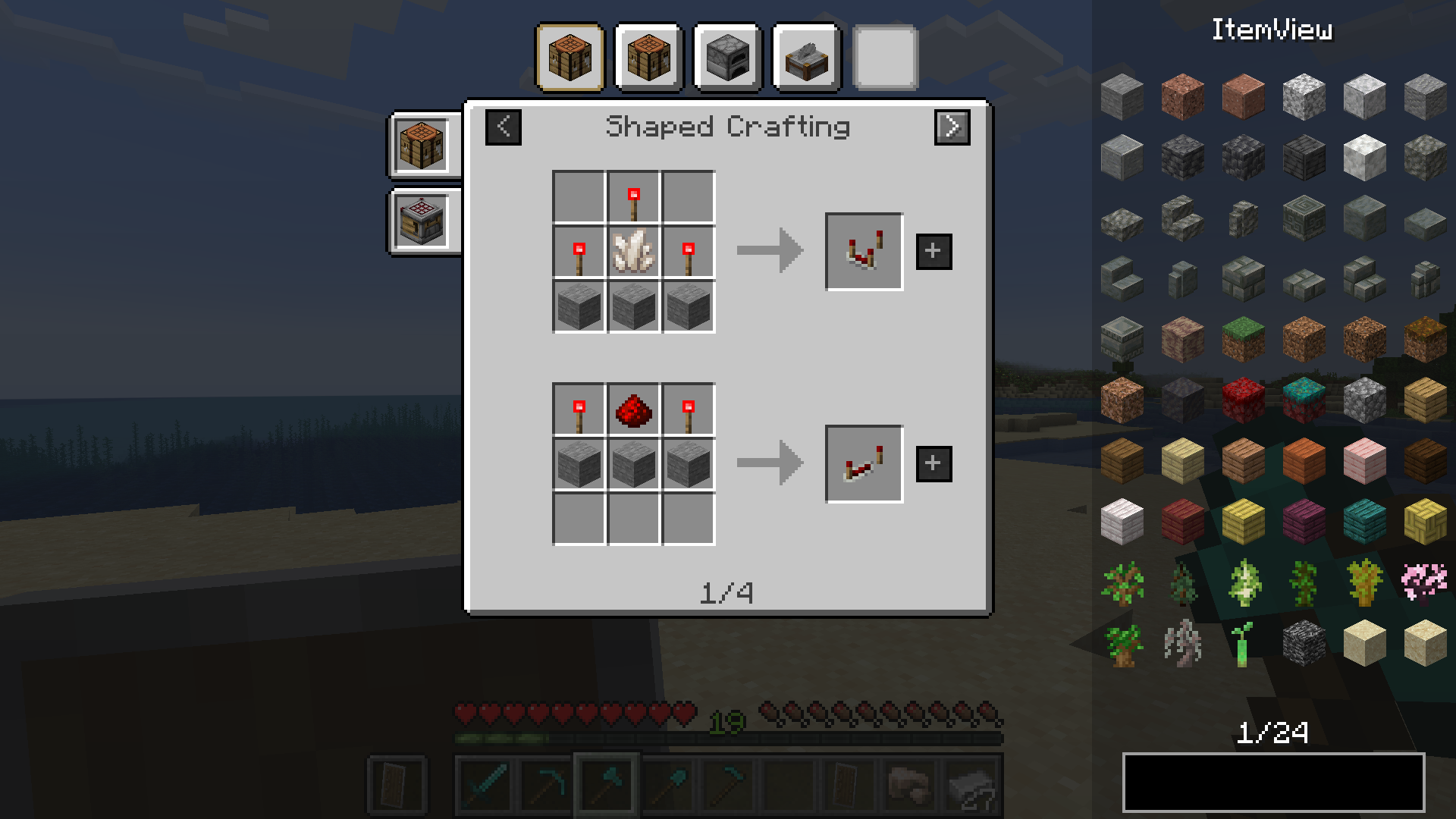
Tag support
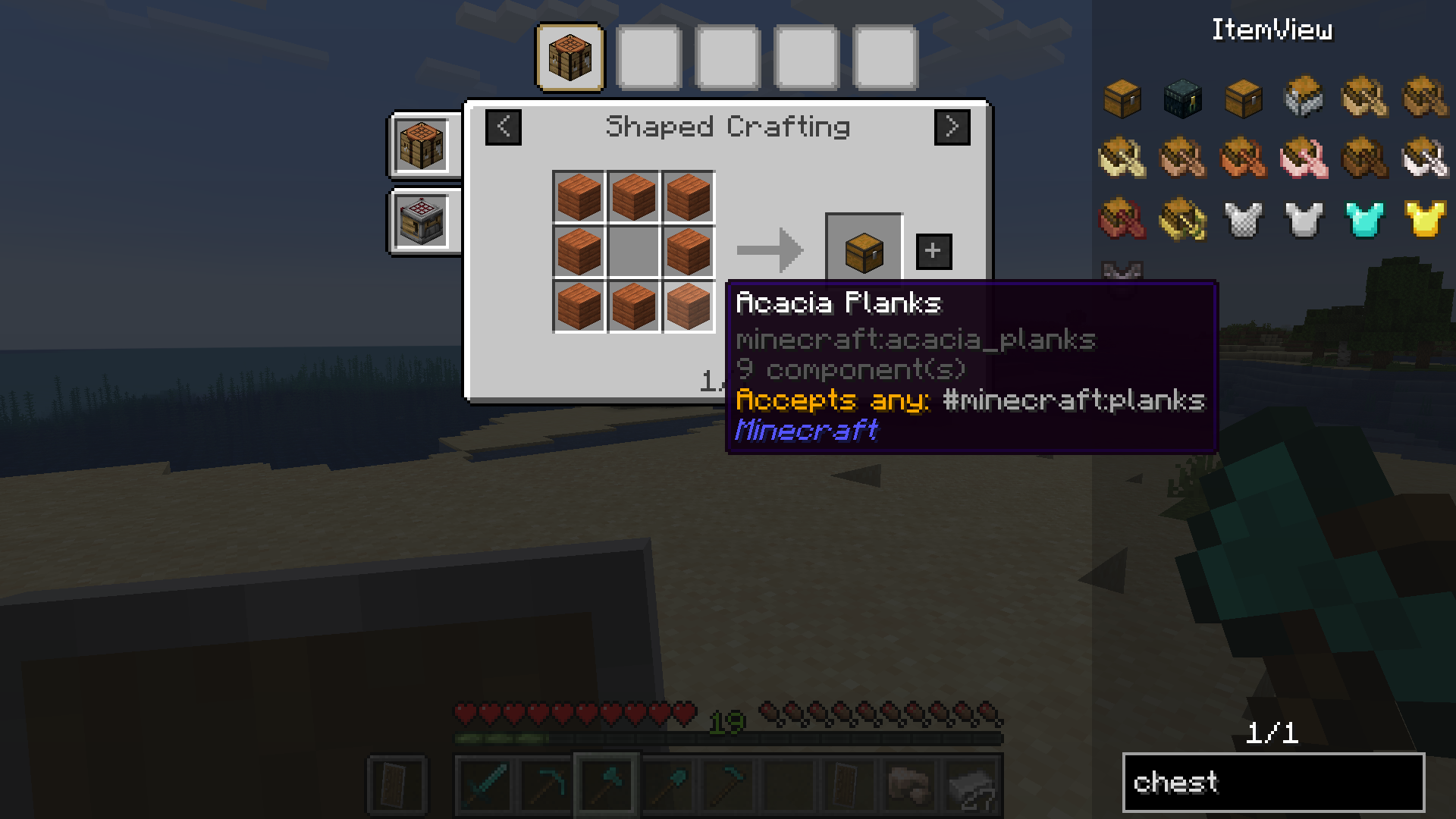
Ingredient highlighting
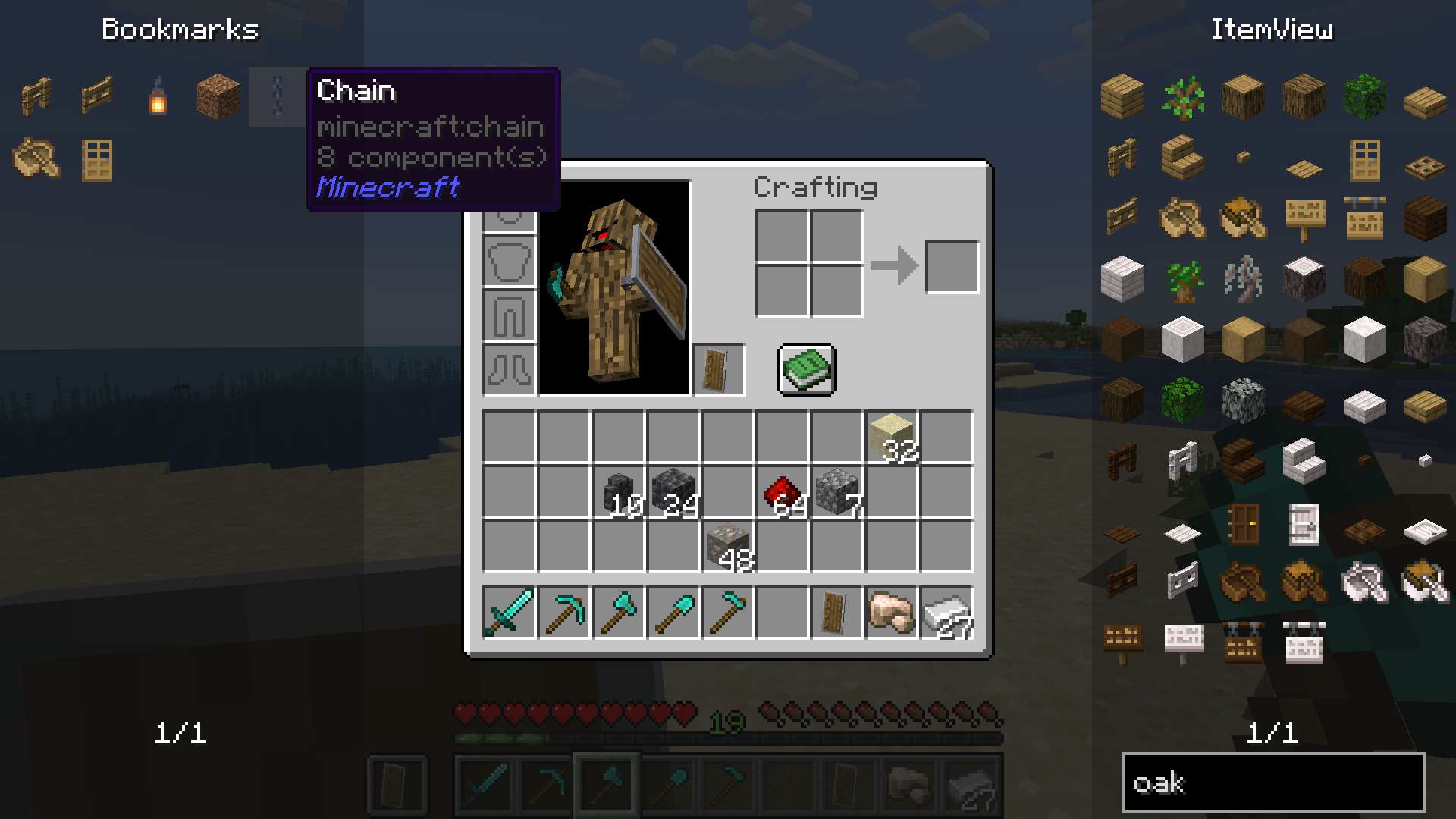
 Bookmarks
Bookmarks
Dynamic Resizing
Available Versions
How to Install Extended ItemView (EIV) on Your Server
Order Server
Order a Minecraft Java server with at least 3 GB RAM (4 GB recommended).
Set fabric Loader
In the panel under "Egg", select the fabric loader and matching Minecraft version (26.1.2).
Install Mod
Open the mod browser in the dashboard and search for "Extended ItemView (EIV)". Click "Install" – done! Alternatively, upload the .jar via SFTP to the /mods folder.
Compatibility
Mod Loaders
Minecraft Versions
26.1.2, 26.1, 1.21.11 (+5 more)
Server-side
✓ RequiredRecommended RAM
4 GB(min. 3 GB)Frequently Asked Questions
Extended ItemView (EIV) server crashes on startup – what to do?
Most common cause: wrong fabric version or insufficient RAM. Check the server log (latest.log) for "OutOfMemoryError" or "Mixin" errors. With Mado Hosting: ensure at least 3 GB RAM is allocated and the loader matches the mod version (26.1.2). You can switch loaders with one click in the panel.
Is Extended ItemView (EIV) compatible with fabric and forge and neoforge?
Extended ItemView (EIV) officially supports fabric, forge, neoforge for Minecraft 26.1.2, 26.1, 1.21.11. Note: Forge and Fabric mods are NOT cross-compatible – pick one loader and stick with it. The Mado dashboard automatically detects incompatible loader combinations.
Server lagging with Extended ItemView (EIV) – how to optimize performance?
Recommended RAM: 4 GB (per 8 players). Use /spark profiler to check if Extended ItemView (EIV) consumes the most tick time. Common fixes: reduce server view-distance to 8-10, install "performant" or "starlight" as supplementary mods on Forge. With Mado Hosting, your server runs on NVMe SSDs with dedicated CPU cores for minimal latency.
Similar Mods



Rent Modded Server
Install Extended ItemView (EIV) with just one click on your server.