
Elemental Suits - Battle!
When element bending and cool suits combine to make a warzone.
Screenshots
About this Mod
Elemental Suits
When element bending and armor combine to make a warzone.
About
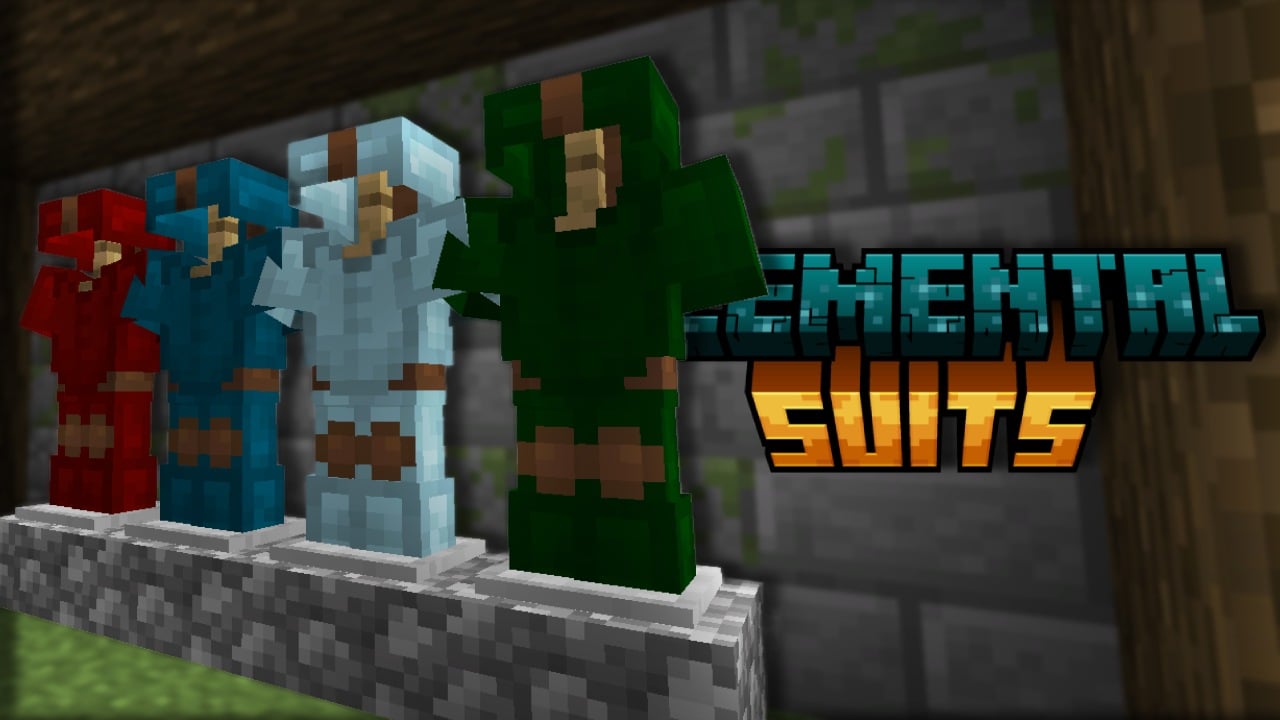
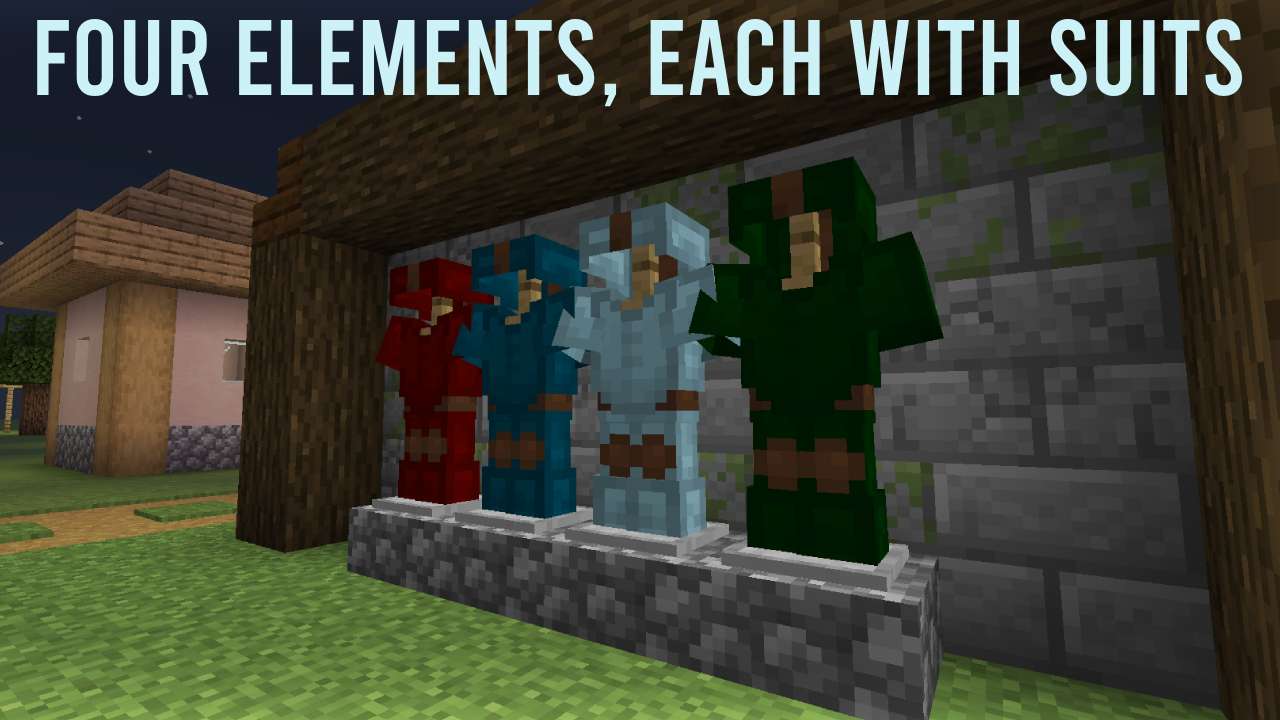
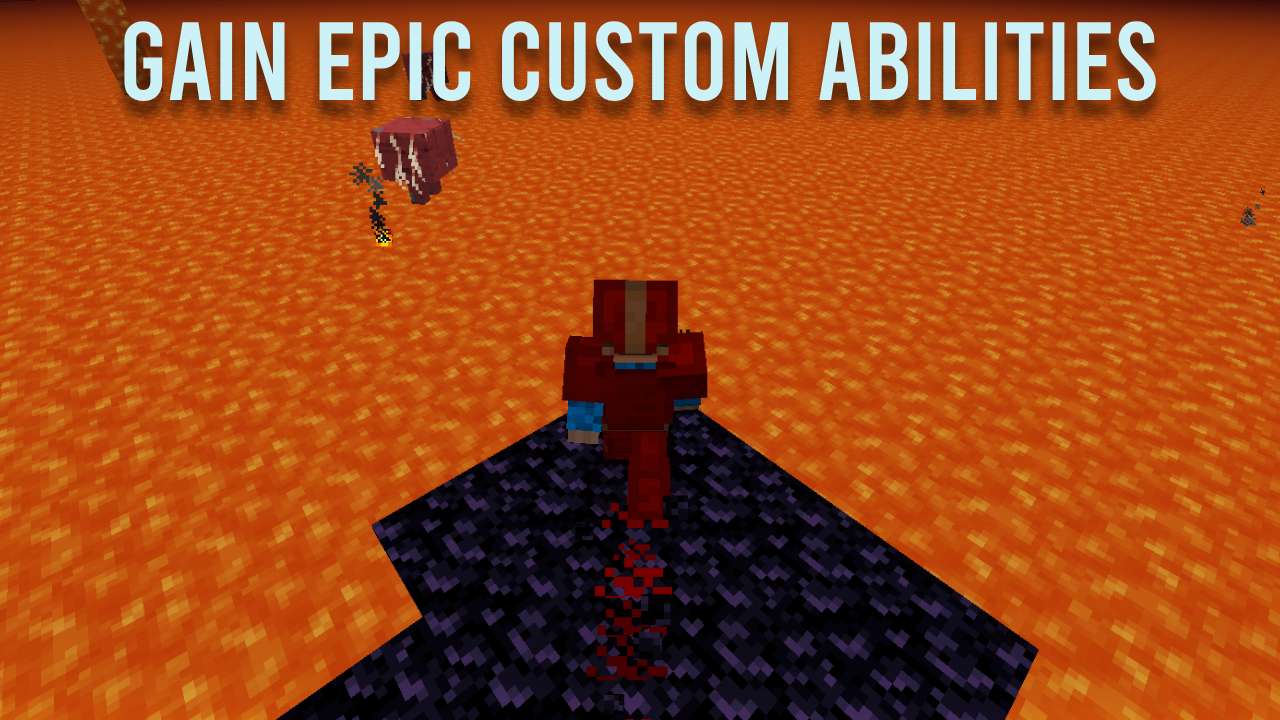
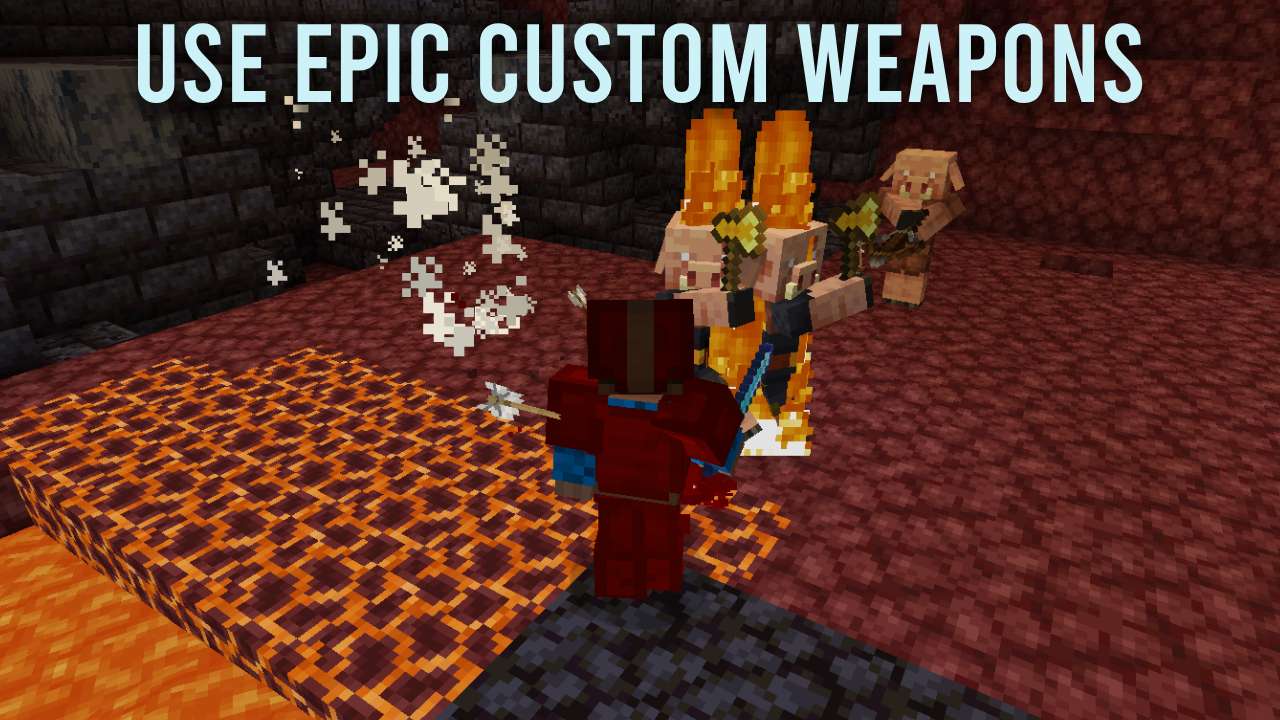
Elemental Suits is a datapack that add four new armor sets related to the four elements, and each of those armor sets have custom abilities like setting the mobs near on fire or freezing them completely. With some pieces of armor, you can get effects for yourself like no knockback. Mix and match to get the ultimate suit and battle with other players to see who is the best element-bender!
Acknowledgements
Installation
Download the latest release of Elemental Suits from the GitHub
Depending of if you have already created your world or if you are currently creating do one of the listed things
- If you have already created the world, head to the directory of your world (on Windows it would be %appdata%/.minecraft/saves/"world name"/) and head to the datapacks folder. Place the zip inside the folder and then open Minecraft and run the world.
- If you are creating the world, head to the "More" tab at the top and then select Datapacks. Then upload the datapack and enable it. Then open the world
If you did everything correctly, there should be a welcome message and a title explaining how the datapack works!
License
Elemental Suits © 2023 by Dorcupi is licensed under Attribution-NoDerivatives 4.0 International. All rights reserved.
Available Versions
How to Install Elemental Suits - Battle! on Your Server
Order Server
Order a Minecraft Java server with at least 3 GB RAM (4 GB recommended).
Set datapack Loader
In the panel under "Egg", select the datapack loader and matching Minecraft version (1.20.2).
Install Mod
Open the mod browser in the dashboard and search for "Elemental Suits - Battle!". Click "Install" – done! Alternatively, upload the .jar via SFTP to the /mods folder.
Compatibility
Mod Loaders
Minecraft Versions
1.20.2, 1.20.1, 1.20 (+3 more)
Server-side
✓ RequiredRecommended RAM
4 GB(min. 3 GB)Frequently Asked Questions
Elemental Suits - Battle! server crashes on startup – what to do?
Most common cause: wrong datapack version or insufficient RAM. Check the server log (latest.log) for "OutOfMemoryError" or "Mixin" errors. With Mado Hosting: ensure at least 3 GB RAM is allocated and the loader matches the mod version (1.20.2). You can switch loaders with one click in the panel.
Is Elemental Suits - Battle! compatible with datapack and fabric and forge and quilt?
Elemental Suits - Battle! officially supports datapack, fabric, forge, quilt for Minecraft 1.20.2, 1.20.1, 1.20. Note: Forge and Fabric mods are NOT cross-compatible – pick one loader and stick with it. The Mado dashboard automatically detects incompatible loader combinations.
Server lagging with Elemental Suits - Battle! – how to optimize performance?
Recommended RAM: 4 GB (per 8 players). Use /spark profiler to check if Elemental Suits - Battle! consumes the most tick time. Common fixes: reduce server view-distance to 8-10, install "performant" or "starlight" as supplementary mods on Forge. With Mado Hosting, your server runs on NVMe SSDs with dedicated CPU cores for minimal latency.
Similar Mods




![[TaCZ] Timeless and Classics Zero](https://cdn.modrinth.com/data/SzzJttH8/fd27766d2bb8390d284696b1dbd358f87e081439_96.webp)

Rent Modded Server
Install Elemental Suits - Battle! with just one click on your server.
Details
- License
- Creative Commons Attribution No Derivatives 4.0 International
- Server-side
- Required