
Elytra HUD (from MFS 2020)
Microsoft flight simulator HUD for Minecraft elytras
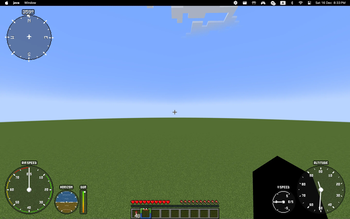
Screenshots

About this Mod
Overview
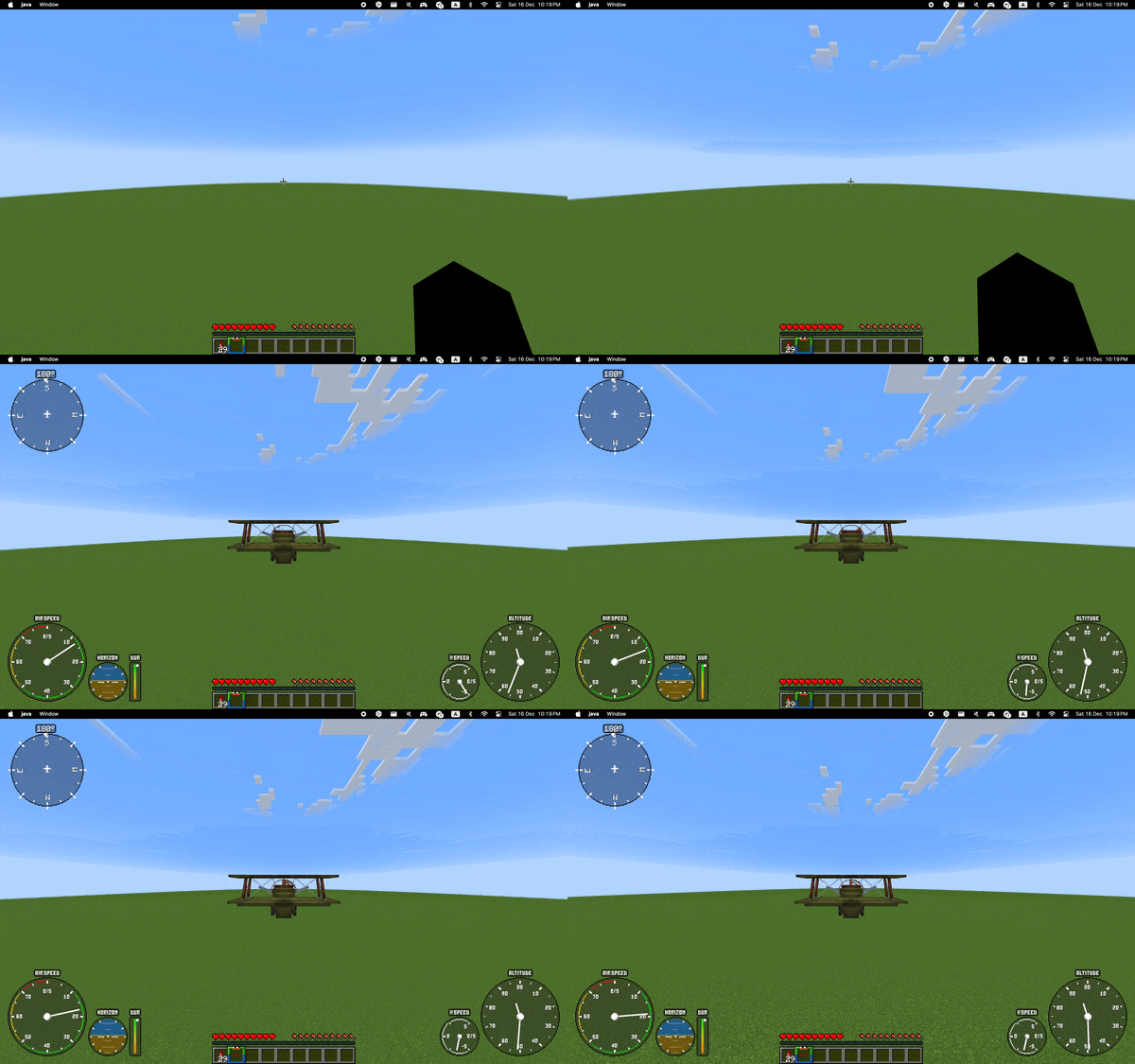
Elytra HUD is a client-side mod for Fabric that recreates hud indicators from Microsoft Flight Simulator 2020. Some of them (like artificial horizon) can work in pair with Do a Barrel Roll. Additionally, adds some advanced features to make elytra flight more enjoyable
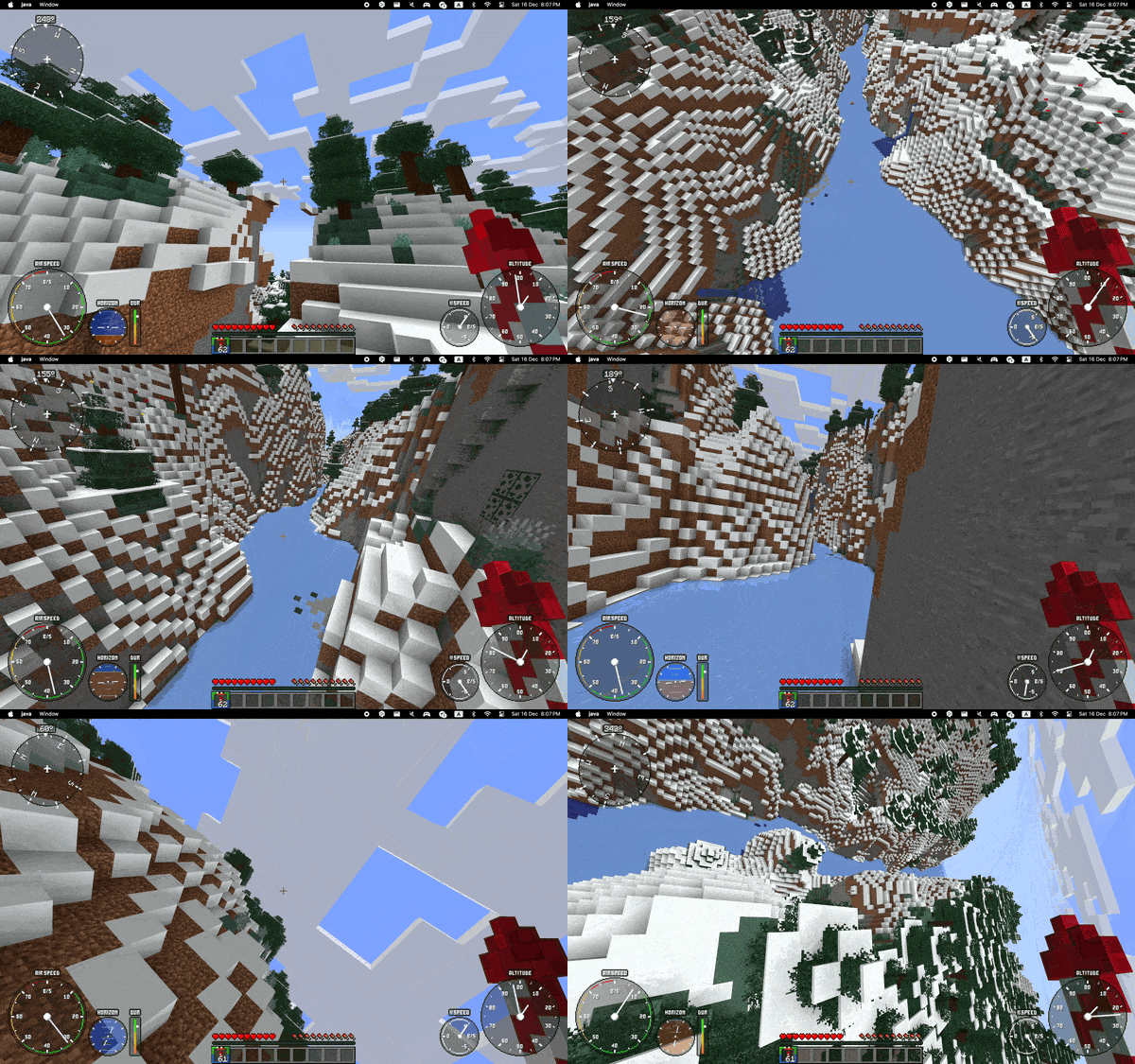
HUD variations
At the moment, there are six different indicators: airspeed, artificial horizon, elytra durability, vertical speed, altitude and compass. You can choose their positions and rendering as you want.
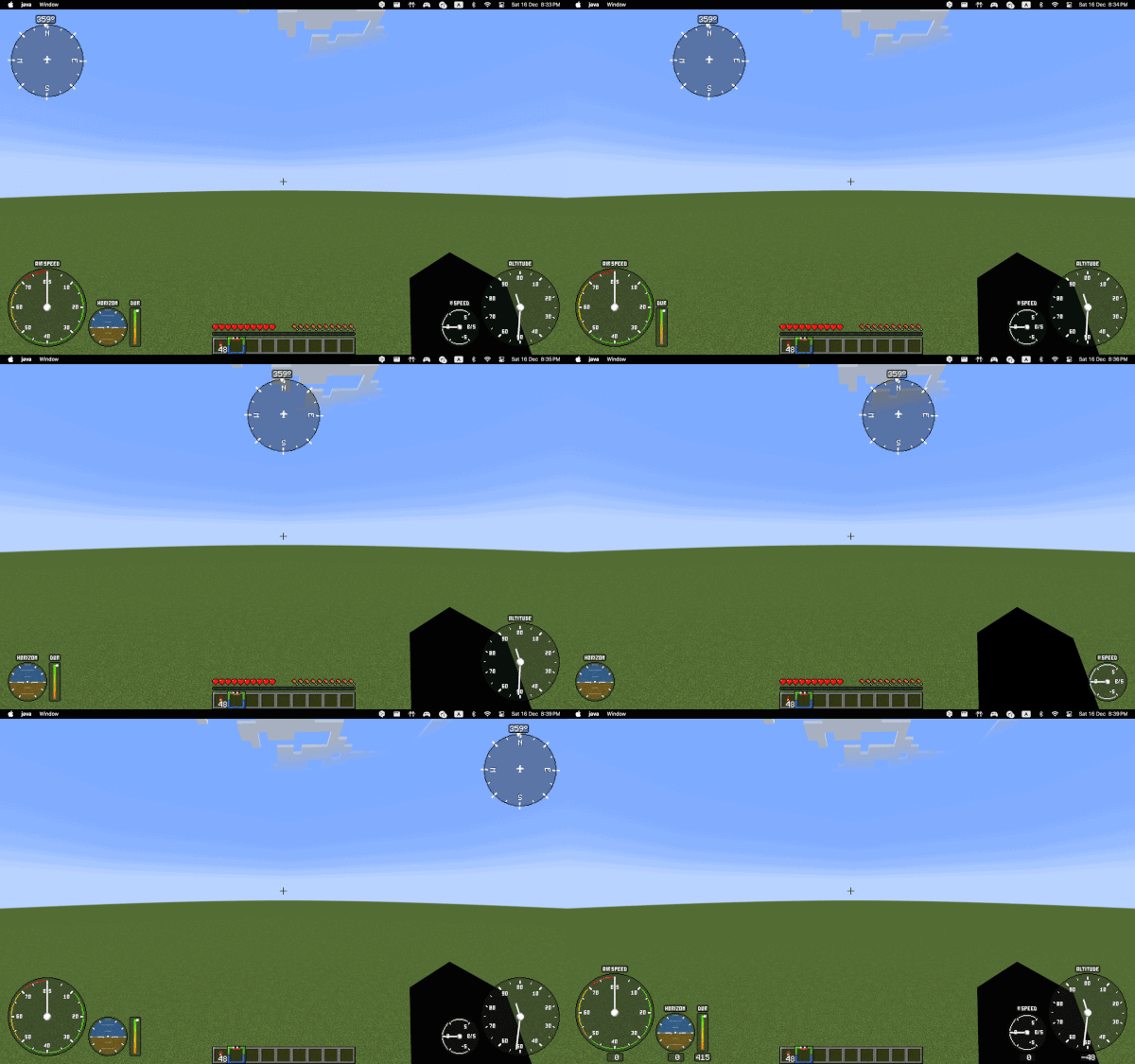
Artificial horizon
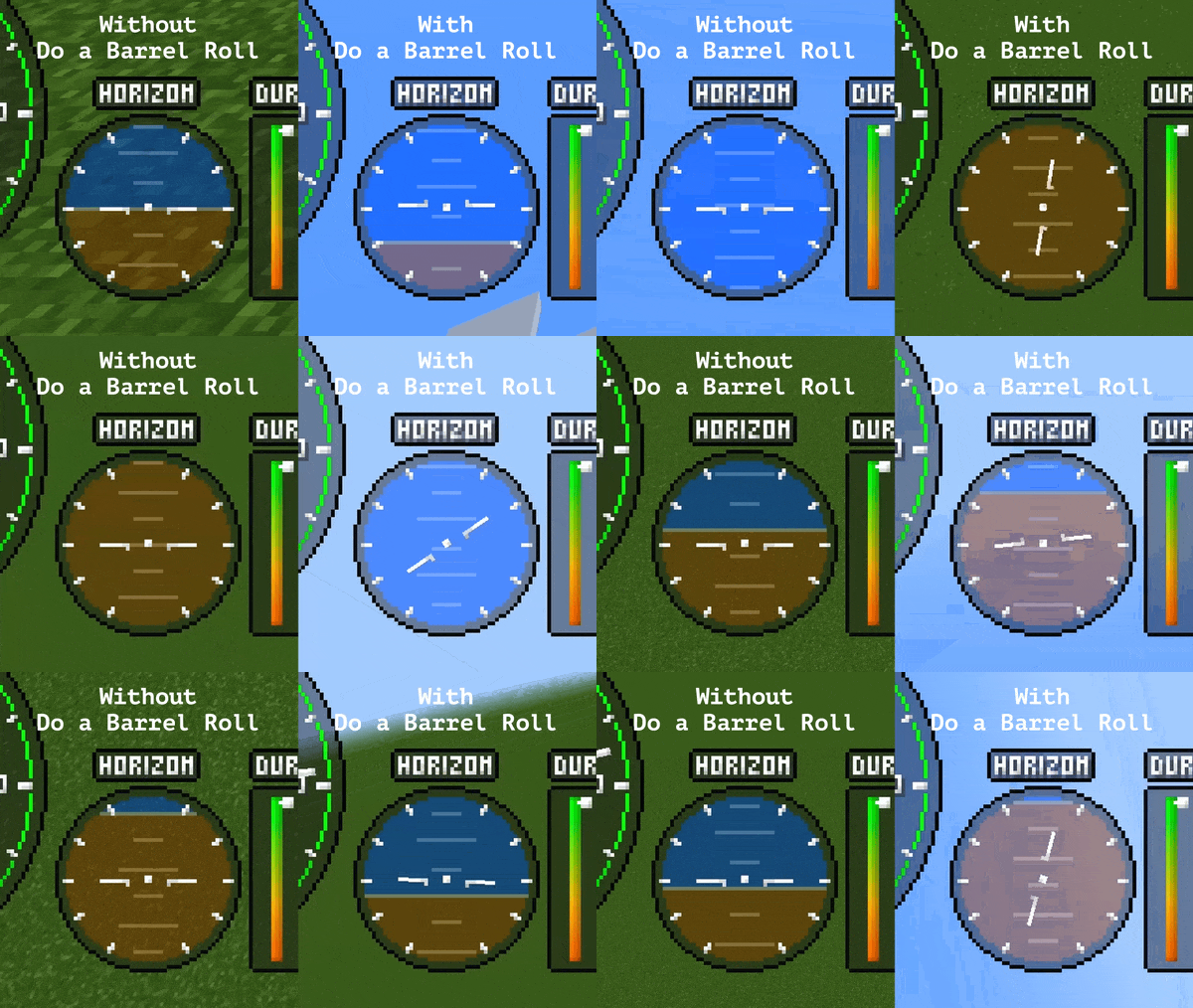
By default, artificial horizon shows your current pitch but if you use Do a Barrel Roll, it will combine pitch and roll like real gyro horizon
Advanced settings
As I said, there are 4 advanced settings (disabled by default):
- Carved pumpkin auto-equipping (can be useful if you use cit resource packs like my CIT Airplanes
- Auto-switching to third-person
- Auto-switching to 110° FOV
- Disabling spin riptide animation during flight
Dependencies
This mod is based on Fabric, so you need Fabric API. I suggest to use Mod menu and Cloth Config API to configure the mod. Optional, you can install Do a Barrel Roll
Credits
Based on the BoatHud by Hibi, specifically it's way to render hud indicators
Available Versions
How to Install Elytra HUD (from MFS 2020) on Your Server
Order Server
Order a Minecraft Java server with at least 3 GB RAM (4 GB recommended).
Set fabric Loader
In the panel under "Egg", select the fabric loader and matching Minecraft version (1.21).
Install Mod
Open the mod browser in the dashboard and search for "Elytra HUD (from MFS 2020)". Click "Install" – done! Alternatively, upload the .jar via SFTP to the /mods folder.
Compatibility
Mod Loaders
Minecraft Versions
1.21, 1.20.4, 1.20.3 (+3 more)
Server-side
✗ UnsupportedRecommended RAM
4 GB(min. 3 GB)Frequently Asked Questions
Elytra HUD (from MFS 2020) server crashes on startup – what to do?
Most common cause: wrong fabric version or insufficient RAM. Check the server log (latest.log) for "OutOfMemoryError" or "Mixin" errors. With Mado Hosting: ensure at least 3 GB RAM is allocated and the loader matches the mod version (1.21). You can switch loaders with one click in the panel.
Is Elytra HUD (from MFS 2020) compatible with fabric?
Elytra HUD (from MFS 2020) officially supports fabric for Minecraft 1.21, 1.20.4, 1.20.3. The Mado dashboard automatically detects incompatible loader combinations.
Server lagging with Elytra HUD (from MFS 2020) – how to optimize performance?
Recommended RAM: 4 GB (per 8 players). Use /spark profiler to check if Elytra HUD (from MFS 2020) consumes the most tick time. Common fixes: reduce server view-distance to 8-10, install "performant" or "starlight" as supplementary mods on Forge. With Mado Hosting, your server runs on NVMe SSDs with dedicated CPU cores for minimal latency.
Similar Mods





Rent Modded Server
Install Elytra HUD (from MFS 2020) with just one click on your server.